Animation Pipeline Guide: How Studios Manage and Share Assets
An animation pipeline is the structured workflow that moves a project from concept to final delivery. With feature films involving over 100,000 individual files and teams spanning the globe, efficient asset management is critical. This guide covers the stages of production, common file sharing challenges, and how modern studios keep collaboration running smoothly.
What is an Animation Pipeline?
An animation pipeline is the structured workflow that studios use to move projects from concept through storyboarding, modeling, rigging, animation, rendering, and compositing to final delivery. It acts as the backbone of any production, keeping data flowing between departments so every artist has the assets they need when they need them.
Think of the pipeline as a logistics network, not just a series of steps. A typical feature film manages hundreds of thousands of files: concept art, character rigs, texture maps, and final rendered frames. A broken pipeline leads to bottlenecks, lost assets, and blown budgets.
Studios design their pipelines to be reliable and adaptable. They need to support specific software (Maya, Blender, or Toon Boom) while leaving room for the creative changes that happen during any production. The goal is to reduce technical friction so artists can focus on storytelling and performance.
The Three Critical Stages of Animation Production
Every professional animation pipeline is divided into three main phases: Pre-production, Production, and Post-production. Each stage has unique requirements for file management and collaboration.
Pre-production: The Blueprint
This is the planning phase where the story is built. Key steps include:
- Script & Concept Art: defining the narrative and visual style.
- Storyboarding: visualizing the script panel by panel.
- Animatics: creating a rough timed version of the storyboard with temporary sound.
- Asset Design: finalizing character sheets, prop designs, and environment layouts.
File sizes here are generally manageable (mostly images and documents), but organization matters. The naming conventions you set up now will shape the structure for the entire project.
Production: The Heavy Lifting
This is where the bulk of the work happens and where file storage demands skyrocket.
- Modeling & Texturing: creating 3D geometry and surface details.
- Rigging: building the digital skeletons that allow characters to move.
- Layout: placing cameras and assets in the 3D scene.
- Animation: the performance phase, often generating massive cache files.
- Lighting & Rendering: the most storage-intensive step, often producing terabytes of multi-layer EXR frames.
In this phase, remote video production workflows are tested to their limits. Animators need instant access to rigged characters, and lighters need the latest animation caches.
Post-production: The Final Polish
The final assembly phase brings all elements together.
- Compositing: layering rendered passes to create the final image.
- VFX: adding simulations like fire, smoke, or water.
- Color Grading: adjusting the final look and mood.
- Editing: ensuring the pacing and flow of the final cut.
The output here is the highest quality master, often requiring secure, high-speed delivery to distributors or clients.
Common Challenges in Animation File Management
Managing an animation pipeline is essentially a data logistics challenge. As projects grow in complexity, studios face several recurring friction points.
The Volume of Data Animation projects are storage gluttons. A single character asset might reference dozens of texture maps, shader networks, and geometry caches. A 4K rendered frame can be 50MB; multiply that by 24 frames per second for a 90-minute film, and you are managing petabytes of data. Traditional email or basic cloud storage cannot handle these volumes.
Version Control Chaos
"Is this character_v03_final.ma or character_v03_final_REAL.ma?" Without a strict versioning system, artists waste time working on outdated files. This is compounded when using video collaboration tools that rely on manual uploads rather than syncing with a central source of truth.
Inter-Department Dependencies Animation is linear in process but parallel in execution. Lighters need to start setting up scenes before animation is 100% finished. If the file structure doesn't support referencing (where one file updates automatically when its dependency is saved), the entire pipeline stalls.
Security Risks Studios often work with freelancers and external vendors. Granting access to internal servers via VPN is slow and risky. You need a way to share specific shots or assets without exposing the entire project directory.

How Modern Studios Collaborate
To overcome these challenges, studios are moving away from purely on-premise servers toward hybrid and cloud-native workflows. The modern animation studio relies on tools that bridge the gap between local performance and global accessibility.
Centralized Asset Management Successful studios use Digital Asset Management (DAM) systems or structured folder hierarchies that act as a single source of truth. Whether it's a local NAS for in-house artists or a cloud repository for remote teams, the rule is the same: files live in one place, and everyone references them.
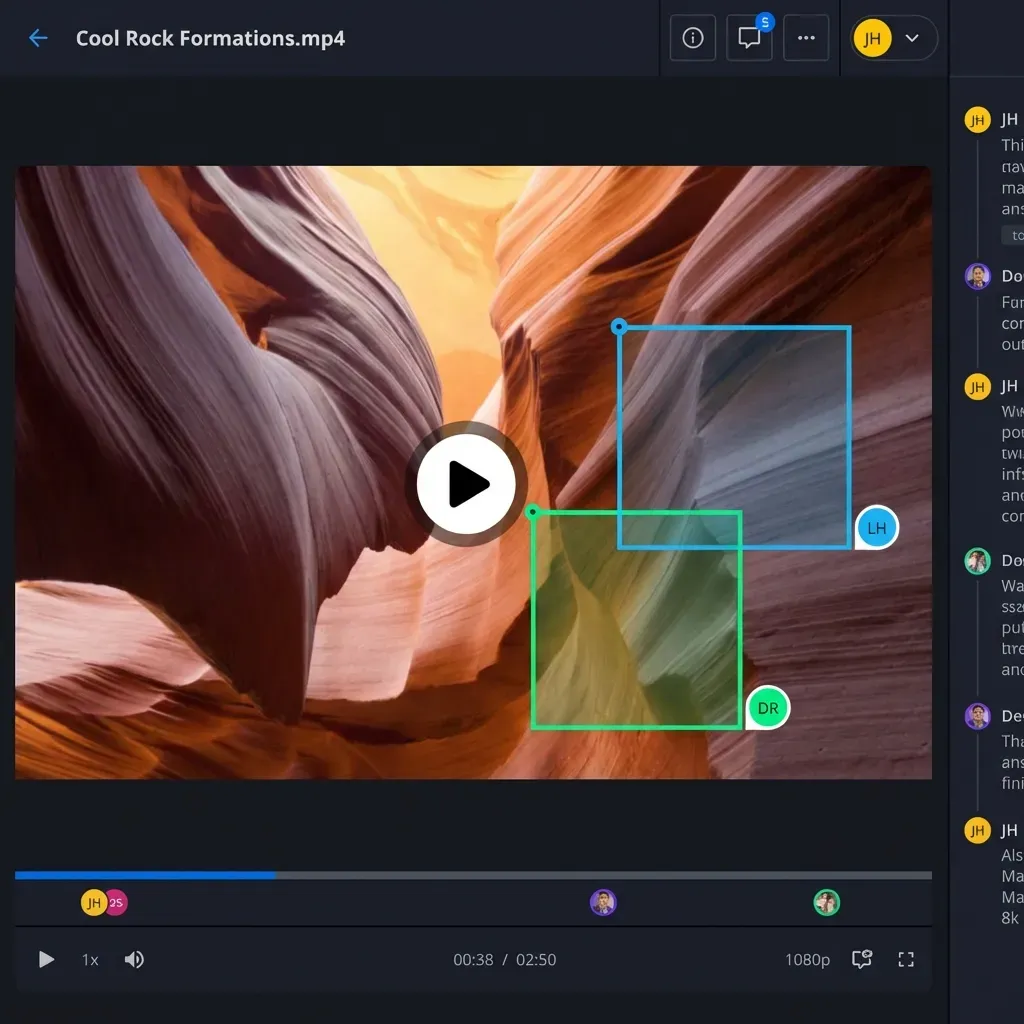
Review and Approval Loops Waiting for renders to download kills momentum. Directors need to view "dailies" (daily progress updates) instantly. Streaming technology allows supervisors to review shots in high quality without waiting for gigabytes of data to transfer.
Granular Permissions When working with external animation vendors (outsourcing), security is non-negotiable. Modern platforms allow studios to share a specific "sequence" folder with a vendor. The vendor uploads their work to that folder, and it immediately becomes available to the internal editorial team, all without granting full network access.
Optimizing the Pipeline with Fast.io
Fast.io addresses the specific pain points of the animation pipeline by combining the speed of a local workflow with the connectivity of the cloud. It is designed to handle the massive file counts and complex folder structures inherent to animation.
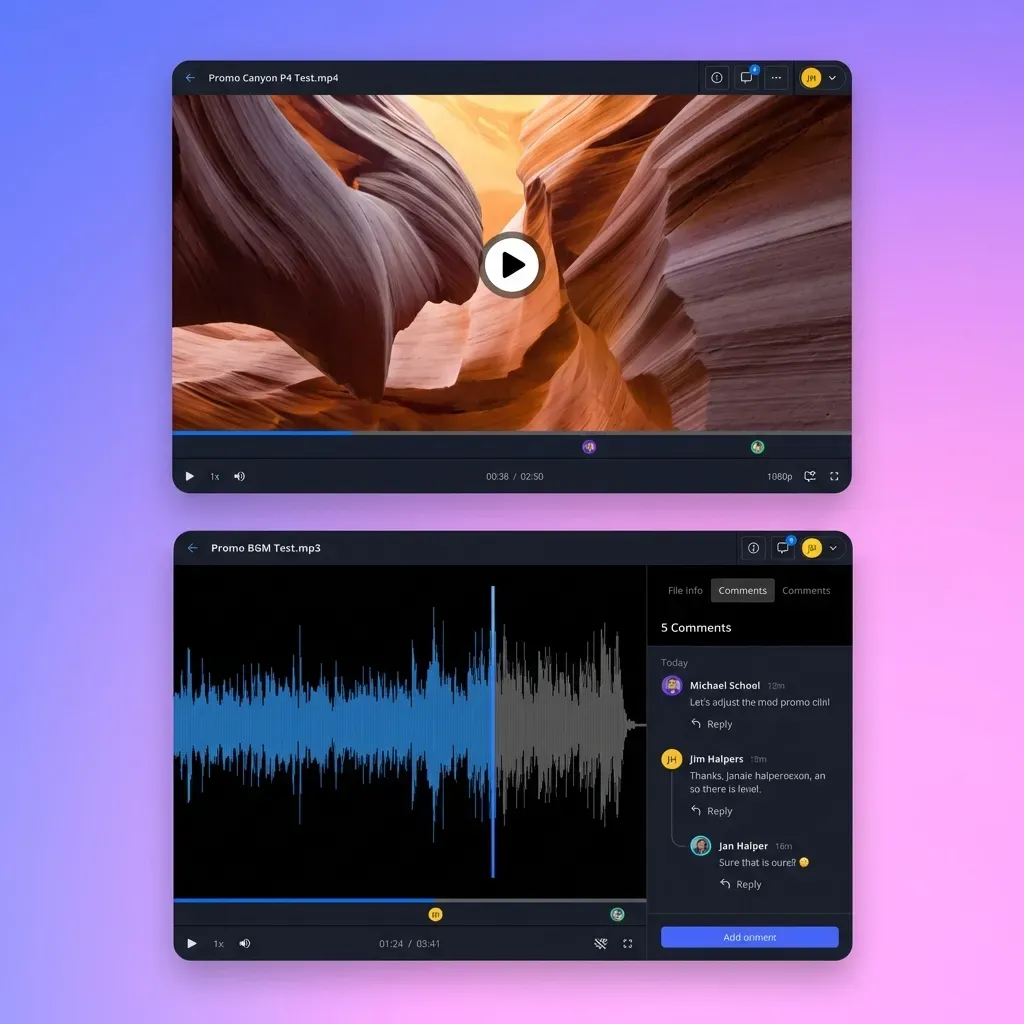
Universal Media Engine for Instant Reviews Instead of forcing producers to download heavy Playblast or render files, Fast.io's Universal Media Engine streams them instantly. You can preview professional formats, including high-bitrate video and complex audio, directly in the browser via HLS streaming. This enables real-time feedback loops similar to dedicated review platforms but integrated directly into your storage.
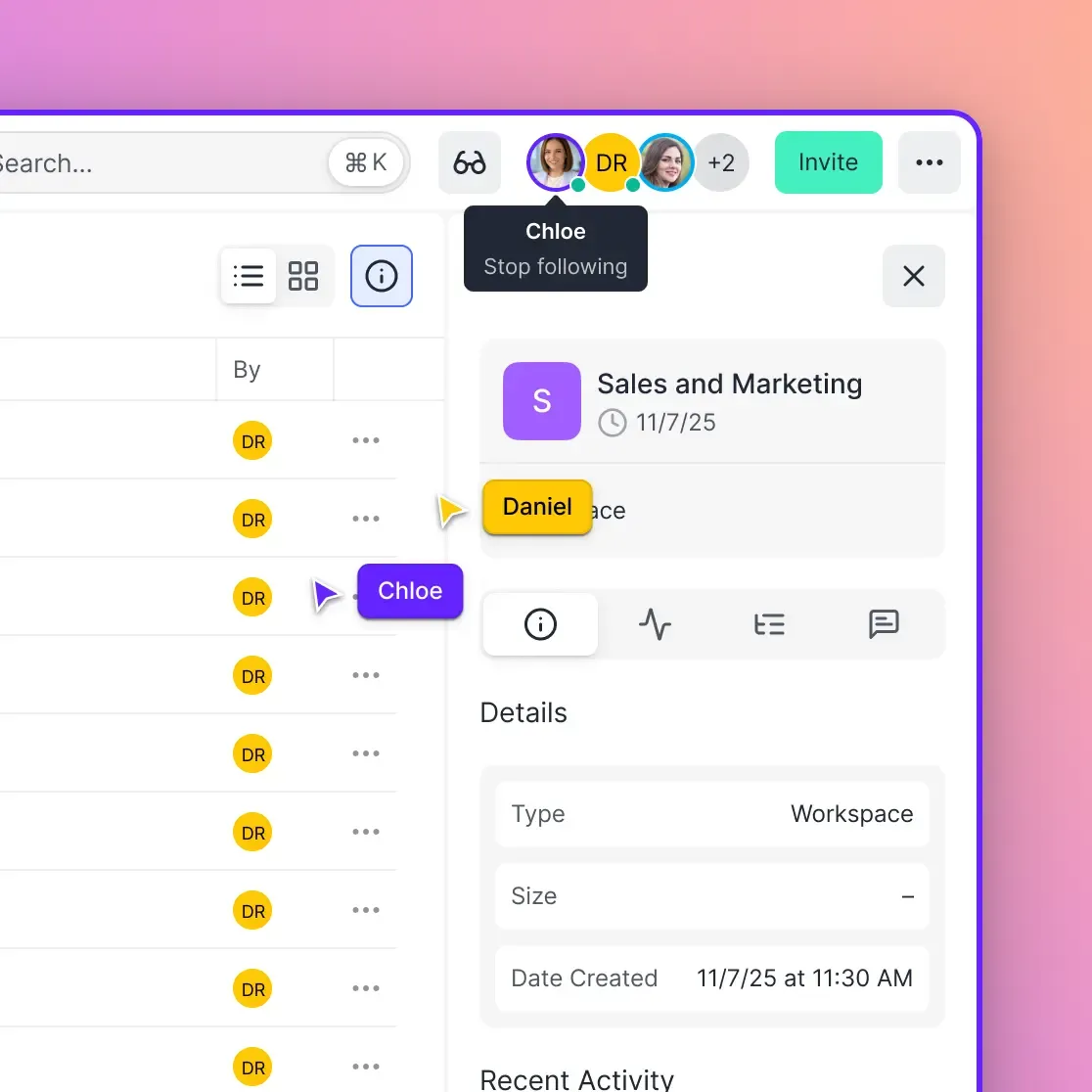
Organization-Owned Files In many cloud storage solutions, files are tied to individual user accounts. If a freelancer leaves, their files might disappear or become inaccessible. Fast.io uses an organization-first model where files belong to the studio workspace. When someone leaves, your pipeline stays intact.
Easy External Sharing Need to send a texture pack to a freelancer or deliver a final cut to a client? You can create secure, branded portals or password-protected links. Digital asset management for video needs this flexibility: keep your work-in-progress locked down while making deliverables easy for stakeholders to access.
No Sync Conflicts Traditional sync clients often choke on the hundreds of thousands of small files found in animation project directories. Fast.io's cloud-native architecture means files are indexed and accessible without needing to fully synchronize every kilobyte to every machine, saving local disk space and bandwidth.
Frequently Asked Questions
What is the difference between a 2D and 3D animation pipeline?
While both share pre-production and post-production stages, the production phase differs significantly. A 3D pipeline involves modeling, rigging, texturing, and lighting in a virtual 3D space. A 2D pipeline focuses on layout, background painting, and either hand-drawn or puppet-based animation (using rigs in 2D software). 3D pipelines generally generate significantly more data and require more complex file management.
How do studios manage version control in animation?
Studios use a combination of strict naming conventions (e.g., `shot010_anim_v001.ma`) and asset management software (like ShotGrid or Ftrack) that tracks file versions. Artists always know which file is current, and work doesn't get overwritten. On the storage side, systems that support file versioning let users roll back to previous saves if a file becomes corrupted.
What software is used in a typical animation pipeline?
Common software includes Autodesk Maya and Blender for 3D animation; Toon Boom Harmony for 2D animation; Substance Painter and Mari for texturing; Nuke and After Effects for compositing; and ShotGrid (formerly Shotgun) for production tracking. The pipeline must integrate these disparate tools into a unified workflow.
How can remote teams collaborate on large animation files?
Remote collaboration requires a hybrid approach. Heavy assets like raw textures and caches may be synchronized to a local drive for performance, while reviews and lighter assets are handled via cloud platforms. Tools that offer high-speed transfer and browser-based streaming (like Fast.io) allow remote artists to view and approve work without downloading massive files.

Speed Up Your Animation Pipeline
Stop waiting for heavy assets to sync. Fast.io gives your team instant access to files, real-time reviews, and secure external sharing.