How to Share Audio Files Without Quality Loss
Sharing audio files for professional production requires more than email attachments. This guide covers the best methods for transferring high-fidelity WAV, AIFF, and FLAC files to collaborators while maintaining original quality, preserving metadata, and keeping pre-release content secure.
Why Audio File Sharing Requires Special Attention
Audio file sharing is the process of transferring sound files between collaborators while preserving audio quality, metadata, and file integrity. Unlike sending a photo to a friend, sharing audio for professional production involves massive file sizes, strict quality requirements, and security concerns that consumer tools simply cannot handle.
Consider the numbers. A single three-minute song recorded at 24-bit/96kHz in WAV format weighs in at roughly 100MB. That same song with 50 stems for mixing? You are looking at 5GB or more. A full album project with alternate takes, rough mixes, and session files can easily exceed 50GB. Most email providers cap attachments at 25MB, which means you cannot even send one high-quality track through email.
The stakes are high, too. Compression artifacts that are invisible in a casual listening environment become glaring problems during mixing and mastering. A subtle crackle or frequency loss that slips through can ruin weeks of work. For music professionals, audio engineers, podcast producers, and sound designers, the files themselves are the product. Any degradation during transfer directly impacts the final deliverable.
Beyond quality, there is the question of organization. When you are sending dozens of stems to a mix engineer or sharing daily session backups with a producer, a disorganized transfer creates hours of unpaid work for everyone involved. The right sharing method keeps projects structured and version histories clear.
Common Mistakes That Degrade Audio Quality
Many producers and engineers learn about audio sharing pitfalls the hard way. Understanding what can go wrong helps you avoid costly mistakes before they happen.
Messaging apps destroy audio quality. WhatsApp, Messenger, Slack, and iMessage all apply aggressive compression to media files. That reference mix you sent to a client might sound completely different on their end because the app converted it to a lower bitrate. Even if the original was a pristine 24-bit WAV, the recipient hears a compressed artifact.
Email attachment limits force bad choices. When faced with a 25MB email limit and a 100MB file, people often reach for lossy compression. Converting a WAV to MP3 just to make it email-friendly means the recipient can never recover the original quality. For client reviews or casual listening, this might be acceptable. For production work, it is a non-starter.
Consumer cloud storage adds friction. Services like Google Drive or Dropbox work for basic file transfers, but they require recipients to create accounts, navigate unfamiliar interfaces, and download files manually. For clients who just want to hear their rough mix, asking them to sign up for yet another service creates unnecessary friction and delays feedback.
Metadata gets stripped in transit. Some transfer methods remove embedded metadata like tempo, key, ISRC codes, or custom tags. This data is essential for archiving, publishing, and maintaining organized libraries. Losing it means someone has to recreate the information manually.
Folder structures break during transfer. A Pro Tools or Logic session depends on specific folder hierarchies. If those paths break during transfer, the project will not open correctly on the receiving end. The engineer then spends the first hour of a session relinking files instead of mixing.
Understanding Audio File Formats for Sharing
Choosing the right format for your transfer depends on the use case. Each format makes tradeoffs between quality, file size, and compatibility.
WAV and AIFF: The Production Standard
These uncompressed formats are the gold standard for professional audio work. WAV files use pulse-code modulation (PCM) to store audio data with zero quality loss. What you record is exactly what you export. AIFF is the Apple equivalent with identical quality characteristics. For tracking, mixing, and mastering, these formats are non-negotiable.
The tradeoff is file size. A 24-bit/48kHz stereo WAV runs about 17MB per minute. At 96kHz, that doubles. For multi-track sessions, you are moving gigabytes of data even for short songs.
FLAC: Lossless Compression for Archiving
FLAC reduces file sizes by roughly 50% compared to WAV while preserving every bit of audio data. The compression is mathematically lossless, meaning the decompressed file is identical to the original. This makes FLAC excellent for archiving and long-term storage where saving space matters but quality cannot be sacrificed.
The catch is compatibility. Not every DAW handles FLAC imports smoothly. Some require conversion before editing. For active production work, WAV remains the safer choice. For delivering final masters to clients who want archival copies, FLAC strikes a good balance.
MP3 and AAC: Lossy Formats for Review Only
These formats use psychoacoustic compression to discard frequencies humans supposedly cannot hear. The result is much smaller files at the cost of irreversible quality loss. A 320kbps MP3 sounds acceptable for most casual listening, but trained ears can detect the difference.
Use MP3 or AAC for rough mix approvals, reference tracks for clients, or quick sharing where convenience outweighs fidelity. Never use them as the source for production work.
Best Methods for Sharing Large Audio Files
The right sharing method depends on file size, recipient access needs, and security requirements. Here are the approaches that work for professional audio workflows.
Cloud Storage with Direct Sharing
Modern cloud platforms let you upload complete session folders and share them via a single link. The recipient downloads an exact copy of what you uploaded, preserving folder structures and file integrity. This works well for collaborators who need to import sessions into their own DAWs.
Fast.io takes this approach further by indexing your existing cloud storage rather than requiring you to move files to a new location. You can share massive audio libraries, daily session backups, or entire project archives through a branded portal without duplicating data or dealing with sync conflicts.
FTP and SFTP for Bulk Transfers
Some studios maintain FTP servers for regular collaborators. This requires technical setup but provides reliable, high-speed transfers for very large projects. The learning curve limits FTP to professional-to-professional workflows, but for ongoing relationships between studios, it eliminates per-transfer fees entirely.
Physical Drives for Massive Sessions
When project sizes exceed 100GB, sometimes the fastest option is overnight shipping a hard drive. This sounds old-fashioned, but the physics of bandwidth make it practical. Uploading 500GB over a standard internet connection takes days. A drive shipped overnight arrives faster with zero risk of interrupted transfers.
Temporary Transfer Services
Services like WeTransfer allow one-off sends without accounts, but files expire after a set period. This works for quick deliveries where the recipient will download immediately, but it does not suit ongoing projects where files need to remain accessible for weeks or months.

Organizing Audio Projects for Collaboration
A well-organized project saves everyone time. When you send 50 stems to a mix engineer, a clear folder structure means they can start working immediately instead of spending the first hour sorting files.
Recommended Folder Structure
Most professionals follow a variation of this hierarchy:
Project Name / Date01_Rough_Mixes(MP3s for quick client listening)02_Stems_Dry(Individual tracks without effects)03_Stems_Wet(Tracks with printed effects for reference)04_Session_Files(DAW project files and settings)05_Assets(Samples, loops, MIDI files)06_Documentation(Notes, lyrics, contracts)
The numbered prefixes force a logical sort order in any file browser. Separating dry and wet stems gives the mix engineer options. Including rough mixes lets stakeholders listen without loading the full session.
Naming Conventions That Prevent Confusion
Avoid the "Final_v3_FINAL_NEW.wav" trap by establishing naming rules from the start. Include the date, version number, and descriptor in every filename: SongTitle_Stems_v2_2026-02-01. When everyone follows the same convention, version confusion disappears.
Version Control and File Ownership
On shared storage platforms, multiple people can accidentally overwrite files or create conflicting versions. Fast.io addresses this with organization-owned files. Instead of files living in someone's personal account, they belong to the project workspace. When a freelancer finishes their work and moves on, the files stay with the project. This prevents the all-too-common scenario where critical session files vanish because someone's personal account was deactivated.
Securing Pre-Release Audio Content
Leaks can derail release campaigns, damage artist relationships, and cost real money. For unreleased music, security needs to be intentional rather than an afterthought.
Link Expiration and Access Windows
Set shared links to expire after 24, 48, or 72 hours. This limits how long someone can access or redistribute the files. For session work where collaborators need ongoing access, use longer windows but still set explicit expiration dates rather than leaving links active indefinitely.
Password Protection for Sensitive Content
Always password-protect pre-release masters, unannounced singles, and anything that would cause harm if it leaked. Send the password through a separate channel. If the sharing link somehow gets forwarded, the password requirement adds a second layer of protection.
Watermarking for Accountability
Audio watermarking embeds inaudible identifiers into the file. If a track leaks, you can trace which copy escaped and identify the responsible party. This is standard practice for sending advance copies to press or industry contacts.
Audit Logs for Investigation
Fast.io provides detailed access logs showing exactly who downloaded files and when. If something leaks, you have a trail to investigate. This visibility also helps with client billing, proving delivery dates, and maintaining professional accountability.
View-Only Sharing for Approvals
When clients only need to listen for approval, there is no reason to let them download the full uncompressed files. Fast.io supports streaming playback with downloads disabled, letting stakeholders hear the mix without receiving files they could accidentally share.
Streaming Audio for Client Reviews
Not every audio share requires file downloads. For client approvals, creative director feedback, or quick stakeholder reviews, streaming playback is faster and safer than sending the actual files.
HLS Streaming for Instant Playback
Fast.io uses adaptive bitrate streaming, the same technology behind Netflix and Spotify. Audio starts playing immediately without waiting for full downloads. The player adjusts quality based on connection speed, so clients on mobile connections still get smooth playback while those on fast connections hear higher fidelity.
Waveform Visualization for Navigation
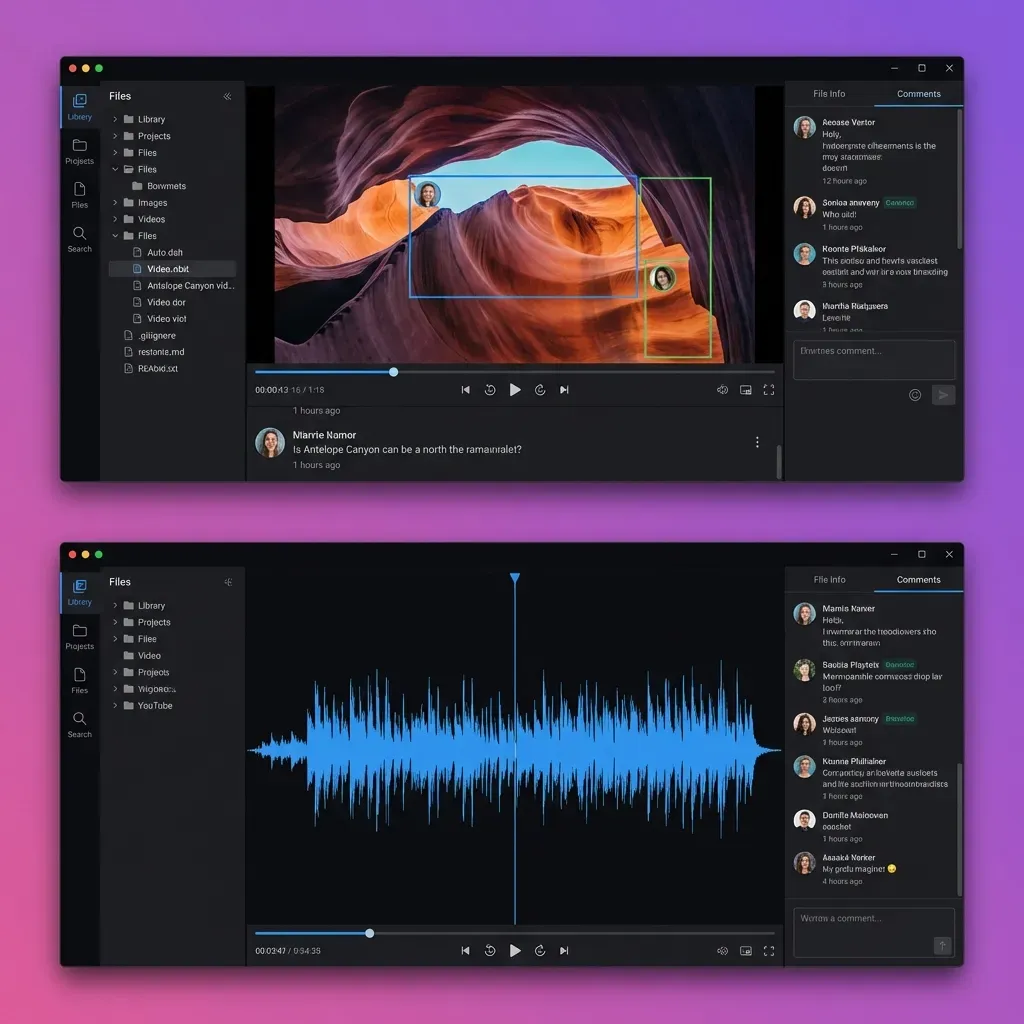
The built-in player displays audio waveforms so listeners can visually navigate to specific sections. They can see where the chorus hits, where the breakdown is, and jump directly to problem areas. This beats the blind scrubbing of a standard audio player.
Timestamped Comments for Feedback
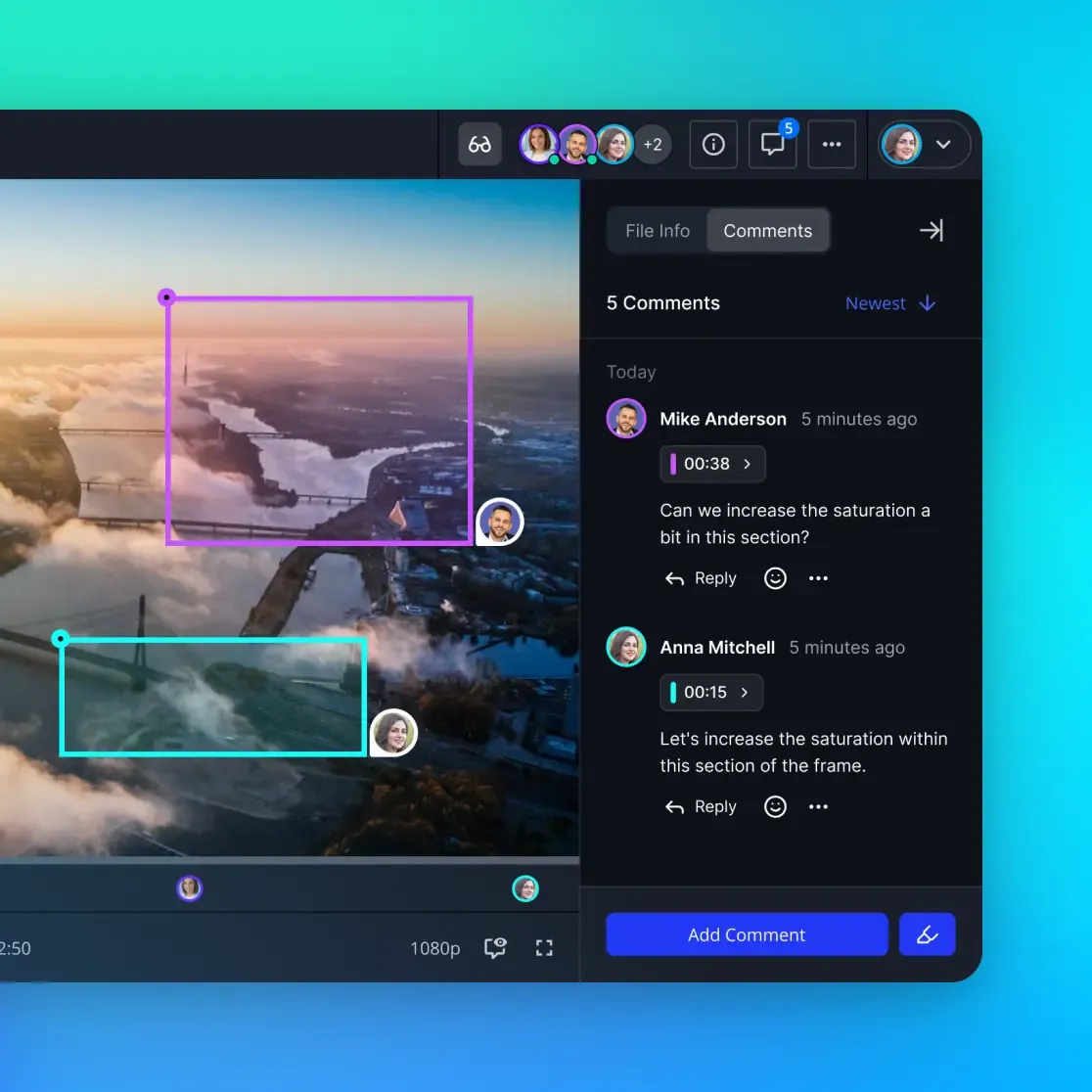
Collecting client feedback through email threads is chaotic. Comments get buried, context gets lost, and nobody can find that one note about the bridge. Contextual commenting lets reviewers leave feedback tied to specific timestamps. The producer sees exactly what part of the track each comment refers to.
No Software Required for Recipients
Clients do not need to install Pro Tools, Logic, or any audio software to hear your work. Everything plays in the browser. This removes the technical barrier that often delays feedback from non-technical stakeholders. The creative director can listen on their phone during a commute. The label executive can review in their browser between meetings.
Choosing the Right Workflow for Your Needs
Different production scenarios call for different sharing approaches. Here is how to match your workflow to the right tools.
For Studio-to-Studio Collaboration
When both parties are professional studios with fast connections and technical staff, set up a shared cloud workspace. Both teams can access the latest session files, upload new versions, and maintain a single source of truth. Version history prevents accidental overwrites, and organization-level permissions ensure everyone has appropriate access.
For Client Delivery
When delivering final mixes, masters, or stems to clients, use branded portals. Fast.io lets you customize the sharing interface with your studio's logo and colors, making deliveries look professional rather than generic. Include rough mixes for quick listening alongside the full-resolution files.
For Remote Recording Sessions
When tracking vocalists or instrumentalists remotely, low latency is less important than reliability. Set up a shared workspace where performers can upload takes and producers can leave feedback. This async approach works better than trying to record in real-time over consumer internet connections.
For Archiving and Backup
For long-term storage, use FLAC compression to reduce costs while preserving quality. Organize archives by project, year, and client. Include documentation, contracts, and notes alongside the audio files so everything related to a project lives in one place.
The best workflow is the one your team will actually use consistently. Complex systems get abandoned. Simple, reliable processes become habits that protect your work.
Frequently Asked Questions
What is the best format for sharing audio files?
For professional production, use WAV or AIFF at 24-bit, 48kHz or higher. These uncompressed formats preserve full audio quality. For archiving or delivery where file size matters, FLAC provides lossless compression. Reserve MP3 and AAC for rough mix approvals or casual listening where convenience outweighs fidelity.
How do I share large audio files without compression?
Use a cloud storage platform that treats audio as binary data rather than media to be optimized. Avoid messaging apps and social media, which apply aggressive compression. Services like Fast.io share files in their original format without modification, preserving every bit of audio data.
What is the maximum file size I can share for audio production?
Most email services cap attachments at 25MB, which is not enough for even one high-quality WAV track. Cloud storage platforms typically support files up to 250GB or more. For very large session transfers exceeding 100GB, physical drives shipped overnight sometimes arrive faster than internet uploads.
How do I prevent audio leaks for unreleased music?
Combine multiple security measures: password-protect all shared links, set expiration dates of 24-48 hours, use audio watermarking to trace leaks, and maintain audit logs of who accessed which files. Consider view-only streaming for approvals so clients can listen without downloading files they could accidentally share.
Can clients listen to audio without downloading files?
Yes. Fast.io provides browser-based streaming with waveform visualization and timestamped commenting. Clients can play audio instantly without downloads or software installations. You can disable downloads entirely for approval workflows where listening is sufficient.
Related Resources

Share Audio Without the Headaches
Send uncompressed WAVs, full session folders, and stems to clients and collaborators. No file size limits, no quality loss, no compression artifacts.