Best Canto Alternatives for Teams That Need Simpler DAM
A Canto alternative is digital asset management software that organizes, stores, and shares brand assets without Canto's enterprise pricing or complexity. If your team manages 10,000+ digital assets but doesn't need Canto's $8,500/year starting price, these alternatives offer comparable organization and sharing at a fraction of the cost.

What is a Canto Alternative?
A Canto alternative is a digital asset management platform that provides centralized storage, organization, and sharing for brand files like images, videos, logos, and documents. These tools replace Canto's functionality with different pricing models, simpler interfaces, or specialized features for specific use cases.
Canto has been in the DAM market since 1990. It's one of the oldest players, and it prices like one. Teams looking for alternatives typically want:
- Lower costs than Canto's $8,500/year minimum
- Faster implementation than Canto's typical 6+ month setup
- Simpler workflows without enterprise complexity
- Better pricing models for external collaborators
Why Teams Switch from Canto
Canto does DAM well for large organizations. The friction comes when teams realize they're paying for capabilities they don't use.
Price
Canto doesn't publish pricing publicly, but industry reports put the Core Essentials plan around $8,500/year for small teams. The DAM Pro Advanced tier, which includes AI tagging and enterprise integrations, costs significantly more. For comparison, that's more than many teams spend on all their cloud software combined.
Implementation Time
Average DAM implementations take 6+ months. You're not just uploading files. You're defining metadata schemas, building folder taxonomies, training users, configuring permissions, and integrating with other tools. That's a major project for a tool meant to save time.
Per-Seat Scaling
Canto uses per-user pricing. Every designer, marketer, sales rep, and external partner who needs brand assets adds to your bill. For teams with lots of stakeholders, costs compound quickly.
Learning Curve
Enterprise tools require enterprise training. If your team struggles to adopt the platform consistently, all those features become overhead rather than value.
How to Choose a Canto Alternative
Before comparing platforms, define what you actually need:
Asset Volume
- Under 5,000 assets: Simple cloud storage with sharing features
- 5,000-50,000 assets: Mid-tier DAM or organized workspaces
- 50,000+ assets: Full DAM with metadata and taxonomy
User Types
- Internal team only: Most platforms work fine
- External clients and partners: Check guest access pricing
- Lots of external users: Avoid per-seat platforms
Workflow Complexity
- Simple sharing: Cloud storage with link controls
- Review and approval: Basic commenting and versioning
- Multi-stage approvals: Traditional DAM workflows
Quick Comparison: Canto vs Alternatives
| Platform | Starting Price | Pricing Model | Best For |
|---|---|---|---|
| Canto | ~$8,500/year | Per user | Mid-to-large enterprises |
| Fast.io | ~$60/month | Usage-based | Teams with many external users |
| Brandfolder | ~$1,600/month | Per feature | Large marketing teams |
| Dash | $49/month | Flat rate | Small teams, simple needs |
| Bynder | Custom | Per user | Enterprise customization |
| Filecamp | $29/month | Flat rate | Budget-conscious teams |
Pricing is approximate as of January 2026. Most platforms require custom quotes for exact costs.
1. Fast.io: Usage-Based Pricing for Brand Asset Sharing
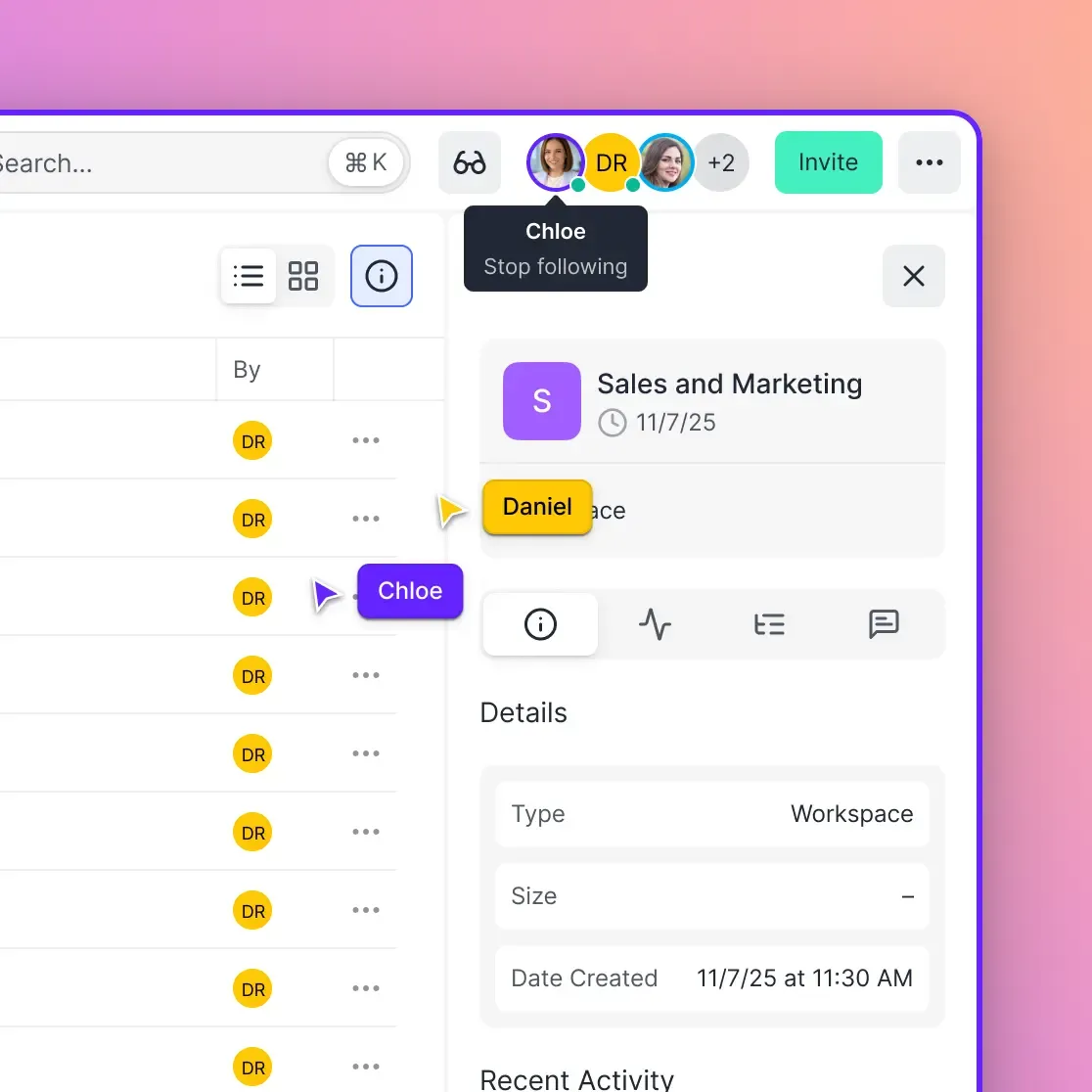
Fast.io takes a different approach than traditional DAM. Instead of per-seat pricing, you pay based on storage and transfer. For teams sharing brand assets with many external partners, this usually costs less.
Why it works for brand assets:
Marketing teams manage an average of 10,000+ digital assets. Those assets need to reach designers, agencies, sales teams, partners, and clients. Per-seat pricing punishes exactly what DAM is meant to enable: wide distribution of approved brand materials.
Fast.io includes 25 seats on the Pro plan, with additional seats at $1/month each. A 25-person team with 5TB of storage pays around $60/month total. The same team on per-seat DAM platforms could pay $2,500-5,000/month.
Key features for brand management:
- Unlimited workspaces for organizing assets by brand, campaign, or region
- Branded client portals with your logo and colors
- Granular permissions including view-only and download controls
- Link controls with password protection, expiration dates, and domain restrictions
- HLS video streaming for reviewing video content in-browser
- Audit logs tracking who accessed what and when
Limitations:
- Not a full DAM with advanced metadata schemas and taxonomy
- No native brand guideline templates (share as PDFs instead)
- Semantic search is AI-powered but not as deep as dedicated DAM
Best for: Teams that share brand assets widely and want predictable costs regardless of user count.
2. Brandfolder: Enterprise Brand Portals
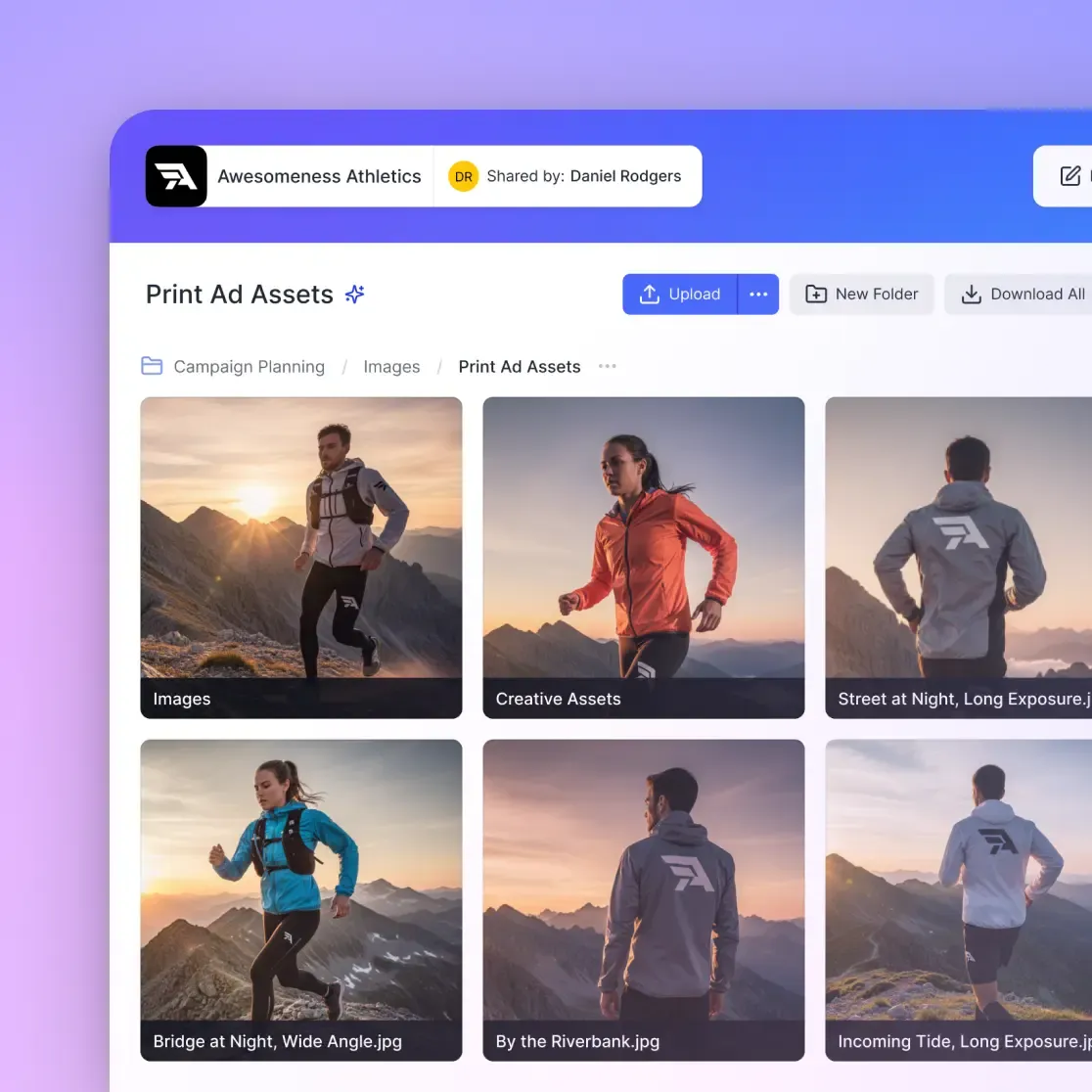
Brandfolder focuses specifically on brand asset distribution. If your main challenge is making approved logos, templates, and guidelines available to stakeholders across a large organization, it competes directly with Canto.
Strengths:
- Built specifically for brand asset control
- Solid asset portal experience
- Good analytics on asset usage
- Integrations with Adobe and Microsoft tools
Considerations:
- Starting price around $1,600/month puts it above Canto for some teams
- Feature-based pricing means costs increase with capabilities
- Still requires implementation planning
Best for: Large enterprises with distributed teams that need tight control over brand assets.
3. Dash: Simple and Affordable for Small Teams
Dash positions itself as the "anti-enterprise" DAM. It's intentionally simple, with flat monthly pricing starting at $49.
Strengths:
- Easy to use without training
- AI-powered tagging and search
- Predictable flat-rate pricing
- Quick setup (hours, not months)
Considerations:
- Limited advanced workflows
- Basic permission controls
- May not scale for complex needs
Best for: Small marketing teams or startups that need basic asset organization without enterprise complexity.
4. Bynder: Full Enterprise DAM
Bynder is Canto's closest competitor at the enterprise level. It offers extensive customization, workflow automation, and creative project management.
If you're leaving Canto because of features rather than price, Bynder is worth evaluating. If you're leaving because of cost, Bynder won't help. It targets the same enterprise segment with similar pricing.
Strengths:
- Highly customizable metadata and taxonomy
- Advanced approval workflows
- Creative project management built in
- Wide range of integrations
Considerations:
- Custom pricing requires sales conversations
- Long implementation timeline
- Per-user pricing still scales with team size
Best for: Large enterprises that need Canto's functionality but want more customization.
5. Filecamp: Budget DAM with Good Basics
Filecamp offers DAM fundamentals at a price point significantly below Canto. Over 1,500 brands use it as an affordable alternative.
Strengths:
- Transparent pricing starting at $29/month
- Core DAM features included
- No setup fees or hidden costs
- Custom branding on portals
Considerations:
- Fewer advanced features than enterprise DAM
- Limited workflow automation
- Basic AI capabilities
Best for: Teams that need traditional DAM structure at small-team prices.
Canto vs Fast.io: Detailed Comparison
For teams specifically comparing Canto and Fast.io, here's how they differ:
Pricing Model
- Canto: Per-user pricing starting around $8,500/year
- Fast.io: Usage-based pricing, ~$60/month for 25 users with 5TB
Implementation
- Canto: Average 6+ months for full deployment
- Fast.io: Same-day setup, immediate use
External Sharing
- Canto: External users may require paid seats
- Fast.io: Unlimited guest access without seat costs
Media Handling
- Canto: Standard preview and download
- Fast.io: HLS streaming for video (Netflix-style playback)
Organization
- Canto: Traditional DAM with metadata schemas
- Fast.io: Workspace-based organization with folders
Best Use Case
- Canto: Enterprises needing deep metadata and taxonomy
- Fast.io: Teams sharing assets widely with external partners
Making the Switch from Canto
If you decide to move from Canto, the migration process is straightforward:
1. Export Your Assets
Download your asset library from Canto. Most DAM platforms support bulk export. Plan for this to take time if you have tens of thousands of files.
2. Map Your Structure
Document your current folder structure, collections, and smart albums. Decide how these translate to the new platform's organization model.
3. Evaluate Metadata
Determine which metadata fields matter. Simple alternatives may not support custom metadata schemas. Decide what you can simplify.
4. Migrate in Phases
Start with active projects and frequently-used assets. Archive older content during a second phase.
5. Update Shared Links
Any embeds or shared links using Canto URLs will break. Create new share links in the new platform and update external references.
6. Train Your Team
Even simpler tools need introduction. Run a brief training session and document key workflows.
Budget 2-4 weeks for a complete migration from Canto to a simpler platform. Enterprise-to-enterprise DAM migrations take longer.
Frequently Asked Questions
What is similar to Canto?
The closest alternatives to Canto are Bynder and Brandfolder for enterprise DAM functionality. For mid-market alternatives, Dash and Filecamp offer simpler digital asset management at lower price points. Fast.io provides brand asset sharing with usage-based pricing instead of per-seat costs. The right choice depends on whether you need full DAM features or primarily need to organize and share brand files.
How much does Canto cost?
Canto doesn't publish pricing publicly, but industry reports indicate the Core Essentials plan starts around $8,500 per year for small teams. The DAM Pro Advanced tier with AI tagging and enterprise integrations costs significantly more. Pricing is per-user, so costs increase with team size. Contact Canto directly for a custom quote based on your requirements.
What are the disadvantages of Canto?
The main disadvantages of Canto are its enterprise pricing (starting around $8,500/year), long implementation time (often 6+ months), per-user cost structure that becomes expensive with many stakeholders, and complexity that requires training. For teams that don't need advanced metadata schemas or enterprise workflows, simpler alternatives may be more practical.
Is there a free alternative to Canto?
There's no free alternative that matches Canto's full DAM functionality. Air offers a free tier with basic asset management for small teams. For minimal needs, cloud storage like Google Drive or Dropbox can work. However, serious brand asset management requires paid tools. Dash at $49/month and Filecamp at $29/month are the lowest-priced options with meaningful DAM features.
What is the best Canto alternative for small teams?
For small teams, Dash ($49/month) offers the best balance of simplicity and capability. It provides AI-powered tagging, basic organization, and easy sharing without enterprise complexity. Filecamp ($29/month) is the most affordable option with traditional DAM structure. For teams that primarily share assets with external partners, Fast.io's usage-based pricing often works out cheaper than per-seat alternatives.
Related Resources

Ready for simpler brand asset management?
See how Fast.io's usage-based pricing saves teams thousands compared to enterprise DAM platforms.