How to Choose a Client Feedback Tool That Fits Your Workflow
A client feedback tool centralizes comments, approvals, and revisions in one place so creative teams stop chasing feedback across email, Slack, and text messages. This guide covers what to look for, how to evaluate options, and which tools work best for different team sizes and project types.
What Is a Client Feedback Tool?
A client feedback tool is software that lets clients review, comment on, and approve creative work without email chains or downloaded files.
The problem it solves: creative projects involve multiple stakeholders with different opinions, timelines, and communication preferences. Without a central system, feedback scatters across email threads, Slack messages, meeting notes, and phone calls. Someone mentions a change on a call. Someone else replies to an old email. A third person sends a text. The designer has to piece together what actually needs to change.
Email-based feedback adds 5+ days to project timelines on average. Teams spend hours searching for the "latest" comments and reconciling conflicting input.
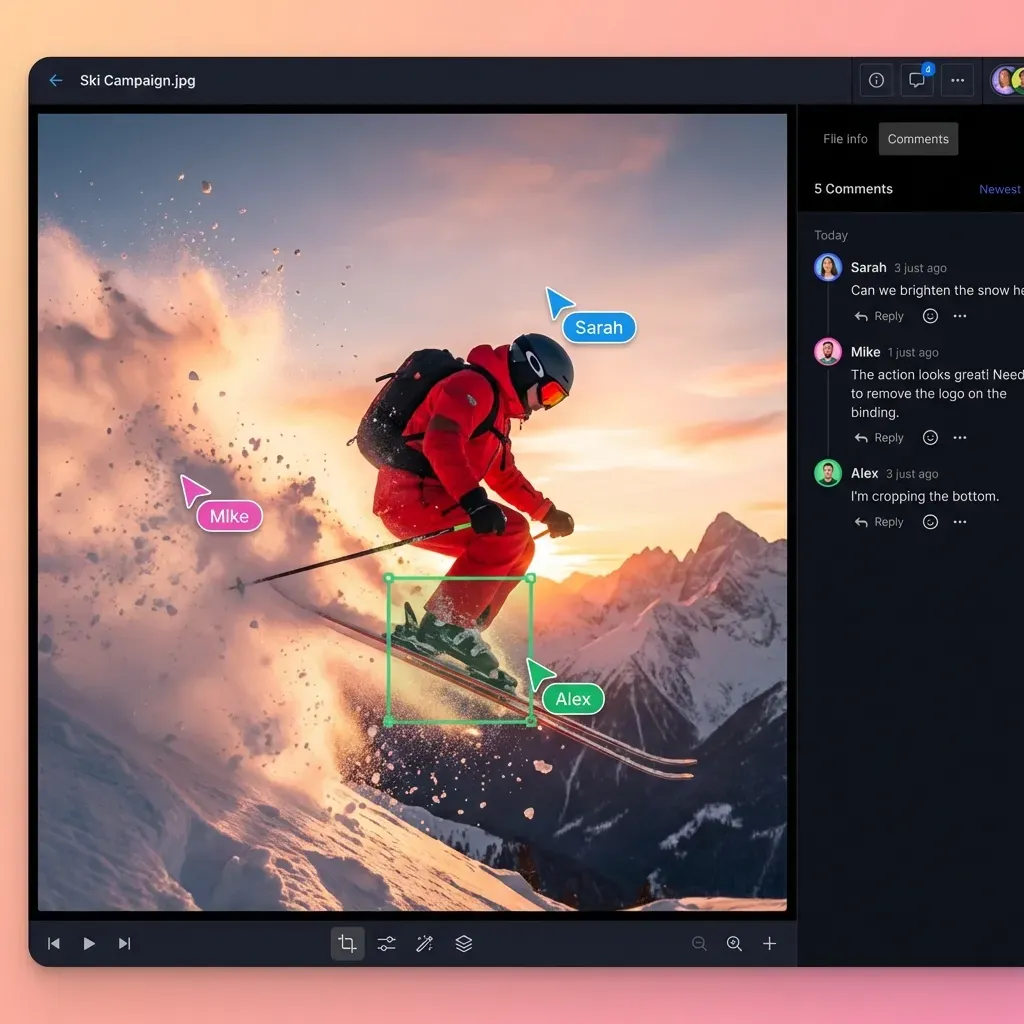
A feedback tool puts all comments in one place, attached to the work itself. Clients click directly on a design, document, or video frame to leave a note. The creative team sees every comment in context and marks items resolved as they address them. When everything lives in one system, teams finish projects faster with fewer revision rounds.
Features That Matter in a Client Feedback Tool
Not every feedback platform works the same way. Here's what separates tools that simplify your workflow from ones that add another inbox to check.
Visual annotation
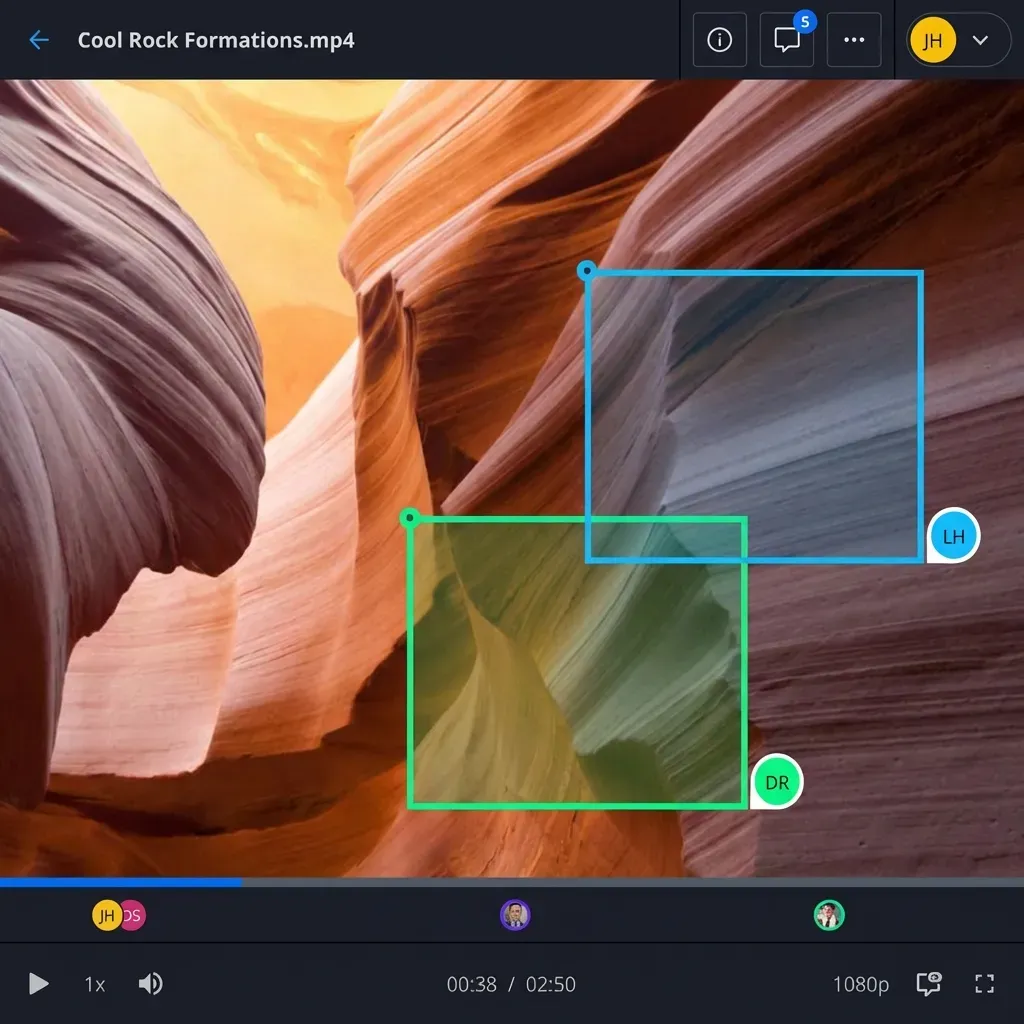
Text comments only go so far. When a client says "make it pop," you need to know where they're looking. The best tools let reviewers draw on images, circle elements, and pin comments to specific regions or video frames.
Version tracking
Creative projects go through revisions. You need to compare version 3 to version 4 without downloading files and opening them side by side. Good tools stack versions and show what changed.
Approval workflows
"Looks good" in an email isn't the same as formal approval. Look for explicit approve/reject buttons that create a clear record. This matters when clients later claim they never signed off.
Guest access without friction
Your team knows the software. Clients don't. If reviewers need to create accounts, download apps, or sit through tutorials, they'll just reply via email instead.
Notification control
Feedback tools can generate a lot of noise. You want stakeholders notified about what matters to them without flooding everyone's inbox on every comment.
Common Gaps in Most Feedback Tools
Most articles about client feedback tools review each platform in isolation. They don't address what happens before and after the feedback stage.
Before feedback: How does the client receive the work? Most tools expect you to upload files manually or share links from another system. If your feedback tool doesn't handle file delivery, you're maintaining two systems.
After feedback: Where do approved files go? If final assets live in the feedback tool but your team needs them in cloud storage or a project management system, you're downloading and re-uploading constantly.
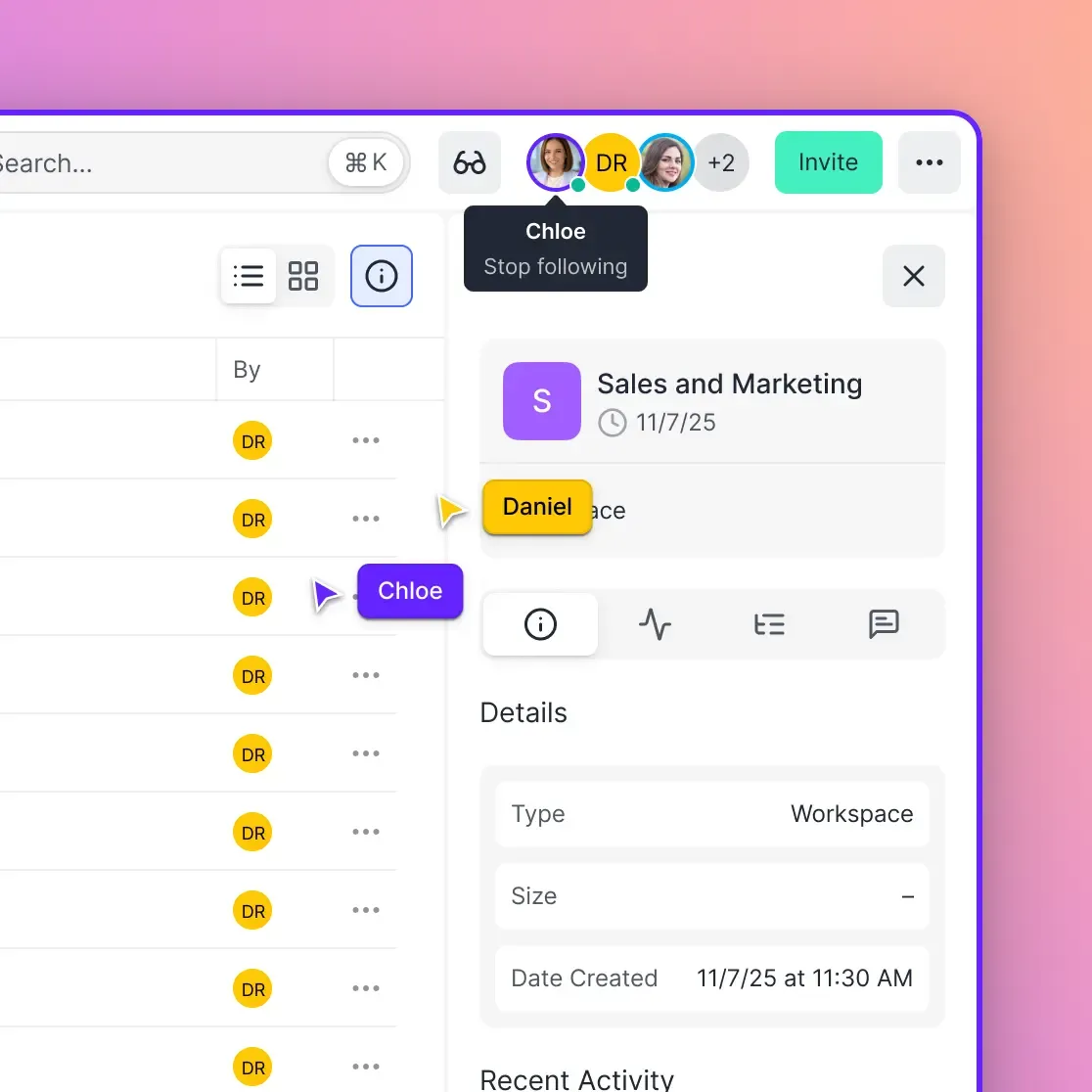
During feedback: Can multiple stakeholders collaborate? Many tools work fine for one reviewer but break down when a client's marketing director, legal team, and CEO all need input. You need threaded conversations, not a flat list of comments.
The best feedback workflow connects delivery, review, and storage in one system. Clients receive work, leave feedback, and approve—all in the same place where final files are organized and accessible.
How to Collect Feedback From Clients
Getting useful feedback is as much about process as tools. Here's what works:
Set expectations upfront. Tell clients how to leave feedback before sharing work. "Please add comments directly in the tool by Friday" works better than hoping they figure it out.
Consolidate reviewers. Having six stakeholders leave separate feedback creates conflicts. Ask clients to designate one person who collects internal input and submits consolidated comments.
Ask specific questions. "What do you think?" invites vague responses. "Does this headline match your brand voice?" gets actionable input.
Create review checkpoints. Don't share work in progress and expect detailed feedback. Define clear stages—concept review, first draft, final review—and set expectations for each.
Time-box feedback windows. Open-ended deadlines stretch projects. "Comments due by Tuesday at 5pm" creates urgency and prevents endless revision cycles.
Best Ways to Share Work With Clients
The sharing method affects the feedback you get. Choose based on what you're sharing and who's reviewing.
For visual assets (images, designs, PDFs)
Share files that clients can view directly in their browser without downloading. Preview-in-browser tools let reviewers comment immediately. Downloads add friction that delays feedback.
For video content
Use tools with streaming playback, not file downloads. A 2GB video file shouldn't require your client to wait 20 minutes before they can review it. Streaming lets them start watching immediately and leave time-coded comments.
For documents and presentations
Native preview beats attachments. When clients download a PowerPoint, open it in their own software, and print it for their boss, comments end up on paper and get relayed secondhand.
For large file collections
Organize before you share. Don't dump 50 files into a folder and expect clients to find what matters. Group by stage, component, or deliverable type so reviewers know where to focus.
Fast.io handles all these scenarios in one platform. Files stream in the browser, clients leave contextual comments, and approved assets stay organized in workspaces that your team already uses.

How to Collect Client Approvals Efficiently
Approvals are different from feedback. Feedback asks "what needs to change?" Approval asks "is this done?"
Make approval explicit
Build in a clear approval action: a button, a signature field, something unambiguous. "Approved!" in an email gets lost. An approval timestamp in your system creates an audit trail.
Separate approval from feedback
Some tools conflate these stages. Clients leave feedback and approve in the same action, which creates confusion when someone approves but also lists 10 changes. The best tools separate "here's my feedback" from "this is approved."
Track who approves
On complex projects, multiple stakeholders need to sign off. You need to see which approvals are pending and who's blocking progress. A good tool shows approval status across all reviewers.
Set approval deadlines
Approvals that sit indefinitely hold up projects. Build deadlines into your process. "If we don't hear back by Friday, we'll proceed to final production" keeps things moving.
Fast.io's Data Rooms include approval tracking with full audit logs. You can see exactly who viewed, commented, and approved—and when.
Choosing the Right Tool for Your Team
Different teams need different features. Here's how to match tool capabilities to your workflow:
Solo freelancers and small studios need simple tools without complex setup. Look for platforms where clients can comment without accounts and you don't pay per user.
Mid-size agencies with multiple clients need workspace isolation. Each client should have their own space without seeing other clients' work. Branding capabilities (custom logos, colors) matter here.
Enterprise teams with compliance requirements need audit logs, SSO integration, and granular permissions. The tool should track who accessed what and when.
Video and media teams need streaming playback and frame-accurate comments. General feedback tools that treat video like any other file don't cut it.
What Fast.io offers
Fast.io combines file delivery, feedback, and storage in one workspace. Clients get branded portals where they preview files (including video streaming), leave contextual comments, and approve work. Your team sees all feedback in context and manages files in organized workspaces.
Unlike standalone feedback tools, Fast.io keeps files where your team already works. No downloading from one system to upload to another. And with usage-based pricing instead of per-user fees, you can invite unlimited clients without cost concerns.
Frequently Asked Questions
How do you get feedback from clients?
Use a feedback tool where clients comment directly on work rather than describing changes in email. Share work through a platform that supports in-context comments, set clear deadlines, and ask specific questions to guide useful responses. Consolidate feedback from multiple stakeholders through one point of contact when possible.
What is the best way to share work with clients?
Share work through platforms that offer browser-based preview so clients can view and comment without downloading files. For video, use streaming playback. For images and designs, use tools that support visual annotation. Organize files by stage or deliverable type so clients know where to focus.
How do you collect client approvals?
Use a tool with explicit approval actions rather than relying on email confirmation. Set approval deadlines, track which stakeholders have signed off, and maintain an audit trail of when approvals happened. Separate the feedback stage from the approval stage so they don't get conflated.
What's the difference between a client feedback tool and project management software?
Project management software tracks tasks, timelines, and team assignments. Client feedback tools focus specifically on collecting comments and approvals on creative work. Some platforms combine both, but many teams use separate tools—project management internally and feedback tools externally with clients.
Do clients need accounts to use feedback tools?
It depends on the tool. The best options let clients comment via a shared link without creating accounts or downloading software. This reduces friction and increases the likelihood that clients actually use the tool instead of reverting to email.
Related Resources

Get all client feedback in one place
Stop chasing comments across email, Slack, and text. Fast.io brings feedback, approvals, and file delivery together in branded workspaces your clients will actually use.