How to Share Files with External Stakeholders Securely
External file sharing is the secure exchange of documents and digital assets with people outside your organization, including clients, vendors, partners, and contractors. This guide covers practical methods for protecting sensitive data while maintaining the collaboration speed your business needs. You will learn how to evaluate sharing tools, set up secure workflows, and avoid the common mistakes that lead to data breaches.
What is External File Sharing?
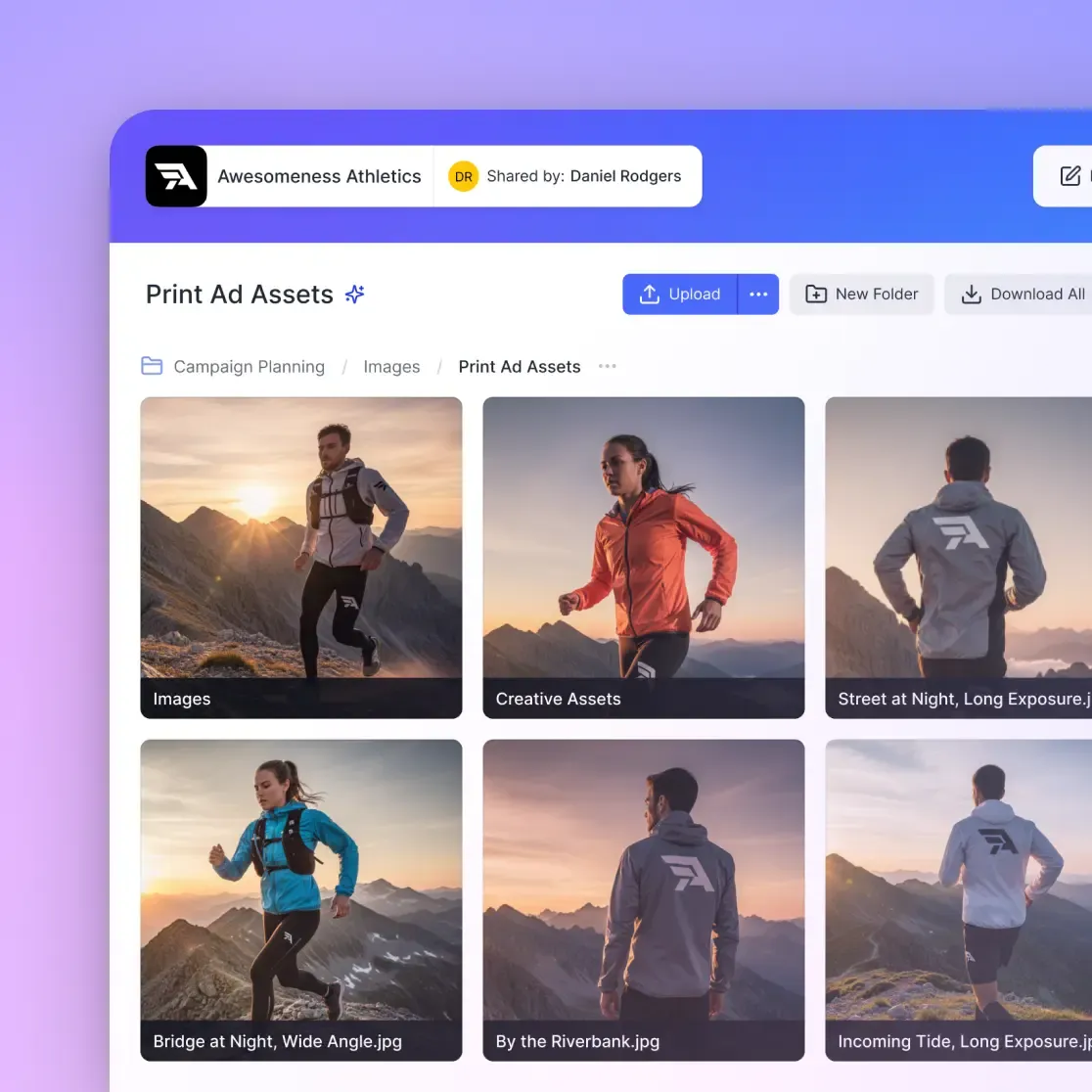
External file sharing is the practice of distributing digital files to people who are not part of your organization. This includes clients reviewing project deliverables, vendors accessing technical specifications, partners collaborating on joint ventures, and contractors who need access to project materials. The key distinction from internal sharing is that external recipients exist outside your corporate network, identity system, and direct oversight.
The scope of external sharing in modern business is significant. A 2024 study by Ponemon Institute found that 73% of organizations share sensitive files externally at least once per week. For creative agencies, legal firms, and construction companies, that number jumps to daily or even hourly exchanges. Marketing teams send campaign assets to agency partners. Legal departments share confidential documents with opposing counsel. Engineering firms distribute CAD files to subcontractors who need to fabricate components.
The problem is that external sharing sits at the intersection of convenience and risk. Every file that leaves your control creates a potential security vulnerability. You lose visibility into who opens it, where it gets stored, and whether it gets forwarded to unauthorized parties. According to Verizon's 2024 Data Breach Investigations Report, external sharing errors contribute to 58% of breaches involving sensitive documents. The challenge every organization faces is enabling the collaboration their business requires while maintaining appropriate security controls.
Most traditional approaches force a trade-off between security and usability. Lock things down too tight, and employees find workarounds. Make sharing too easy, and sensitive data ends up in places it should never be. The goal of a proper external sharing strategy is eliminating that trade-off entirely by building security into the workflow rather than bolting it on afterward.
The Risks of Traditional Sharing Methods
Before examining better approaches, it helps to understand why common sharing methods fail. Most organizations default to whatever is easiest, not whatever is safest. The result is a patchwork of insecure practices that create significant exposure.
Email attachments remain the most common method despite being the least secure. When you email a file, you create an unencrypted copy that lives forever in the recipient's inbox, their backup systems, and potentially their email archives. You have zero visibility into whether they forward it, no ability to revoke access after sending, and no audit trail of who actually opened it. The 25MB attachment limit on most email systems also pushes people toward workarounds like splitting files or using personal cloud storage, which compounds the problem.
Consumer cloud storage like personal Dropbox, Google Drive, or iCloud accounts creates what IT departments call "shadow IT." Files end up in employee-owned accounts rather than organization-controlled systems. When that employee leaves, your proprietary data might leave with them. Consumer storage also lacks the permission granularity that business sharing requires. You cannot easily restrict a link to view-only access or set it to expire automatically.
FTP servers still exist in many organizations, particularly in industries like print production and manufacturing. They are reliable for moving large files, but they lack modern security features. Standard FTP transmits files without encryption, making them vulnerable to interception. SFTP addresses that gap, but the user experience is poor enough that many external partners resist using it. Managing FTP credentials for dozens of external partners becomes an administrative burden that rarely gets maintained properly.
USB drives and physical media solve the file size problem but create new security concerns. Physical media can be lost, stolen, or left in a taxi. They can also bridge air-gapped networks by carrying malware between systems. For organizations with strict security requirements, the chain-of-custody concerns around physical media make them impractical for anything sensitive.
The common thread across all these methods is that they prioritize the initial transfer over ongoing control. Once the file leaves your hands, you lose the ability to manage access, track usage, or respond to security incidents. Modern external sharing requires maintaining visibility and control throughout the file's lifecycle, not just at the moment of transfer.
Essential Security Controls for External Sharing
Secure external sharing requires controls that persist after you send the link. The goal is maintaining appropriate oversight without creating friction that pushes users toward insecure workarounds.
Granular Permission Settings
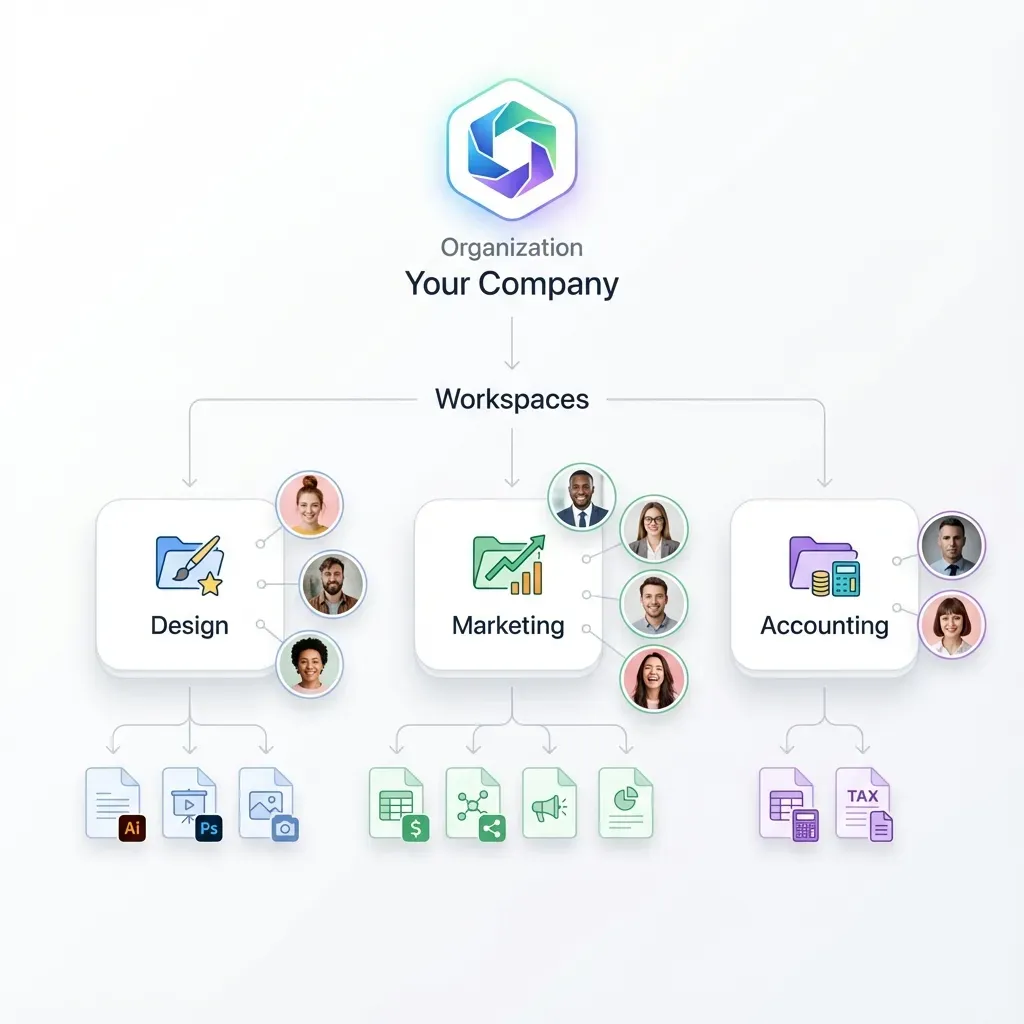
The principle of least privilege applies directly to file sharing. If a vendor only needs to view a single project folder, they should not have access to your entire workspace. Modern sharing platforms let you differentiate between view-only access (they can see but not download), download access (they can save a local copy), and upload access (they can contribute files). Fast.io takes this further with folder-level permissions that let you share a specific directory with a client without exposing anything else in the workspace.
Automatic Expiration Dates
External access should be temporary by default. Set links to expire automatically when a project concludes or after a specific timeframe. Thirty days works for most project-based sharing. Shorter windows make sense for sensitive materials like financial documents or legal discovery files. Without expiration dates, you end up with "zombie links" that remain active years after a partnership has ended, creating persistent security exposure.
Password Protection
Adding a password to shared links creates a second layer of protection. Even if someone intercepts the link or it gets accidentally forwarded to the wrong person, they cannot access the content without the password. Send the password through a different channel than the link itself. Email the link and text the password, for example. This separation ensures that compromising one communication channel does not compromise the file.
Dynamic Watermarking
For highly sensitive visual assets or documents, watermarking overlays identifying information on the preview. This might be the viewer's email address, their IP address, or a timestamp. If someone takes a screenshot and that image leaks, you can trace it back to the specific viewer. The knowledge that content is watermarked also deters most people from sharing things they should not. Fast.io's watermarking applies automatically without degrading the source file.
Identity Verification
For the most sensitive materials, require verified identity before granting access. This can be as simple as email verification (they click a link to confirm they own that address) or as robust as Single Sign-On integration with their corporate identity provider. Verified access ensures that even if a link gets forwarded, only the intended recipient can actually view the content.
Choosing the Right External Sharing Platform
The right platform makes security automatic rather than a burden. When evaluating solutions for external file sharing, look for features that support both protection and usability. The specific needs vary by industry and use case, but certain capabilities matter across all contexts.
Managed File Transfer (MFT) solutions offer high security and detailed compliance features. They are common in highly regulated industries like healthcare and financial services. However, MFT platforms tend to be expensive, complex to deploy, and difficult for non-technical external partners to use. For most creative, marketing, or professional services teams, MFT is more than you need.
Client Portals offer the best balance for most organizations. They provide a dedicated, branded space where external stakeholders can access files without needing accounts on your internal systems. Fast.io's branded portals let you present a professional face to clients while maintaining strict control over what they can access. Partners see your logo and colors, not a generic file sharing interface.
Unlimited Guest Access is a critical feature that many platforms lack. Per-seat pricing models charge for every user who can access files, which discourages organizations from giving each external partner their own secure login. Teams end up sharing credentials or using generic links, which defeats the purpose of identity-based access control. Fast.io includes unlimited guest access, so you can create individual logins for every client, vendor, and contractor without budget concerns.
Organization-Owned Files ensure that data belongs to the company rather than individual employees. This prevents the common problem of files living in personal accounts that walk out the door when someone leaves. It also enables centralized policy enforcement. When files belong to the organization, security settings apply consistently rather than depending on individual user behavior.
Audit Logging provides the visibility that security and compliance teams require. You should be able to see exactly who accessed what file, when they accessed it, and what actions they took. Did they just view it in the browser, or did they download a copy? How long did they spend on each page? This information matters for internal security reviews and can be essential for legal discovery or regulatory compliance.
Large File Support becomes critical for creative and technical teams. Video files, CAD drawings, and engineering datasets can easily exceed several gigabytes. Solutions designed for consumer document sharing often choke on files this size or impose restrictive upload limits. Fast.io handles files up to 250GB with the same streaming architecture used for smaller documents.
Setting Up a Secure External Sharing Workflow
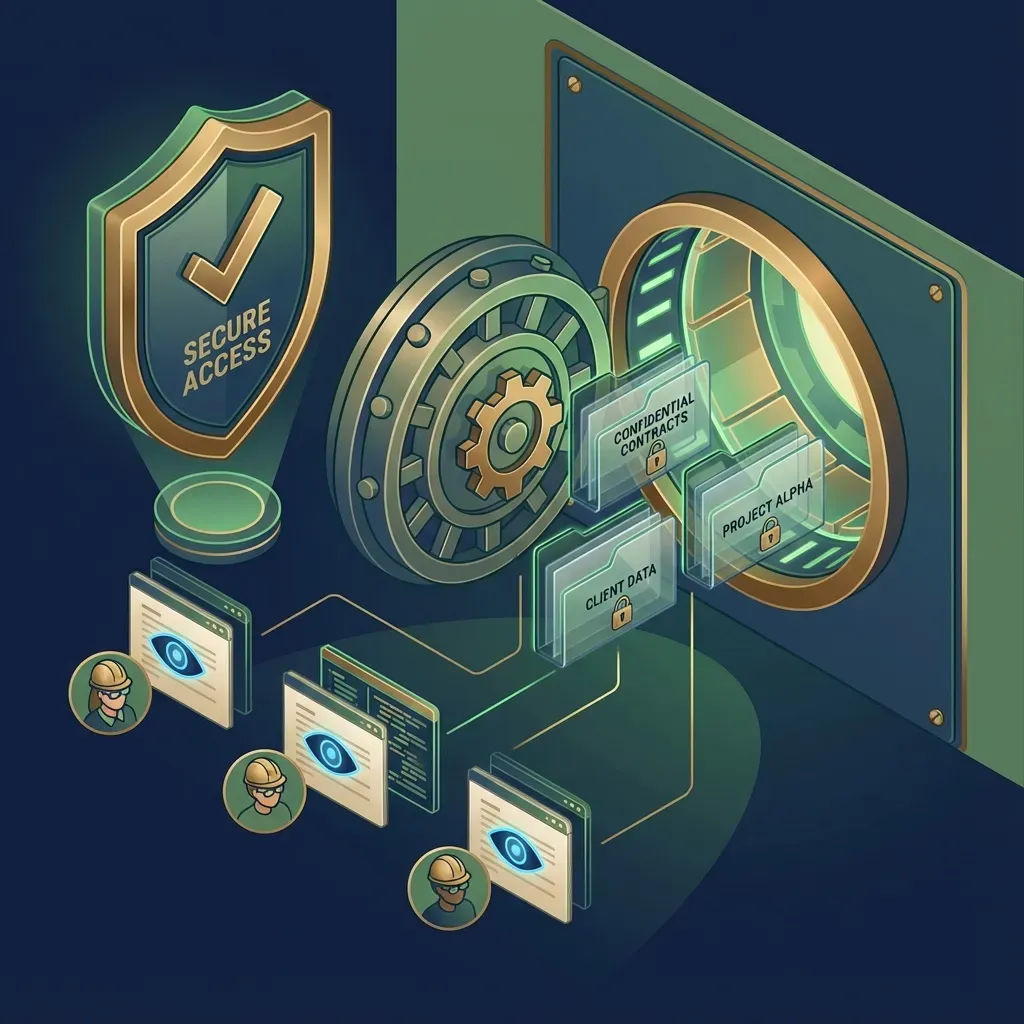
Implementing secure external sharing requires more than just selecting the right tools. You need workflows that make security the default path rather than an obstacle to work around. Here is a practical approach to building those workflows.
Step 1: Classify Your Data
Not all files require the same level of protection. Create a classification scheme that matches your risk profile. A simple three-tier approach works for most organizations:
- Standard: Marketing materials, public documentation, general project files. These can use simple links with reasonable expiration dates.
- Confidential: Client deliverables, internal processes, competitive information. These require password protection and shorter expiration windows.
- Restricted: Financial records, legal documents, personal data, trade secrets. These require verified identity, audit logging, and potentially watermarking.
The goal is matching security controls to actual risk rather than treating everything the same. Over-protecting low-risk files creates friction. Under-protecting high-risk files creates exposure.
Step 2: Configure Secure Defaults
Set your platform defaults to the most secure reasonable option. Make expiration dates mandatory for external links. Set view-only as the default permission level. Enable audit logging by default rather than requiring users to opt in. It is easier for users to request additional permissions than to remember to add restrictions.
Fast.io allows workspace-level default settings that apply to all new shares. Configure these once and every share from that workspace inherits appropriate controls without requiring manual selection each time.
Step 3: Create Dedicated External Workspaces
Rather than sharing from your internal project folders, create dedicated workspaces for external collaboration. This separation provides several benefits. External partners only see what you explicitly place in the shared workspace. Internal discussions and draft materials stay private by default. You can apply different retention and security policies to external-facing content.
For ongoing relationships, create named workspaces for each major client or partner. For one-time deliveries, a generic "Client Deliveries" workspace with strict expiration policies works well.
Step 4: Train Your Team and Partners
Your security controls only work if people understand them. Train internal team members on why these measures matter and how to use them correctly. Common mistakes include sharing links without passwords, forgetting to set expiration dates, or granting download access when view-only would suffice.
Also provide simple instructions for external partners. Explain how to access the secure portal, what to expect during the verification process, and who to contact if they have trouble. Most partners appreciate knowing that you take data security seriously. A brief explanation of your security measures can actually strengthen client relationships.
Step 5: Review and Audit Regularly
External sharing permissions tend to accumulate over time. Old project links remain active. Former contractors retain access to workspaces. Establish a quarterly review process to audit external access and remove permissions that are no longer needed. Most platforms provide reports showing all active external shares, making this review straightforward.
Industry-Specific External Sharing Scenarios
Different industries have distinct requirements for external sharing. Understanding these patterns helps you configure appropriate workflows.
Creative Agencies and Video Production
Creative teams share large media files constantly. Clients review rough cuts and dailies. Post-production partners receive source footage. Distributors get final deliverables. The key requirements are fast streaming without forcing downloads, frame-accurate commenting for feedback, and version control so everyone references the correct revision.
View-only links with expiration dates work well for review copies. The client can stream the video, leave timestamped comments, and the link automatically expires when the review period ends. Fast.io's HLS streaming means clients see video immediately rather than waiting for a complete download.
Legal and Financial Services
These industries deal with highly sensitive documents where audit trails matter as much as access control. Virtual Data Rooms (VDRs) are the standard for transactions like mergers, acquisitions, and fundraising. Beyond basic access control, legal and financial teams need analytics showing exactly who viewed which documents and for how long. This information informs negotiation strategy and creates a defensible record for regulatory purposes.
Fast.io's data room analytics track page-level engagement, showing not just that someone accessed a document but which sections they spent time reviewing. This Deal Intelligence feature helps investment bankers and M&A attorneys understand buyer interest before conversations happen.
Construction and Engineering
Field teams need access to current plans and specifications from job sites with inconsistent connectivity. Sharing often involves subcontractors who should not have access to commercial terms or other project documentation. Large CAD files and engineering datasets require platforms that can handle substantial file sizes without choking.
The key workflow here is creating per-subcontractor folders containing only the drawings and specs they need. Set view-only permissions so they can reference documents on site without downloading copies to personal devices. Version control becomes critical because building from outdated plans creates costly rework.
Professional Services
Consulting firms, accounting practices, and advisory businesses share work product with clients throughout engagements. The balance is between making access convenient (clients should not need to create accounts or install software) while maintaining appropriate confidentiality (documents should not be easily forwarded or downloaded).
Branded client portals work well here. The client sees a professional, customized experience. The consulting firm maintains visibility into document access. Links can require email verification so only the intended client contact can access materials.
Frequently Asked Questions
How do you securely share files externally?
Secure external sharing requires a dedicated file-sharing platform with encryption, expiration dates, and granular access controls. Avoid email attachments because they create uncontrollable copies without audit trails. Instead, generate secure links from a platform that lets you set permissions, track access, and revoke access when needed. Add password protection for sensitive materials and require identity verification for highly confidential documents.
What is the safest way to share files with clients?
The safest approach is using a branded client portal. This gives clients a dedicated, professional space to access their files without connecting them to your internal systems. The portal should enforce encryption in transit and at rest, allow granular permissions for each client, and provide audit logs showing exactly who accessed what. Avoid solutions that charge per external user, as this often leads to credential sharing that undermines security.
How do I share large files with external partners securely?
Use a cloud-native solution designed for large assets rather than email or consumer file sharing. Fast.io handles files up to 250GB using streaming technology that lets recipients view content immediately rather than waiting for complete downloads. Large file platforms also avoid the file size limits that push people toward insecure workarounds. Ensure the platform encrypts data in transit and at rest, and set appropriate expiration dates for download links.
Can I track who views my shared files?
Yes, with platforms that include audit logging. You can see who opened a file, when they accessed it, how long they spent viewing it, and whether they downloaded a copy. Some platforms provide page-level analytics showing which sections of a document received the most attention. This visibility matters for security monitoring, compliance requirements, and understanding stakeholder engagement during sales or investment processes.
What permissions should I set for external file sharing?
Apply the principle of least privilege. Most external sharing should be view-only by default, which lets recipients see files without downloading copies. Grant download access only when recipients genuinely need local copies. Always set expiration dates appropriate to the sharing purpose. Thirty days works for most project-based sharing. Add password protection for confidential materials and require identity verification for highly sensitive documents.
How do I prevent external recipients from forwarding shared files?
No technical control can completely prevent someone from sharing your content if they are determined to do so. They can always take screenshots or photos. However, you can significantly reduce casual forwarding. Set links to require identity verification so forwarded links do not work for new recipients. Use dynamic watermarking so any leaked screenshots are traceable to the source. Set short expiration dates so links become invalid quickly. These controls make unauthorized sharing inconvenient enough that most people will not bother.

Ready to Secure Your External Sharing?
Stop relying on insecure email attachments and consumer cloud links. Fast.io gives you branded portals with real security controls, so you always know who is accessing your files.