How to Submit Your Film to Festivals Without Technical Headaches
Film festival submission is the process of preparing and delivering your film, along with required materials, to festivals for consideration and screening. This guide covers the technical requirements most guides skip: file formats, screener specs, and how to actually get large files into programmers' hands without compression or corruption.
What Makes a Complete Festival Submission Package
Festival programmers review thousands of films. Incomplete submissions often get rejected before anyone watches the screener.
A complete submission package includes:
- Screener file: The main event. Usually H.264 or ProRes depending on festival requirements.
- Synopsis: Both short (50-100 words) and long (200-300 words) versions.
- Director's statement: 200-400 words explaining your creative approach.
- Technical specifications: Resolution, aspect ratio, runtime, sound format.
- Stills: 3-5 high-resolution production photos (minimum 300 DPI, usually JPEG or TIFF).
- Poster or key art: For marketing if your film is selected.
- Press kit: Cast/crew bios, production notes, awards won.
- Proof of rights: Music clearances, location releases, talent agreements.
Missing any of these can disqualify your submission. Top festivals receive over 10,000 submissions. Programmers look for reasons to reduce the pile. Don't give them one.
Screener File Formats and Technical Specs
Festivals accept different formats for screening copies (what programmers watch) versus exhibition copies (what plays in theaters if selected). This section covers screener requirements.
Resolution and Codec
Most festivals accept H.264 in an MP4 container for screeners. This balances quality and file size. Typical specs:
- Resolution: 1920x1080 (1080p) minimum. Some accept 720p but higher is better.
- Bitrate: 10-20 Mbps for H.264. Higher for ProRes if accepted.
- Frame rate: Match your source. Usually 23.976, 24, 25, or 29.97 fps.
- Audio: AAC or PCM stereo at 48kHz. Include both English captions if dialogue isn't in English.
ProRes for Higher Quality
Some festivals request ProRes screeners, especially for shorts where file size is manageable:
- ProRes 422: Good balance of quality and size. About 147 Mbps for 1080p.
- ProRes 422 HQ: Better quality at 220 Mbps.
- ProRes 4444: Near-lossless but large files. Use only if requested.
A 15-minute short in ProRes 422 runs about 15GB. A feature hits 100GB+. Getting files that large to festivals reliably is its own problem.
What to Avoid
- Don't upload raw camera files (R3D, BRAW, etc.)
- Don't send compressed formats like highly compressed H.264 or old WMV
- Don't exceed file size limits without checking first
- Don't use VFR (variable frame rate) from phone recordings
Exhibition Formats: DCP and Beyond
If your film gets selected, you'll need exhibition-quality copies. This is separate from your screener.
Digital Cinema Package (DCP)
DCP is what cinemas actually play. It packages video, audio, and metadata in a format projectors read directly.
DCP specs:
- Resolution: 2K (2048x1080) or 4K (4096x2160)
- Frame rate: 24fps standard. 25fps acceptable for some European festivals.
- Audio: 5.1 surround recommended. Stereo acceptable.
- Standard: SMPTE preferred over Interop for modern systems
Professional DCP creation costs $500-2000 depending on runtime and complexity. Budget for this if you're targeting prestigious festivals.
Festival-Specific Requirements
Major festivals publish detailed specs:
- Berlinale accepts encrypted or unencrypted DCPs. Will convert ProRes to DCP at no charge.
- Sundance requires DCP for in-person exhibition plus ProRes for online screenings.
- Cannes has strict deadlines: feature submissions by February 15, shorts by March 2.
Always check individual festival requirements. Specs vary and change year to year.
How to Actually Deliver Large Film Files
Here's what most submission guides skip: the practical challenge of getting 50GB+ files to festivals reliably.
The Problem with Standard File Sharing
Email caps at 25MB. WeTransfer's free tier limits you to 2GB. Dropbox and Google Drive compress video on upload or playback. FilmFreeway and other submission platforms have their own limits.
For a 100GB feature in ProRes, you need a real solution.
Secure Link Delivery
Most professional delivery works through secure download links:
- Upload your file to a platform that preserves original quality
- Generate a password-protected link with expiration date
- Submit the link through the festival's submission portal
- Track downloads to confirm receipt
What to look for in a delivery platform:
- No file size limits for large masters
- No compression during upload or download
- Password protection to prevent unauthorized access
- Expiration controls to remove access after review
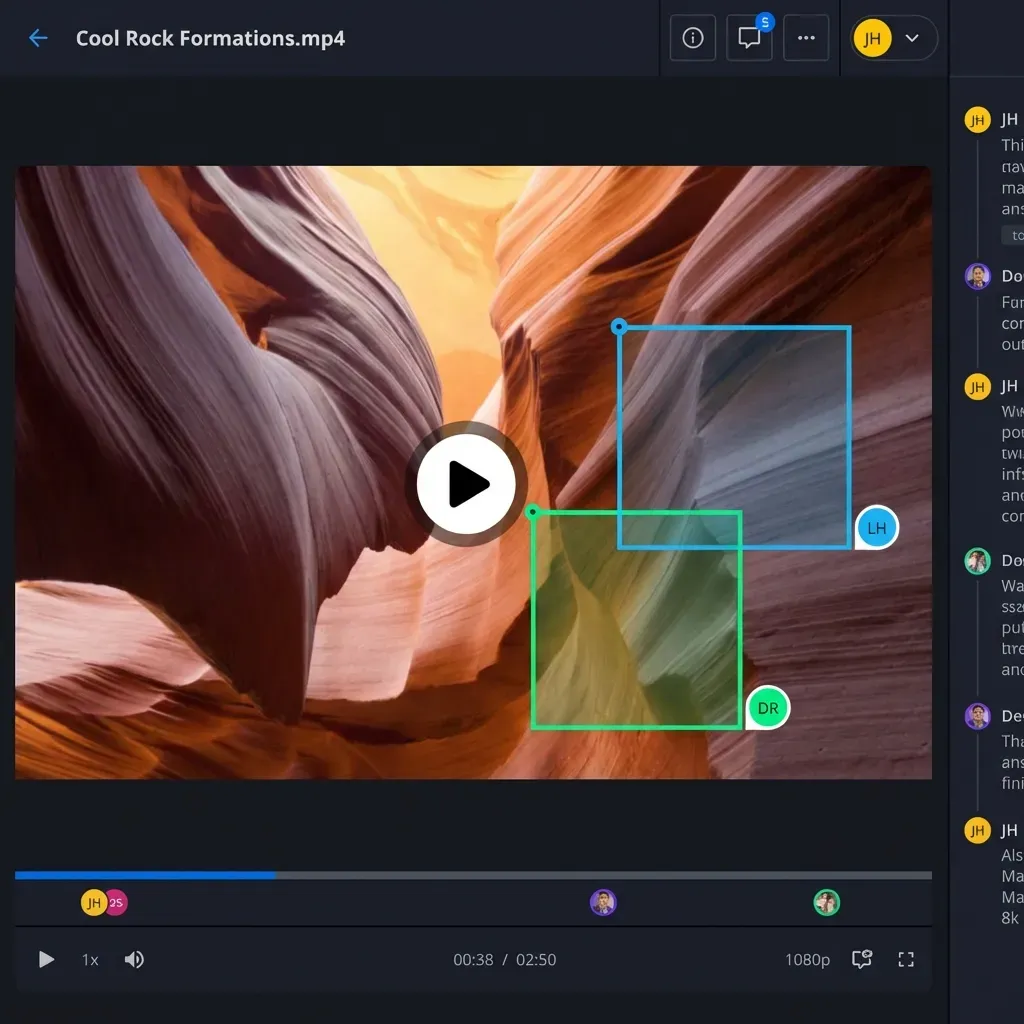
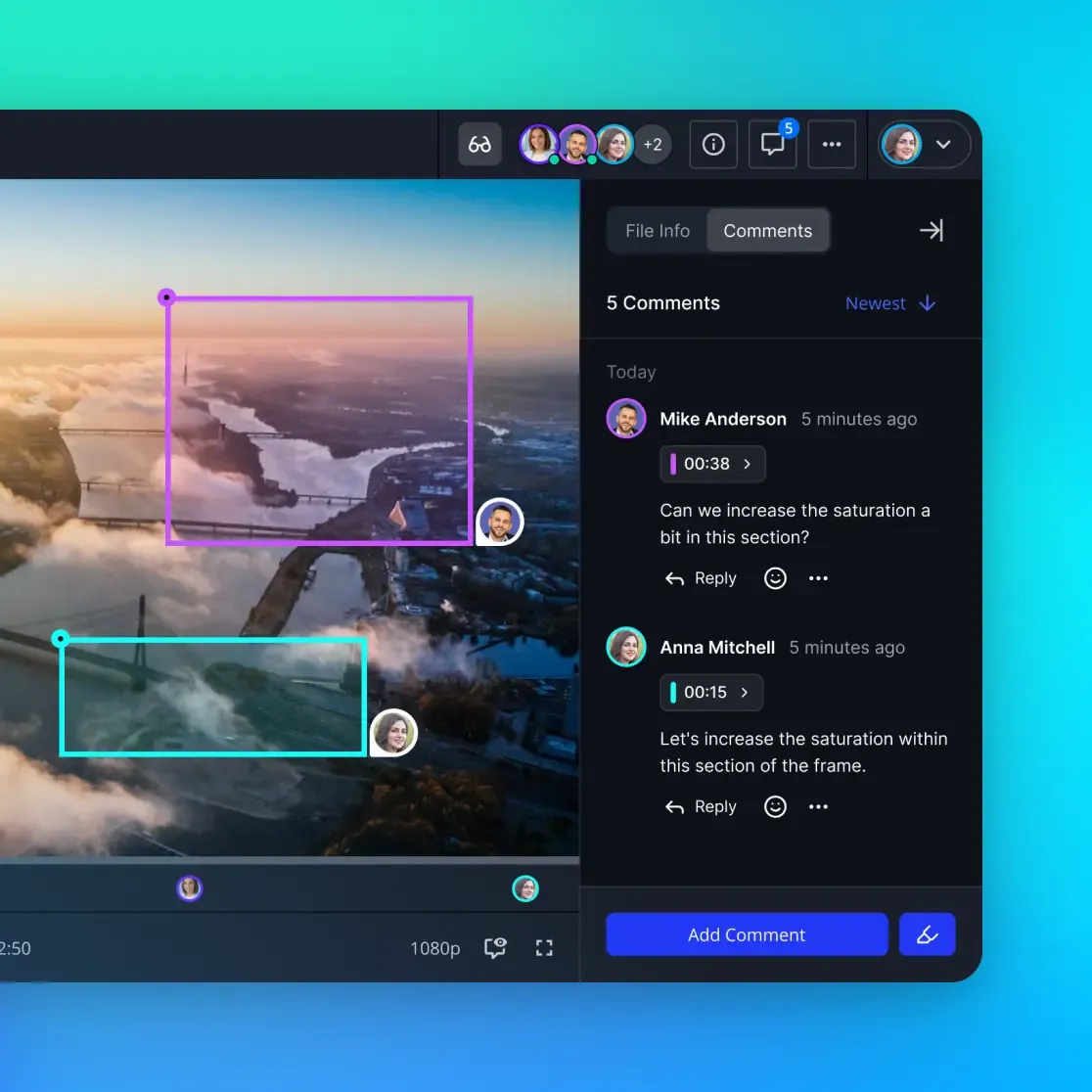
- Streaming preview so programmers can watch before downloading
Physical Delivery
Some festivals still accept hard drives for DCPs. Ship drives with:
- Clear labeling with film title and your contact info
- Return shipping materials and prepaid label
- Delivery confirmation tracking
- Backup copy retained on your end
Never send your only copy of anything.

Organizing Your Submission Workflow
With 12,000+ festivals on FilmFreeway alone, organization is critical. Submission fees average $50-75 per festival and add up fast.
Build a Tracking System
Create a spreadsheet or database with:
- Festival name and submission portal
- Deadline tiers (early bird, regular, late)
- Fee at each tier
- Required materials and format specs
- Submission status (prepared, submitted, awaiting response)
- Notification date
Deadline Tiers
Festivals use tiered deadlines:
- Early bird: Lowest fees, typically 3-4 months before festival
- Regular: Standard fees, 1-2 months before
- Late: Premium fees, 2-4 weeks before
- Extended: If available, highest fees
Submitting early saves money but requires planning. A feature targeting 20 festivals at $75 each runs $1,500. Early bird rates can cut that in half.
Premiere Status
Your premiere status affects eligibility:
- World premiere: Never publicly screened anywhere
- International premiere: Never screened outside country of origin
- Regional premiere: First time in specific geographic area
Sundance, Cannes, and other top-tier festivals require world premiere status. Track where your film screens and update status accordingly.
Many filmmakers save their world premiere for a major festival and submit to smaller regional festivals afterward.
Common Submission Mistakes to Avoid
Technical Errors
- Wrong aspect ratio: Stretching or letterboxing issues from incorrect export settings
- Audio sync drift: Sound that gradually falls out of sync with picture
- Embedded timecode burn: Test footage accidentally left visible
- Missing captions: Required for accessibility at most festivals
Administrative Errors
- Expired links: Sending download links that expire before programmers review
- Wrong cut: Submitting work-in-progress instead of final version
- Incomplete metadata: Missing runtime, year, or country information
- Late materials: Selected but can't meet exhibition deadline
Strategic Errors
- Oversubmitting: Applying to 100 festivals dilutes your premiere status
- Ignoring fit: Submitting horror to documentary festivals
- Skipping research: Not watching previous selections to understand programming taste
- Poor timing: Missing Oscar-qualifying festival windows if that's a goal
Programmers remember filmmakers who make their job easier. Clean submissions with complete materials get more attention than messy packages from filmmakers who seem disorganized.
Frequently Asked Questions
How do I submit my film to a film festival?
Prepare your submission package including a screener file (usually H.264 at 1080p), synopsis, director's statement, stills, and technical specifications. Create an account on the festival's submission platform (often FilmFreeway or their own portal), pay the submission fee, upload or link your materials, and confirm receipt. Track deadlines and notification dates for each festival.
What format do film festivals want?
For screening copies, most festivals accept H.264/MP4 at 1080p with 10-20 Mbps bitrate. Some request ProRes for higher quality. For exhibition (if selected), festivals typically require DCP at 2K or 4K resolution with 5.1 audio. Always check individual festival specifications since requirements vary.
How big can a film festival submission be?
File size depends on format and runtime. An H.264 screener runs 2-5GB per hour. ProRes 422 hits 15-20GB per hour. A feature DCP can exceed 200GB. Most online submission platforms limit file sizes, often to 5-10GB, so you may need to provide download links for larger formats rather than direct uploads.
How much does it cost to submit to film festivals?
Submission fees average $50-75 per festival, though they range from free to $150+. Early bird deadlines offer lower rates. A strategic submission run to 15-20 festivals typically costs $750-1,500 in fees alone. Add DCP creation ($500-2,000) and shipping costs if physical copies are required.
What's the difference between screener and exhibition formats?
Screeners are compressed files (H.264 or ProRes) that programmers watch during selection. They prioritize reasonable file sizes over absolute quality. Exhibition formats (primarily DCP) are what plays in theaters if selected. They're uncompressed or minimally compressed and meet cinema projection standards.
Related Resources

Deliver festival screeners without compression
Fast.io handles large video files with streaming previews and secure sharing. No re-encoding, no file size limits.