Best iCloud Alternatives for Teams and Power Users
iCloud works fine until you run out of space, need to share with Windows users, or try uploading a large video file. If that sounds familiar, this guide compares the best alternatives and helps you pick the right one for how you actually work.

Why People Leave iCloud
iCloud works well if you only use Apple devices and don't need much storage. But it falls short in several areas that matter for teams and professionals.
The 5GB problem. Apple gives you 5GB free, which fills up fast with iPhone backups, photos, and documents. Compare that to Google Drive's 15GB or services that offer 50GB+ free tiers.
Cross-platform headaches. iCloud's Windows app is buggy and lacks features. If anyone on your team uses Android or Linux, they're mostly locked out.
Large file limitations. iCloud caps individual files at 50GB and doesn't handle video streaming well. If you work with 4K footage or large design files, you'll hit walls.
No real team features. Shared folders work for families, but iCloud wasn't built for business collaboration. There's no granular permissions, no activity tracking, no client portals.
What to Look for in an iCloud Replacement
The best alternative depends on what's frustrating you about iCloud. Here's what actually matters:
Cross-platform support. Does it work on Windows, Android, and Linux? Can non-Apple users access shared files without creating accounts?
Storage and pricing. How much do you get free? What's the cost per TB? Some services charge per user, others by storage used.
File size limits. Can you upload large video files? Is there a per-file cap?
Collaboration features. Do you need shared workspaces, commenting, version history, or client access?
Media handling. Will it preview your files? Stream video? Handle RAW photos?
Top iCloud Alternatives Compared
Four services stand out, each solving different problems:
Google Drive
Best for: Personal users who want more free storage
- 15GB free (3x iCloud)
- Works everywhere, including Chromebooks
- Works well with Google Workspace
- Limited video streaming quality
- Per-user pricing for business ($12/user/month for 2TB)
pCloud
Best for: One-time payment seekers
- Lifetime plans available (pay once, use forever)
- 500GB, 2TB, or 10TB options
- Good desktop apps for all platforms
- Limited collaboration features
- European servers for privacy
Dropbox
Best for: Solo professionals who need polish
- 2GB free (less than iCloud)
- Excellent sync reliability
- Good third-party integrations
- Expensive for teams ($18/user/month)
- Progressive download, not streaming
Sync.com
Best for: Privacy-focused users
- Zero-knowledge encryption
- 5GB free
- Canadian servers
- Limited preview capabilities
- No video streaming
Why Teams Choose Fast.io Over Traditional Cloud Storage
If you're looking at iCloud alternatives because you've outgrown personal cloud storage, the usual suspects (Google Drive, Dropbox, OneDrive) have the same fundamental problem: they charge per user.
A 25-person team on Dropbox pays $450/month. That same team on Fast.io pays around $60/month for 5TB.
Fast.io takes a different approach:
Usage-based pricing, not seat-based. Pay for storage you use, not the number of people accessing it. Invite your whole team without multiplying costs.
Organization-owned files. Files belong to your company, not individual users. When someone leaves, their files stay. No awkward transfer requests.
Built for large files. Upload files up to 250GB. Video plays instantly with HLS streaming instead of waiting for downloads.
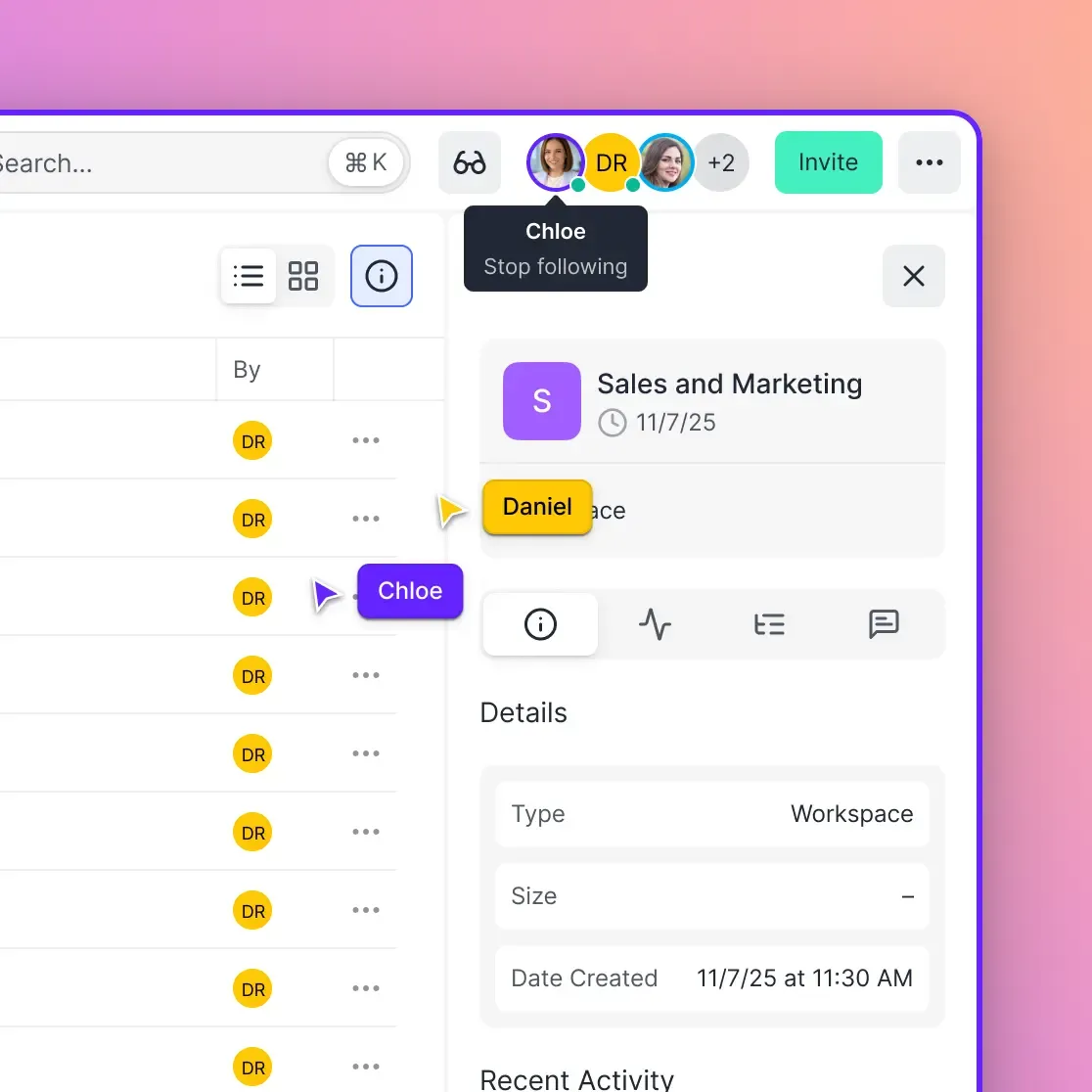
Actual collaboration tools. See who's viewing files right now. Comment on specific video frames. Track all activity with audit logs.
Client access without extra seats. Share folders with external clients. They don't need accounts, and they don't count against your limits.
iCloud vs. Alternatives Feature Comparison
Here's how the major options stack up on features that matter:
Free storage:
- iCloud: 5GB
- Google Drive: 15GB
- Dropbox: 2GB
- pCloud: 10GB
- Fast.io: Trial available
Maximum file size:
- iCloud: 50GB
- Google Drive: 5TB (but limited by your storage quota)
- Dropbox: 2GB on free, 50GB on paid
- pCloud: No limit
- Fast.io: 250GB
Video streaming:
- iCloud: Basic playback
- Google Drive: 1080p max, often transcoded
- Dropbox: Progressive download
- pCloud: Basic playback
- Fast.io: HLS adaptive streaming up to 1080p
Team pricing (25 users):
- iCloud: Not designed for teams
- Google Drive: $300/month
- Dropbox: $450/month
- pCloud: Business plans available
- Fast.io: ~$60/month
How to Migrate from iCloud
Moving files off iCloud takes some planning, but it's straightforward.
Step 1: Check your storage usage
On your iPhone, go to Settings > [Your Name] > iCloud > Manage Storage. See what's taking up space. Photos and backups are usually the biggest items.
Step 2: Download your data
Visit iCloud.com, sign in, and download files you want to keep. For photos, use the Photos app on Mac and export originals. For large libraries, Apple's data export tool at privacy.apple.com works better.
Step 3: Upload to your new service
Most services have upload tools for large migrations. For Fast.io, you can drag and drop directly in the browser or use the desktop uploader for large batches.
Step 4: Update app settings
Change backup locations in apps that were using iCloud Drive. Update photo sync settings if you're moving your library.
Step 5: Keep iCloud for Apple-specific features
You don't have to completely abandon iCloud. Many people keep the free 5GB tier for device backups and Find My while storing documents and media elsewhere.
Best iCloud Alternative by Use Case
The right choice depends on what you do with cloud storage:
For photographers storing RAW files: Fast.io handles large image files and previews most camera RAW formats in the browser. pCloud's lifetime plans also work well if you want to pay once.
For video professionals: Fast.io's HLS streaming means clients can review footage without downloading massive files. Dropbox and Google Drive require downloads for most video work.
For teams with external clients: Fast.io lets you create shared folders where clients can view and upload without needing accounts. Dropbox and Box charge per external user on most plans.
For privacy-conscious users: Sync.com and pCloud both offer zero-knowledge encryption. Your data is encrypted before it leaves your device.
For Google Workspace users: Google Drive makes sense if you're already paying for Workspace. Everything integrates.
For Windows and Android users in Apple households: Google Drive or Fast.io work across all platforms without iCloud's Windows app problems.
Frequently Asked Questions
What is better than iCloud for storage?
Google Drive gives you 15GB free instead of iCloud's 5GB, so it's a better deal for personal use. Teams save money with Fast.io since it doesn't charge per user. If privacy matters most, Sync.com encrypts everything before it leaves your device.
Is Google Drive better than iCloud?
Google Drive offers 3x more free storage (15GB vs 5GB), works better on non-Apple devices, and integrates with Google Workspace apps. iCloud works better if you only use Apple devices and want automatic sync for photos, messages, and backups. For teams or cross-platform use, Google Drive usually wins.
Why would someone switch from iCloud?
The 5GB free tier fills up fast. Windows and Android users can't access shared files easily. Large video files upload slowly and won't stream properly. And if you need team features like permissions or audit logs, iCloud just doesn't have them.
Can I use iCloud and another cloud service together?
Yes, and many people do. Keep iCloud's free 5GB for device backups and Find My iPhone while storing documents, photos, and work files on a service with more storage. Most cloud services can coexist on the same devices without conflicts.
What's the cheapest iCloud alternative with more storage?
pCloud offers lifetime plans starting around $200 for 500GB, making it the cheapest long-term option if you don't want monthly fees. For monthly pricing, Google One gives 100GB for $2/month. For teams, Fast.io's usage-based model often costs less than per-user alternatives.
Related Resources

Ready to try an iCloud alternative?
Start storing and sharing files with your team today. No per-user fees, no storage surprises.