How to Share Legal Documents Securely: A Complete Guide
Legal document sharing requires balancing accessibility with strict confidentiality requirements. Law firms handling sensitive case files, contracts, and discovery materials face unique challenges that standard file sharing tools cannot address. This guide covers the safest methods for exchanging privileged documents with clients, courts, and opposing counsel while maintaining a complete audit trail.
What Is Legal Document Sharing?
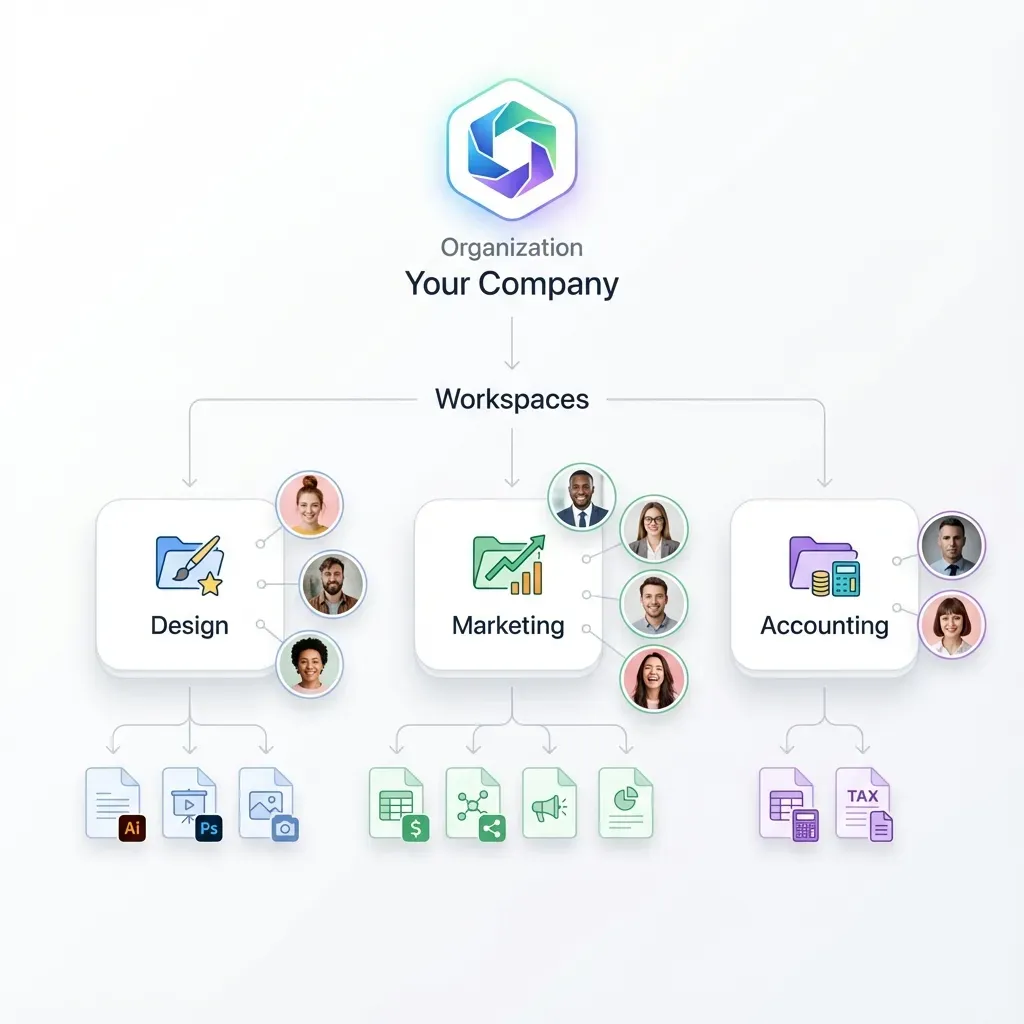
Legal document sharing is the secure exchange of confidential files between attorneys, clients, courts, and opposing counsel while preserving attorney-client privilege and work product protection. Unlike casual file transfers between colleagues, legal document sharing requires strict protocols that prevent unauthorized access, create verifiable chains of custody, and ensure privilege is not inadvertently waived.
The stakes are high. When a privileged document reaches the wrong recipient, the consequences extend beyond embarrassment. Courts have found privilege waived when attorneys failed to implement reasonable security measures during document transfers. The American Bar Association's Model Rule 1.6 requires lawyers to make "reasonable efforts" to prevent unauthorized disclosure of client information, and those efforts must account for modern digital risks.
Traditional methods like fax machines and overnight couriers created natural security barriers through physical handling. Digital document sharing removes those barriers entirely. A single mistyped email address can expose years of privileged communications. A forwarded link can spread confidential case strategy to unintended recipients. Law firms need sharing tools that provide the convenience of digital delivery with security controls that match or exceed physical document handling.
The modern legal practice generates thousands of documents per case. Discovery productions alone can run into hundreds of thousands of pages. Managing this volume through email attachments or physical delivery is no longer practical. Firms need systems that can handle large volumes while maintaining the security standards their ethical obligations demand.

Why Email Is Not Safe for Legal Documents
Many attorneys still send case files as email attachments out of habit and convenience. This practice creates significant security and ethical risks that most lawyers underestimate. Standard email was designed for quick communication, not for protecting sensitive information from interception or unauthorized access.
When you attach a document to an email, that file passes through multiple servers between your outbox and the recipient's inbox. At each hop, unencrypted copies may be created and stored. Internet service providers, email hosts, and network administrators can potentially access these copies. Even if your firm uses encrypted email servers, you have no control over the recipient's email security. A document sent to a client using a free webmail account may sit unencrypted on servers in unknown jurisdictions.
Email also lacks meaningful access control after delivery. Once you click send, you cannot revoke access or prevent forwarding. If you accidentally send a document to opposing counsel instead of your client, you cannot retrieve it. The privilege may be waived before you even realize the mistake occurred. Some courts have shown sympathy for inadvertent disclosure, but others have found that relying on inherently insecure technology demonstrates a lack of reasonable precautions.
File size limitations compound these problems. Most email providers cap attachments at 25MB. A single video deposition or set of medical records can easily exceed this limit, forcing attorneys to split files, compress them, or resort to consumer file sharing sites with questionable security. None of these workarounds maintains the security posture that privileged communications require.
Phishing attacks specifically target law firms because they handle valuable information. Attackers know that attorneys routinely open attachments from unknown parties during litigation. A well-crafted phishing email disguised as a document production request can compromise entire case files. Email remains the primary vector for ransomware attacks that have crippled firms and exposed client data.
Best Methods for Sharing Legal Documents
Firms that take client confidentiality seriously have moved beyond email to purpose-built sharing solutions. Each method offers different advantages depending on the relationship, document volume, and required security level.
Secure Client Portals
A client portal is a branded, password-protected website where clients log in to view and upload case documents. For ongoing representation, portals provide the most practical balance of security and client convenience. Documents remain on secure servers rather than traveling through email. Clients access files through encrypted connections, and every view and download creates an audit log entry.
Well-designed portals also improve client communication. Rather than searching through email threads for the latest version of a document, clients find everything organized by matter in one location. Upload capabilities let clients send documents directly to the secure system rather than attaching sensitive files to unencrypted emails.
Virtual Data Rooms
Virtual data rooms provide enhanced security controls for high-stakes transactions and complex litigation. M&A deals, securities offerings, and multi-party litigation often involve thousands of documents that multiple parties need to review without downloading or altering originals.
Data rooms offer granular controls that portals typically lack. You can restrict viewing to specific domains, prevent downloads entirely, apply dynamic watermarks showing the viewer's identity, and track exactly how long each participant spent reviewing each document. These features prove invaluable when you need to demonstrate diligence to regulators or identify the source of a leaked document.
Encrypted Link Sharing
For one-off transfers where setting up a portal would be overkill, encrypted link sharing offers a middle ground. You upload a document to a secure cloud platform, generate a unique access link, and send that link to the recipient. The document never travels through email, just the link does.
The security of link sharing depends entirely on the controls you apply. At minimum, require password protection so the link alone cannot access the document. Set expiration dates so old links become security liabilities. Disable downloads when recipients only need to review, not retain, the document. These controls transform a simple link into a secure, trackable delivery mechanism.
Essential Security Controls for Legal Document Sharing
Regardless of which sharing method you choose, certain security controls should be considered standard for any system handling privileged legal documents. Implementing these controls demonstrates the "reasonable efforts" that ethics rules require.
End-to-End Encryption protects documents from interception during transfer. When properly implemented, encryption ensures that even if someone intercepts the data in transit, they cannot read it without the decryption keys. Look for platforms that encrypt data both "in transit" (during transfer) and "at rest" (while stored on servers). This dual protection prevents both network interception and server breaches from exposing your documents.
Access Expiration prevents old sharing links from becoming long-term security vulnerabilities. A link you sent two years ago to share documents with co-counsel in a matter that has since settled should not still provide access today. Automatic expiration ensures that document access ends when the purpose for sharing ends. Most platforms let you set expiration periods ranging from hours to months.
Multi-Factor Authentication adds a second verification layer beyond passwords. Even if an attacker obtains a client's password through phishing or data breach, they cannot access documents without also controlling the second factor, typically a code sent to the client's phone or generated by an authenticator app. MFA has become table stakes for any system handling sensitive information.
Role-Based Permissions let you grant different access levels to different users. Associates might have full access to case files while paralegals can only view certain folders. Clients can view documents shared with them but not access other matters. Opposing counsel in discovery can review production documents but not download or print them. Granular permissions prevent both accidental and intentional overreach.
Activity Logging creates the audit trail that legal work requires. Every login, view, download, and permission change should be recorded with timestamps and user identification. These logs serve multiple purposes: demonstrating diligence if a breach occurs, resolving disputes about who accessed what when, and even supporting billing records. If a client claims they never received a document, your logs can prove otherwise.
How Fast.io Supports Secure Legal Document Sharing
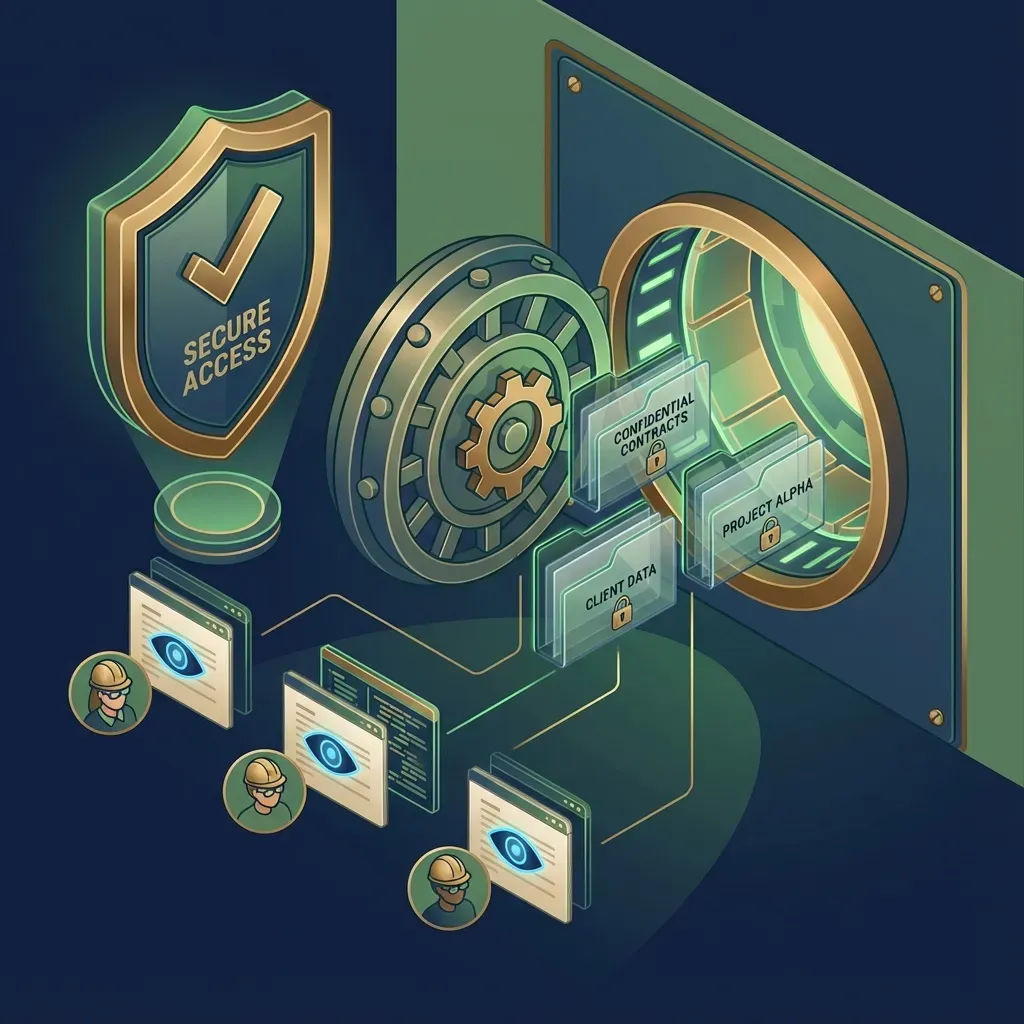
Fast.io provides a cloud-native platform designed for the security requirements and workflow demands of modern legal practice. Unlike legacy systems that require complex VPN configurations or charge per-user fees that scale poorly, Fast.io offers a straightforward approach to secure document sharing that works for solo practitioners and large firms alike.
Comprehensive Audit Trails log every interaction with your documents. When a client views a contract draft, when opposing counsel downloads discovery documents, when a paralegal uploads new case files, each action creates a timestamped record. These logs provide the chain of custody documentation that courts and regulators increasingly expect. You can demonstrate exactly who accessed what documents and when, which proves invaluable during disputes about document access or timing.
Branded Client Portals let you create professional deal rooms and client portals that carry your firm's identity. Upload your logo, choose your colors, and even use your own domain. Clients see a polished, professional interface rather than a generic file sharing tool. This branding builds trust with clients who expect their legal counsel to use enterprise-grade tools. Creating a new portal takes minutes, not days of IT involvement.
Unlimited Guest Access means you never pay extra to share documents with clients, expert witnesses, or opposing counsel. Many platforms charge per-user fees that add up quickly when a litigation involves dozens of parties. Fast.io's approach lets you invite as many external collaborators as your cases require without watching costs spiral. Guests access documents through secure links without needing to create accounts or install software.
Large File Support handles the massive files that legal work generates. Video depositions, medical imaging records, and electronic discovery databases can run into gigabytes or even terabytes. Fast.io handles these file sizes without compression, splitting, or workarounds. Upload a complete video deposition as a single file and share it securely with anyone who needs to review it.
Granular Link Controls give you precise control over every shared document. Require passwords for access. Set links to expire after 24 hours, a week, or at the end of a matter. Allow viewing but prevent downloads. Restrict access to specific email domains so only people at verified organizations can view sensitive materials. These controls adapt to different sharing scenarios rather than forcing one-size-fits-all security.
Building a Secure Document Sharing Policy for Your Firm
Technology alone cannot protect client confidentiality. Firms need clear policies that govern how attorneys and staff share documents, what tools they can use, and what controls must be applied in different situations. A well-designed policy reduces risk, simplifies compliance, and creates consistency that clients increasingly expect.
Start by classifying documents by sensitivity level. Not every document requires the same security treatment. A cover letter confirming a meeting time does not need the same protection as a detailed litigation strategy memo. Create categories, perhaps "Standard," "Confidential," and "Highly Confidential," with defined sharing requirements for each level. This prevents both over-protection that hinders workflow and under-protection that creates risk.
Define approved sharing methods for each sensitivity level. Standard documents might be shareable via email with encryption. Confidential documents might require the firm's secure portal. Highly confidential documents might require data room features like watermarking and download prevention. Make these requirements specific enough to follow but flexible enough for legitimate exceptions with partner approval.
Establish default security settings that apply unless explicitly changed. Links should expire after a reasonable period, perhaps 30 days for most matters. Password protection should be required for any external sharing. Download permissions should default to disabled unless the recipient genuinely needs to retain a local copy. Defaults shape behavior, so set them conservatively.
Train everyone who handles client documents. Attorneys, paralegals, legal secretaries, and IT staff all need to understand the policy and the risks that motivate it. Training should cover not just the rules but the reasons behind them. Someone who understands why email attachments create risk will make better judgment calls in unusual situations than someone who only memorized a list of prohibited actions.
Review and update the policy regularly. Technology changes, threats evolve, and your firm's practice areas may shift. What constituted reasonable security precautions five years ago may be inadequate today. Schedule annual policy reviews that incorporate lessons from security incidents, changes in ethical guidance, and new capabilities in your sharing tools.

Common Mistakes to Avoid When Sharing Legal Documents
Even firms with good intentions make mistakes that compromise document security. Understanding common pitfalls helps you avoid them in your own practice.
Using consumer-grade tools for professional work tops the list. Free file sharing services designed for sharing vacation photos with family lack the security controls, audit capabilities, and retention policies that legal work demands. These services often reserve rights to scan or analyze uploaded content, which could compromise privilege. Their privacy policies may allow data sharing that violates your confidentiality obligations. If a tool is free, consider how the company makes money and whether that business model conflicts with your duties to clients.
Failing to revoke access when matters conclude leaves old documents accessible indefinitely. When representation ends, when co-counsel relationships terminate, when opposing counsel no longer needs discovery access, remove their permissions promptly. Lingering access creates unnecessary risk without any corresponding benefit. Build access review into your matter closing procedures.
Ignoring mobile security overlooks a major vulnerability. Attorneys increasingly work from phones and tablets, often on unsecured networks. Documents downloaded to personal devices may lack the protection they have on firm servers. Consider whether your sharing platform supports secure mobile access that keeps documents protected without requiring awkward workarounds.
Assuming recipients maintain your security standards leads to disappointment. You may use encrypted, audited, access-controlled sharing, but if the recipient downloads documents and emails them to colleagues, your controls become meaningless. For highly sensitive materials, consider preventing downloads entirely and requiring recipients to view documents in the secure environment you control.
Neglecting to verify recipient identity can send documents to the wrong person. Phishing attacks increasingly target law firms by impersonating clients or opposing counsel. Before sharing sensitive documents with someone you have not worked with before, verify their identity through a channel other than email. A quick phone call to a known number can prevent sending privileged documents to an attacker who has compromised or impersonated the intended recipient.
Frequently Asked Questions
Is Dropbox secure enough for law firms?
Consumer Dropbox accounts lack the governance controls most law firms need. While Dropbox offers basic encryption, legal professionals typically require detailed audit logs, granular link restrictions, branded client portals, and strict control over file retention and access revocation. Enterprise-grade sharing platforms designed for professional use provide these features, while consumer tools prioritize ease of use over security controls.
How do I share large video depositions securely?
Email cannot handle large video files, which often exceed 25MB attachment limits. Upload the deposition to a secure cloud platform that supports large files without compression or splitting. Generate a password-protected sharing link with an expiration date. The recipient views or downloads the video through an encrypted connection while you maintain a complete audit log of their access. This approach keeps the actual file off email servers while maintaining security and chain of custody.
Can I use free file sharing sites for legal documents?
Free file sharing sites create unacceptable risks for privileged legal documents. These services often monetize user data through scanning or analysis that could compromise privilege. They typically lack encryption, audit logging, and access controls that legal ethics require. Their terms of service may grant them rights to your uploaded content. Use a paid, business-grade solution with clear data protection commitments and security features appropriate for confidential client information.
What happens if I accidentally send a document to the wrong person?
If you use standard email, you generally cannot retrieve the document and must rely on the recipient's cooperation and ethical obligations. If you use a secure sharing platform with link-based access, you can immediately revoke the link before the recipient opens it, preventing access entirely. This ability to revoke access before viewing is one of the strongest arguments for using proper sharing tools rather than email attachments for sensitive documents.
How long should I keep document sharing logs?
Retention periods depend on your jurisdiction's rules, malpractice insurance requirements, and the nature of your practice. Most firms retain matter files, including sharing logs, for at least seven years after matter closure. Some practice areas like estate planning may warrant longer retention. Your sharing platform should retain logs for at least as long as you retain the underlying documents, and you should be able to export logs for long-term archival if needed.
Related Resources

Secure Your Legal Document Sharing
Protect client confidentiality with encrypted sharing, comprehensive audit trails, and branded client portals. Fast.io gives your firm enterprise security without enterprise complexity.