LucidLink Alternatives: When Cloud Streaming Isn't the Right Fit
LucidLink works well for teams with fast connections and large budgets, but it's not for everyone. This guide compares alternatives based on your actual needs: bandwidth availability, team size, workflow complexity, and cost tolerance. We'll help you figure out when LucidLink makes sense and when a simpler solution works better.
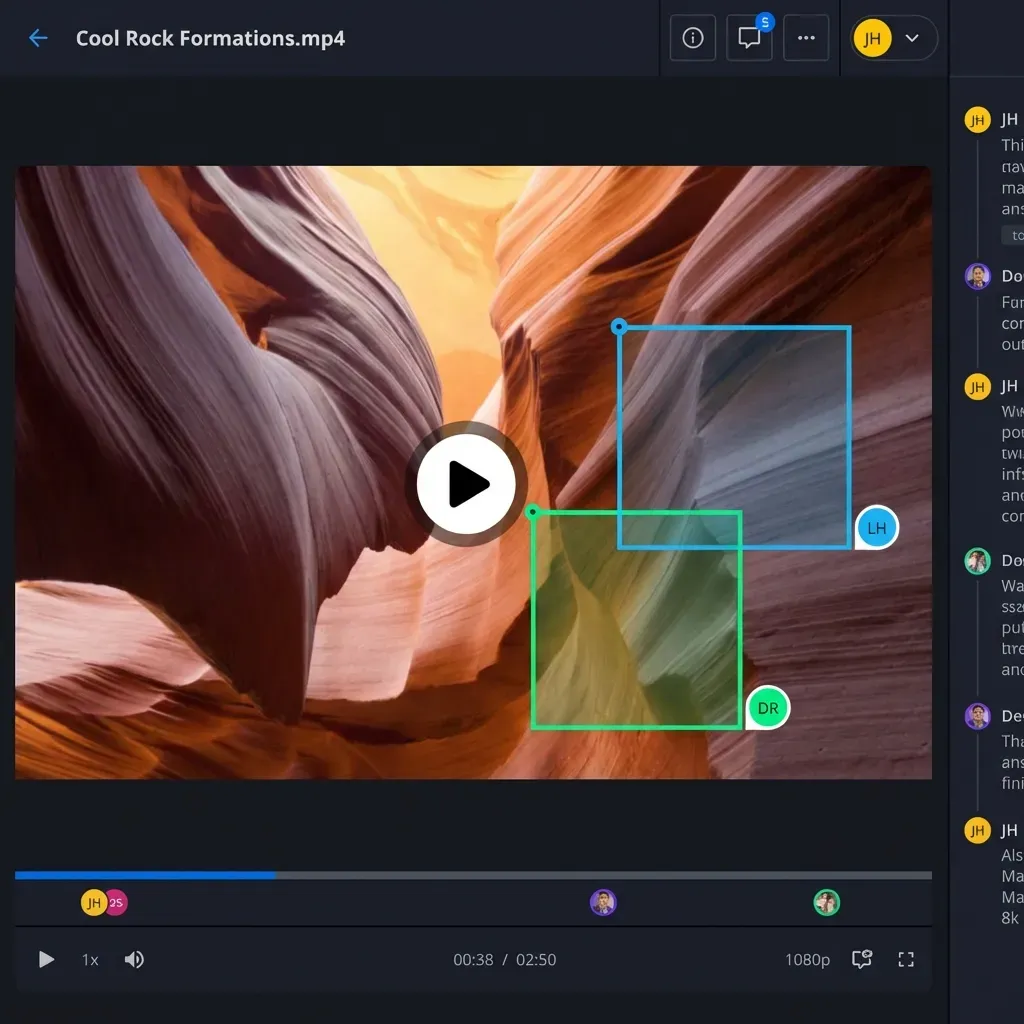
What LucidLink Actually Does
LucidLink provides cloud-native file streaming for video production. Instead of downloading entire files before working, editors stream data from cloud storage in real time. The file system mounts like a local drive, pulling only the bytes needed for playback or editing.
This approach solves a real problem: video files are massive, and waiting hours to download footage kills productivity. LucidLink's streaming model means editors can start working immediately.
But there's a catch. Real-time file streaming demands serious bandwidth. LucidLink recommends a minimum 100Mbps connection, and professional workflows often need 200Mbps or more. The technology works well when conditions are right. When they're not, it creates frustration.
When LucidLink Works (And When It Doesn't)
LucidLink excels in specific scenarios:
- Large post-production houses with dedicated fiber connections
- Teams editing 4K+ footage daily who can't afford download delays
- Remote editors working from home offices with symmetrical gigabit internet
- Organizations with significant IT infrastructure to manage the deployment
LucidLink struggles when:
- Bandwidth is inconsistent - shared office connections, rural locations, or traveling editors
- Teams mix heavy and light users - not everyone needs real-time streaming
- Cost predictability matters - per-user plus storage plus egress fees add up quickly
- Technical simplicity is a priority - LucidLink requires client software and configuration
- Collaboration extends beyond video editing - clients and stakeholders rarely need streaming access
The mismatch between LucidLink's power and actual workflow needs drives many teams to look elsewhere.
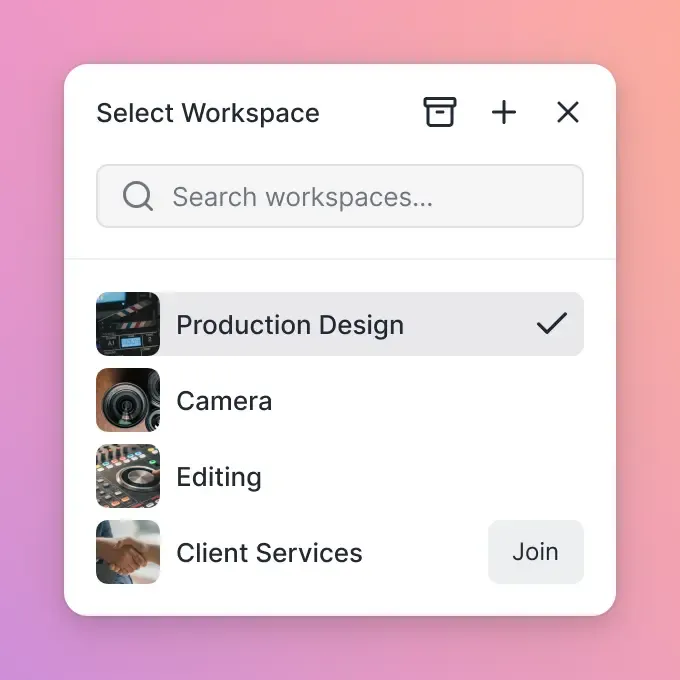
What to Look for in a LucidLink Alternative
Before comparing specific tools, define what you actually need:
Bandwidth Reality Check
Be honest about your connection speeds. If your office has shared 100Mbps internet split between 20 people, real-time streaming won't work reliably. A proxy-based workflow might serve you better.
Collaboration Scope
Who needs access to your files? If the answer includes clients, executives, and external partners who just need to view and comment, you're paying for streaming capability they'll never use.
Cost Structure Preferences
LucidLink charges per user, per terabyte stored, and cloud providers charge egress fees on top. This variable pricing model works for predictable workflows but creates budget anxiety for growing teams.
Workflow Complexity
Some teams edit directly from cloud storage. Others prefer downloading selects, editing locally, and uploading finals. The second workflow doesn't need real-time streaming at all.
LucidLink Alternatives Compared
Fast.io: Best for Teams with Mixed Needs
Fast.io takes a different approach than LucidLink. Instead of streaming files for real-time editing, Fast.io focuses on collaboration, sharing, and organization. Video files get HLS streaming for preview and review, while editors download working copies when needed.
Strengths:
- Usage-based pricing instead of per-seat costs
- HLS video streaming for instant playback and scrubbing (no buffering)
- Branded client portals for external review and approval
- Frame-accurate commenting on video timelines
- Works on any connection speed
Best for: Teams where collaboration and client delivery matter more than real-time cloud editing.
Signiant: Best for High-Volume Transfers
Signiant specializes in moving large files fast. Their acceleration technology claims speeds up to 100x faster than standard transfers. Unlike LucidLink, Signiant connects to your existing storage rather than providing its own.
Strengths:
- Extreme transfer speeds over WAN connections
- Works with on-premises or cloud storage
- Checkpoint restart recovers interrupted transfers
- Strong in broadcast and media distribution
Best for: Organizations moving massive files between facilities or to distribution partners.
Resilio: Best for Hybrid Infrastructure
Resilio uses peer-to-peer technology to sync files across any combination of cloud and on-premises storage. Where LucidLink is cloud-only, Resilio bridges hybrid environments.
Strengths:
- P2P sync works across unreliable networks
- Hybrid cloud/on-prem support
- Real-time sync to unlimited endpoints
- Strong for distributed teams and remote workers
Best for: Organizations with complex infrastructure who need files everywhere.
Dropbox/Box/Google Drive: Best for Simplicity
The mainstream cloud storage services won't match LucidLink's streaming performance, but they handle basic video collaboration fine for many teams.
Strengths:
- Familiar interfaces with minimal training
- Low cost for small teams
- Good enough video preview for review workflows
- Strong integrations with other business tools
Limitations: Progressive download means buffering on large files. Per-seat pricing adds up at scale.
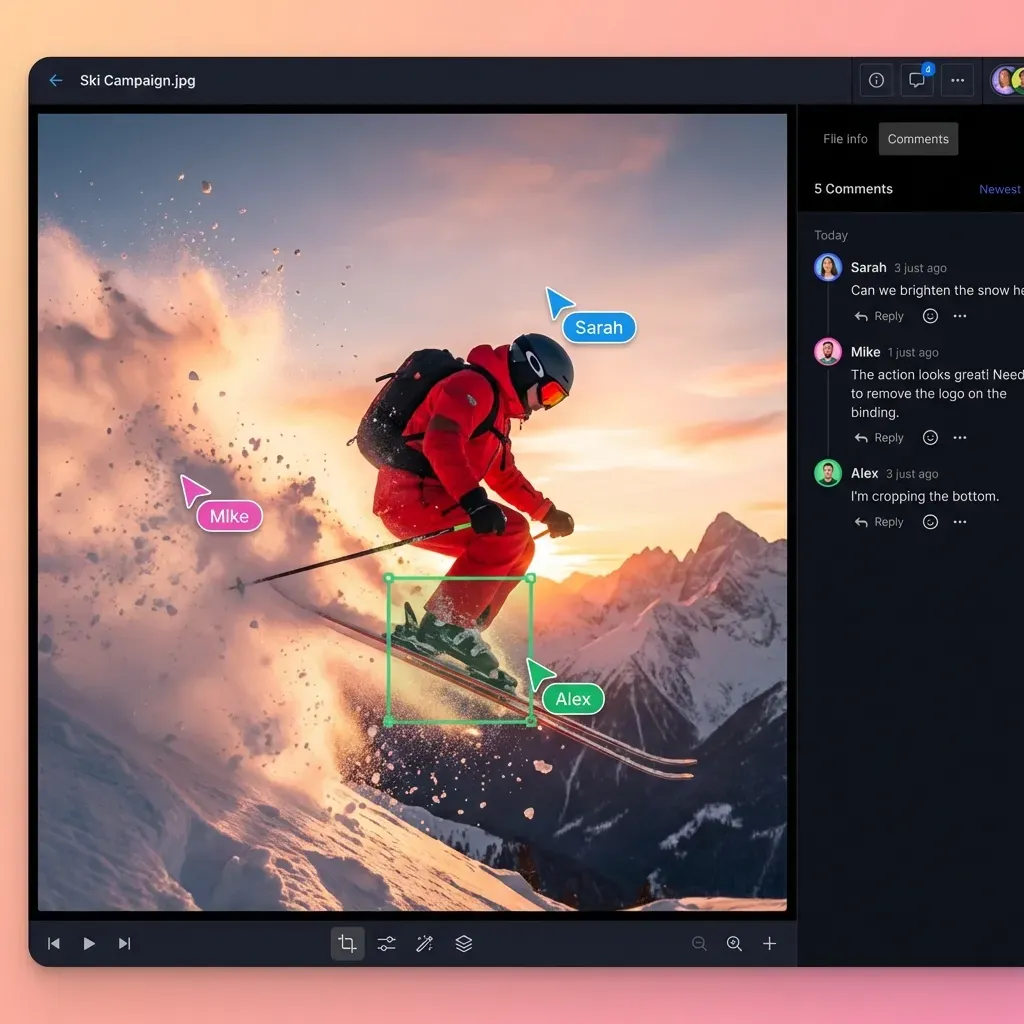
Cost Comparison: LucidLink vs Alternatives
LucidLink's pricing combines multiple variables:
- Per-user fees that scale with team size
- Storage costs based on data volume
- Cloud egress fees charged by your storage provider (AWS, Azure, GCP)
For a team of 25 working with 10TB of footage, monthly costs can easily exceed $1,000 before egress fees. Add variable cloud transfer costs, and budgeting becomes guesswork.
Fast.io's approach: Usage-based pricing with no per-seat scaling. The Pro plan includes 25 seats for a flat rate, with additional seats at $1/month. Storage costs scale with actual usage, and there are no surprise egress fees to budget around.
For many teams, the difference hits 70% or more in monthly costs, particularly when external collaborators need access. On Fast.io, clients and reviewers don't consume paid seats.
Making the Switch: Migration Considerations
Moving away from LucidLink requires planning:
Audit Your Actual Usage
Check how many team members actively use LucidLink's streaming features daily. Often, only a fraction of licensed users need real-time access. The rest could work fine with a standard cloud storage approach.
Test Bandwidth Requirements
Run speed tests at different times of day from locations where your team works. If speeds drop below 100Mbps during peak hours, LucidLink was never working optimally anyway.
Map Your Workflows
Document when files move, who touches them, and what they do. You might find that real-time cloud editing happens in one phase while collaboration and delivery dominate others.
Plan the Overlap
Most teams run both systems in parallel during transition. Start with delivery and review workflows on the new platform before moving active production.
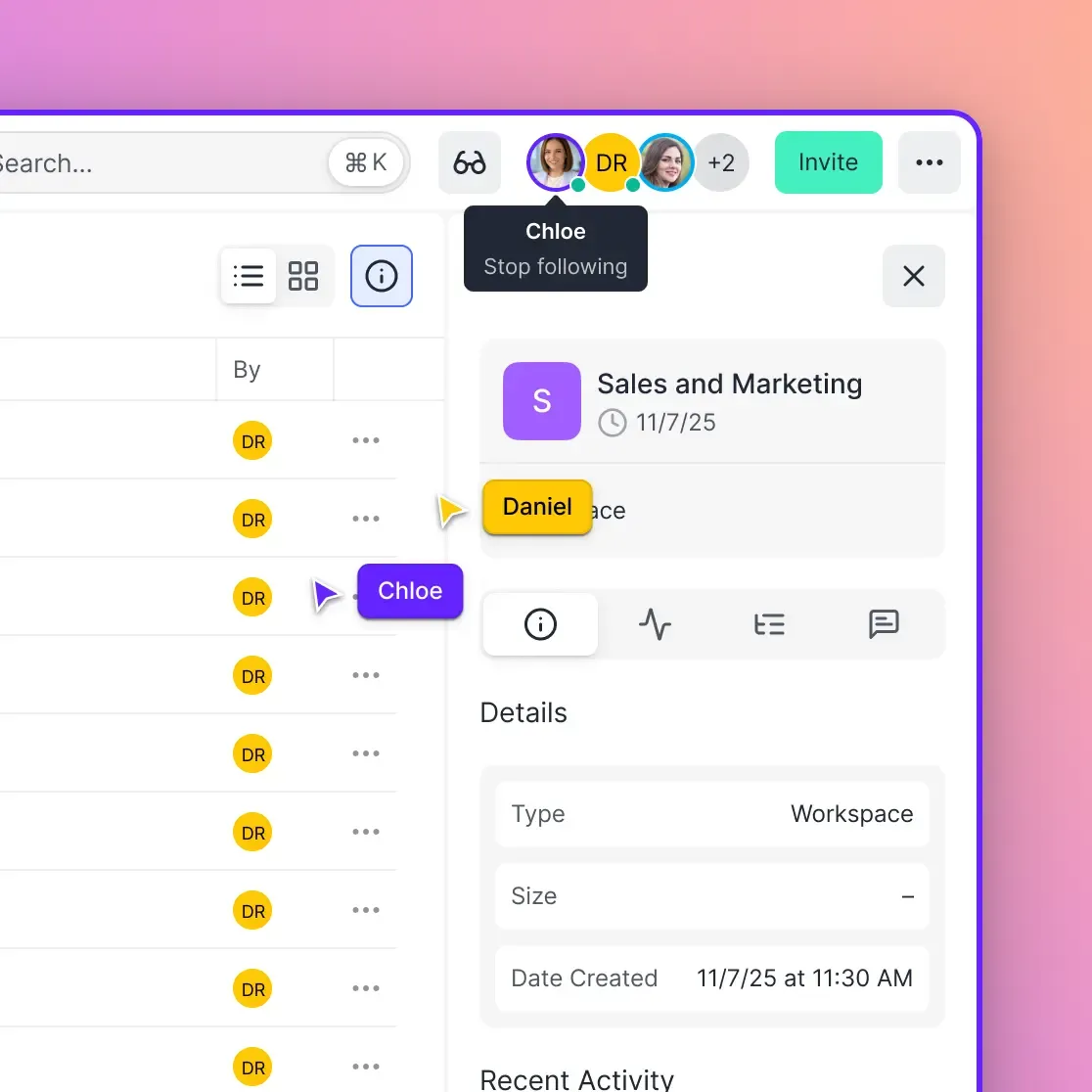
Workflow-Specific Recommendations
Documentary and Long-Form Production
These projects generate terabytes of footage that multiple editors access over months. LucidLink's streaming model works well here if budget allows. For smaller productions, Fast.io's HLS preview plus selective downloads often works better.
Commercial and Short-Form Video
Tighter timelines and smaller file volumes reduce the value of real-time streaming. Fast collaboration and quick client feedback matter more. Fast.io's review tools and client portals fit naturally.
Animation and Motion Graphics
Project files are smaller than raw footage. Standard cloud storage with good preview capability handles most animation workflows without specialized streaming.
Live Event and Broadcast
Speed of delivery matters more than collaboration features. Signiant's acceleration technology fits better than either LucidLink or general-purpose cloud storage.
Frequently Asked Questions
Is LucidLink expensive compared to alternatives?
LucidLink's costs combine per-user fees, storage charges, and cloud egress fees. For a 25-person team with 10TB of footage, expect $1,000+ monthly before egress. Alternatives like Fast.io use usage-based pricing that often costs 70% less, especially when external collaborators need access.
What is similar to LucidLink?
For real-time cloud file streaming, Shade offers similar functionality. For high-speed transfers without real-time access, Signiant and Resilio compete. For collaboration-focused workflows where instant streaming isn't essential, Fast.io and enterprise cloud storage platforms provide alternatives with different trade-offs.
Do I need LucidLink for video editing?
Not necessarily. LucidLink solves the problem of waiting hours to download footage before editing. If you have fast internet (100Mbps+), edit 4K+ footage daily, and can budget for the costs, it's valuable. If you edit smaller files, have inconsistent bandwidth, or prioritize collaboration over real-time access, alternatives work fine.
Can I use Fast.io for video production?
Yes. Fast.io provides HLS streaming for instant video preview and scrubbing without buffering. Editors can review footage, add frame-accurate comments, and share with clients through branded portals. For heavy editing, download working files locally and upload finals, rather than editing directly from the cloud.
What bandwidth do LucidLink alternatives require?
Unlike LucidLink's 100Mbps minimum, most alternatives work on standard connections. Fast.io's HLS streaming adapts to available bandwidth, providing smooth playback on connections as slow as 10Mbps. File downloads take longer on slower connections, but the workflow remains functional.
Related Resources

Ready to simplify your video workflow?
See how Fast.io handles video collaboration without the bandwidth requirements or per-seat costs.