Best MASV Alternatives for Large File Transfers in 2026
MASV charges $0.25 per GB for downloads, which adds up quickly when you're transferring hundreds of gigabytes per project. This guide compares seven MASV alternatives that offer different pricing models, from flat monthly rates to usage-based credits, so you can find a file transfer solution that matches your actual workflow and budget.

Why Teams Look for MASV Alternatives
MASV built its reputation on fast uploads and reliable delivery for video professionals. The service works well for what it does. But that $0.25/GB download fee creates a problem: unpredictable costs.
A single 4K project might involve 500GB or more of footage. At MASV's rates, that's $125 just to download one project. Run a post-production house handling 10 projects per month, and you're looking at transfer costs alone eating into your margins.
The math gets worse at scale. An organization transferring 50TB monthly pays MASV roughly $150,000 per year with no volume discounts.
Teams looking for alternatives typically want one of three things:
- Predictable monthly pricing instead of per-GB charges
- Collaboration features beyond just file transfer
- Better value for high-volume workflows
MASV Alternatives Comparison Table
Here's a quick comparison of the top MASV alternatives, their pricing models, and standout features:
| Service | Pricing Model | Best For | Key Advantage |
|---|---|---|---|
| Fast.io | Usage-based credits | Video teams needing collaboration | Persistent workspaces + streaming |
| IBM Aspera | Licensed capacity | Enterprise (100TB+) | Fastest raw transfer speed |
| Filemail | Flat monthly fee | Predictable budgets | Unlimited file sizes on paid plans |
| WeTransfer Pro | Flat monthly fee | Simple one-off sends | Easy interface |
| Raysync | Annual license | Asia-Pacific transfers | Strong China connectivity |
| Signiant | Enterprise pricing | Broadcast & media | Deep integrations |
| LucidLink | Per-user subscription | Remote editing | Real-time cloud access |
The right choice depends on your transfer volume, collaboration needs, and where your recipients are located.
Fast.io: Best for Video Teams Who Need More Than Transfer
Most file transfer services treat delivery as a one-way transaction: upload, share link, done. Fast.io combines transfer with persistent workspaces where teams actually collaborate on the files.
Pricing structure: Fast.io uses a credit-based system instead of per-GB fees. Plans start with included storage and transfer capacity. Extra seats cost $1/month rather than the $15-20/user typical of enterprise tools.
What sets it apart for video workflows:
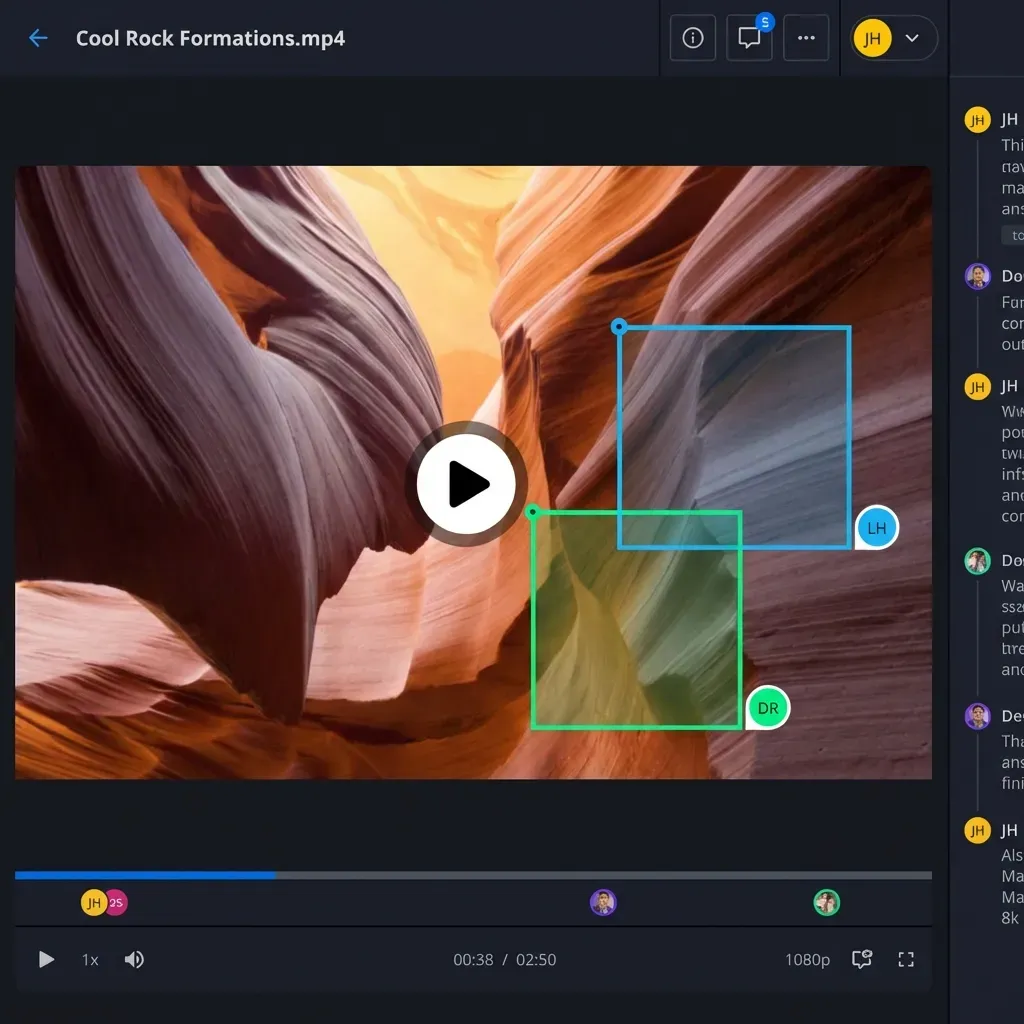
- HLS streaming lets clients review footage in-browser without downloading
- Frame-accurate comments pin feedback to specific timecodes
- Files persist in organized workspaces rather than expiring
- Unlimited guest access means clients never need accounts
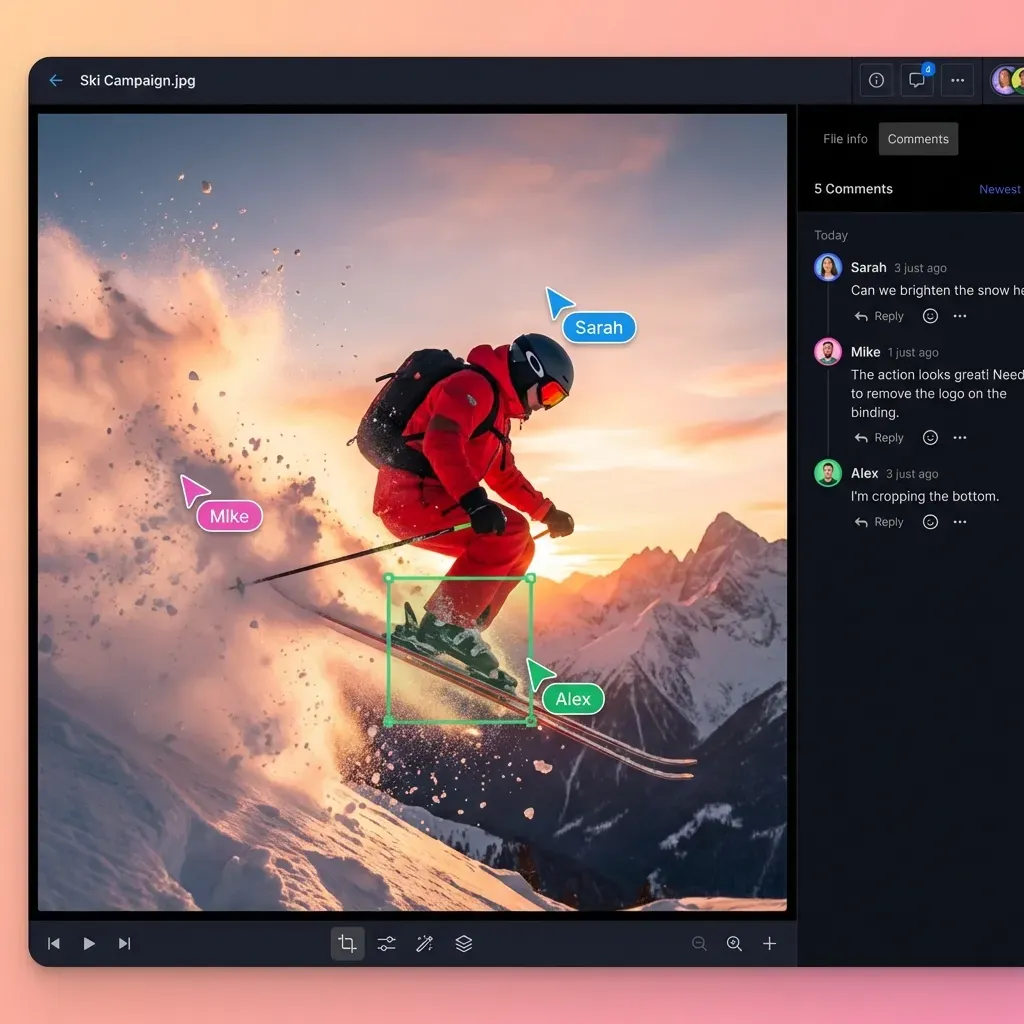
For teams sending dailies, gathering client feedback, and managing ongoing projects, the combination of delivery and collaboration in one tool simplifies the workflow. Instead of transferring files through MASV, then organizing them in Dropbox, then collecting feedback through Frame.io, everything happens in one place.
Trade-off: If you only need raw transfer speed for massive single files (we're talking 1TB+), a dedicated accelerated transfer tool like Aspera might be faster. Fast.io optimizes for the complete workflow rather than just the transfer.

IBM Aspera: Best for Enterprise-Scale Transfers
IBM Aspera remains the benchmark for raw transfer speed. Its FASP protocol can move files 100x faster than standard FTP over high-latency connections. If you're regularly moving petabytes or need guaranteed delivery times across continents, Aspera is purpose-built for that.
Pricing structure: Aspera licenses based on transfer capacity and concurrent users. The economics favor organizations moving 100TB or more monthly. Smaller teams will find the licensing costs hard to justify.
Strengths:
- Fastest transfer speeds available, especially over long distances
- AES-256 encryption with comprehensive audit logs
- Works with enterprise identity systems (LDAP, Active Directory)
- On-premises deployment options for regulated industries
Limitations:
- Steep learning curve for setup and administration
- Expensive for organizations under the 100TB/month threshold
- Recipients often need desktop software installed
- Overkill for teams who just need to send files to clients
For broadcast networks and film studios moving footage between global facilities, Aspera justifies its complexity. For a production company sending client deliveries, simpler alternatives make more sense.
Filemail: Best for Predictable Monthly Costs
Filemail takes the opposite approach to MASV's per-GB model. Paid plans offer unlimited file sizes with a flat monthly fee. You know exactly what you'll pay regardless of how much you transfer.
Pricing structure: Plans range from free (limited sizes) to business tiers with unlimited transfers. No surprises on your invoice.
Strengths:
- Unlimited file sizes on paid plans
- Accelerated transfer technology for speed
- Download tracking and analytics
- Simple interface that clients understand immediately
Limitations:
- Files expire after a set period (like WeTransfer)
- Limited collaboration features
- No streaming preview for video content
- Each transfer is isolated rather than organized in workspaces
Filemail works well for teams with unpredictable transfer volumes who need budget certainty. If you might send 50GB one month and 500GB the next, flat pricing removes the anxiety.
Other Notable MASV Alternatives
WeTransfer Pro
WeTransfer built the simplest file transfer experience. Drag files, enter an email, send. WeTransfer Pro adds password protection, longer storage (until deleted), and custom branding.
The limitation is that WeTransfer remains a transfer tool, not a storage or collaboration platform. Files eventually need to go somewhere else for organization and ongoing access.
Raysync Cloud
Raysync specializes in high-speed transfers between challenging network conditions, particularly for teams working with partners in Asia-Pacific. If China connectivity is critical for your workflow, Raysync handles it better than most Western alternatives.
Signiant
Signiant targets broadcast and media companies with strong connections to production infrastructure. Media Shuttle, their flagship product, hooks into MAM systems, editing platforms, and broadcast workflows. It's enterprise software with pricing to match.
LucidLink
LucidLink skips the transfer step completely. Instead, remote editors work directly on cloud storage as if it were a local drive. For distributed post-production teams, there's nothing to upload or download.
The trade-off is per-user pricing and the need for consistently good internet connections.
How to Choose the Right MASV Alternative
Your choice depends on how much you transfer, what collaboration features you need, and how easy it is for recipients to access files.
Calculate Your Actual Costs
Before switching, figure out what you're really spending:
- Track your monthly GB transferred for 2-3 months
- Note how many people need to download files
- Factor in time spent organizing files after transfer
A team transferring 200GB/month might find MASV's $50 monthly cost acceptable. A team transferring 2TB/month is paying $500 and should explore flat-rate or credit-based alternatives.
Match Features to Your Workflow
Choose Fast.io if:
- You need persistent workspaces for ongoing projects
- Video review and feedback happen in the same tool
- Clients access files repeatedly over weeks or months
Choose Aspera if:
- You regularly transfer 1TB+ files
- Speed is more important than cost
- You have IT resources for enterprise deployment
Choose Filemail or WeTransfer if:
- You want simple, predictable costs
- Most transfers are one-time deliveries
- Recipients don't need ongoing access
Consider the Recipient Experience
MASV's desktop app works well, but it requires installation. Some alternatives work entirely in-browser. Others need plugins or client software.
For client-facing workflows, friction matters. Every extra step loses some percentage of recipients. Upload portals and browser-based options reduce that friction.
Making the Switch from MASV
Transitioning from MASV doesn't require a hard cutover. Most teams run alternatives in parallel for a month to compare real-world performance and costs.
Start with a pilot project:
- Pick one recurring workflow (like weekly dailies delivery)
- Run it through your chosen alternative for 4-6 weeks
- Compare actual costs, delivery times, and client feedback
- Expand to other workflows once you're confident
What to measure:
- Total cost per project (not just per-GB)
- Time from upload to client access
- Client questions or confusion about the new system
- Whether collaboration features actually get used
The goal isn't finding the cheapest option. It's finding what works best for how your team actually operates.
For video delivery specifically, the ability to stream and gather feedback in one place often matters more than raw transfer speed. For one-off large file sends, simplicity and predictable pricing win.
Frequently Asked Questions
Is MASV worth it for occasional large file transfers?
MASV makes sense for occasional transfers where speed matters more than cost. If you're sending a 50GB file once a month, the $12.50 cost is reasonable for the reliability. But if transfers are frequent or volumes are high, the per-GB model becomes expensive quickly.
How much does MASV cost per month for a typical video team?
A video team transferring 500GB of footage monthly pays approximately $125 in MASV download fees. Teams handling multiple projects might transfer 2-5TB monthly, pushing costs to $500-$1,250. High-volume post houses can see monthly bills exceeding $5,000.
What's faster than MASV for international transfers?
IBM Aspera typically achieves faster raw speeds than MASV for large files over international connections. Aspera's FASP protocol was designed specifically for high-latency, long-distance transfers. However, Aspera's enterprise pricing makes it impractical for smaller teams.
Can I use MASV alternatives with Frame.io or other review tools?
Most file transfer services are standalone tools. You'd transfer files, then upload to Frame.io separately. Fast.io combines transfer and review in one platform with built-in video streaming and frame-accurate comments, eliminating the need for a separate review tool.
Do MASV alternatives work for files over 100GB?
Yes. Fast.io, Aspera, Signiant, and Filemail all handle files over 100GB. The differences are in speed, pricing, and additional features. For very large files (500GB+), dedicated accelerated transfer tools like Aspera offer the fastest speeds.

Try Fast.io for your next project
See how Fast.io combines file delivery with collaboration tools your team will actually use.