Best MFT Software for Secure File Transfers in 2026
MFT software automates secure file transfers with encryption, scheduling, and compliance features that basic FTP cannot provide. This guide breaks down the best managed file transfer tools for 2026 and explains what to look for when evaluating MFT solutions for your organization.

What Is MFT Software?
Managed file transfer (MFT) software is a platform that automates the secure exchange of files between systems, applications, and people. Unlike basic FTP, MFT tools encrypt data both in transit and at rest, maintain detailed audit logs, and support scheduling and workflow automation.
Traditional FTP exposes credentials in plain text and offers no visibility into transfer status. MFT addresses these gaps by providing:
- End-to-end encryption using protocols like SFTP, FTPS, and AS2
- Centralized management of all file transfer activity
- Audit trails that track who sent what, when, and to whom
- Automated workflows with scheduling, triggers, and error handling
- Protocol support for legacy systems (FTP) and modern APIs
Organizations typically adopt MFT when they outgrow manual file transfers or need to meet compliance requirements that FTP cannot satisfy.
MFT vs SFTP: What's the Difference?
SFTP (SSH File Transfer Protocol) is a secure file transfer protocol. MFT is a software platform that can use SFTP as one of its transport methods.
Think of it this way: SFTP is the road, MFT is the logistics company. SFTP handles point-to-point encrypted transfers. MFT handles scheduling, monitoring, error recovery, compliance reporting, and multi-protocol support.
SFTP gives you:
- Encryption over SSH
- Manual transfers or custom scripting
- Server logs for basic auditing
- One protocol
MFT adds:
- Multiple protocols (SFTP, FTPS, AS2, HTTPS)
- Built-in workflow automation
- Centralized reporting across all transfers
- Automatic retry and failure alerts
If you only need to transfer files between two servers, SFTP may be enough. Once you're managing transfers across multiple systems or need compliance documentation, MFT starts making sense.
Top 8 MFT Software Features to Look For
When evaluating MFT tools, these features separate basic solutions from enterprise-grade platforms:
- Protocol flexibility - Support for SFTP, FTPS, AS2, HTTPS, and legacy FTP
- Workflow automation - Scheduled transfers, event triggers, conditional routing
- Encryption standards - AES-256 at rest, TLS 1.2+ in transit
- Centralized dashboard - Single view of all transfer activity and status
- Audit and compliance - Detailed logs for regulatory requirements
- Error handling - Automatic retry, notifications, and escalation
- Integration options - APIs, connectors for cloud storage, ERP systems
- Scalability - Handles growing file volumes without slowing down
Good MFT tools catch failed transfers, retry automatically, and alert you when something needs attention. That's the main value over scripted FTP: fewer files falling through the cracks.
Best MFT Software Compared (2026)
Here's how the leading MFT platforms stack up:
GoAnywhere MFT
GoAnywhere by Fortra is one of the most deployed MFT platforms. It runs on-premises, in the cloud, or hybrid. The automation tools are solid, though the interface takes time to learn. Pricing gets complicated with add-ons.
Progress MOVEit
MOVEit built its reputation on security and compliance. Healthcare, finance, and government organizations use it heavily. The UI feels dated, and it costs more than most alternatives, but the audit capabilities are thorough.
IBM Sterling File Gateway
Sterling handles high-volume B2B transfers with complex partner networks. It's built for enterprises that need granular compliance controls. Expect significant implementation time and enterprise-level pricing.
Files.com
A cloud-native platform that developers tend to like. Good REST APIs and SDKs for Python, Ruby, and other languages. Cloud-only, so it won't work if you need on-premises deployment or legacy protocol support.
JSCAPE MFT Server
JSCAPE (now Redwood) sits in the mid-market. Reasonable pricing, solid protocol support, but fewer advanced automation features than GoAnywhere or MOVEit. A practical choice for organizations that don't need every bell and whistle.
Couchdrop
Newer cloud-native option with tight S3 and Azure Blob integrations. No infrastructure to manage. The support ecosystem is smaller since it's a newer player.
Axway MFT
Enterprise MFT with API management built in. Makes the most sense if you're already using other Axway products. Otherwise, you're paying for integration points you won't use.
AWS Transfer Family
Amazon's managed SFTP/FTPS/FTP service that connects directly to S3 or EFS. Simple to set up if you're already in AWS. Limited workflow automation compared to dedicated MFT platforms, and costs add up per protocol endpoint.
When Traditional MFT Is Overkill
Not every organization needs a full MFT platform. Sometimes a simpler tool does the job.
MFT makes sense when you have:
- Automated B2B integrations with multiple trading partners
- Regulatory requirements demanding detailed audit trails
- High-volume transfers requiring scheduling and load management
- Legacy system integrations requiring multiple protocols
For team-based file sharing and collaboration, a modern cloud storage platform often works better. You get secure transfers without maintaining MFT infrastructure.
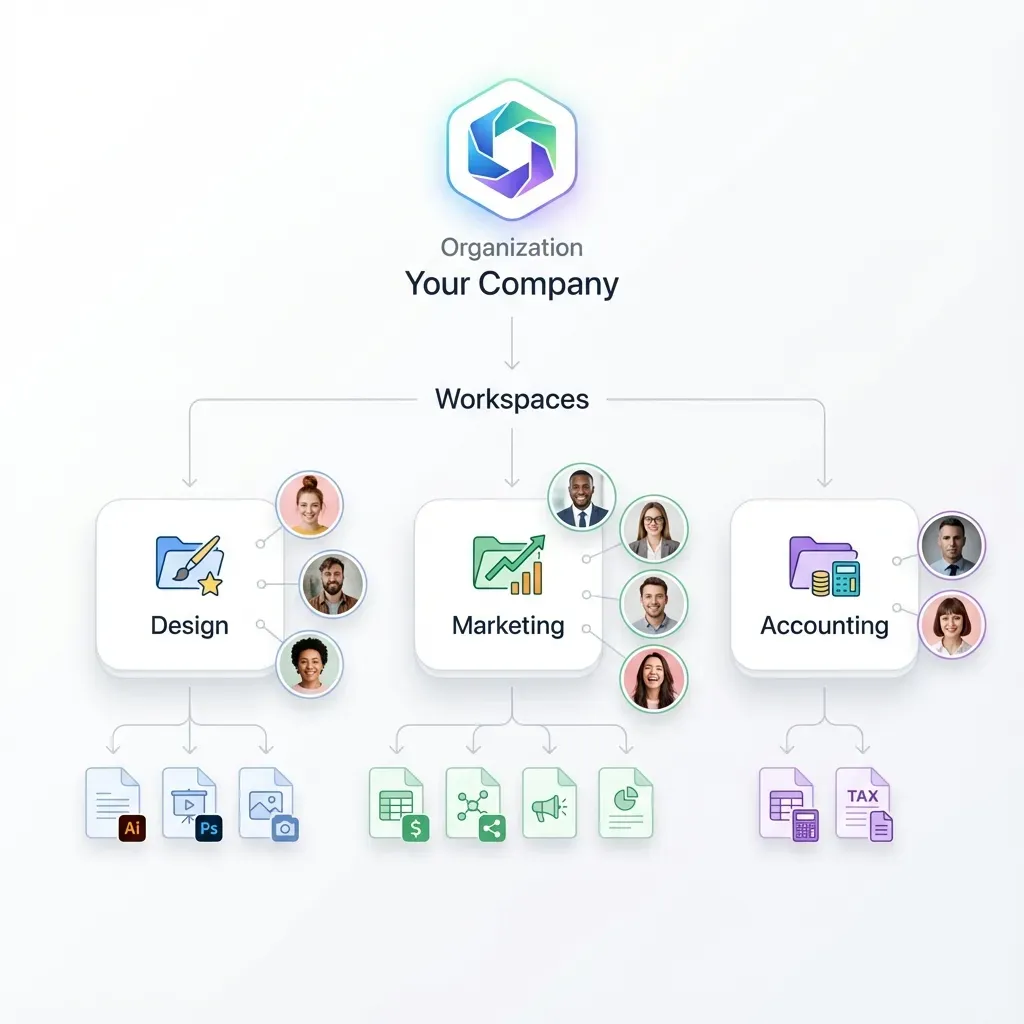
Fast.io takes a different approach: cloud-native storage with organization-owned files, granular permissions, and complete audit logs. If your team needs secure file sharing but isn't running B2B integrations, you can skip the MFT complexity entirely.

How Much Does MFT Software Cost?
MFT pricing varies based on deployment model, user counts, and transfer volumes.
On-premises MFT typically starts at $5,000-$15,000 for small deployments. Enterprise licenses run $50,000+. Add 15-20% annually for maintenance.
Cloud MFT uses subscription pricing:
- Entry tier: $500-$2,000/month
- Mid-market: $2,000-$10,000/month
- Enterprise: Custom pricing based on volume
Watch for hidden costs:
- Implementation and integration services
- Admin training
- Additional protocol connectors
- High-availability configurations
- Support tier upgrades
Total cost of ownership often runs 2-3x the license cost. Implementation, infrastructure, and ongoing administration add up quickly.
Evaluating MFT for Your Organization
Before picking MFT software, figure out what you actually need:
Transfer patterns
- How many files per day/week?
- What file sizes are typical? Maximum?
- How many external partners need access?
Security requirements
- What encryption standards do you need?
- Which compliance frameworks apply (PCI, SOX, etc.)?
- Do you need detailed audit logs for specific regulations?
Integration needs
- What systems need to send or receive files?
- Do you need API access for custom workflows?
- Are you connecting to cloud storage, ERP, or legacy systems?
Operational model
- Do you have staff to manage on-premises infrastructure?
- Is cloud-only acceptable, or do you need hybrid options?
- How much implementation complexity can you handle?
Run a proof of concept with 2-3 vendors before committing. Test with realistic file volumes and your actual integration requirements.
Frequently Asked Questions
What is the best MFT software?
The best MFT software depends on your specific needs. GoAnywhere MFT and Progress MOVEit are leading enterprise options with strong compliance features. Files.com works well for cloud-native organizations. For simpler team file sharing without B2B automation needs, a modern cloud storage platform like Fast.io may be more practical than full MFT.
How much does MFT software cost?
MFT software pricing ranges from $500/month for cloud subscriptions to $50,000+ for enterprise on-premises licenses. Budget 2-3x the license cost for total ownership when factoring implementation, infrastructure, and administration. Cloud-native alternatives like Fast.io offer usage-based pricing that can significantly reduce costs for team file sharing use cases.
Is MFT the same as SFTP?
No. SFTP is a secure file transfer protocol that encrypts data over SSH. MFT (Managed File Transfer) is a software platform that can use SFTP along with other protocols like FTPS, AS2, and HTTPS. MFT adds automation, centralized management, audit logging, and workflow capabilities that SFTP alone does not provide.
When do I need MFT instead of regular file sharing?
Organizations typically need MFT when they have automated B2B integrations with multiple trading partners, strict regulatory audit requirements, high-volume scheduled transfers, or legacy system integrations requiring multiple protocols. For team collaboration and client file sharing, modern cloud storage platforms often provide adequate security with less complexity.
What's the difference between MFT and cloud storage?
MFT focuses on automated, scheduled transfers between systems with compliance logging. Cloud storage focuses on file access, collaboration, and sharing for people. Some organizations use both: MFT for B2B system integrations and cloud storage for team collaboration. Platforms like Fast.io combine cloud storage with enterprise security features like audit logs and granular permissions.
Related Resources

Need secure file sharing without MFT complexity?
Fast.io gives you enterprise security, audit logs, and granular permissions without the infrastructure overhead.