How to Collaborate on Music Remotely with Your Production Team
Musicians, producers, and audio engineers can now create and refine tracks together from anywhere. This guide covers the complete workflow for remote music production, from setting up file sharing for large stems to managing version control across collaborators.
What Is Online Music Collaboration?
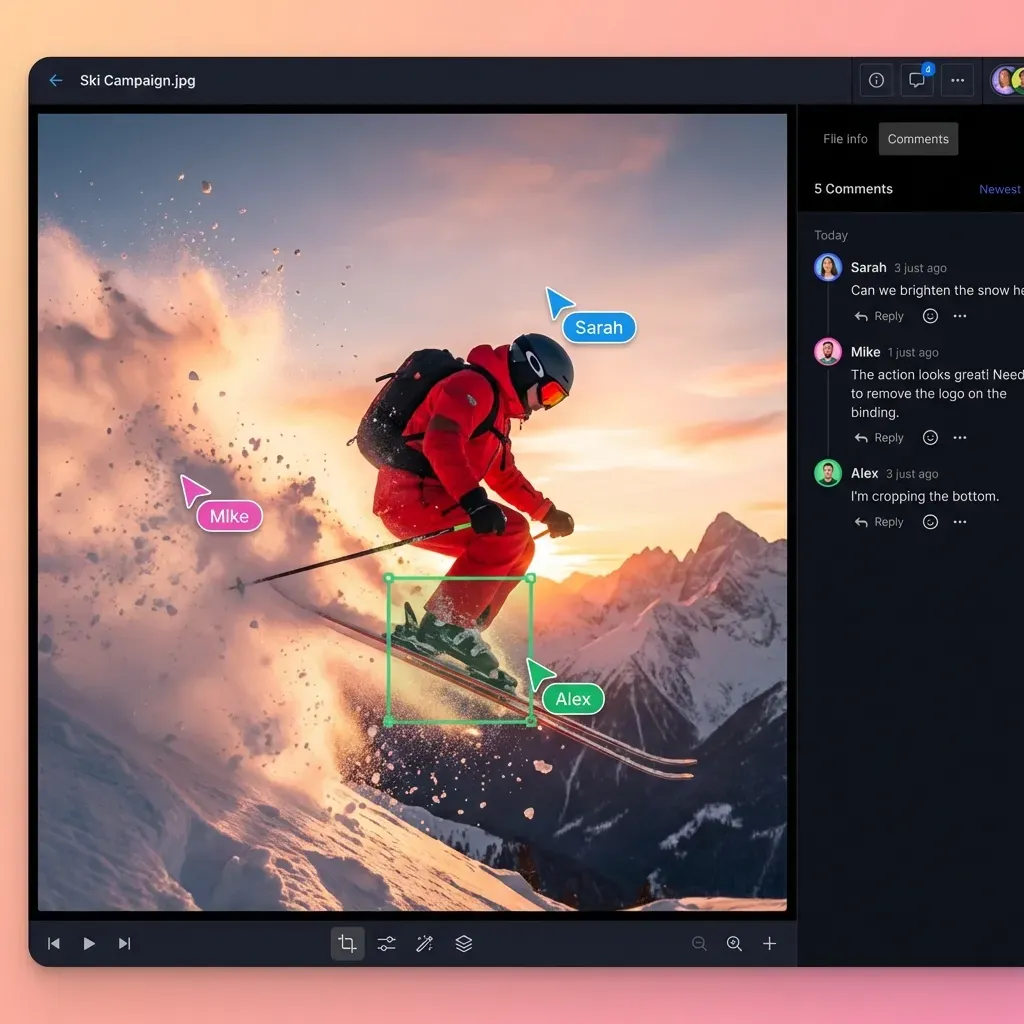
Online music collaboration is the practice of creating, producing, and mixing music with remote collaborators using digital tools and file sharing.
Remote collaboration increased 300% since 2020, and the trend hasn't reversed. Artists, producers, and engineers now routinely work with collaborators they've never met in person. A vocalist in Nashville records over a beat from a producer in Berlin, sends stems to a mixing engineer in LA, and releases through a distributor in New York.
The technical challenge isn't making music. It's moving files. Music sessions generate massive amounts of data. A single Pro Tools or Logic session with stems can run 1GB or more. Multiply that by revisions, and you're transferring terabytes over the course of a project.
Most guides focus on DAW plugins for real-time collaboration. That's one piece of the puzzle. This guide covers the bigger problem: how to share large music files between collaborators without compression, version confusion, or broken links.
Why File Sharing Is the Real Bottleneck
Real-time collaboration tools like Splice, BandLab, and Soundtrap work well for certain workflows. But professional music production often can't happen in real-time.
Here's why file sharing matters more than live collaboration for most producers:
Different DAWs: Your collaborator uses Ableton. You use Logic. Real-time sync doesn't work across different software. You need to export stems and share files.
Timing: Your mixing engineer works at 2am. Your vocalist records during lunch breaks. Asynchronous workflows fit real schedules.
File sizes: A multitrack session with 24-bit/48kHz stems easily exceeds 1GB. Email caps at 25MB. Most free file sharing services compress audio or expire links.
Quality control: When you export stems and share specific files, you control exactly what your collaborator receives. No surprises from sync conflicts or plugin mismatches.
Session archives: At the end of a project, you need clean archives of every version. Cloud-synced DAW projects create versioning chaos.
The tools that enable great remote collaboration aren't the real-time plugins. They're the file sharing systems that handle large audio files without destroying them.
Setting Up Your Remote Collaboration Workflow
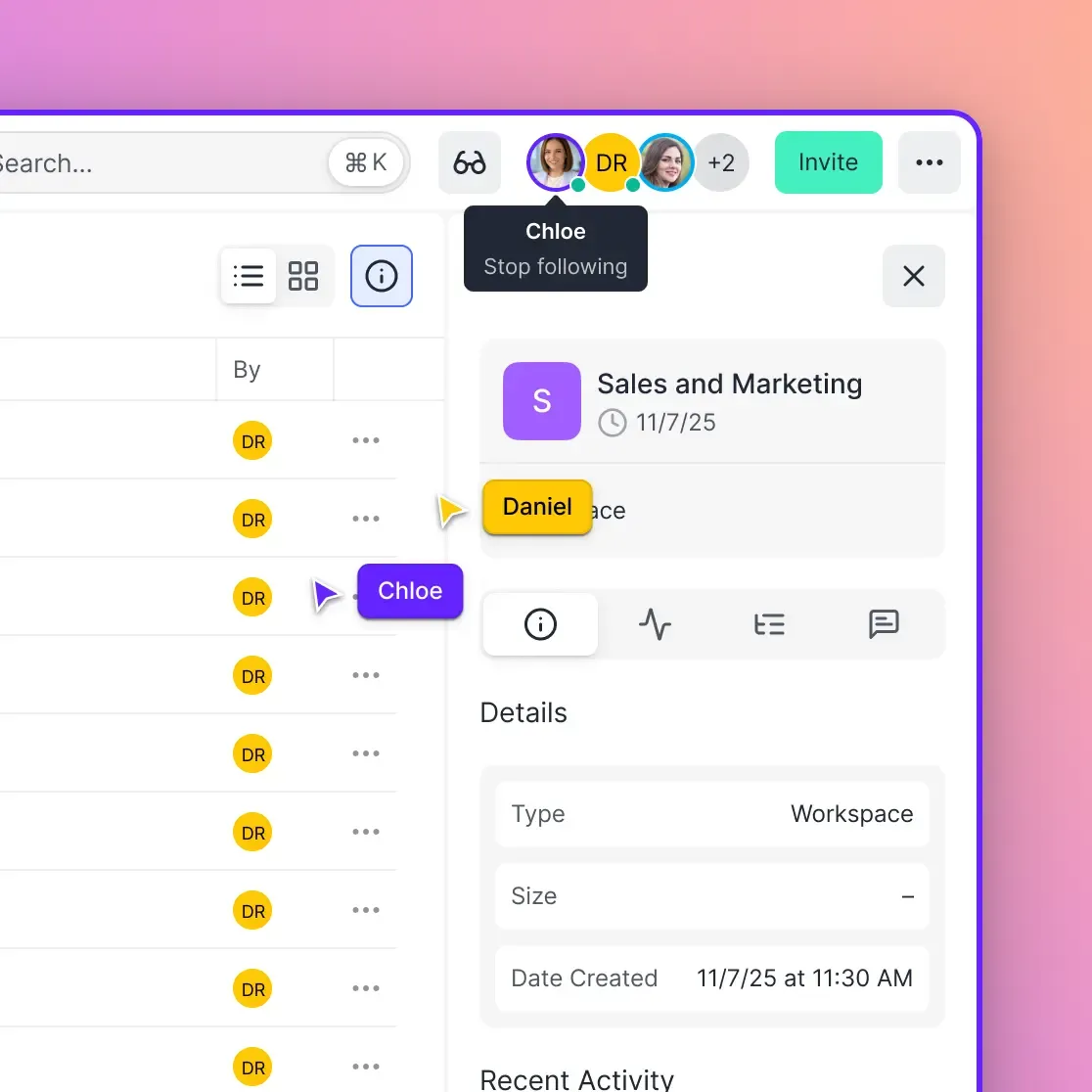
A clear workflow prevents the "which version are we on?" problem that kills remote sessions. Here's a step-by-step setup:
1. Create a Project Workspace
Set up a shared folder structure before the first file gets uploaded:
Project_Name/
├── Stems/
│   ├── v1/
│   ├── v2/
│   └── current/
├── Bounces/
│   └── Mix_References/
├── Notes/
└── Assets/
    ├── Samples/
    └── MIDI/
Everyone who needs access gets invited to the workspace. No hunting for email attachments or checking which Dropbox link is current.
2. Establish File Naming Conventions
Before anyone uploads anything, agree on naming:
- Include version numbers:
Song_Name_Stems_v3 - Add dates for reference:
Song_Name_Mix_2026-01-30 - Mark finals clearly:
Song_Name_FINAL_Master - Use underscores, not spaces (some systems handle spaces poorly)
3. Define Handoff Points
Map out who sends what to whom:
- Producer → Vocalist: Instrumental bounce + session notes
- Vocalist → Producer: Dry vocal stems + wet alternatives
- Producer → Mix Engineer: Full stem package + reference tracks
- Mix Engineer → Artist: Mix bounces for approval
- Artist → Mastering: Approved mix + master notes
Each handoff has a clear deliverable. No ambiguity about what files are expected.
How to Share Large Music Files
Music files (WAV, stems, sessions) often exceed 1GB per session. Here's how to move them without quality loss:
File Formats for Sharing
Use lossless formats during production:
- WAV - Uncompressed, universally compatible, about 10MB per minute at 24-bit/48kHz
- AIFF - Same quality as WAV, preferred by some Mac users
- FLAC - Lossless compression, roughly half the size of WAV
Avoid lossy formats for stems:
- MP3 - Loses quality with each edit/export cycle
- AAC - Same problem as MP3
MP3 is fine for quick reference bounces or final distribution. Never send MP3 stems to a collaborator who needs to edit them.
File Transfer Options
| Method | Max Size | Quality | Link Expiry |
|---|---|---|---|
| 25MB | N/A | N/A | |
| WeTransfer (free) | 2GB | Preserved | 7 days |
| Google Drive (free) | 15GB total | Preserved | Permanent |
| Dropbox (free) | 2GB total | Preserved | Permanent |
| Fast.io | 250GB+ per file | Preserved | Permanent |
The expiration problem catches people off guard. Your collaborator is on tour and can't download files for two weeks. By then, your WeTransfer link is dead. Persistent storage solves this.
Fast.io handles files up to 250GB without compression. Links don't expire, and external collaborators don't need accounts to download. That matters when you're sharing with guest vocalists, session musicians, or mix engineers who only need access to one project.

Managing Versions and Revisions
Version control separates professional workflows from chaos. When multiple people contribute to a track, you need to know exactly which files represent the current state.
Version Numbering System
Use a clear numbering scheme everyone understands:
- v1, v2, v3: Major revisions (new arrangement, re-recorded parts)
- v1.1, v1.2: Minor revisions (small edits, fixes)
- v1_FINAL: Approved version ready for next stage
- v1_FINAL_MASTER: Absolutely final (use sparingly)
Track Changes with Activity Logs
Useful file sharing platforms show who uploaded what and when. This creates an automatic changelog:
- Jan 15: Producer uploaded
Track_Stems_v2.zip - Jan 18: Vocalist added
Vocals_Lead_Dry_v1.wav - Jan 20: Mix engineer uploaded
Mix_v1_Reference.mp3
Without activity tracking, you're relying on email threads and memory. Both fail on longer projects.
Archive Don't Delete
Never delete old versions during active production. Move them to an archive folder. You might need to reference an earlier arrangement or recover a take you thought was unusable.
After the project ships, keep the final stems and bounces. Archive everything else. Most producers keep final assets for at least two years for remix opportunities or sync licensing.
Collaborator Access and Permissions
Different collaborators need different access levels. Your co-producer needs full edit access. A guest vocalist only needs to upload their stems and download the instrumental.
Access Levels to Consider
- Full access: Can upload, download, delete, and invite others (co-producers, managers)
- Contributor: Can upload and download, can't delete or change permissions (session musicians, vocalists)
- View only: Can stream/preview but not download (A&R reps, label contacts reviewing work)
- Upload only: Can add files but not see others' uploads (collecting submissions)
External Collaborator Best Practices
Guest collaborators shouldn't need to create accounts or install software. The ideal flow:
- Send them a link to the project folder
- They click and see what they need
- They upload their contribution
- Done
Any friction in this process loses collaborators. Busy session musicians won't create accounts on platforms they'll use once.
For sensitive pre-release material, add password protection or set download restrictions. You want to share stems for mixing without giving your unreleased track to everyone in your collaborator's household.
Tools for Online Music Collaboration
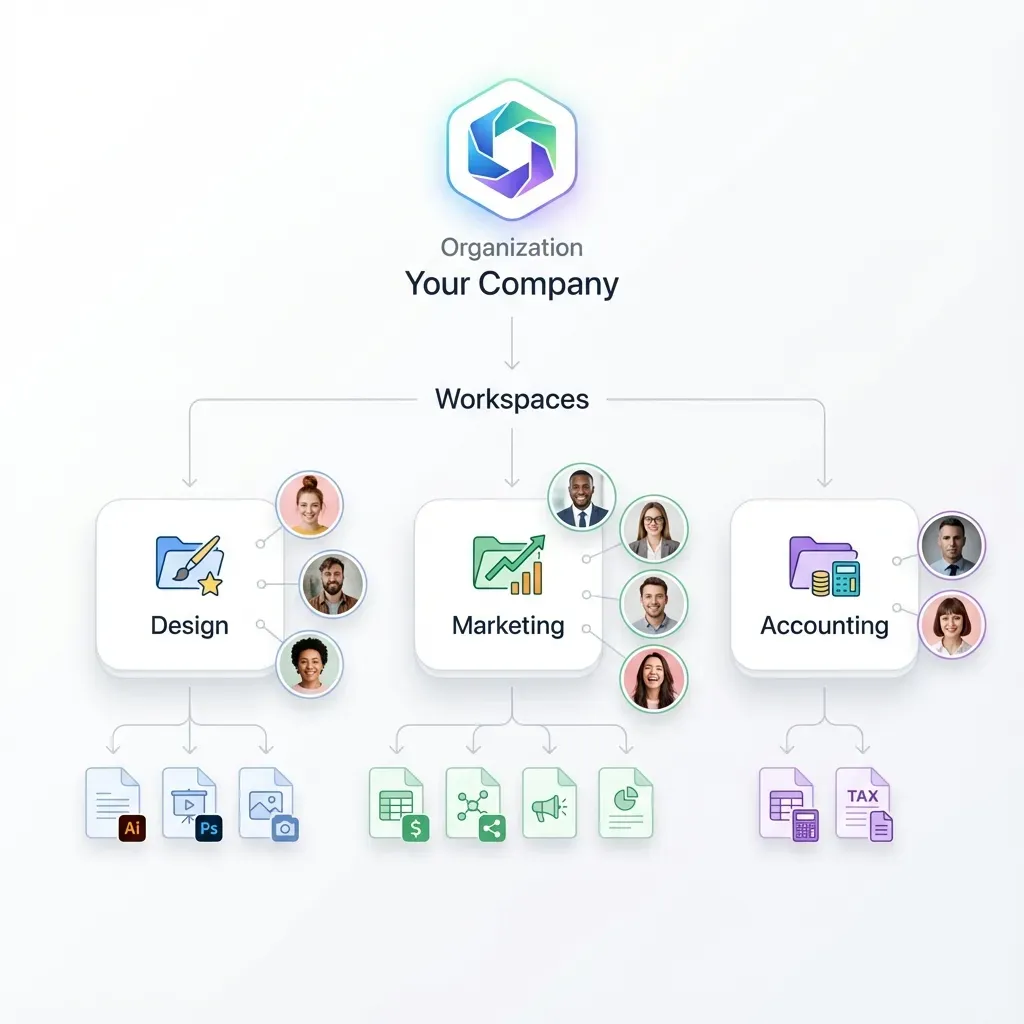
Different tools solve different problems. Most serious productions use a combination.
Real-Time Collaboration DAWs
These work when everyone can be online simultaneously:
- BandLab - Free, browser-based, good for basic production
- Soundtrap (Spotify) - Browser-based, education-focused
- Splice - Integrates with major DAWs, version tracking built-in
Limitation: Works best when collaborators use the same tool. Cross-DAW collaboration still requires stem exports.
Audio Streaming Tools
For remote mixing sessions where clients need to hear changes live:
- Audiomovers LISTENTO - Streams uncompressed audio from your DAW
- Evercast - Full video + audio streaming for session work ($549/month)
- SonoBus - Free, open-source, good latency
File Sharing Platforms
For the actual file transfers between sessions:
- Splice - Built for DAW projects, includes cloud saves
- Pibox - Audio-focused with waveform commenting
- Filepass - Streaming previews with payment integration
- Fast.io - Large file support (250GB+), no external accounts needed
Most workflows combine these. Use real-time tools for collaborative sessions, file sharing for handoffs.
Common Remote Collaboration Mistakes
Sending Compressed Files
A producer sends MP3 stems to a mixing engineer. The engineer works with degraded audio. The mix sounds worse than it should, and nobody realizes why until mastering.
Fix: Always send WAV or FLAC for anything that will be edited. Reserve MP3 for reference listens only.
No Backup Workflow
Your collaboration platform crashes. Your local drive fails. Six months of work vanishes.
Fix: Keep local copies of everything important. Your cloud workspace is your working copy, not your only copy.
Version Naming Chaos
"final_mix_v2_actually_final_NEW.wav" - everyone has seen this. It happens when naming conventions break down.
Fix: Agree on naming before the project starts. Enforce it. When someone uploads a badly-named file, rename it immediately.
Assuming Files Arrived
You upload stems and assume your collaborator got them. They didn't check. Two weeks later, the deadline approaches and they haven't started.
Fix: Use platforms with read receipts or activity tracking. Follow up when important uploads don't show activity within a day or two.
Sharing Links That Expire
WeTransfer's free tier expires after 7 days. Google Drive links get reorganized when someone cleans up their account. Links die at the worst times.
Fix: Use persistent storage for project files. Check old links periodically to make sure they still work.
Frequently Asked Questions
How do musicians collaborate online?
Musicians share audio stems, project files, and reference tracks through cloud storage, then work on their own time in their own DAWs. Real-time tools like BandLab or Splice let you work simultaneously, while file sharing platforms handle larger stem transfers when collaborators use different software.
What is the best platform for music collaboration?
The best platform depends on your workflow. Splice works well for DAW project sync. BandLab offers free browser-based production. For large file transfers between collaborators using different DAWs, platforms like Fast.io handle stems over 1GB without compression or link expiration. Most professional workflows combine multiple tools.
How do I share large music files?
Share large music files using platforms designed for big uploads. Most email limits at 25MB, while music sessions often exceed 1GB. Use cloud storage platforms that preserve audio quality (no compression), don't expire links, and don't require recipients to create accounts. Fast.io, Dropbox, and Google Drive all work, with varying size limits.
What file format should I use for sharing stems?
Use WAV or FLAC for sharing stems. Both are lossless formats that preserve full audio quality. WAV is universally compatible but larger (about 10MB per minute). FLAC compresses to roughly half that size without quality loss. Avoid MP3 for stems since each edit/export cycle degrades the audio.
How do I organize a remote music production project?
Create a shared workspace with clear folder structure (Stems, Bounces, Notes, Assets). Establish naming conventions before anyone uploads files. Define handoff points so everyone knows who sends what to whom. Use activity tracking to see who uploaded which version and when.
Related Resources

Share stems without the hassle
Send large session files to collaborators. No compression, no expired links, no account required for guests.