Best pCloud Transfer Alternatives for Larger Files and More Control
pCloud Transfer is a free file transfer service that lets you send files up to 5GB without registration. While useful for quick transfers, many users hit its limits fast. This guide compares alternatives that offer larger file sizes, download tracking, and workspace features for teams who need more than basic one-off transfers.

What Is pCloud Transfer?
pCloud Transfer is a free file transfer service from pCloud that lets you send files up to 5GB without creating an account. You upload files, add recipient email addresses, and pCloud sends download links. Files expire after 7 days.
The service competes with WeTransfer and similar one-off transfer tools. It works well for occasional use, but has clear limitations:
- 5GB maximum per transfer (individual files can't exceed this)
- 7-day expiration with no option to extend
- No download tracking on the free tier
- No password protection without a pCloud account
- No persistent storage since files auto-delete
For personal use or sending a few large files to friends, pCloud Transfer handles the job. Problems start when you need to track who downloaded what, share files larger than 5GB, or keep files accessible beyond a week.
When to Look for pCloud Transfer Alternatives
You've probably landed here because you've hit one of pCloud Transfer's walls. Here are the most common scenarios where an alternative makes sense:
You need to send files larger than 5GB. A single 4K video project can easily exceed 5GB. Raw camera footage, CAD files, or software builds regularly hit 10-50GB or more.
You need files available longer than 7 days. Client review cycles, project handoffs, and vendor collaborations often run weeks or months. Auto-deleting files creates busywork.
You need to know if files were downloaded. When you're sending contracts, deliverables, or time-sensitive materials, confirmation matters. pCloud Transfer's free tier doesn't tell you anything.
You share files regularly, not occasionally. If file sharing is part of your workflow rather than a once-a-month task, you need organization, not just transfer.
You work with a team. pCloud Transfer is designed for individuals. There's no way to see what your team has shared, manage access centrally, or enforce consistent security settings.
pCloud Transfer vs Alternatives: Quick Comparison
Here's how pCloud Transfer stacks up against the main alternatives for large file transfers:
| Service | Max File Size | Expiration | Free Tier | Download Tracking |
|---|---|---|---|---|
| pCloud Transfer | 5GB | 7 days | Yes | No |
| WeTransfer | 2GB (free) | 7 days | Yes | No (free) |
| Smash | No limit | 7 days | Yes | Yes |
| MEGA | Varies by plan | No expiration | 20GB storage | Yes |
| Fast.io | 250GB+ | No expiration | Trial | Yes |
The free services trade features for limitations. If you need larger transfers, persistence, or tracking, expect to pay something.

Best pCloud Transfer Alternatives
Let's break down each option based on what actually matters for file sharing.
WeTransfer
WeTransfer is the most well-known file transfer service. The free version allows 2GB transfers, smaller than pCloud's 5GB limit. Files expire after 7 days. The paid Pro plan ($12/month) increases this to 200GB with password protection and custom branding.
Best for: Users who value simplicity over features and don't mind the 2GB free limit.
Drawback: The free tier is actually more limited than pCloud Transfer. No download tracking without paying.
Smash
Smash removes file size limits entirely on their free tier. You can send a 50GB file without paying anything. Files expire after 7 days for free users. The paid plan adds longer expiration, custom branding, and priority transfers.
Best for: Occasional transfers of very large files when you don't need files to persist.
Drawback: Still a one-off transfer tool. Files disappear after the expiration period.
MEGA
MEGA provides 20GB of free cloud storage with end-to-end encryption. Unlike pure transfer tools, files don't expire unless you delete them. The paid plans start at roughly €5/month for 400GB.
Best for: Users who want persistent storage with strong encryption and occasional sharing.
Drawback: It's cloud storage, not a transfer tool. Sharing is secondary to the storage product.
Fast.io
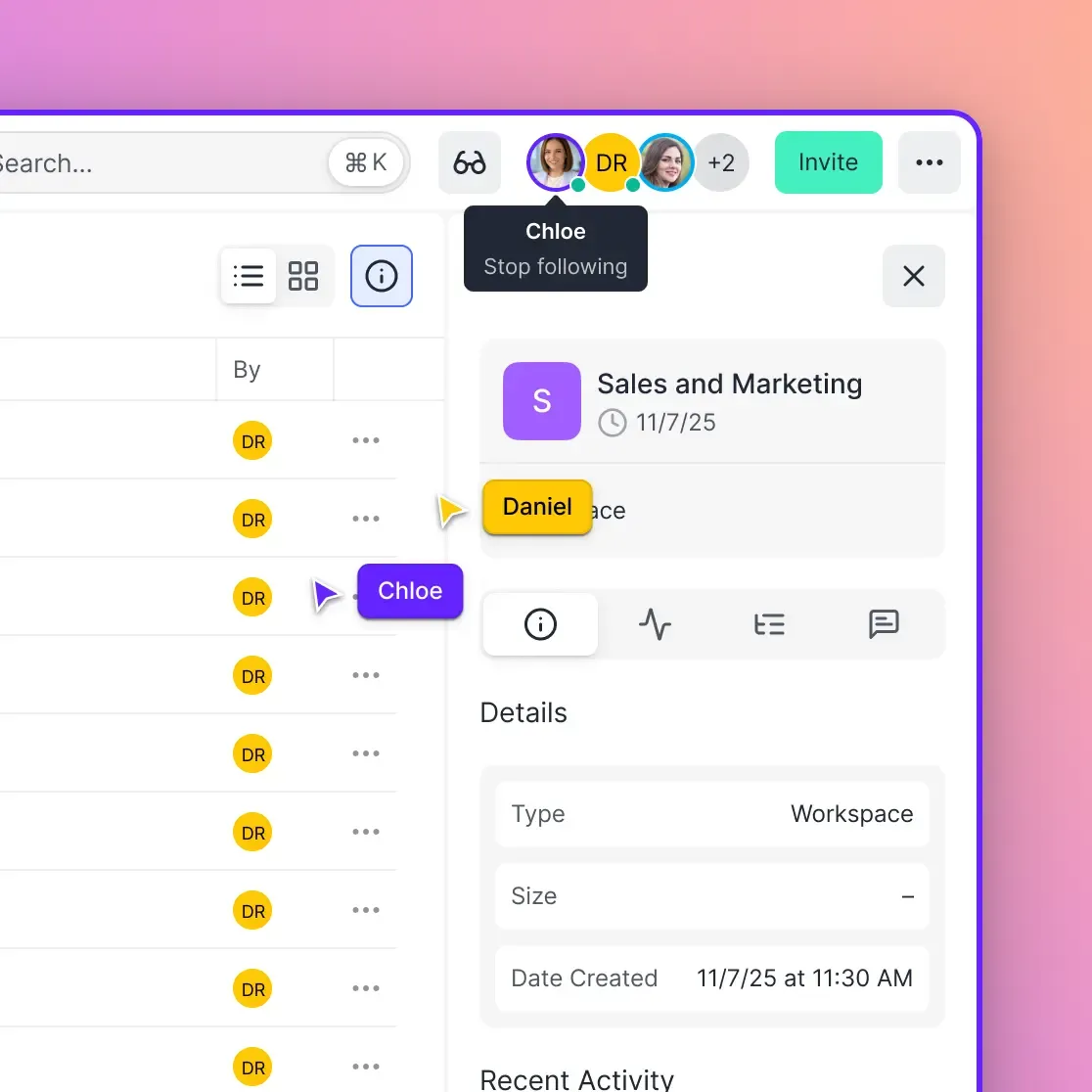
Fast.io works differently. Instead of one-off transfers, it gives you workspaces where files stay until you delete them. Videos stream instantly without requiring downloads. You can set up branded portals for client delivery, and see exactly who viewed and downloaded each file.
The platform handles files up to 250GB with no artificial size restrictions. Teams can collaborate in shared workspaces rather than managing scattered transfer links. Pricing is usage-based rather than per-seat, which works well for teams that share with many external clients.
Best for: Teams who share files regularly and need tracking, persistence, and collaboration.
Drawback: Overkill if you just need to send a file once a month.
Is pCloud Transfer Safe?
pCloud Transfer uses HTTPS for uploads and downloads, which encrypts files during transit. This is standard security that prevents eavesdropping on your transfers.
However, pCloud Transfer's security model has some gaps compared to paid alternatives:
- No password protection on free transfers. Anyone with the link can download
- No link expiration control. You can't set a custom expiration shorter than 7 days
- No download limits. Links work unlimited times until expiration
- No audit trail. You don't know who accessed your files
For non-sensitive files, this is fine. For contracts, financial documents, or client deliverables, you probably want more control. Most business-grade alternatives include password protection, expiration controls, and download tracking by default.
Choosing the Right Alternative
Your choice depends on what's actually limiting you with pCloud Transfer:
If you need larger one-off transfers: Smash removes size limits for free. Use it when you have a single large transfer and don't need the file to persist.
If you need persistent file access: MEGA or Fast.io give you storage, not just transfer. Files stay available until you remove them.
If you share files as part of your job: Fast.io or similar workspace tools organize your sharing history and provide the tracking you need to know files were received.
If encryption is your top priority: MEGA's end-to-end encryption is among the strongest in consumer cloud storage.
If budget is zero: Smash for large files, pCloud Transfer for files under 5GB, WeTransfer for simple sharing under 2GB. You'll sacrifice tracking and persistence.
The free transfer tools all work similarly. You upload, they host temporarily, recipients download before the link dies. If that model fits your needs, pick whichever has the size limit that works for you. If you need more than temporary hosting, you're looking at storage platforms, not transfer tools.
Frequently Asked Questions
Is pCloud Transfer free?
Yes, pCloud Transfer is completely free. You can send files up to 5GB to up to 10 recipients without creating an account. There's no paid version of pCloud Transfer specifically, though pCloud offers paid cloud storage plans with additional features.
What is the limit on pCloud Transfer?
pCloud Transfer limits you to 5GB per transfer, with files expiring after 7 days. You can send to up to 10 recipients per transfer. There's no limit on how many transfers you can make, but each one is subject to these same restrictions.
What is better than pCloud Transfer?
It depends on your needs. Smash offers unlimited file sizes for free. Fast.io provides persistent workspaces with tracking and collaboration. MEGA offers encrypted cloud storage. WeTransfer is simpler but has a smaller 2GB free limit. For occasional large transfers, Smash is hard to beat on the free tier.
Can I password protect pCloud Transfer files?
No, the free pCloud Transfer service doesn't support password protection. You need a paid pCloud account to add passwords to shared links. Alternatives like WeTransfer Pro, Smash Pro, and Fast.io all offer password protection.
Why do my pCloud Transfer files disappear?
pCloud Transfer automatically deletes files after 7 days. This is by design since it's a transfer service, not storage. If you need files to persist longer, use a cloud storage service like pCloud's main product, MEGA, or Fast.io, which keep files until you delete them.
Related Resources

Ready for file sharing that works?
Stop hitting size limits. Fast.io gives you workspaces where files stay put, tracking that shows who downloaded what, and support for files up to 250GB.