How to Build a Remote Video Production Workflow
Remote video production is the process of creating video content with team members working from different locations, using cloud-based tools for asset sharing, editing, review, and delivery. This guide breaks down each stage of the workflow with specific tool recommendations and practical tips for keeping distributed teams in sync.
What Makes Remote Video Production Different
Remote video production flips the traditional model. Instead of everyone gathering in an edit bay or studio, team members work from home offices, co-working spaces, or on location anywhere in the world. The footage, project files, and deliverables all live in the cloud.
This shift happened fast. Most video teams now work remotely at least part-time. The average remote video project spans 3 time zones, which means someone is always working on your project.
The challenge is coordination. Video files are massive. A single day of 4K footage can hit 500GB or more. Traditional file transfer methods like email or basic cloud sync can't handle files this large. You need infrastructure built for media workflows.
Stage 1: Asset Capture and Ingest
Every remote production starts with getting footage off cameras and into a shared location your team can access. This used to mean shipping hard drives overnight. Now camera-to-cloud workflows let you upload proxy files while the shoot is still happening.
Here's what you need at this stage:
- Field storage: Portable SSDs or NAS devices for on-set backup
- Encoding: Hardware or software that creates lightweight proxy files from camera originals
- Cloud destination: A storage platform that can receive large uploads reliably
The proxy workflow is essential. Full-resolution camera files are too large to edit over the internet. Instead, you create smaller preview versions (proxies) that editors can work with immediately. The original files get archived and linked back later during finishing.
Fast.io handles proxy uploads well because files stream directly to the cloud without syncing to local machines first. This matters when you're uploading from hotel Wi-Fi or a production office with limited bandwidth.
Stage 2: Organizing and Distributing Footage
Once footage lands in the cloud, someone needs to organize it. This means logging clips, adding metadata, and creating a folder structure that makes sense to everyone on the team.
A good naming convention saves hours of confusion later. Include:
- Shoot date (YYYY-MM-DD format)
- Camera designation (A-cam, B-cam, drone)
- Scene or setup number
- Take number
Example: 2026-01-15_Acam_Scene04_Take02.mov
Remote productions can cut costs significantly, but only if the organization holds up. A sloppy folder structure or inconsistent naming creates chaos that wipes out any savings.
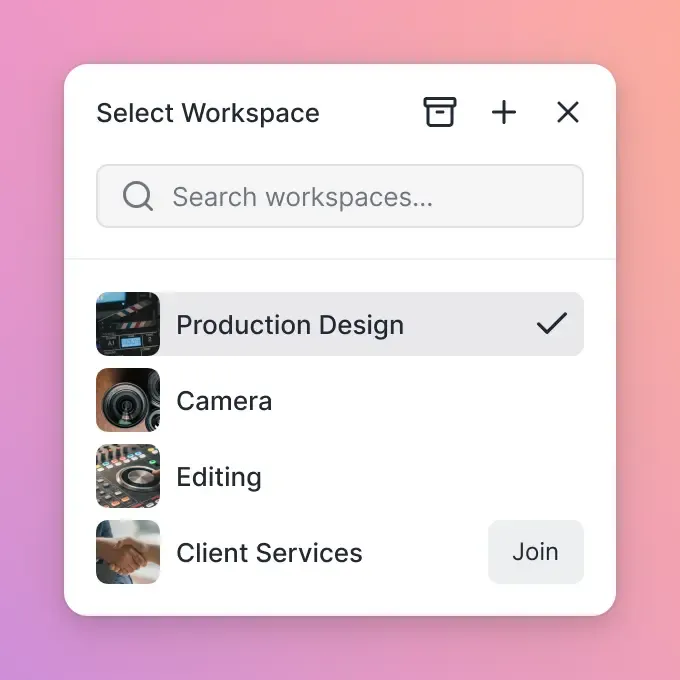
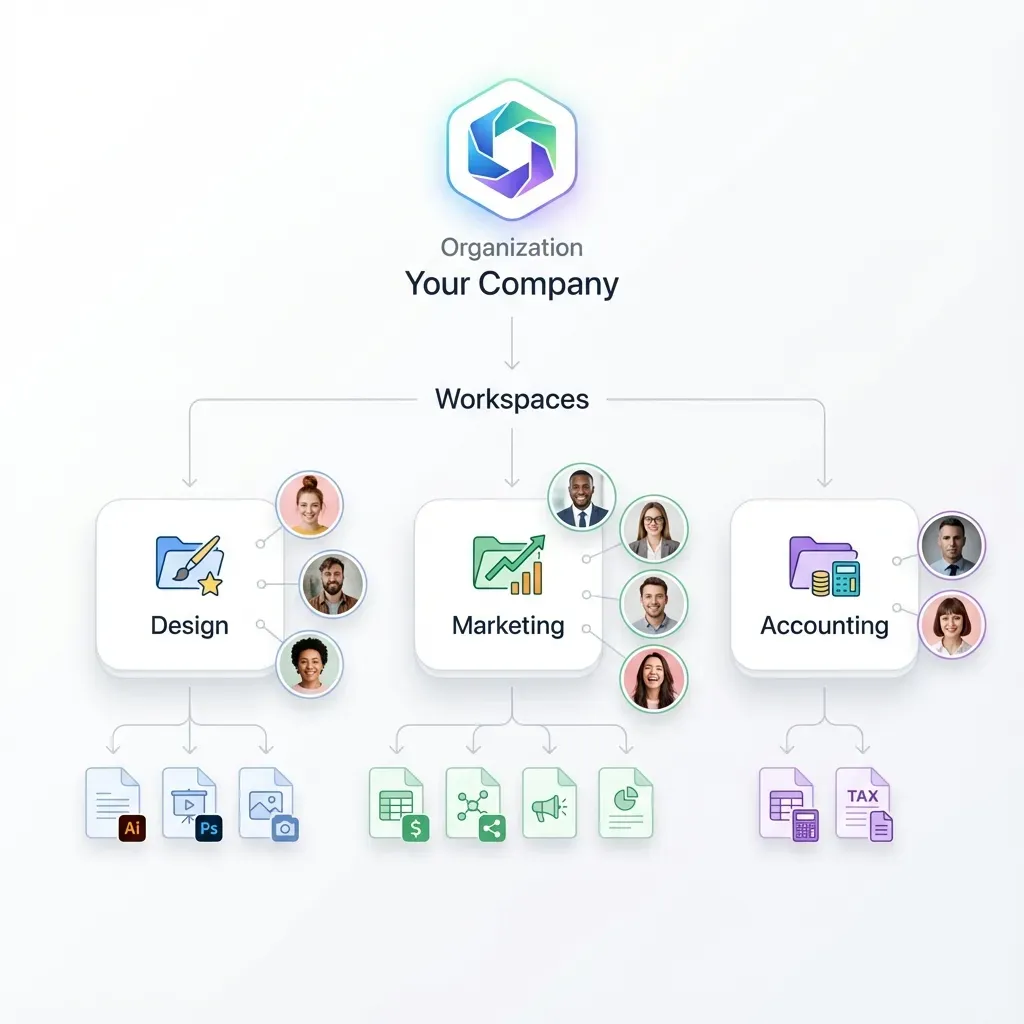
For distribution, you need selective access controls. The director needs everything. The colorist only needs approved takes. The music supervisor just needs rough cuts for scoring. Look for platforms that let you share specific folders with specific people, not all-or-nothing access.
Stage 3: Editing Across Locations
This is where remote workflows get tricky. Editing software like Premiere Pro, DaVinci Resolve, and Final Cut Pro expect fast local storage. Working directly from the cloud introduces latency that makes scrubbing footage painful.
Three approaches work:
Proxy Editing
Download proxy files locally, edit with them, then relink to full-resolution media for final output. This is the most common approach and works with any NLE.
Cloud-Mounted Drives
Services like LucidLink or Hedge create a virtual drive that streams files from the cloud. Files appear local but live remotely. Performance depends heavily on your internet connection.
Browser-Based Editing
Tools like Frame.io and Descript let you do rough cuts entirely in the browser. Good for assembly edits, not ideal for detailed work.
The editing stage is where collaboration features matter most. Multiple editors working on the same project need to stay out of each other's way. Version control, check-in/check-out systems, or workspace-based organization prevent two people from editing the same sequence simultaneously.
Stage 4: Review and Feedback Cycles
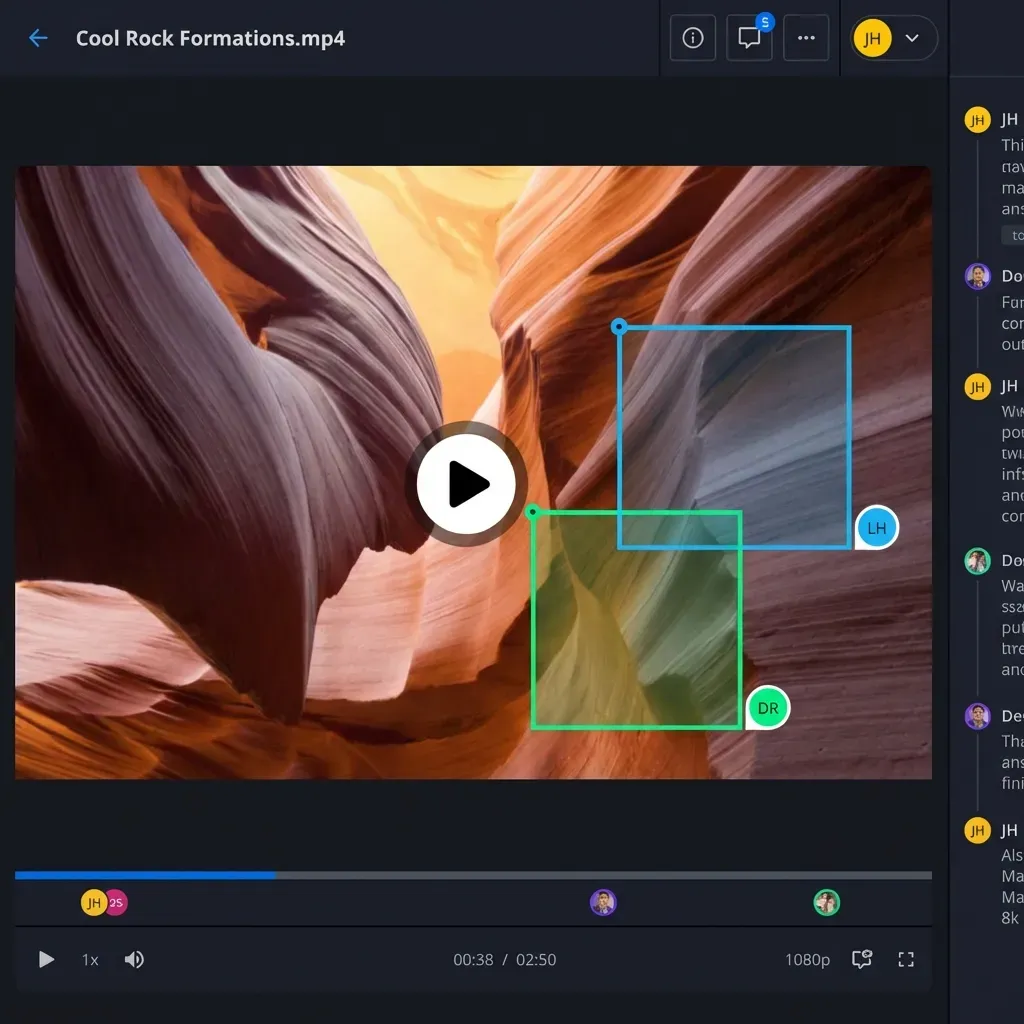
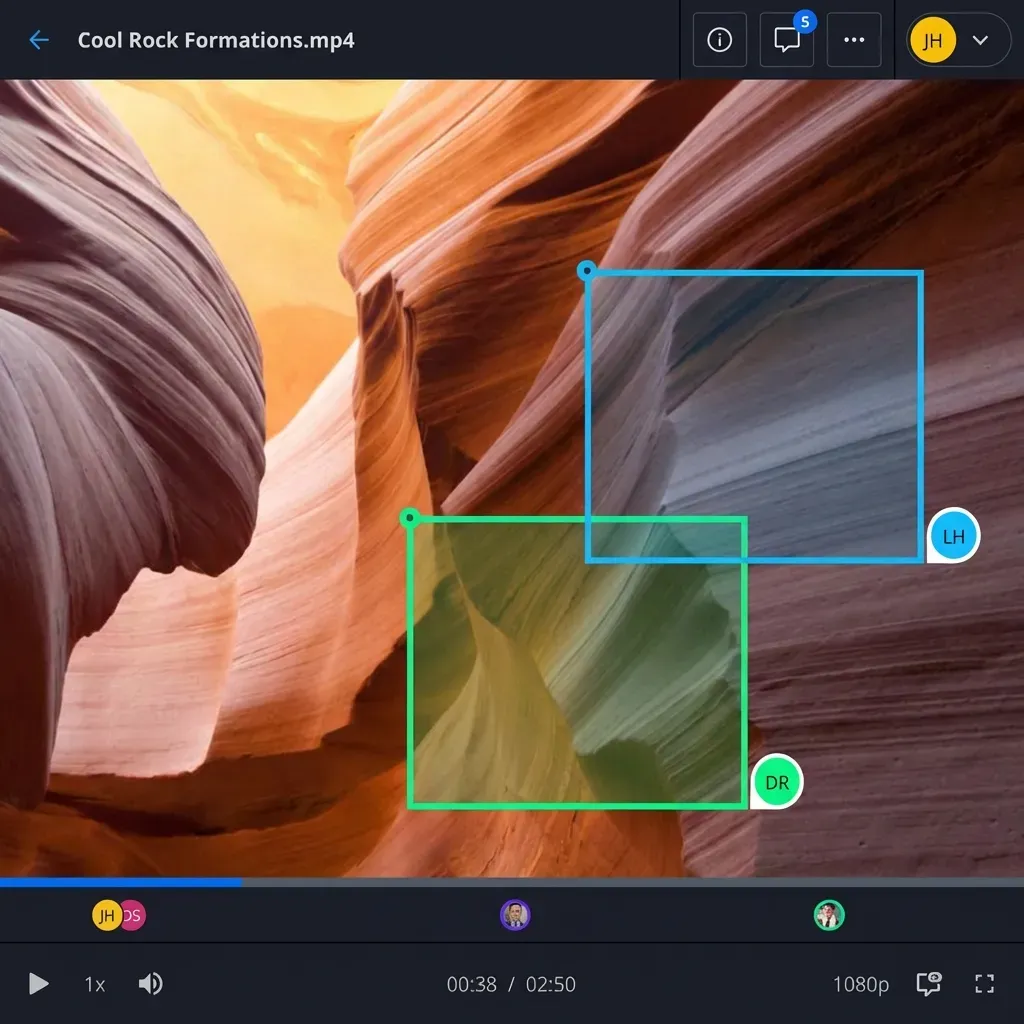
Review is where remote workflows actually improve on traditional production. Instead of scheduling a room and flying in the client, you share a link. Feedback comes in written form, pinned to specific timelines.
For video review to work remotely, you need:
- Adaptive streaming: Video that plays smoothly regardless of the viewer's connection speed
- Frame-accurate comments: Feedback tied to specific frames, not vague time ranges
- Version comparison: Side-by-side views of current vs previous cuts
Fast.io uses HLS adaptive streaming, the same technology Netflix and YouTube rely on. This means your 4K timeline plays back smoothly for a client on a laptop or a producer checking cuts from their phone.
Frame-accurate comments matter because "the shot around 2 minutes in" is not useful feedback. When reviewers can click a frame and type their note, you get precise direction that editors can act on immediately.
Remote review also creates a paper trail. Every comment is logged, every approval timestamped. This protects you when clients forget what they asked for.
Stage 5: Finishing and Delivery
Finishing includes color grading, audio mixing, visual effects, and final mastering. These processes require full-resolution media and specialized software.
For distributed finishing teams:
- Color: The colorist pulls full-res files, grades locally, then uploads graded masters
- Audio: Mix engineer receives stems and dialogue tracks, delivers mixed files
- VFX: Visual effects artists download specific shots, deliver rendered elements
Handoffs between these specialists create bottlenecks if your file transfer is slow. Uploading a 50GB master file should take minutes, not hours. Look for platforms with resumable uploads that won't fail if your connection drops.
Final delivery often goes to multiple destinations: the client, broadcast networks, streaming platforms, social media. Each has different specs. Having a central archive where approved masters live makes fulfilling these requests straightforward.
For creative teams handling multiple projects, a single source of truth prevents the nightmare of tracking down "final_final_v3_APPROVED.mov" across scattered folders.
Choosing Tools for Your Remote Workflow
The tool landscape for remote video production keeps expanding. Here's how to think about building your stack:
Storage and sharing: You need something built for large files and media preview. Generic cloud storage like Dropbox or Google Drive works for documents but struggles with video. Buffering, no waveform previews, limited format support. Fast.io handles professional formats including ProRes, DNxHD, and RAW files with instant playback.
Review and approval: Frame.io is the industry standard. Fast.io offers similar frame-accurate commenting with the advantage of not requiring separate storage. Your files and feedback live in one place.
Project management: Notion, Monday, or Asana work fine. Video-specific tools like Ftrack or ShotGrid add asset tracking but come with learning curves.
Communication: Slack for async, Zoom for sync. Some teams use Discord for its screen sharing and always-on voice channels.
The key is integration. Every tool should talk to the others. Manual file copying between platforms kills the efficiency gains of going remote.
Frequently Asked Questions
How do you do video production remotely?
Remote video production uses cloud-based platforms to share footage, project files, and feedback between team members working from different locations. The basic workflow is: capture footage on set, upload proxy files to cloud storage, edit using downloaded proxies or cloud-mounted drives, gather feedback through online review tools, then finish and deliver the final files. The whole process relies on fast internet connections and software designed for large media files.
What tools do remote video editors use?
Remote video editors typically use a combination of editing software (Premiere Pro, DaVinci Resolve, Final Cut Pro), cloud storage built for media (Fast.io, Dropbox, LucidLink), review platforms (Frame.io, Wipster), and communication tools (Slack, Zoom). The specific stack depends on team size and budget. Smaller teams might use fewer tools with overlap. Larger productions often have dedicated platforms for each stage.
Can you edit videos with a team remotely?
Yes. Teams edit videos remotely by dividing work between editors who each handle different scenes or segments, using project files that merge changes together. Cloud storage with version control prevents conflicts when multiple people work on the same project. The main challenges are coordinating handoffs, managing large file uploads and downloads, and maintaining consistent playback quality for review sessions.
What file sizes are typical for remote video production?
File sizes vary dramatically based on resolution and codec. A single hour of 4K ProRes footage runs about 200GB. RAW formats from cinema cameras can hit 1TB per hour. Remote workflows deal with this by using proxy files, which are compressed versions around 10-20% of the original size. Editors work with proxies, then reconnect to full-resolution files for final output.
How do remote video teams handle time zone differences?
Effective remote video teams use asynchronous communication for most feedback and save synchronous calls for critical decisions. Written comments on video frames, recorded video messages explaining notes, and clear deadline documentation all reduce the need for real-time meetings. When live sessions are necessary, teams rotate meeting times so the same people aren't always working at odd hours.
Related Resources

Simplify your remote video workflow
Share footage, gather feedback, and deliver finals from one platform built for media teams.