How to Transfer Files Securely Online
Secure file transfer is the process of sending files using encryption and access controls to prevent unauthorized interception or access. This guide explains what to look for in secure transfer methods, how to evaluate your current approach, and practical steps to send sensitive files safely.
What Is Secure File Transfer?
Secure file transfer is the process of sending files using encryption and access controls to prevent unauthorized interception or access. It protects data both while moving across networks (in transit) and while stored on servers (at rest). Three features define secure file transfer:
Encryption: Files are scrambled so only authorized recipients can read them 2.
Access controls: Permissions determine who can view, download, or share 3.
Audit trails: Logs track every access attempt for accountability
The distinction matters because "file transfer" and "secure file transfer" are not the same thing. Email attachments transfer files but offer no protection once sent. Consumer cloud tools transfer files but tie security to individual accounts rather than organizational policies. 83% of data breaches involve external actors targeting file transfers. End-to-end encryption reduces breach risk by 95%. The gap between secure and insecure transfer methods is measured in millions of dollars of potential exposure.
Helpful references: Fast.io Workspaces, Fast.io Collaboration, and Fast.io AI.
Why Most File Transfer Methods Aren't Secure
Most businesses already transfer files constantly. The question is whether those transfers are actually protected.
Email attachments are the most common method and the least secure. Once you send an attachment, you lose all control. The file sits in inboxes indefinitely, can be forwarded to anyone, and provides no visibility into who accessed it. That contract you emailed in 2023? Still accessible to anyone with access to that inbox.
Consumer cloud storage (personal Dropbox, Google Drive) improves on email but creates different problems. Files are tied to individual user accounts. When someone leaves your organization, their files may leave too. Worse, they might retain access after departure. There's no central visibility into what's being shared externally.
FTP and SFTP add encryption but require technical knowledge to set up and maintain. Every external recipient needs credentials configured manually. There's no user-friendly interface, no preview capability, and limited audit logging.
USB drives and physical media offer no protection against loss or theft. Once a drive leaves the building, you have no idea where your data ends up. Many security incidents involving physical media go undetected.
Messaging apps (Slack, WhatsApp) are designed for communication, not file management. Files scatter across channels with no organization, limited search, and retention policies that may delete files unexpectedly. The common problem: these methods work for moving bytes but fail at controlling access, tracking usage, and maintaining security after the transfer.
3 Security Features to Look For
Not all "secure" file transfer solutions deliver on their promises. Marketing claims vary widely from actual protection. Here's what separates real security from checkbox features.
1. Encryption at Rest and in Transit
Your files need protection in two states: while traveling over the internet (in transit) and while stored on servers (at rest).
In transit: Look for TLS 1/2 or higher encryption. This encrypts data as it moves between your device and the storage servers. Without it, anyone monitoring network traffic could intercept files.
At rest: Look for AES-256 encryption on stored files. This is the same standard used by banks and government agencies. Even if someone gains physical access to storage servers, encrypted files remain unreadable. Some solutions offer end-to-end encryption where files are encrypted on your device before upload. The provider never has access to unencrypted data. This provides the strongest protection but may limit features like search and preview.
2. Access Controls That Actually Work
"View" and "Edit" permissions are a starting point, not a solution. Real access control works at multiple levels.
Organization level: Who can join your workspace? SSO integration ensures only authenticated employees access your files.
Workspace level: Which teams or projects can someone access? Not everyone needs visibility into every department.
Folder and file level: Within a workspace, can you restrict specific assets? Your legal team shouldn't see the same files as your marketing agency.
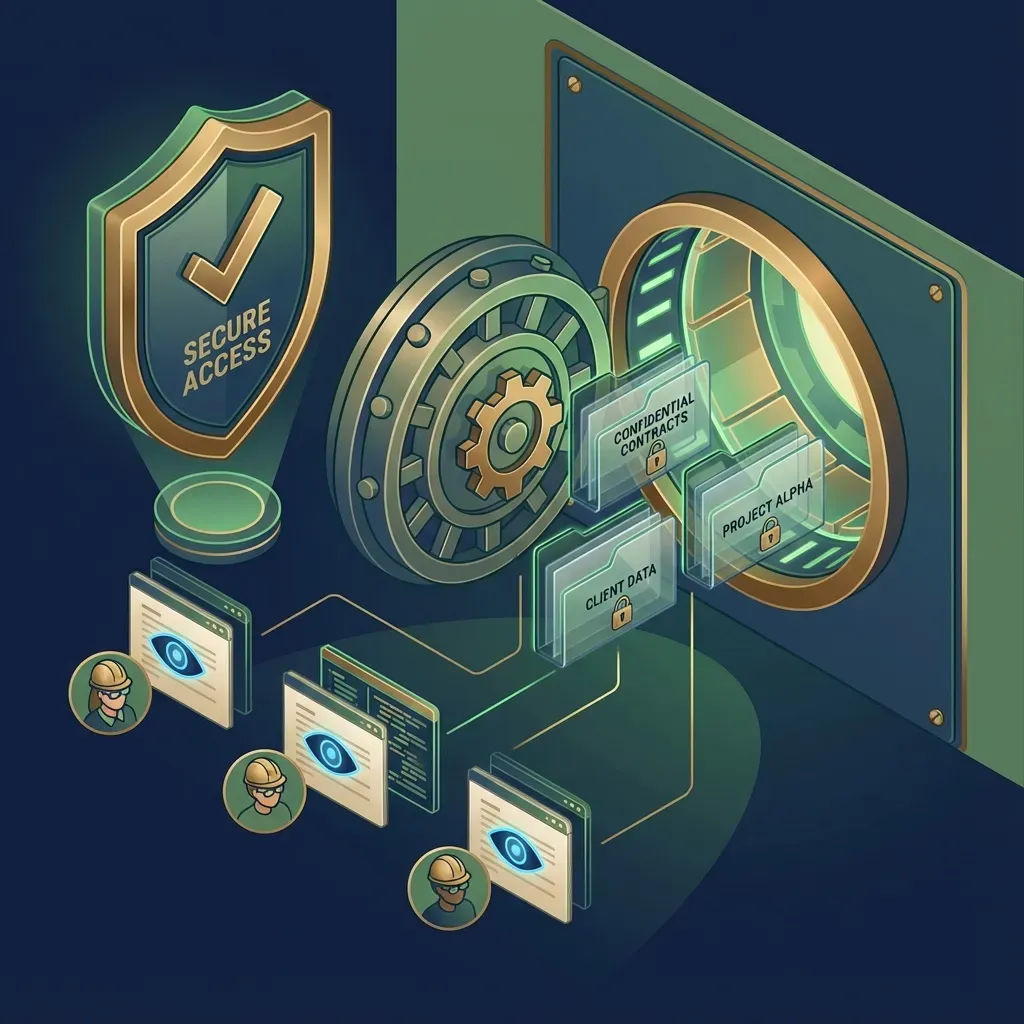
Link level: When sharing externally, can you set passwords, expirations, and download restrictions? Can you revoke access instantly when needed? Test any solution by asking: "Can I give one client access to three specific files without exposing everything else in that folder?" If the answer is no, the access controls are inadequate.
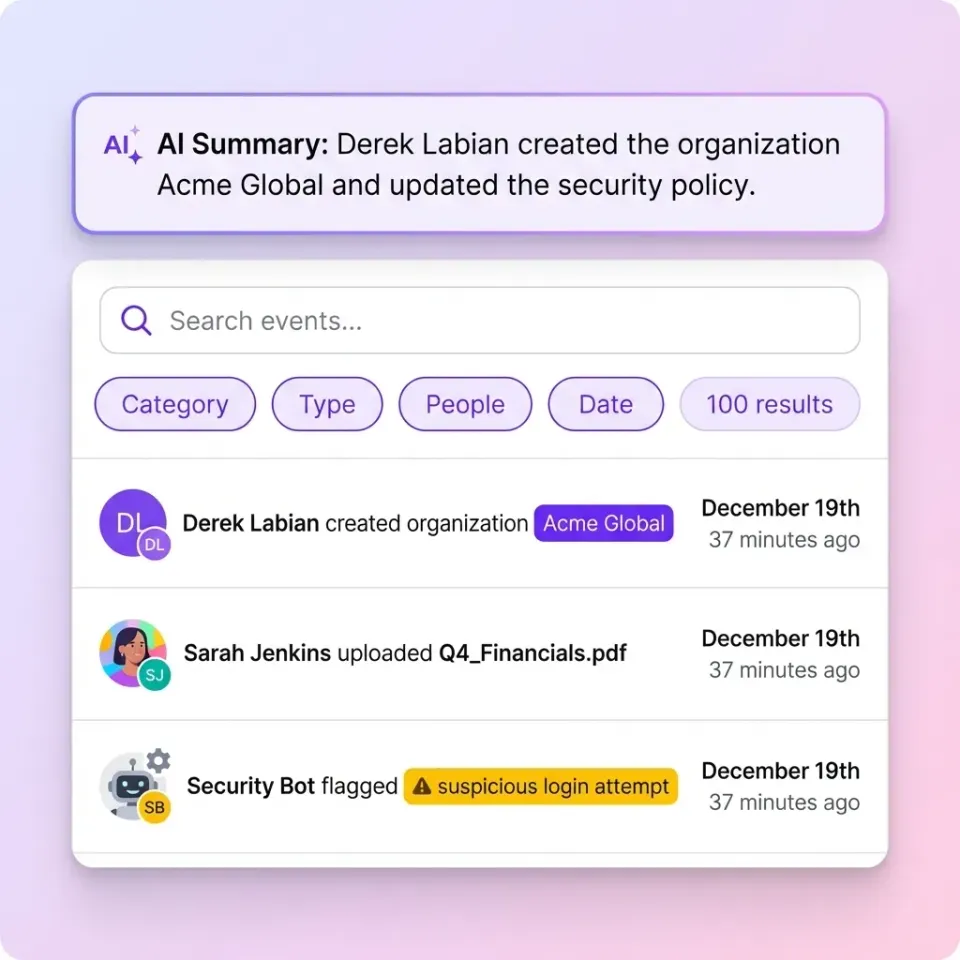
3. Audit Trails That Track Everything
If you ever need to answer "who accessed what, and when?" you need detailed audit logs. Good audit trails track:
- File views and downloads
- Permission changes
- Login attempts (successful and failed)
- Link shares and expirations
- External user access
This isn't just for compliance. When something goes wrong, audit logs help you understand exactly what happened. When a client asks who viewed their documents, you can answer with certainty. Audit logs also deter misuse. People behave differently when they know their actions are recorded.
Is SFTP Secure?
SFTP (Secure File Transfer Protocol) adds SSH encryption to traditional FTP, making the transfer itself secure. But "secure transfer" and "secure file management" are different things.
What SFTP does well:
- Encrypts data in transit using SSH
- Provides authentication via credentials or SSH keys
- Supports large file transfers without size limits
- Works with automated scripts and server-to-server transfers
What SFTP lacks:
- No user-friendly interface (requires technical knowledge)
- Limited audit logging (depends on server configuration)
- No built-in access controls beyond user credentials
- No file preview or collaboration features
- No expiring links or download restrictions for sharing
SFTP is a secure transport protocol. It's appropriate for system-to-system integrations and technical users who need to script automated transfers. It's not a complete solution for business file sharing where you need to control access, track usage, and share with non-technical recipients. For most business scenarios, you need a platform built on secure protocols like SFTP but with added layers: access controls, audit trails, preview capabilities, and easy sharing for non-technical users.
How to Send Files Securely Online
The highly secure approach depends on your specific situation. Here's a practical decision framework.
For Internal Team Sharing
Use workspace-based cloud storage with organization-owned files. The key requirement: files belong to the company, not individual users. When someone leaves, their access ends, but the work stays. Fast.io uses this model. Files live in shared workspaces organized by project or team. Anyone with workspace access can collaborate. When you remove someone's access, they lose it immediately across all files. Set smart defaults: encryption enabled, audit logging active, MFA required. Don't rely on users to remember security settings.
For Sharing with Clients and Partners
External sharing requires extra controls because recipients are outside your security perimeter.
Use expiring links. Every external share should have a deadline. Set links to expire when the project ends or after a short period, whichever comes first.
Enable password protection for sensitive files. The password travels through a different channel than the link (send the link via email, the password via text).
Restrict downloads when possible. If recipients only need to view files, disable downloads. This reduces copies floating around external systems.
Use watermarking for highly sensitive documents. Visible watermarks discourage screenshots. Forensic watermarks help trace leaks.
Branded portals build trust and make phishing attempts more obvious. Clients learn to expect your branding, so impersonation stands out.
For Receiving Files from Others
When you need to collect files from external parties, set up dedicated upload portals rather than sharing your main workspace credentials. Upload portals let external users send files to a specific destination without seeing anything else in your system. You control where files land and who can access them after upload.



Share Files Securely with Fast.io
Encryption, access controls, and audit logs built in. See how Fast.io keeps your files secure without slowing down your team.
Evaluating Your Current Approach
Run this quick assessment on your current file transfer methods.
Encryption check:
- Are files encrypted in transit? (Look for HTTPS or TLS indicators)
- Are files encrypted at rest? (Check your provider's security documentation)
- Who holds the encryption keys? (Provider-managed is common; client-managed is more secure)
Access control check:
- Can you revoke access to shared files instantly?
- Do external links expire automatically?
- Can you restrict by permission level (view, download, edit)?
- Is multi-factor authentication available and enforced?
Audit check:
- Can you see who accessed a specific file?
- Do logs capture failed access attempts?
- Are logs retained long enough for your compliance needs?
- Can you export logs for analysis?
Ownership check:
- What happens to files when an employee leaves?
- Are files tied to individual accounts or the organization?
- Can departed employees retain access to shared links? If you answered "no" or "I don't know" to more than two questions in any category, that category represents a security gap.
Secure File Transfer for Specific Use Cases
Different scenarios have different security requirements. Here's what matters most for common situations.
Legal and Professional Services
Law firms handle privileged information that requires strict access control. Key requirements:
- Matter-based organization to keep client files separate
- Ethical walls preventing conflicts of interest
- Complete audit trails for compliance and malpractice defense
- Secure external sharing with opposing counsel
Legal file sharing solutions address these specific needs.
Video and Creative Production
Media files are large and need specialized handling. Key requirements:
- Support for files measured in gigabytes, not megabytes
- Streaming preview (watch video without downloading)
- Frame-accurate commenting for feedback
- Watermarking to discourage leaks of unreleased content
Financial Transactions
M&A deals, audits, and investor relations involve sensitive numbers. Key requirements:
- Data rooms with granular permissions
- View analytics showing who spent time on which documents
- One-click access revocation when deals close or fall through
- Domain restrictions limiting access to specific organizations
Healthcare and Research
Patient data and research materials require extra protection. Key requirements:
- Encryption that meets regulatory standards
- Detailed access logs for compliance audits
- Role-based permissions limiting access to need-to-know
- Secure collaboration with external research partners
Note: Healthcare organizations should verify that any platform meets their specific regulatory requirements before handling patient data.
Common Mistakes to Avoid
Security failures often come from well-intentioned shortcuts. Watch for these patterns.
Sharing via personal accounts. When the company doesn't provide easy secure sharing, employees use personal Dropbox or Google Drive. Those files aren't backed up, aren't audited, and leave when the employee leaves.
Using the same password for every link. If you use "Company2024" as the password for all external shares, you effectively have no password protection.
Never revoking old access. Links shared with clients from two years ago are probably still active. External users from past projects may still access current files. Regular access reviews matter.
Sending passwords in the same channel as links. If you email a link and its password in the same message, anyone who intercepts the email has everything they need. Use a second channel.
Ignoring mobile access. People access files from phones and tablets. If your secure solution doesn't work on mobile, they'll use insecure alternatives when traveling.
Over-complicating security. The highly secure system fails if people work around it. When security adds friction, employees find shortcuts. Make the secure option the easy option.
Frequently Asked Questions
What is the highly secure way to transfer files?
The highly secure file transfer combines end-to-end encryption, access controls, and audit logging. Use AES-256 encryption at rest and TLS v1.2 or higher in transit. Add password protection and expiration dates for external shares. Choose platforms where files are organization-owned, not tied to individual user accounts. For highly sensitive files, enable watermarking and disable downloads.
Is SFTP secure?
SFTP encrypts data in transit using SSH, making the transfer itself secure. However, SFTP alone doesn't provide access controls, audit trails, or user-friendly sharing features. It's appropriate for technical users and automated system integrations but lacks the management layer businesses need for everyday secure file sharing.
How do I send files securely online?
Use a cloud platform with encryption, access controls, and audit logging. When sharing externally, set expiration dates on links, enable password protection, and restrict downloads when recipients only need to view. For sensitive documents, add watermarking. Avoid email attachments for confidential files since they can't be tracked or revoked.
What makes file transfer secure vs insecure?
Secure file transfer encrypts data in transit and at rest, controls who can access files through permissions, and logs all access for accountability. Insecure methods like email attachments lack these protections. Files can be intercepted, accessed by unauthorized people, and exist indefinitely without tracking.
How do I share sensitive business documents safely?
Share through a platform with organization-level controls rather than personal accounts. Use workspaces or folders with specific permissions for each project or client. Set links to expire, require passwords for external access, and enable download restrictions when appropriate. Review access logs periodically to ensure only authorized people are viewing files.
Related Resources

Share Files Securely with Fast.io
Encryption, access controls, and audit logs built in. See how Fast.io keeps your files secure without slowing down your team.