7 Best Send Anywhere Alternatives for Fast & Secure File Sharing (2026)
Send Anywhere is popular for its simple 6-digit key transfers, but its lack of persistent storage and team features limits its use for professionals. This guide compares top alternatives that offer better security, larger file limits, and collaborative workspaces for teams.

Why Users Switch from Send Anywhere
Send Anywhere built a massive user base (40M+ downloads) on a simple premise: send a file, get a 6-digit key, receive the file. It works well for sending a quick photo to a friend or moving a document between your own devices.
However, professional teams often hit a wall with this model.
Files expire too quickly. The standard 10-minute window for 6-digit keys creates pressure. If the recipient isn't ready immediately, the transfer fails. While you can generate 48-hour links, managing them becomes a hassle.
Lack of organization. Send Anywhere is purely transactional. Once a file is sent, it doesn't live in a shared workspace. You can't organize files into folders for a project, meaning you end up resending the same assets repeatedly.
Security concerns for business. While Send Anywhere encrypts transfers, the lack of granular access controls (like restricting downloads to specific domains or requiring user accounts) makes IT departments nervous.
Ads and limits. The free version is heavy on ads, and transfer speeds can throttle during peak times.
Users looking for alternatives typically want:
- Persistence: Files that stay available until you delete them
- Professionalism: Branded pages instead of generic download links
- Collaboration: Ability to comment and review files, not just download them
- Speed: Reliable transfers for large video or design files
Top Send Anywhere Alternatives Comparison
Here is how the top alternatives compare based on transfer type, ideal use case, and pricing model.
| App | Best For | Transfer Type | Max File Size |
|---|---|---|---|
| Fast.io | Professional Teams | Cloud Workspace + Delivery | Unlimited |
| WeTransfer | Simple One-Offs | Email/Link Transfer | 2GB (Free) |
| MASV | Huge Video Files | Pay-Per-GB Transfer | Unlimited |
| Dropbox | Office Sync | File Sync & Share | Plan-dependent |
| Google Drive | Docs Collaboration | Cloud Storage | 15GB (Free) |
| Filemail | Budget Transfers | Email Transfer | 5GB (Free) |
| TransferNow | Occasional Users | Link Transfer | 5GB (Free) |
The right choice depends on whether you need a quick "throw over the wall" tool (like WeTransfer) or a proper collaborative space (like Fast.io).
Fast.io: The Professional Team Alternative
Fast.io shifts the focus from "sending" to "sharing." Instead of a transient link that expires, Fast.io provides persistent workspaces where files live securely.
Why it beats Send Anywhere:
No expiration anxiety. Files stay available as long as you need them. You don't need to coordinate a precise 10-minute window with your recipient.
Usage-based pricing. Unlike Dropbox or Box which charge per user, Fast.io charges based on usage. You can invite your entire team and all your clients without paying for extra seats. This saves significant money for agencies and production houses.
Professional branding. When you share a file, clients see your logo and colors, not a generic third-party page. This maintains professional consistency that Send Anywhere lacks.
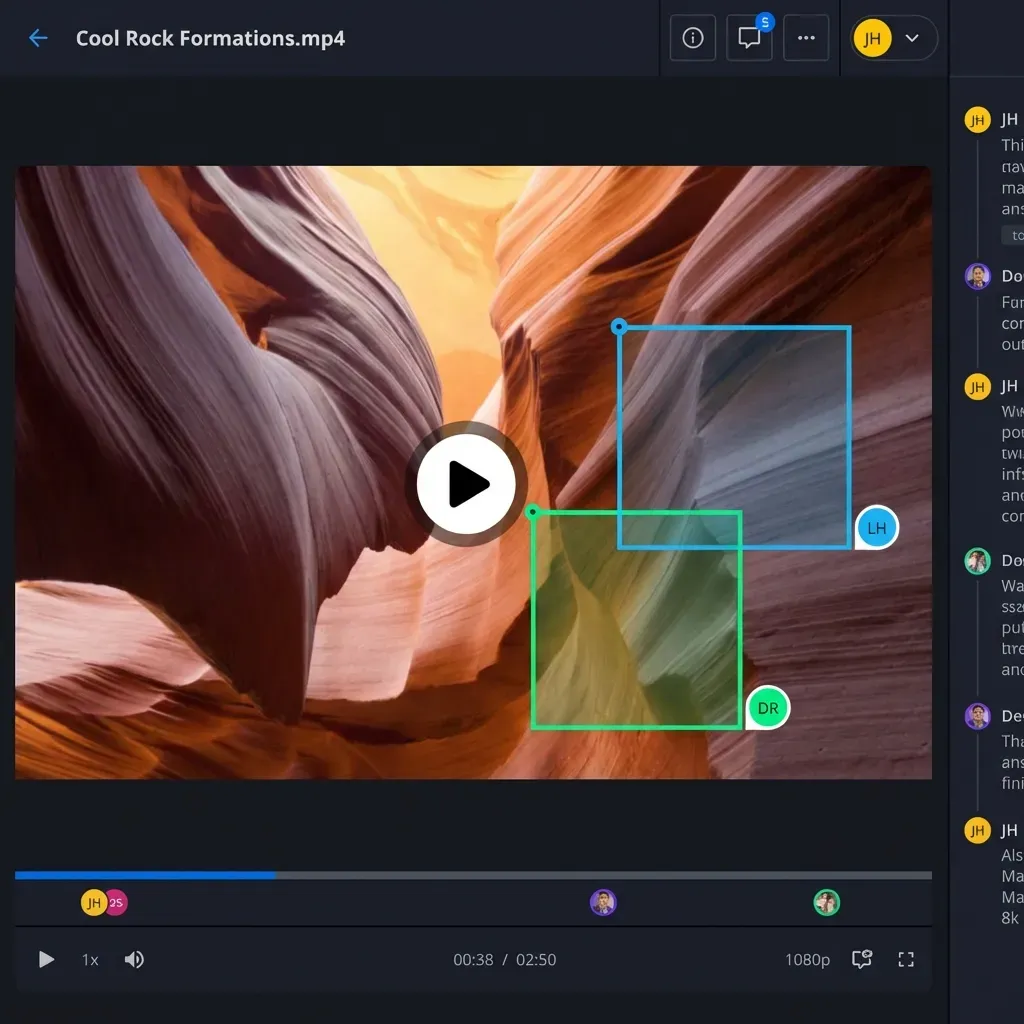
Universal media engine. Fast.io isn't just for moving files. It streams video, audio, and previews professional design files (PSD, AI) directly in the browser. Clients can review content without downloading huge files first.
Best for: Creative agencies, video production teams, and businesses that need to share assets professionally without per-seat costs.
WeTransfer: The Direct Replacement
If you just want "Send Anywhere but simpler," WeTransfer is the most common switch. It removes the 6-digit key concept in favor of email or link transfers.
Pros:
- Extremely simple interface (no account needed for free sends)
- 2GB free limit is sufficient for most casual documents
- Email verification adds a basic layer of trust
Cons:
- Files expire after 7 days on the free plan
- No folder structure or organization
- Professional features (branding, password protection) require a paid subscription
Verdict: Good for quick, non-sensitive transfers where you don't need the file to persist.
MASV: For Massive Video Files
MASV is built specifically for huge files, the kind of terabyte video footage that would choke other services.
Key Difference: MASV charges per gigabyte downloaded ($0.25/GB) rather than a monthly subscription. This makes it excellent for project-based work where you might send 5TB one month and nothing the next.
Speed: MASV uses a global acceleration network that often outpaces standard HTTP transfers. Think of it as Send Anywhere's direct transfer mode, but more reliable over long distances.
Verdict: The best choice if your only problem is "this file is too big for everything else" and you don't need storage or collaboration.
Dropbox & Google Drive: The Sync Giants
For users who want files to sync across devices (like Send Anywhere's device-to-device transfer), the big cloud providers are the next step up.
Dropbox:
- Pros: Fast sync. "LAN Sync" speeds up transfer between devices on the same network.
- Cons: Expensive. You pay for every user, which gets costly for teams. Storage limits are rigid.
Google Drive:
- Pros: Integrated with Google Docs/Sheets. 15GB free storage is generous.
- Cons: Interface is messy ("My Drive" vs "Shared with me"). Upload/download speeds can be slower than dedicated transfer tools.
Verdict: Choose these if you need to edit documents together or keep a folder synced across your laptop and phone permanently.
Filemail & TransferNow: Strong Free Plans
Filemail offers a desktop app that uses UDP acceleration (like high-end tools) for faster transfer speeds. Its free plan allows up to 5GB transfers, significantly higher than WeTransfer.
TransferNow is another strong contender with a 5GB free limit. It offers a clean interface and allows you to customize the download availability period slightly more than competitors.
Verdict: Strong alternatives for users who need to send files between 2GB and 5GB without paying.
FAQ: Send Anywhere Alternatives
Is Send Anywhere safe to use? Send Anywhere uses encryption for file transfers, so your data is generally secure from interception. However, the 6-digit key system can be risky if someone guesses the key or if you share it in an insecure channel. For sensitive business data, a solution with specific access controls (like email-based access or password protection) is safer.
What is the file size limit for Send Anywhere? Send Anywhere technically allows unlimited file sizes when using the 6-digit key transfer or the desktop app. However, link sharing is limited to 10GB on the free plan. Alternatives like Fast.io and MASV also offer unlimited file sizes but with specialized delivery networks.
Does Send Anywhere work without internet? Send Anywhere has a "Wi-Fi Direct" mode that can transfer files between devices on the same local network without using the internet. If you need this specific feature, AirDrop (for Apple devices) or "Nearby Share" (for Android/Windows) are the best built-in alternatives.
Why is my Send Anywhere transfer so slow? Transfer speed depends on both the sender's and receiver's internet connection. Since Send Anywhere often routes data through a relay server (unless using Wi-Fi Direct), network congestion can slow things down. Dedicated transfer services with global CDNs (like Fast.io) or acceleration protocols (like MASV) provide more consistent speeds.
Frequently Asked Questions
Is Send Anywhere safe to use?
Send Anywhere uses encryption, but the 6-digit key system lacks granular access control. For sensitive business data, solutions with password protection, domain restrictions, and audit logs (like Fast.io) offer better security.
What is the file size limit for Send Anywhere?
Send Anywhere allows unlimited sizes for 6-digit key transfers, but limits link sharing to 10GB on free plans. Alternatives like Fast.io and MASV support virtually unlimited file sizes for professional use.
Does Send Anywhere work without internet?
Yes, via Wi-Fi Direct mode on local networks. The best alternatives for offline sharing are AirDrop (iOS/Mac) and Nearby Share (Android/Windows) which are built into the operating systems.
Why is Send Anywhere slow?
Speeds can be affected by server relays and network congestion. Professional alternatives use global content delivery networks (CDNs) or specialized acceleration protocols to ensure consistent high speeds regardless of distance.
Related Resources

Stop worrying about expired links
Fast.io gives your team a persistent, branded space to share and collaborate on files of any size.