How to Manage Video Projects Without Losing Your Mind
Video project management is the process of organizing, tracking, and collaborating on video productions from pre-production through final delivery. This guide covers the five biggest challenges video teams face and practical solutions for each, including file organization, review workflows, and delivery to clients.
What Makes Video Projects Different
Video projects are harder to manage than other creative work. The files are massive. The stakeholders multiply. And everyone has opinions about frame 847.
A typical corporate video involves 3x more stakeholders than other creative projects. You've got the production team, the client's marketing department, legal review, and that one executive who suddenly has notes at the eleventh hour.
Here's what makes video project management uniquely difficult:
- File sizes: A single 4K raw file can hit 100GB+. Try emailing that.
- Version chaos: "Final_v3_FINAL_actually_final.mp4" isn't a joke, it's most teams' reality.
- Feedback loops: 40% of video production time gets eaten by file management and collecting feedback.
- Format juggling: Raw footage, proxies, exports, transcodes. Each stage creates more files.
- Access control: The intern shouldn't see the same files as the client.
Generic project management tools like Asana or Monday.com can track tasks and deadlines. But they weren't built to handle 50GB uploads or frame-specific feedback. That's where video-specific workflows come in.
The Five Video Project Management Challenges (And How to Solve Them)
After working with hundreds of video teams, these are the problems that come up again and again:
1. File Organization Falls Apart Mid-Project
Every video project starts organized. By week three, files are scattered across hard drives, cloud folders, and email attachments. Nobody can find the approved logo. The B-roll is somewhere.
Solution: Use a single cloud workspace for the entire project. Not a sync folder that fills up everyone's laptop, but actual cloud storage where files live in one place.
Set up a clear folder structure before shooting starts:
/Project Name//00_Brief/- Scripts, storyboards, creative brief/01_Assets/- Logos, music, graphics/02_Footage/- Raw files by shoot date/03_Edits/- Work-in-progress cuts/04_Exports/- Approved deliverables/05_Archive/- Old versions (date them)
2. Review Rounds Take Forever
The review process kills more video projects than tight budgets. You export a cut. Upload it somewhere. Email the link. Wait for feedback. Collect responses from five different channels. Try to figure out what "make it pop more" means.
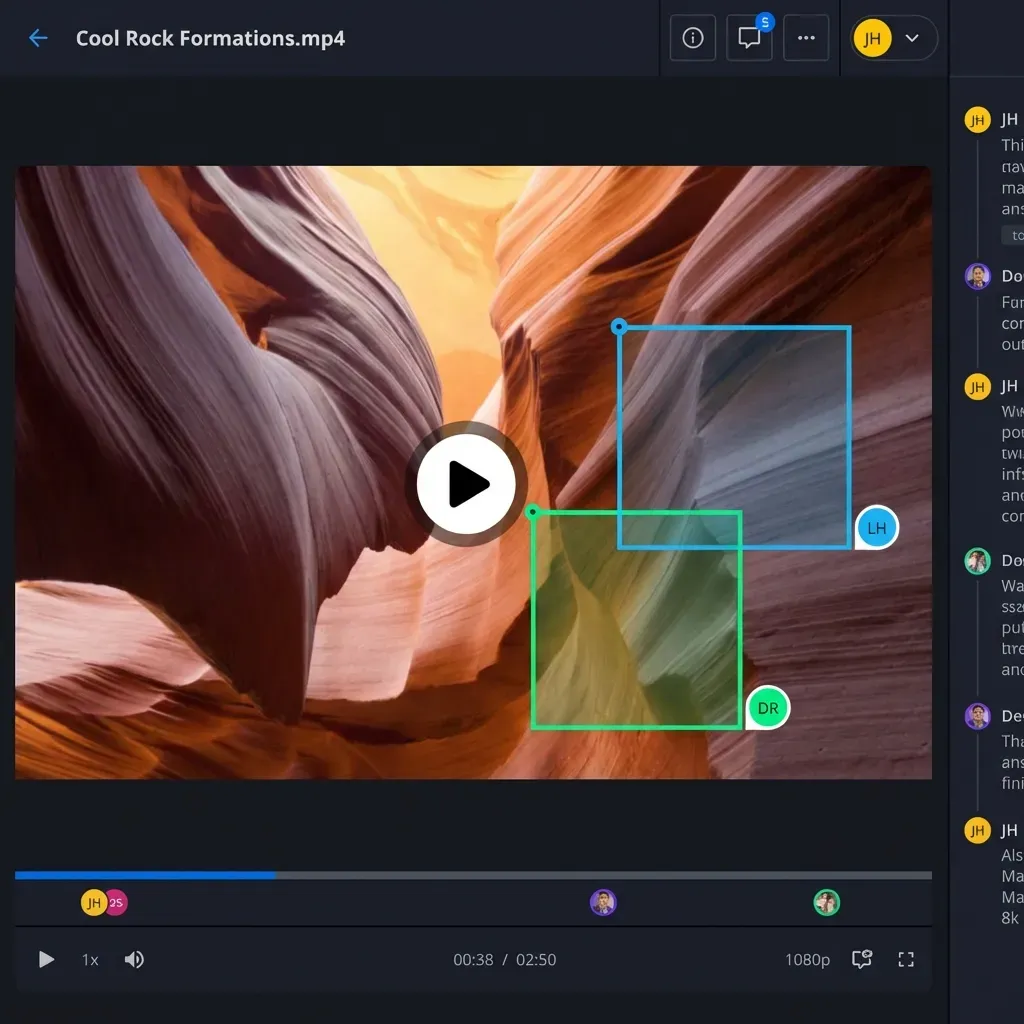
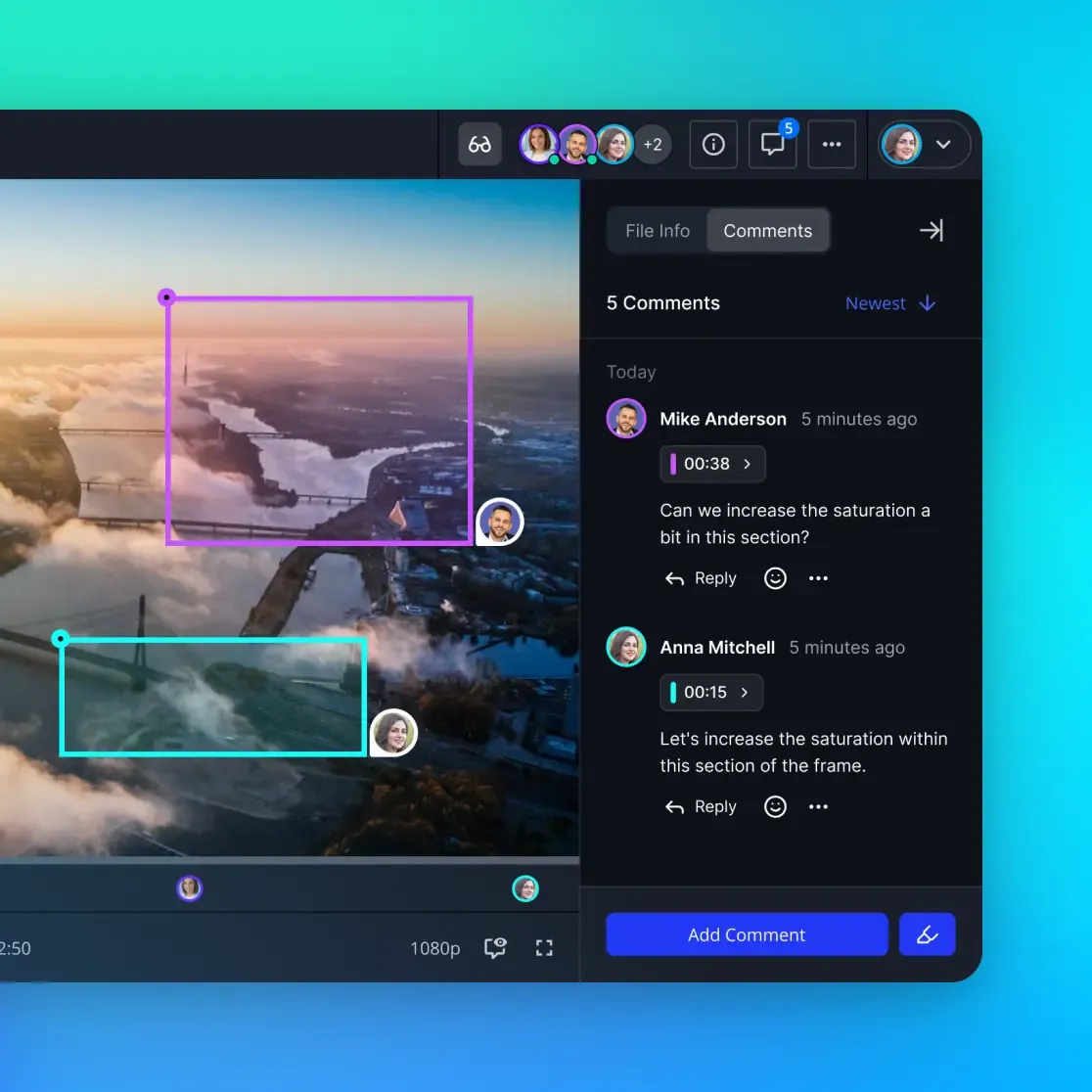
Solution: Use review tools that let stakeholders comment directly on the video with timestamps. Better yet, use frame-accurate comments so feedback points to the exact moment, not "around the middle somewhere."
3. Version Control Breaks Down
Which cut is current? Is V4 the one with the new music or the old logo? Did the client see the same version as the director?
Solution: Never save over existing files. Always create new versions with clear naming: ProjectName_V01_2026-01-30.mp4. Keep old versions in an archive folder. Use a tool that tracks version history automatically.
4. File Delivery Becomes a Bottleneck
The project is done. Now you need to deliver 200GB of final files plus raw footage. WeTransfer has a 2GB limit. Dropbox takes hours to upload. The client's IT blocks large file downloads.
Solution: Use cloud storage with streaming delivery. Instead of forcing downloads, let clients preview files in their browser and download only what they need. For large transfers, avoid compression, which destroys video quality.
5. Security Gets Ignored Until It's Too Late
That celebrity endorsement video? The confidential product launch footage? It's sitting in a shared folder anyone can forward. One leaked link and you've got problems.
Solution: Set permissions at the folder level. Limit external sharing to specific files. Add expiration dates to shared links. For sensitive projects, use watermarking on previews.
Building Your Video Project Workflow
A good workflow doesn't just organize files. It moves the project forward while keeping everyone aligned. Here's a workflow that actually works:
Pre-Production (Week 1-2)
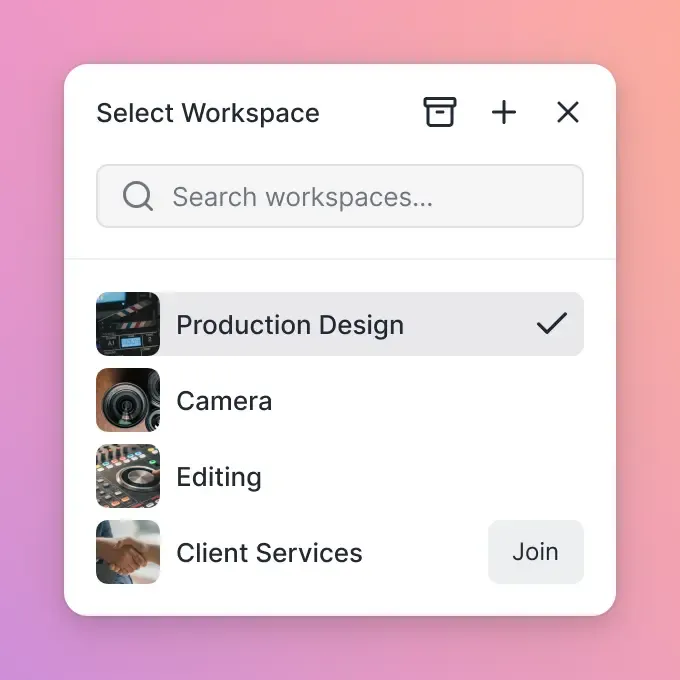
- Create a dedicated workspace for the project
- Upload the creative brief, scripts, and reference materials
- Invite the core team with edit access
- Set up the folder structure (see template above)
- Share the brief folder with the client for approval
Production (Week 2-4)
- Upload footage daily from set (use cloud upload, not hard drives)
- Keep raw footage in date-stamped folders
- Grant read-only access to editors so they can pull selects
- Log notes and shot descriptions in the same workspace
Post-Production (Week 4-8)
- Create a new folder for each edit round (V1, V2, etc.)
- Upload the cut and notify reviewers
- Collect feedback with timestamps directly on the video
- Address notes and upload the next version
- Keep the approved version clearly labeled
Delivery (Week 8+)
- Export all deliverables to the final folder
- Create a client portal or shared folder with download access
- Include a delivery memo listing what's included
- Archive the project with all assets preserved
What to Look For in Video Project Management Tools
Not every tool works for video. Here's what actually matters:
Must-Have Features
- Large file support: If it chokes on files over 5GB, it's not built for video
- Video streaming: Previews should play instantly, not buffer for five minutes
- Timestamped comments: Feedback must point to specific frames, not vague descriptions
- Version history: Track every iteration automatically
- External sharing: Clients need access without creating accounts or installing software
Nice-to-Have Features
- Frame-accurate playback (for precise feedback on cuts and transitions)
- Proxy generation (so reviewers don't need to download full-res files)
- Audit logs (track who viewed what and when)
- Branded portals (professional presentation to clients)
- Integration with editing software (Adobe Premiere, DaVinci Resolve)
Red Flags
- Per-seat pricing that penalizes you for inviting clients
- Sync-based storage that fills up local drives
- Video that must download before playing
- No commenting or annotation on video files
- File size limits under 10GB
Managing Remote Video Teams
Remote video production is no longer unusual. Editors work from home. Clients review from their phones. Footage gets shot on three continents.
The challenge is keeping everyone in sync without constant meetings.
Daily Syncs Without Meetings
Instead of scheduled calls, try async updates:
- Upload work-in-progress cuts daily (even rough ones)
- Leave voice notes explaining what you're working on
- Use threaded comments for discussions that need context
- Save meetings for creative decisions, not status updates
Bridging Time Zones
When your editor is in London and your client is in LA, real-time collaboration isn't practical. Design your workflow for async:
- Set clear deadlines for feedback (e.g., "notes due by EOD Friday")
- Use shared folders so everyone works from the same files
- Record video walkthroughs instead of live presentations
- Maintain a running document of approved decisions
Client Communication
Clients don't need access to everything. Create a separate client-facing folder with:
- Approved cuts only (not internal work-in-progress)
- Final deliverables
- A clear status update with what needs their input
This keeps clients informed without overwhelming them with production chaos.
Common Mistakes to Avoid
After years of video projects, these are the mistakes that sink productions:
Using Email for Feedback
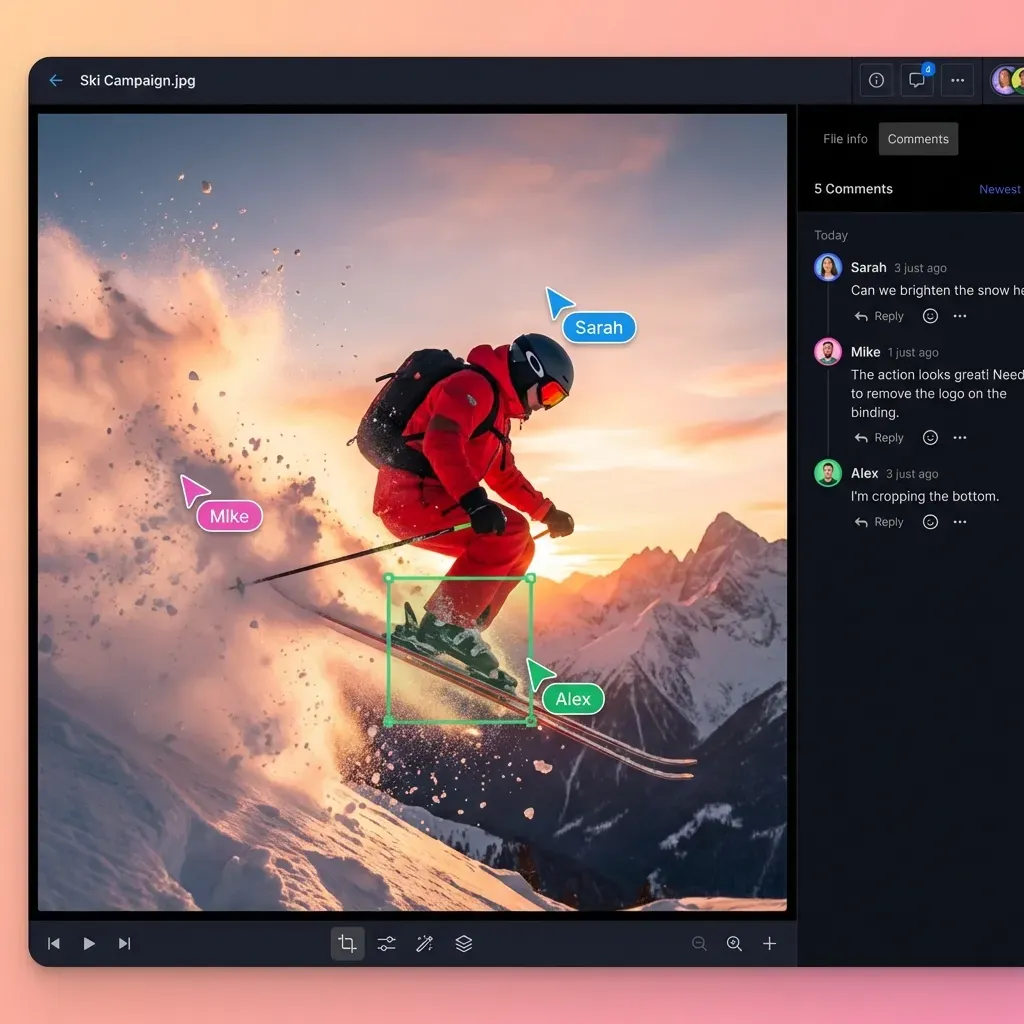
Email scatters feedback across threads, loses attachments, and makes it impossible to track who said what. Move feedback into a single location where everyone can see the conversation.
Skipping the Project Brief
Jumping straight into production without a documented brief leads to scope creep, misaligned expectations, and expensive reshoots. Get sign-off on the brief before cameras roll.
Ignoring File Naming
edit.mp4 tells you nothing. Use consistent naming: ClientName_ProjectName_V01_YYYYMMDD.mp4. Your future self will thank you.
Over-Sharing with Clients
Clients don't need to see every rough cut, test export, or internal discussion. Share selectively. Present options, not chaos.
Forgetting to Archive
When a project ends, don't just move on. Archive everything: raw footage, project files, final exports, contracts. Storage is cheap compared to reshooting because someone deleted the source files.
Frequently Asked Questions
How do you manage a video production project?
Start with a clear brief and folder structure. Use cloud storage built for large files so everyone works from the same set of files. Collect feedback with timestamped comments directly on video files. Track versions clearly (V1, V2, etc.) and archive everything when the project wraps.
What software do video production companies use for project management?
Video teams typically combine editing software (Premiere Pro, DaVinci Resolve) with cloud storage for file management and review. Specialized tools like Fast.io offer video streaming with frame-accurate comments, which generic PM tools like Asana or Monday.com lack.
How do you organize video files for a project?
Create a main project folder with subfolders for each phase: Brief, Assets, Footage (organized by date), Edits (organized by version), Exports, and Archive. Use consistent file naming with project name, version number, and date. Never save over existing files.
Why does video project management take so long?
About 40% of video production time goes to file management and feedback loops. Large files are slow to upload and download. Feedback gets scattered across email, Slack, and meetings. Using tools built for video (streaming, timestamped comments, large file support) eliminates most of these delays.
What's the difference between video PM tools and regular PM tools?
Regular project management tools track tasks, deadlines, and assignments. Video project management tools add large file storage, video streaming for instant playback, frame-accurate commenting for precise feedback, and version tracking for edits. You often need both: a task tracker and a video-specific file management system.
Related Resources

Ready to simplify your video projects?
Fast.io handles large video files, timestamped feedback, and client delivery in one place.