Cloud Storage for OpenClaw
Give your OpenClaw assistant a content workspace. Upload files, query with AI, and share with anyone.
clawhub install dbalve/fast-io
npm install --global @vividengine/fastio-cli
Or use another AI assistant
 Claude
 OpenAI
 Gemini
 Cursor
Just tell your assistant what you need
No API calls to memorize. Describe what you want in plain language and your OpenClaw assistant handles the rest.
Three steps, then you're done
No config files, no environment variables, no dashboard to set up.
Install the skill
Run clawhub install dbalve/fast-io in your terminal. That registers 14 storage tools
with your OpenClaw instance.
Authenticate once
Then ask your assistant to use a Fast.io tool to trigger first-time auth. A browser tab opens to sign in or create a free account. The session persists, so no manual API key is needed for normal usage.
Start storing
Your assistant can now upload files, organize them into workspaces, and create share links. It can also query documents with AI. You can see everything at app.fast.io.
Or use the Fast.io CLI directly
Skip the skill registry. The Fast.io CLI lets your agent manage workspaces, files, and shares directly from the shell.
Shell-native
Your agent invokes fastio commands directly. No handshake, no skill registry.
Scriptable output
JSON, CSV, or table output with field filtering.
Pipe to jq, chain with other tools.
Everything included
Upload, download, search, share, AI chat, workspaces — everything the ClawHub skill offers, plus more.
Cross-platform
Built in Rust. Runs on macOS, Linux, and Windows. Install via npm or curl script.
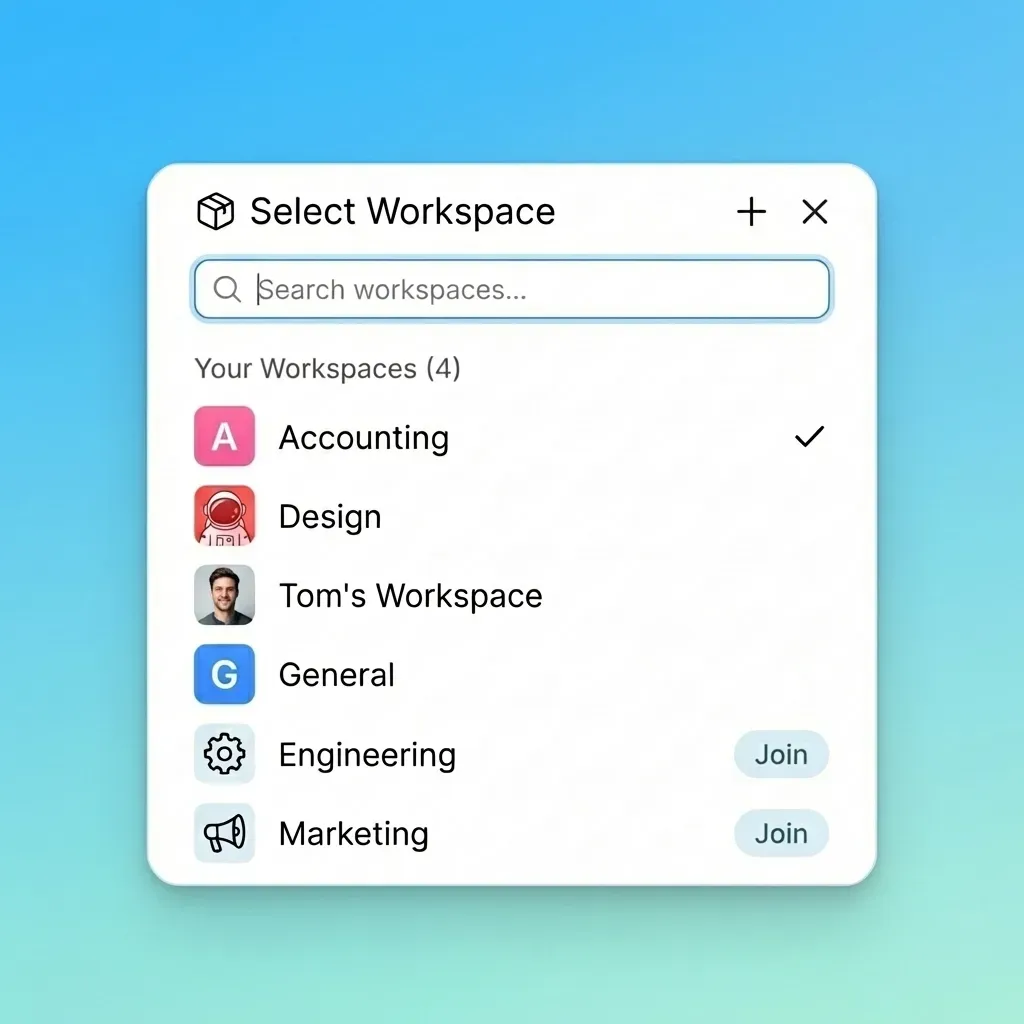
Organized workspaces for every project
Your assistant creates a workspace per project, client, or topic. Files from WhatsApp, Discord, and Telegram end up in one place instead of buried in chat histories. You can browse everything from the web app without opening OpenClaw.
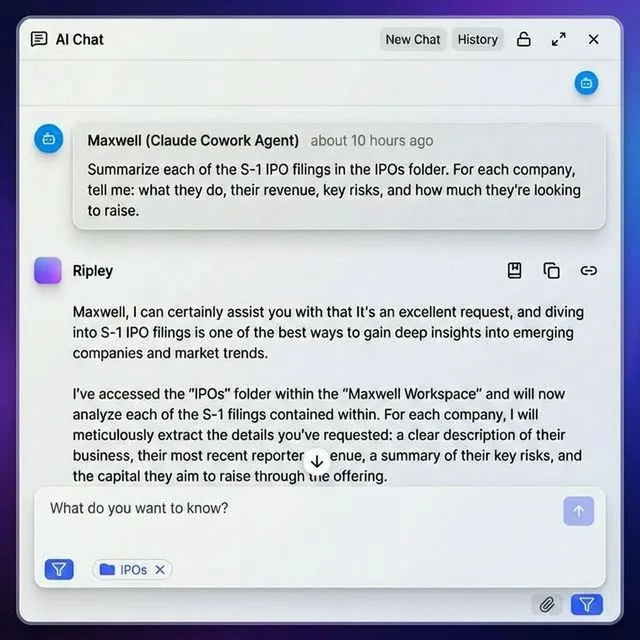
Ask questions, get answers with citations
Turn on intelligence mode and uploaded files get indexed. Your assistant can ask questions across a whole workspace and get answers that reference specific pages and paragraphs. Drop in a hundred PDFs and they all become searchable.
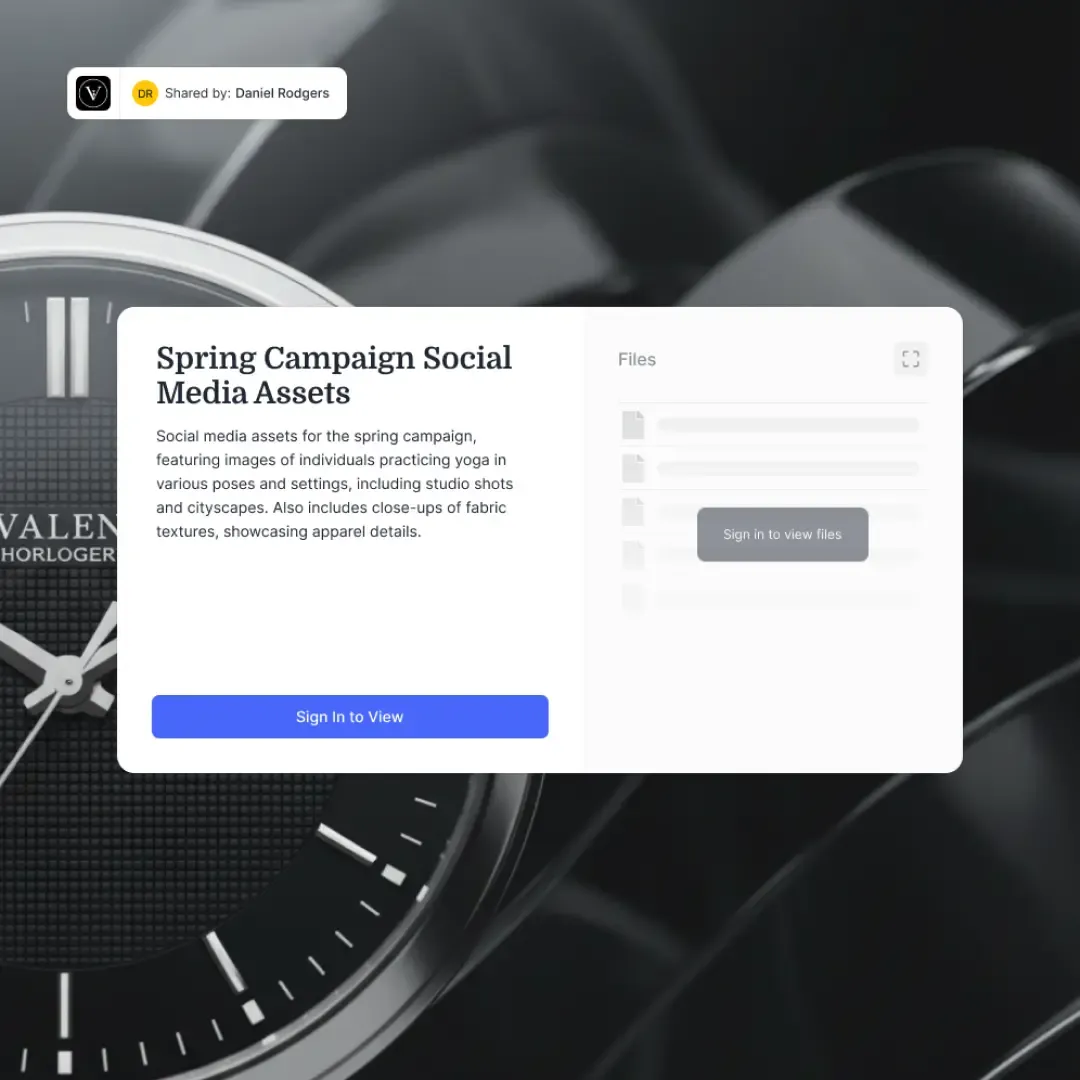
Share files with anyone, no account needed
One API call creates a password-protected share link with an expiration date and your branding. Recipients open it in a browser and get previews, commenting, and downloads. You could build a basic client portal without writing any frontend.
Free forever. No credit card and no trial period.
Credits cover storage, bandwidth, AI tokens, and document ingestion. They reset every 30 days.
FAQ
What is the Fast.io ClawHub skill?
It's a ClawHub package that adds 14 workspace tools to your OpenClaw assistant. One install command and your agent can upload files, create share links, and query documents with AI.
How does authentication work?
The first time your assistant uses a Fast.io tool, a browser tab opens to sign in or create a free account. The session persists, so no manual API key is needed for normal usage.
Can I see what my assistant uploads?
Yes. Everything your assistant stores shows up at app.fast.io. You can browse, preview, comment on, and download files from any browser.
Does this work with any LLM?
Yes. Claude, GPT-4, Gemini, LLaMA, local models. The skill exposes tools through ClawHub's standard interface, so it works with whatever backend your OpenClaw instance uses.
What happens when I hit the credit limit?
You get 5,000 credits per month. When they run out, uploads and AI queries pause until the 30-day reset. Your existing files and share links stay accessible. If you haven't added a payment method, nothing gets charged.
Can my assistant share files with people who don't use OpenClaw?
Yes. Share links are regular web URLs. Recipients open them in a browser and get previews, downloads, and commenting. They don't need an account.
Should I use the ClawHub skill or the Fast.io CLI?
Both work. The ClawHub skill integrates through OpenClaw's standard tool registry. The CLI is a standalone binary your agent can invoke directly as shell commands — many OpenClaw users prefer this since it's faster and doesn't require MCP. The CLI also includes a built-in MCP server if you want both options.

Put your assistant's files somewhere useful
One install gives your OpenClaw agent shared workspaces, AI search, and file sharing. Takes about a minute.