OneDrive Alternatives for Teams Who Don't Live in Microsoft 365
A OneDrive alternative is cloud storage software that provides file sharing and collaboration features without requiring Microsoft 365 integration or licensing. With 345M+ business users locked into SharePoint's complexity, many teams seek simpler options. This guide compares the best OneDrive alternatives for creative teams, remote workflows, and organizations that don't center their work around Microsoft products.
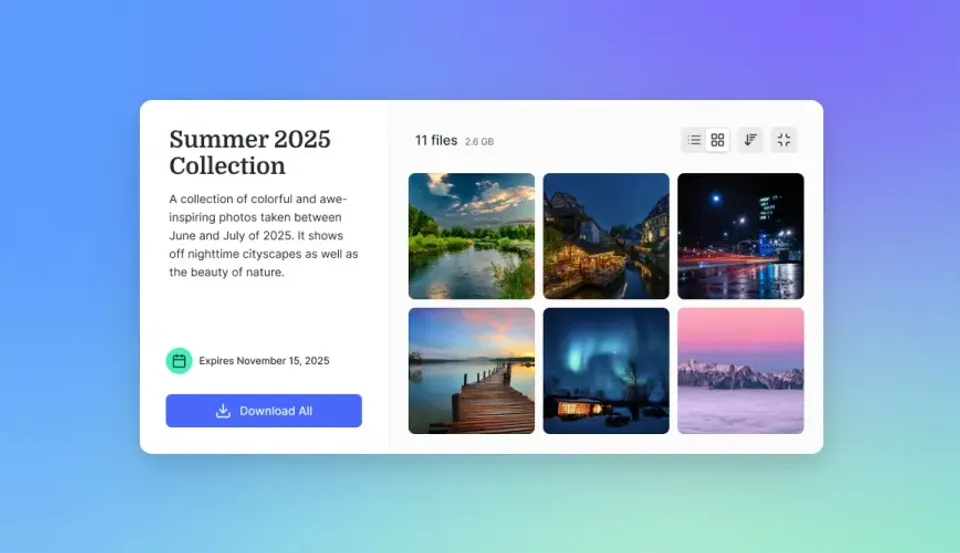
What to check before scaling onedrive alternative
Here's how the best OneDrive alternatives stack up on the features that matter most for team workflows:
OneDrive bundles 5 GB free storage and a large file size limit. Teams working with large video files, design assets, or datasets often hit these ceilings before realizing it.
Why Teams Switch from OneDrive
OneDrive works well if you're already embedded in Microsoft 365. For everyone else, common pain points emerge:
SharePoint Complexity
OneDrive for Business runs on SharePoint, which means your file storage inherits SharePoint's permissions model, version limits, and sync quirks. Simple tasks like sharing a folder with a contractor can involve site collections, permission levels, and admin portals. For teams outside IT departments, this complexity creates friction. You shouldn't need to understand SharePoint architecture to share a video file.
large file Size Limit
OneDrive limits individual file uploads to a maximum size. That sounds generous until you work with:
- 4K or 8K raw video footage
- Multicam project archives
- CAD assemblies or BIM models
- Machine learning datasets
A single ProRes 4K project can exceed 250 GB. If your workflow involves large files, this limit becomes a daily obstacle.
Video Playback Limitations
OneDrive uses progressive download for video files. You wait for buffering before playback starts, and scrubbing through a long video means waiting for more data to load. For teams reviewing video edits, this creates dead time in every feedback session.
Microsoft 365 Lock-In The best OneDrive features require
Microsoft 365 subscriptions. Password-protected sharing, advanced audit logs, and enterprise security controls are tied to business plans starting at $12.50/user/month. If you're not using Word, Excel, and Teams daily, you're paying for an ecosystem you don't need.
Google Drive: The Default Alternative
Google Drive is the most common OneDrive alternative, especially for teams already using Gmail and Google Workspace.
Strengths
- 15 GB free storage (shared across Gmail, Drive, and Photos)
- Real-time document collaboration in Google Docs, Sheets, and Slides
- Strong mobile apps and web interface
- large file size limit for large uploads
Limitations
- Per-user pricing at scale ($12-18/user/month for business plans)
- Video playback still uses progressive download
- Folder organization can become chaotic without discipline
- Limited advanced sharing controls without enterprise plans
Best For Teams already using Google
Workspace who need document collaboration. If you're writing proposals in Google Docs and managing spreadsheets in Sheets, Drive makes sense. For video review workflows or large file delivery, you'll hit the same playback limitations as OneDrive.
Dropbox: The Sync Specialist
Dropbox pioneered consumer cloud storage and maintains an edge in file synchronization reliability.
Strengths
- Block-level sync: Only changed portions of files upload, making large file edits faster
- Cross-platform consistency: Works equally well on Mac, Windows, and Linux
- 500,000+ app integrations: Connects to creative tools, project management, and more
- large file size limit on paid plans
Limitations
- Per-user pricing ($18-30/user/month for business tiers)
- Only 2 GB free storage
- Progressive video download, not streaming
- Requires desktop app for best sync performance
Best For Teams who prioritize sync speed and work across different operating systems. Dropbox keeps files consistent across devices better than most alternatives. It's less suited for video review workflows or teams with many external collaborators who don't need full accounts. For a deeper comparison, see our Dropbox vs Google Drive vs OneDrive analysis.



Start with onedrive alternative on Fast.io
Fast.io offers usage-based pricing, instant video streaming, and unlimited guest access. See how it compares to OneDrive for your team.
pCloud: The Budget Option
pCloud stands out for cost-conscious users with its lifetime pricing model.
Strengths
- 10 GB free storage with bonuses for referrals
- Lifetime plans: Pay once for 500 GB ($199) or 2 TB ($399)
- Client-side encryption available as an add-on
- Swiss data privacy jurisdiction
Limitations
- Weaker team collaboration features
Basic video playback without streaming optimization
- Fewer enterprise security controls
- Limited business-tier options
Best For Individuals or small teams who want to avoid monthly subscriptions. The lifetime pricing works well if you're storing personal files or running a solo business. For larger teams needing audit logs, SSO, or advanced permissions, pCloud falls short.
Nextcloud: The Self-Hosted Route
Nextcloud gives you full control by running your own cloud storage server.
Strengths
- Complete data ownership: Files stay on your servers
- No per-user fees: Costs scale with infrastructure, not seats
- Open source: Extensive customization and plugin ecosystem
- Privacy compliance: You control where data resides
Limitations
- Requires technical expertise or IT staff to deploy
- You're responsible for backups, security, and uptime
- Video streaming requires additional plugins
- No managed support unless you pay for Nextcloud Enterprise
Best For Organizations with IT teams who need complete data sovereignty. Universities, government agencies, and privacy-focused companies benefit from self-hosting. Teams without dedicated infrastructure staff will find the maintenance burden outweighs the benefits.
Fast.io: Built for Creative Teams
Fast.io takes a different approach than traditional cloud storage. Instead of sync-based file management, it focuses on cloud-native workflows for teams working with large media files.
How It Differs
- Usage-based pricing: Pay for storage and bandwidth, not per-seat. Pro plans include 25 seats with extra seats at published pricing.
- HLS video streaming: Adaptive bitrate playback like Netflix. No buffering, instant scrubbing.
- Terabyte-scale uploads: No large file size limits.
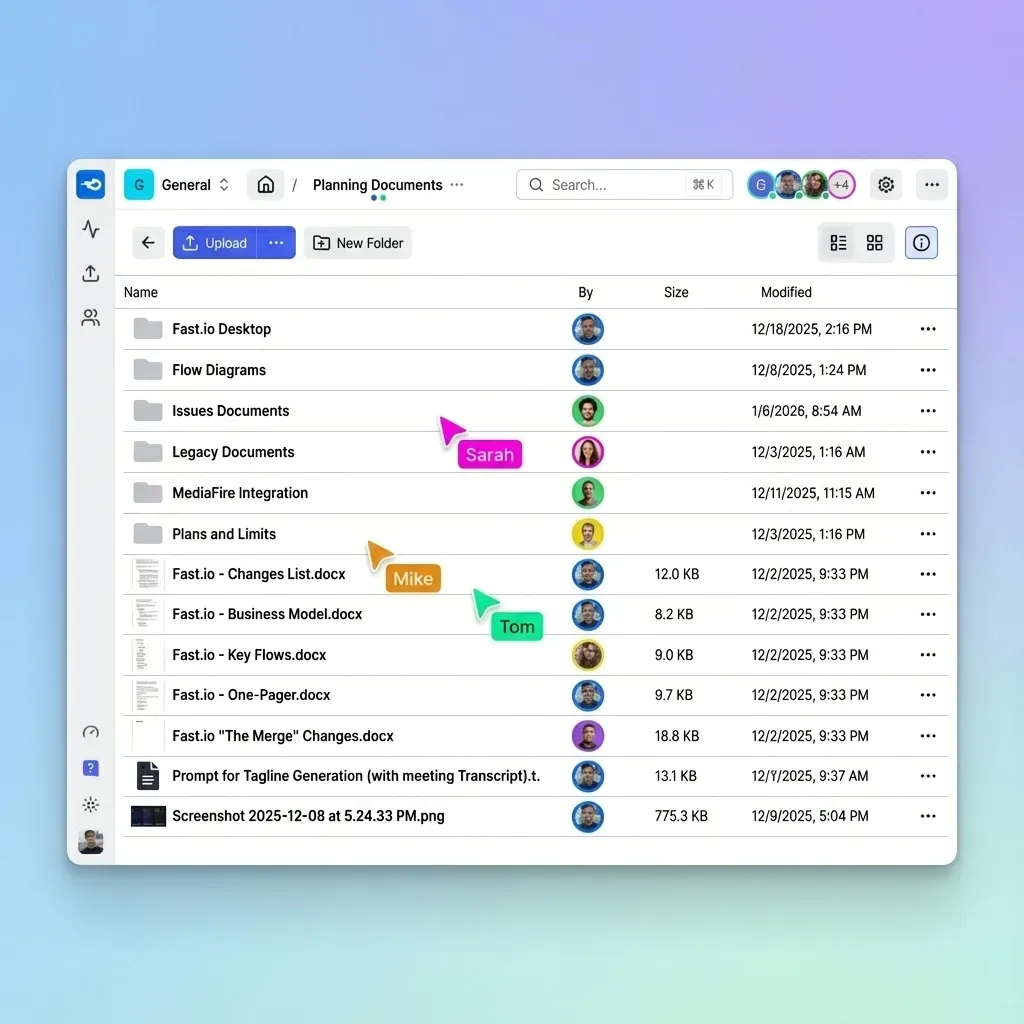
- Organization-owned files: Files belong to the workspace, not individual users. When employees leave, files stay.
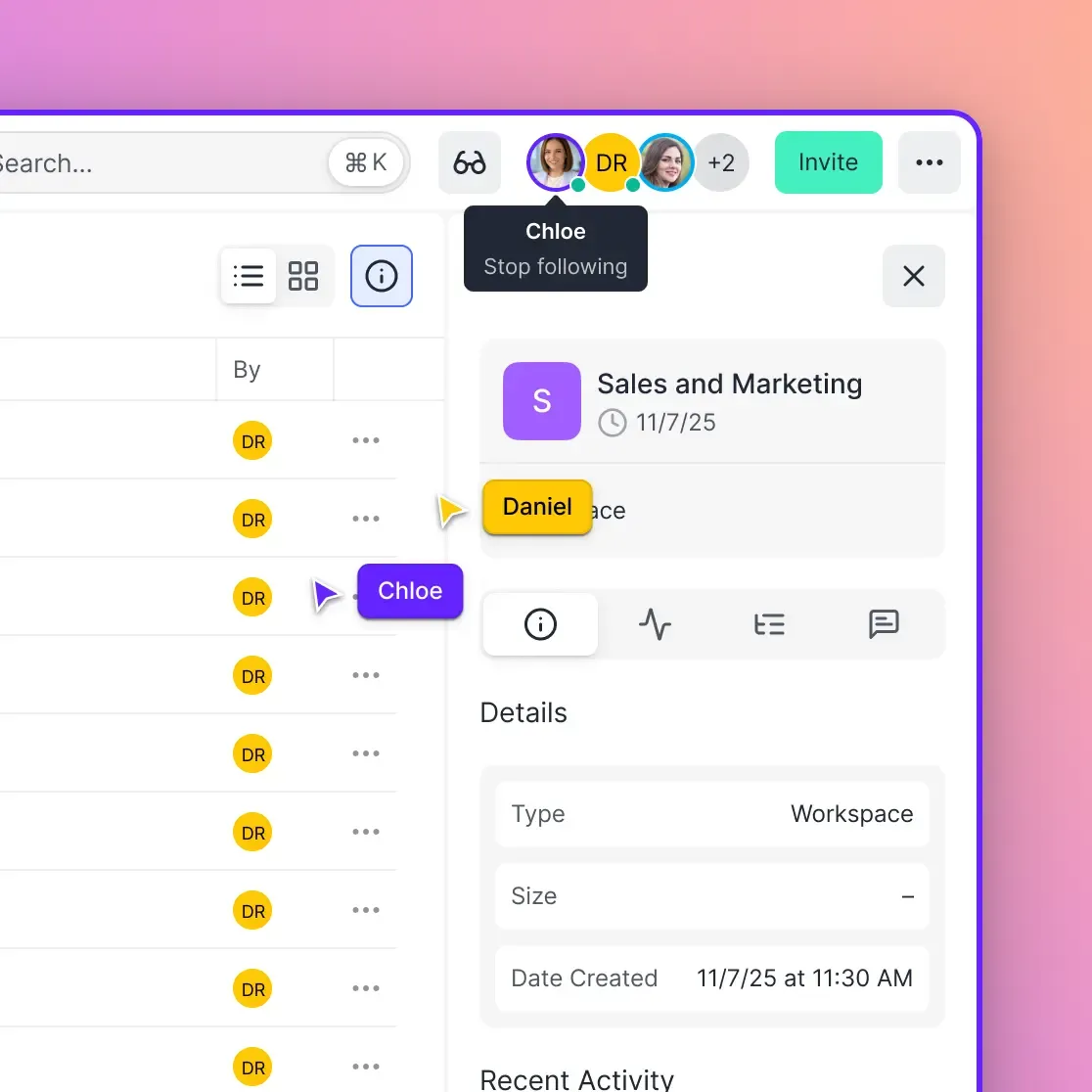
- Real-time presence: See who's viewing files and follow their cursor during reviews.
Key Features for Creative Workflows
Frame-accurate video comments: Pin feedback to specific timecode positions. Reviewers click directly on the frame they're discussing.
Branded client portals: Share work with clients through portals using your logo and colors. No "powered by" branding confusing your deliverables.
Unlimited guest access: Invite clients and contractors without paying for seats. External users don't count against your license.
AI-powered search: Find files by description, not just filename. "Show me the final cut from the Acme project" returns the right video.
Pricing Comparison A 25-person team on OneDrive for Business costs around published pricing (at $12.50/user). The same team on Fast.io Pro with large storage costs approximately published pricing, a 70%+ reduction. Those savings grow when you add external collaborators. OneDrive charges for every seat. Fast.io includes unlimited guest access. For teams comparing options, our Google Drive alternative guide covers similar territory.
Choosing the Right OneDrive Alternative
Your best alternative depends on your existing workflow and pain points.
Choose
Google Drive if:
- You already use Gmail and Google Workspace
- Document collaboration (Docs, Sheets) is core to your work
- You need 15 GB of free storage to start
- Microsoft integration isn't a requirement
Choose Dropbox if:
- File sync reliability is your top priority
- You work across Mac, Windows, and Linux
- You need integrations with creative tools like Adobe and Figma
- Block-level sync saves you time on large file edits
Choose pCloud if:
- You want to avoid monthly subscriptions
- You're an individual or small team
- Swiss privacy jurisdiction matters to you
- You don't need enterprise-grade features
Choose Nextcloud if:
- Data sovereignty is non-negotiable
- You have IT staff to manage infrastructure
- You need complete customization control
- You're subject to regulations requiring self-hosting
Choose Fast.io if:
- You work with large video or media files regularly
- Per-seat pricing is costing you too much
- You need instant video streaming for review workflows
- You share files with many clients or external collaborators
- Organization-owned files matter more than personal sync
Migration Considerations
Switching from OneDrive involves planning, especially for larger teams.
Data Transfer
Most alternatives offer migration tools or import features. Google Drive has Takeout for exports. Dropbox supports bulk uploads. For terabyte-scale migrations, direct server-to-server transfers through rclone or similar tools avoid slow desktop sync.
Permission Mapping
OneDrive's SharePoint permissions don't translate directly to other platforms. Document your sharing structure before migrating. Who has access to what? Which links are public vs. restricted?
User Training
The interface change is usually straightforward. Bigger adjustments come from workflow differences. Dropbox's sync model behaves differently than OneDrive's. Fast.io's workspace approach requires different mental models than folder hierarchies.
Gradual Transition
Consider running both platforms during transition. Move one team or project first. Iron out issues before full migration. This reduces risk and lets you catch workflow gaps early.
Frequently Asked Questions
What is better than OneDrive?
The best OneDrive alternative depends on your workflow. Google Drive offers more free storage (15 GB vs 5 GB) and works well for Google Workspace users. Dropbox provides faster file sync with block-level technology. For creative teams working with large video files, Fast.io offers HLS streaming and usage-based pricing instead of per-seat costs. If you need complete data control, Nextcloud provides self-hosted storage.
Why not to use OneDrive?
Common reasons teams leave OneDrive include SharePoint complexity, the large file size limit, progressive video download instead of streaming, and Microsoft 365 lock-in. If you don't use Microsoft products daily, you're paying for an ecosystem you don't need. Teams working with large media files or requiring simple sharing outside SharePoint often find alternatives more practical.
What is the safest alternative to OneDrive?
For maximum security control, Nextcloud offers self-hosting where you control all data. For managed security, all major alternatives (Google Drive, Dropbox, Fast.io) provide encryption at rest and in transit, two-factor authentication, and admin controls. pCloud adds optional client-side encryption for extra privacy. The safest option depends on whether you prioritize managed security or complete data sovereignty.
Is Google Drive better than OneDrive?
Google Drive offers more free storage (15 GB vs 5 GB) and better real-time document collaboration. OneDrive integrates more tightly with Microsoft Office apps. Google Drive has a larger file size limit than OneDrive. For most teams not committed to Microsoft 365, Google Drive is more flexible. The choice typically follows your existing productivity suite.
Can I use OneDrive without Microsoft 365?
Yes, OneDrive offers standalone plans starting at $1.99/month for 100 GB. However, many advanced features like password-protected sharing, advanced security controls, and full Office integration require Microsoft 365 Business plans. The standalone OneDrive experience is more limited than the Microsoft 365 version.
How do I transfer files from OneDrive to another cloud service?
Export files using OneDrive's web interface or sync to your desktop and upload to the new service. For large migrations, tools like rclone handle server-to-server transfers without going through your local machine. Most alternatives (Google Drive, Dropbox, Fast.io) accept bulk uploads through their web interfaces or desktop apps. Plan for permission mapping and user access before migrating.
Related Resources

Start with onedrive alternative on Fast.io
Fast.io offers usage-based pricing, instant video streaming, and unlimited guest access. See how it compares to OneDrive for your team.