Best Music Sharing Platforms for Professional Audio in 2026
A music sharing platform is a service designed to upload, store, and share audio files with collaborators, clients, or the public. This guide compares the best options for different use cases: professional audio collaboration, client delivery, and public distribution.

What Makes a Good Music Sharing Platform?
Musicians share hundreds of audio files per project: stems, bounces, alternate takes, final masters. Most "music sharing" platforms are streaming services built for consumers. They compress uploads to save bandwidth, which destroys audio quality. Professional musicians need a platform that preserves original file quality while keeping collaboration organized. What to look for:
- No compression: uploads stay bit-for-bit identical
- Large file support: WAV, AIFF, and session folders without size limits
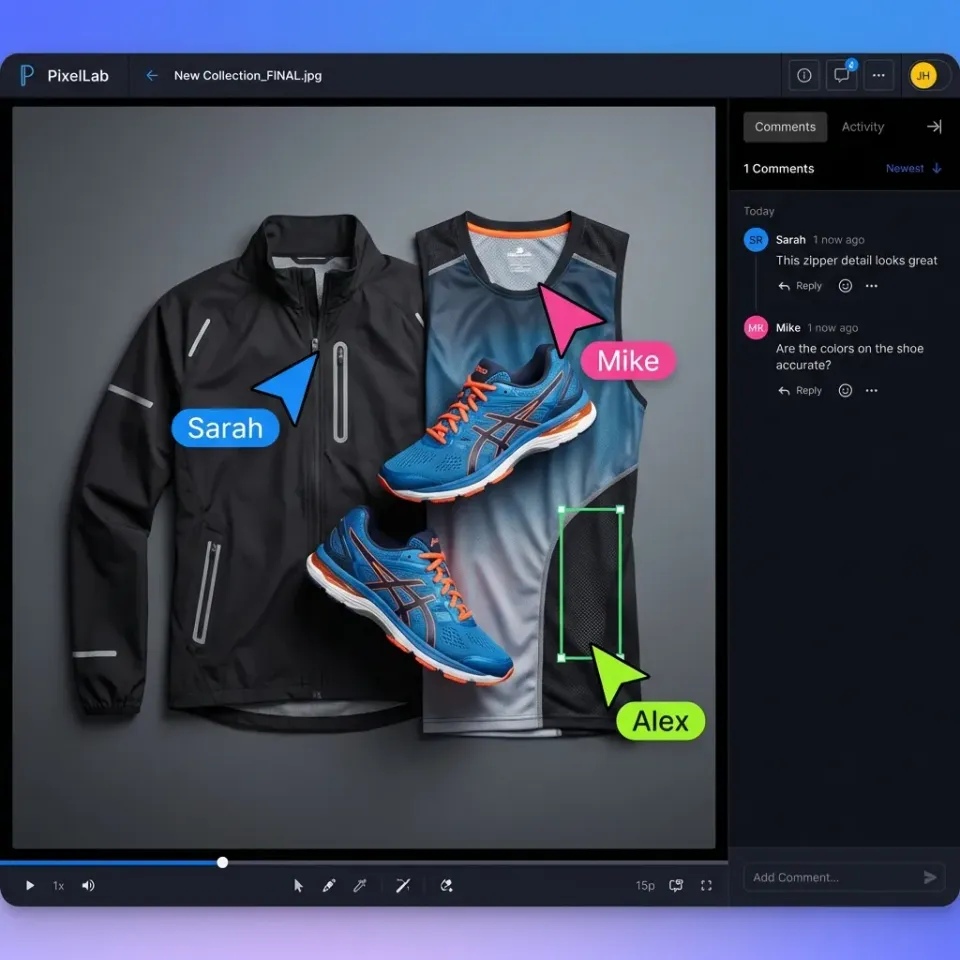
- Waveform preview: visual navigation makes reviewing audio faster than hunting by timestamp
- Version control: track changes across multiple mix revisions
- Access controls: share with specific collaborators or clients, not the public
- Download access: recipients need the original files, not just streaming
Related guides
- How to Share Podcast Files with Your TeamPodcast file sharing is the process of transferring large audio files between hosts, guests, editors, and production...
- How to Collaborate on Music Remotely with Your Production TeamMusicians, producers, and audio engineers can now create and refine tracks together from anywhere.
- 7 Best Video Hosting Platforms for Business in 2026Video hosting platforms are cloud services that store, organize, and deliver video content to viewers. This guide...
- 10 Best Client Portal Software Platforms for 2026Client portal software gives your clients a branded, secure space to access files, submit documents, and communicate...
- 7 Best SuiteDash Alternatives for Client Portals and File SharingSuiteDash bundles CRM, client portals, invoicing, and project management into one platform, but its complexity and...
- Choosing a Better Consultant Collaboration PlatformGuide to consultant collaboration platform: Picking the right collaboration platform can save a consulting team time....
More on this subject: Team Collaboration (125 guides)
Best Music Sharing Platforms by Use Case
The right platform depends on what you're trying to do. Here's how the top options compare:
For Professional Collaboration (WAV/AIFF Files)
Fastio handles professional audio workflows. Upload uncompressed WAV and AIFF files without quality loss. The waveform player lets collaborators scrub through tracks visually, and you can pin comments to specific timestamps. Shared workspaces keep all project files organized, with version history so you never lose a mix.
Dropbox works but treats audio like any other file, with no waveform preview, no timestamp comments. The desktop app has no file size cap, but the web uploader limits individual files to 50GB, which matters when sharing large session bundles via browser.
For Client Delivery
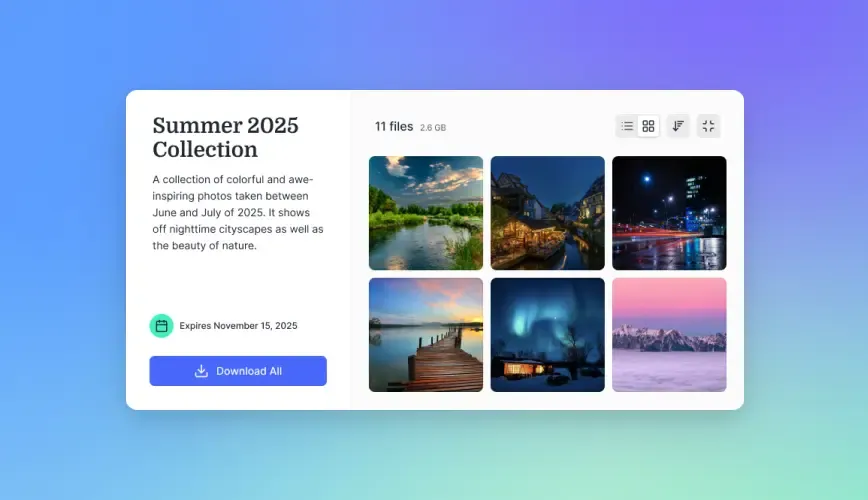
Fastio provides branded portals where clients access their files without creating accounts. Password protection and expiration dates keep deliveries secure. View-only mode lets clients preview without downloading.
WeTransfer handles one-off deliveries but files expire after 3 days on free plans. No persistent storage means you'll re-upload for every delivery.
For Public Distribution
DistroKid and TuneCore distribute to streaming platforms (Spotify, Apple Music). They're built for releasing finished music to the public, not collaboration.
SoundCloud offers both streaming and download options. Good for building an audience, but limited control over who accesses your files.
Bandcamp lets fans stream and purchase downloads. Best for independent artists selling directly to listeners.


Share audio files without quality loss
Fastio preserves audio quality for professional collaboration. Upload WAV, AIFF, and large session folders with waveform preview and timestamp comments.
How Musicians Share Files: Common Workflows
Audio production moves files between several people at different stages. The handoffs are where things go wrong: compressed exports, missing stems, mix versions with no dates. Here's how each stage typically works:
Recording to Mixing
The recording engineer exports stems (individual tracks) and sends them to the mix engineer. A typical session might include 40-80 stems at 24-bit/48kHz, totaling 5-15GB. The mix engineer needs every file intact, with no compression or format conversion.
Best approach: Use a platform built for large files and folder uploads. Fastio handles multi-gigabyte uploads without chunking or zip requirements.
Mixing to Mastering
Mix engineers deliver stereo bounces and instrumental versions including full mix, instrumental, TV mix (no lead vocal), and alternate mixes. Files are typically WAV or AIFF.
Artist to Label/Management
Artists share works-in-progress for feedback. The key need here is version control: keeping track of "Mix v3 revised" vs "Mix v3 revised FINAL" vs "Mix v3 revised FINAL2." Platforms with automatic version history prevent naming chaos.
Delivering to Clients
Composers and producers deliver finished work to clients (ad agencies, film productions, game studios). These deliveries often require:
- Multiple format versions (WAV, MP3, different sample rates)
- Organized folder structures
- Proof of delivery and download confirmation
- Password protection for unreleased material
Platform comparison
How the major options stack up on the things that actually affect audio workflows:
File Quality
- Fastio: No compression, originals preserved
- Dropbox: No compression
- Google Drive: No compression
- SoundCloud: Compresses to 128kbps MP3 for streaming
- WeTransfer: No compression
Maximum File Size
- Fastio: Large files supported
- Dropbox: 50GB via web uploader, no limit via desktop app
- Google Drive: 5TB
- SoundCloud: 500MB
- WeTransfer: 2GB free, 200GB Pro
Waveform Preview
- Fastio: Yes, with visual navigation
- Dropbox: No
- Google Drive: Basic audio player only
- SoundCloud: Yes
- WeTransfer: No
Timestamp Comments
- Fastio: Yes
- Dropbox: No (comments on file only)
- Google Drive: No
- SoundCloud: Yes (public comments)
- WeTransfer: No
Version History
- Fastio: Automatic, unlimited versions
- Dropbox: 30-180 days depending on plan
- Google Drive: 30 days or 100 versions
- SoundCloud: Manual replacement only
- WeTransfer: None (files expire)
Setting Up a Music Collaboration Workspace
File organization breaks down fast when multiple engineers are touching the same project. This folder structure works for most productions:
Folder Structure
Project Name/
├── 01_Sessions/        # DAW project files
├── 02_Stems/           # Individual track exports
├── 03_Bounces/         # Full mix renders
│   ├── Rough Mixes/
│   ├── Mix Revisions/
│   └── Final Masters/
├── 04_References/      # Inspiration tracks, client briefs
└── 05_Deliverables/    # Final files for handoff
Permission Levels
Not everyone needs access to everything. Set up permissions so:
- Recording engineer: Full access to Sessions and Stems
- Mix engineer: Access to Stems and Bounces
- Artist/Manager: View access to Bounces, no raw sessions
- Client: Download access to Deliverables only
Naming Conventions
Use consistent file names that sort correctly:
SongTitle_Mix_v01_YYYYMMDD.wavSongTitle_Stem_Drums_Kick.wavSongTitle_Master.wav
The date in the filename eliminates confusion about which version is newest.
Where to Upload Music for Others to Download
It depends on who's downloading and why.
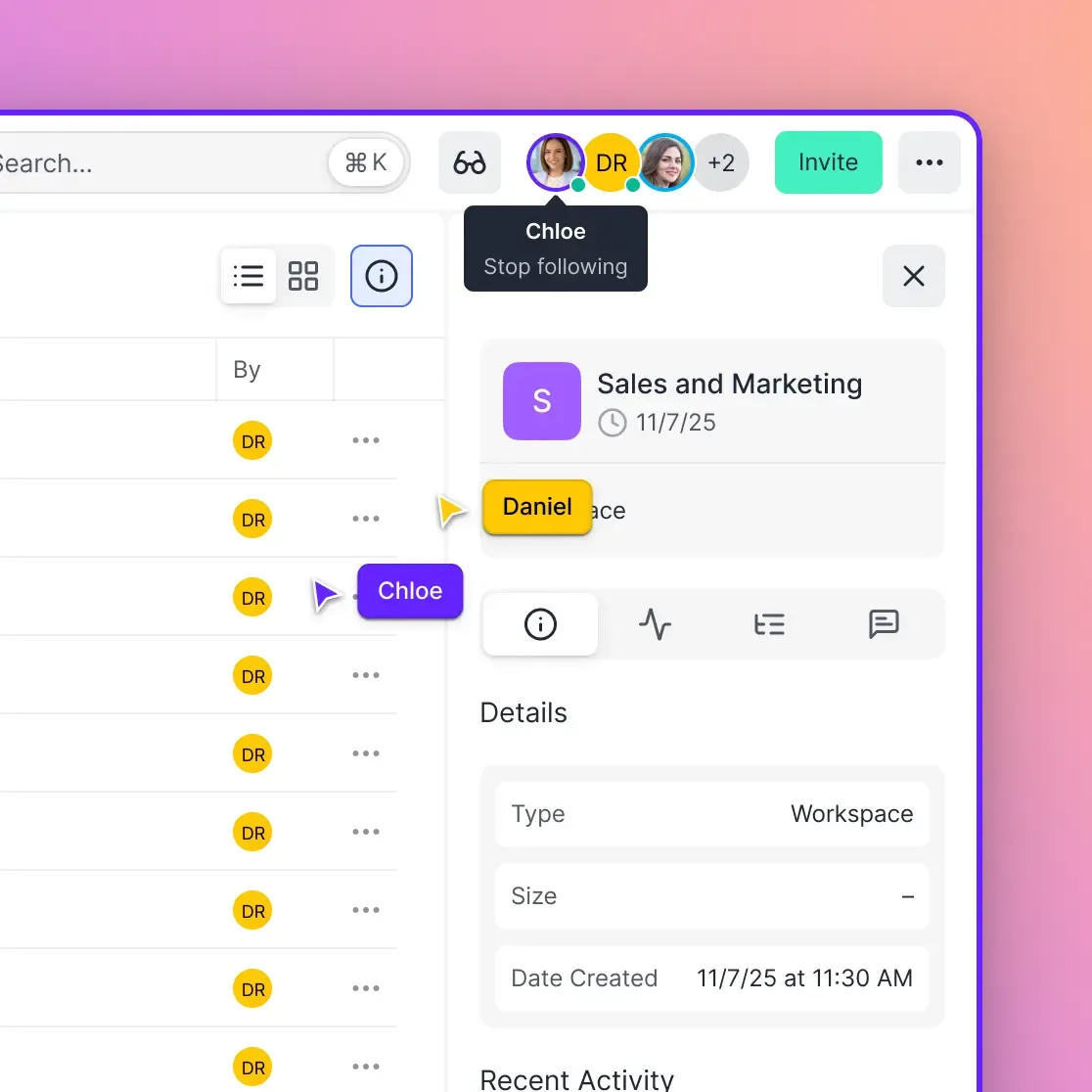
For collaborators: Use a workspace-based platform like Fastio or Dropbox. Collaborators get persistent access to files that update as you work, with no re-sending links every time something changes.
For clients: Use branded portals with password protection. Fastio lets you create client portals with your branding, and you can set expiration dates if you want files to disappear after the project ends.
For fans: Bandcamp handles paid downloads with automatic delivery. For free downloads, SoundCloud's download button works, though you lose control once files are out there.
For streaming distribution: DistroKid, TuneCore, or CD Baby get your music onto Spotify, Apple Music, and similar services. These aren't file sharing platforms. They're distribution services that handle licensing and royalty collection.
Security for Unreleased Music
Unreleased tracks leak all the time. Here's how to reduce the risk:
Watermarking: Some platforms embed inaudible watermarks that identify who downloaded a file. If a track leaks, you can trace it back to the source.
Access controls: Limit who can download files. View-only access lets people listen without getting a copy. Fastio's link controls include password protection where the share type allows, expiration dates, and turning off downloads.
Audit logs: Know who accessed what and when. If something leaks, audit trails help identify the source. This is standard in professional data rooms and increasingly available in file sharing platforms.
NDA tracking: For major releases, pair technical controls with legal agreements. Some platforms integrate document signing so you can require an NDA before granting access. None of this is foolproof, since anyone with access can screen-record audio. But layers of protection deter casual sharing and give you a paper trail if something leaks.
Sources
References used to verify factual claims in this guide.
-
Dropbox web uploader limits individual files to 50GB; the desktop app has no single-file size limit
-
WeTransfer free plans expire files after 3 days
-
Typical session 40-80 stems 24-bit/48kHz totaling 5-15GB, typical project stems bounces session files 5-15GB
Frequently Asked Questions
What is the best platform to share music?
It depends on what you're doing. For professional collaboration with uncompressed audio files (WAV, AIFF), Fastio or Dropbox preserve file quality. For client delivery, Fastio's branded portals keep things organized. For public distribution to streaming services, DistroKid or TuneCore handle licensing and royalties. For building an audience, SoundCloud offers streaming with optional downloads.
How do musicians share files?
Musicians share files through cloud storage platforms (Fastio, Dropbox, Google Drive), dedicated transfer services (WeTransfer), or direct upload to collaboration tools. A typical project involves sharing stems, bounces, and session files totaling 5-15GB. What matters most: preserving audio quality, handling large file sizes, and tracking versions across multiple revisions.
Where can I upload music for others to download?
For private sharing with collaborators, use workspace-based platforms like Fastio that provide persistent access and version history. For public downloads, Bandcamp handles paid releases while SoundCloud offers free download options. For streaming platform distribution (Spotify, Apple Music), use services like DistroKid or TuneCore that handle licensing and royalty collection.
What's the difference between music streaming and music sharing platforms?
Streaming platforms (Spotify, Apple Music, SoundCloud) compress audio for efficient playback and generally don't provide download access to original files. Sharing platforms (Fastio, Dropbox, WeTransfer) transfer the actual files at full quality, letting recipients download and use them in their own projects. Professional musicians need sharing platforms for collaboration, then use distribution services to get finished music onto streaming platforms.
How do I share large audio files without compression?
Use a file sharing platform that doesn't re-encode uploads. Fastio, Dropbox, and Google Drive all preserve original file quality. Avoid services that convert uploads to streaming formats (like SoundCloud). For large files, check the platform's upload limits. Fastio is built for large uploads, while some services require splitting them.
Related Resources

Share audio files without quality loss
Fastio preserves audio quality for professional collaboration. Upload WAV, AIFF, and large session folders with waveform preview and timestamp comments.