Top OpenClaw Workflows for AI Customer Onboarding Automation
Only 26% of SaaS companies actively invest in onboarding automation, even though teams that do cut time-to-value by 25% or more. OpenClaw workflows close that gap by chaining skills into repeatable sequences: a CRM automation hooks fires, the agent provisions accounts, sends a personalized welcome email, schedules the kickoff call, and logs every step. This guide breaks down the top workflow patterns skill by skill, with the CRM integration points and trigger logic you need to build each one.


Why Onboarding Is Still Broken at Most Companies
A 2026 survey of 161 customer success leaders found that only 26% of SaaS companies actively invest in onboarding automation, while 60% still juggle four to six disconnected tools to get a single client live. The result is predictable: manual handoffs break, welcome emails go out days late, and CRM records stay empty until someone remembers to update them.
The cost is real. Every extra minute of friction during onboarding lowers conversion by roughly 3%, and 72% of users abandon apps entirely if the onboarding requires too many steps. For B2B teams running 12-step onboarding checklists across Slack, email, project management, and CRM, the failure mode is not a dramatic crash. It is a slow leak of clients who never fully activate.
OpenClaw changes the math by turning those 12 manual steps into a single workflow that fires automatically. The agent reads client data from a CRM automation hooks, executes a sequence of skills in order, and logs completion status. If something fails, it notifies you instead of silently breaking. The same playbook runs every time, with the same steps in the same order, which is exactly the kind of consistency that manual processes cannot match.
Related guides
- Automating Base44 File Workflows with WebhooksEvent-driven webhooks allow Base44 applications to initiate instant downstream processing whenever users or AI agents...
- How to Build End-to-End Clay Automation Workflows for Outbound OutreachClay automation workflows allow revenue teams to schedule tables and automatically execute data enrichment cascades....
- Best OpenClaw Workflows for AI Workflow Automation Builder ToolsClawHub's curated index lists 529 skills across its Browser & Automation and Productivity & Tasks categories, yet most...
- 5 Best OpenClaw Integrations for Motion DesignersMotion designers often lose hours to file management and render setups instead of actually animating. OpenClaw...
- Top OpenClaw Workflows for AI Print-on-Demand Product Design AutomationThe print-on-demand market hit $12.96 billion in 2025, growing at a 24.81% CAGR, yet most sellers still create designs...
- Best OpenClaw Workflows for Content Calendar Planning and Editorial AutomationContent teams using manual editorial workflows lose 3.7 of every 4.7 approval-cycle days to status-chasing and...
More on this subject: OpenClaw Workflows and Integrations (69 guides)
Anatomy of an OpenClaw Onboarding Workflow
Every OpenClaw onboarding workflow follows the same structural pattern: a trigger, a skill chain, and an output. Understanding this pattern makes it easier to build and debug each workflow listed below.
Triggers start the sequence. The most common onboarding trigger is a CRM automation hooks that fires when a deal closes or a new contact record is created. OpenClaw also supports message-based triggers (a Slack message, an email), scheduled triggers (run every morning at 9 AM), and manual triggers for testing. The trigger passes client data into the workflow: company name, contact email, plan tier, start date, and any custom fields your team needs.
Skill chains do the work. Each step in the chain calls a specific skill, passes it the relevant data, and feeds the output into the next step. A typical onboarding chain might look like this:
- CRM skill reads the new client record
- Email skill sends a personalized welcome message
- Calendar skill books the kickoff call
- File storage skill creates the client folder structure
- CRM skill updates the onboarding status to "in progress"
Outputs close the loop. The workflow produces artifacts (sent emails, created folders, booked meetings) and logs every action. If any step fails, the workflow halts and sends an alert rather than proceeding with incomplete data.
Approval gates protect sensitive steps. OpenClaw supports human-in-the-loop checkpoints for actions like sending external communications or modifying billing records. You decide which steps require review and which run autonomously.
Top 7 Onboarding Workflow Patterns
Each pattern below describes a specific workflow you can build with OpenClaw skills. The patterns are ordered from simplest (single-trigger, few skills) to most complex (multi-trigger, branching logic).
1. Welcome Email and Account Provisioning
Trigger: CRM automation hooks on deal close. Skill chain: CRM read, email compose, account creation API call, CRM status update. Output: Personalized welcome email sent, accounts provisioned in your tools, CRM record updated.
This is the foundation workflow. When a deal closes, OpenClaw reads the client record, drafts a welcome email using the client's name, plan details, and onboarding timeline, then provisions accounts in your project management tool and file storage. The AgentMail skill handles email send and receive, including automation hooks-based reply monitoring so the agent can detect and route client responses. SFAI Labs documents this pattern reducing coordinator involvement from 2 hours per client to 8 minutes of review time.
2. Kickoff Call Scheduling
Trigger: Welcome email sent (chained from workflow 1). Skill chain: Calendar availability check, timezone lookup, calendar event creation, confirmation email. Output: Kickoff meeting booked with both parties, calendar invites delivered.
Scheduling kickoff calls manually creates delays. This workflow checks your team's calendar availability, finds a slot that works in the client's timezone, creates the event, and sends a confirmation. For Google Workspace teams, the Gog skill provides direct Calendar access. The workflow includes a fallback: if no slot is available within 48 hours, it escalates to the account manager with three suggested times.
3. Client Folder Structure and Document Delivery
Trigger: Account provisioned (chained from workflow 1). Skill chain: Folder creation, template document copy, permissions assignment, share link generation. Output: Organized client folder with onboarding documents, shared with correct access levels.
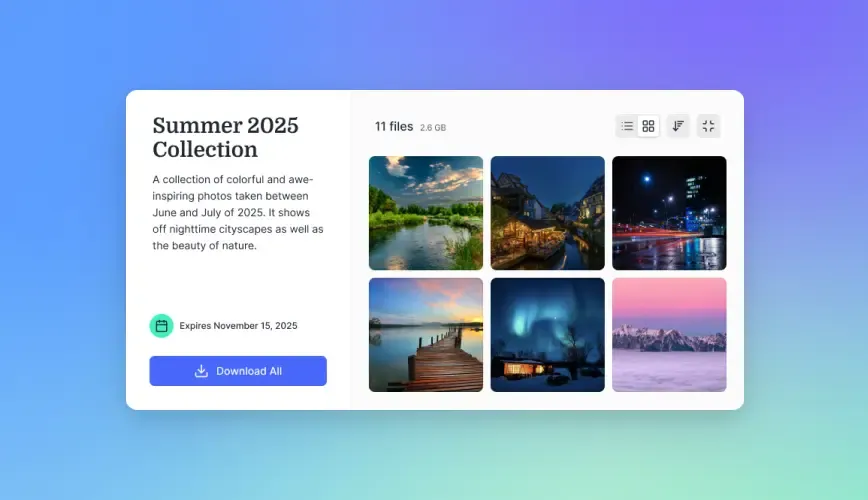
Every new client needs a folder structure: contracts, onboarding materials, meeting notes, deliverables. This workflow creates that structure automatically and populates it with template documents customized to the client's plan tier. Fastio workspaces handle this well because agents can create folders, upload files, set granular permissions at the folder level, and generate branded share links through the MCP server. The client receives a single link to their onboarding portal with everything they need.


Give your onboarding agent persistent storage and file sharing
Fastio provides MCP access for workspace, file, and AI operations with a 14-day Business Trial.
Advanced Onboarding Patterns
4. Adaptive Drip Sequence Based on Product Usage
Trigger: Scheduled (daily check) plus product usage automation hooks. Skill chain: Analytics API read, milestone evaluation, conditional email send, CRM stage update. Output: Context-aware onboarding emails that skip completed steps and nudge stalled users.
Static drip sequences treat every client the same. This workflow monitors product usage events, such as first login, project creation, and team invitations, then adapts the messaging. If a client has already completed the "invite your team" step, the agent skips that email and moves to the next milestone. Monocubed documents this pattern improving activation rates because clients receive guidance that matches their actual progress rather than a fixed schedule. The API Gateway skill connects to analytics platforms like PostHog or Amplitude to pull usage data.
5. CRM Health Scoring and At-Risk Detection
Trigger: Scheduled (weekly) plus billing automation hooks from Stripe. Skill chain: CRM data pull, usage analytics read, billing status check, score calculation, alert routing. Output: Health score per account (healthy, at-risk, critical) with automated escalation for at-risk clients.
Onboarding does not end when the kickoff call happens. This workflow aggregates three data categories: usage signals from your analytics tool, billing signals from Stripe (failed payments, downgrades, approaching renewal), and support signals from your helpdesk. The agent scores each account using configurable rules and routes alerts accordingly. Critical accounts trigger an immediate notification to the account manager. At-risk accounts enter a re-engagement sequence. SFAI Labs reports this pattern can reduce churn by 15 to 20% when combined with proactive outreach.
6. Multi-Tool Onboarding Orchestration
Trigger: CRM automation hooks on deal close. Skill chain: CRM read, Slack channel creation, project management setup, file storage provisioning, email sequence start, CRM status update. Output: Complete client environment created across all tools in one automated pass.
This is the full-stack version. A single trigger cascades into account creation across Slack, your project management tool, file storage, and email. The Slack skill creates a dedicated client channel and posts the onboarding checklist. The agent provisions the Fastio workspace with Intelligence Mode enabled, so all uploaded client documents are automatically indexed for search and AI-powered Q&A. The workflow finishes by updating the CRM with links to every resource created.
7. Compliance-Gated Onboarding for Regulated Industries
Trigger: CRM automation hooks on deal close, with compliance flag. Skill chain: KYC/AML check, document collection, approval gate, account provisioning, audit log. Output: Compliant client onboarding with full audit trail and human approval at required checkpoints.
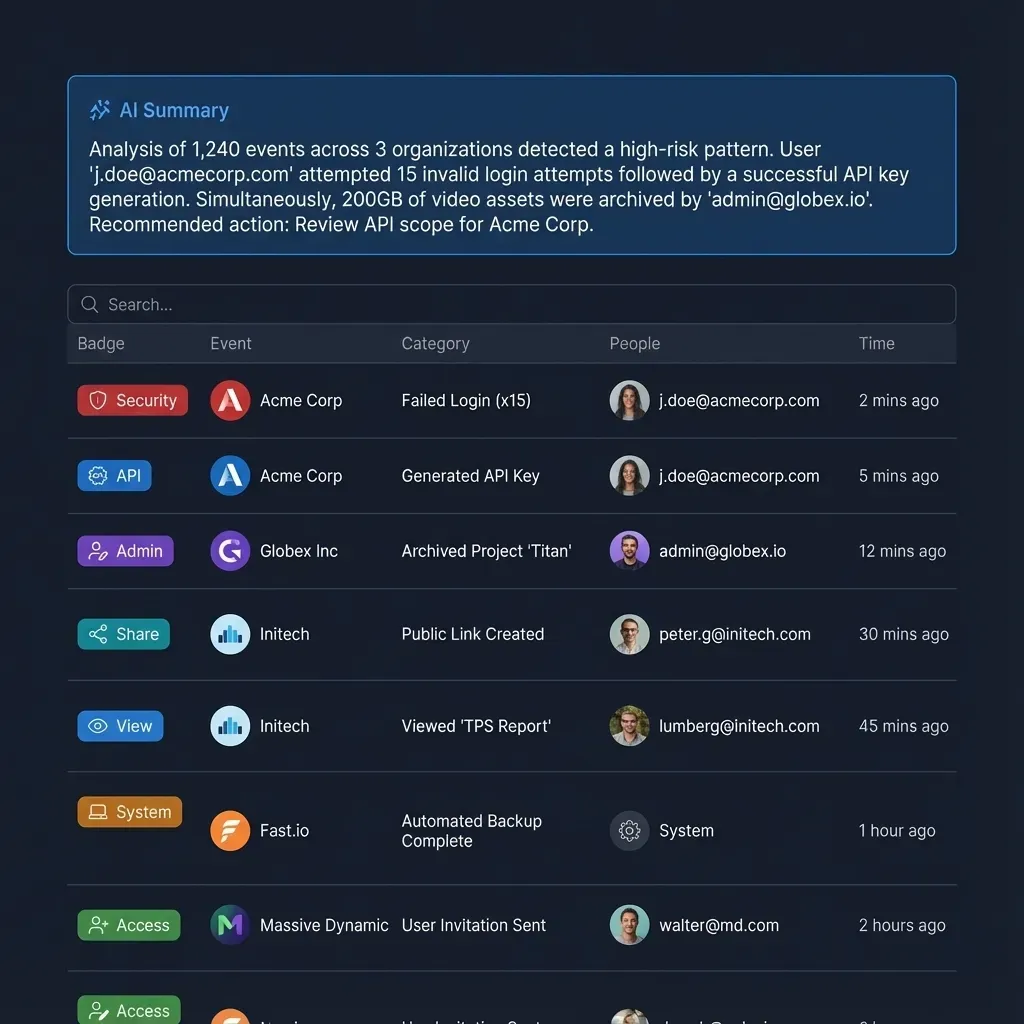
Financial services and healthcare teams need approval gates before provisioning access. This workflow runs identity verification and document collection steps first, then pauses for human review before proceeding. Every action is logged with timestamps and actor identity. Fastio's audit trail captures file-level activity, so your compliance team has a complete record of what was created, shared, and accessed during onboarding.
How to Connect OpenClaw to Your CRM
The CRM integration is the backbone of every onboarding workflow. OpenClaw connects to Salesforce, HubSpot, Pipedrive, and other CRM platforms through REST APIs using custom skills or the API Gateway skill, which provides managed OAuth connections to over 100 services.
The integration pattern works in both directions. Inbound: your CRM sends a automation hooks when a deal closes, passing the client record to OpenClaw. Outbound: OpenClaw writes status updates, creates linked records, and logs activities back to the CRM after each workflow step completes.
For teams that want file storage integrated with their CRM workflows, Fastio's MCP server exposes workspace, storage, and AI tools through Streamable HTTP at https://mcp.fast.io/mcp/tools. An OpenClaw agent can connect directly to the MCP server and immediately read, write, search, and share files as part of any onboarding sequence. A 14-day Business Trial is available (credit card required; see pricing).
One practical pattern: after each onboarding step, the agent uploads a status snapshot to a Fastio workspace with Intelligence Mode enabled. Your team can then ask questions like "which clients completed onboarding this week?" and get cited answers drawn from the indexed status documents. This turns onboarding data into a searchable knowledge base without any additional infrastructure.
Getting Started: Your First Onboarding Workflow
Start with workflow 1 (welcome email and account provisioning) and expand from there. A working first workflow teaches you more about OpenClaw's skill chaining than reading about all seven patterns at once.
Step 1: Define your trigger. Set up a automation hooks in your CRM that fires when a deal status changes to "closed won." The automation hooks should pass the client's name, email, company, plan tier, and start date.
Step 2: Build the skill chain. Install the skills you need from ClawHub. For the basic welcome workflow, you need AgentMail for email, your CRM skill for reading and updating records, and optionally connect Fastio via MCP for file storage. Each skill is a modular instruction package that tells OpenClaw how to interact with a specific service.
Step 3: Add approval gates. For your first workflow, add a human approval step before the welcome email sends. This lets you review the agent's output before it reaches the client. Once you trust the quality, you can remove the gate and let it run autonomously.
Step 4: Test with a dummy record. Create a test contact in your CRM, trigger the automation hooks, and watch the workflow execute. Check that each step completes, the email content is accurate, and the CRM record updates correctly.
Step 5: Monitor and iterate. OpenClaw logs every action. Review the logs after your first 10 real onboardings. Look for steps that fail, emails that get poor responses, or timing issues. Adjust the workflow based on what the data shows, not what you assume.
As your workflow stabilizes, layer on patterns 2 through 7. Each one builds on the foundation: kickoff scheduling chains from the welcome email, folder creation chains from account provisioning, and health scoring runs on a schedule alongside the event-driven workflows.
Sources
References used to verify factual claims in this guide.
-
Only 26% of SaaS companies actively invest in onboarding automation 60% of companies still use four to six different tools for customer onboarding
-
40% of enterprise applications will feature task-specific AI agents by 2026, up from less than 5% in 2025
-
Onboarding time dropped from 2 hours to 8 minutes of human involvement per client AI-driven onboarding reduces drop-off rates by 25 to 40% OpenClaw self-hosted onboarding deployment costs roughly $30 to $80 monthly for 2,000 customers
Frequently Asked Questions
Can OpenClaw automate customer onboarding?
Yes. OpenClaw chains skills into repeatable workflows that handle the standard onboarding checklist: account provisioning, welcome emails, CRM updates, kickoff call scheduling, document delivery, and access permissions. The agent fires on a CRM automation hooks when a deal closes, executes each step in sequence, and logs the results. You can add approval gates for steps that need human review before proceeding.
What OpenClaw skills do I need for onboarding automation?
The core skills are AgentMail for email send and receive, a CRM connector (API Gateway covers Salesforce, HubSpot, and Pipedrive through managed OAuth), and a calendar skill like Gog for Google Workspace. For file storage and document delivery, Fastio connected via MCP provides workspace creation, file uploads, permissions, and branded share links. Add analytics connectors if you want adaptive drip sequences based on product usage.
How does OpenClaw connect to CRM for onboarding?
OpenClaw connects to CRM platforms through REST APIs using the API Gateway skill or custom CRM-specific skills from ClawHub. The integration is bidirectional: your CRM sends webhooks to trigger workflows when deals close, and OpenClaw writes status updates and activity logs back to the CRM after each step. Salesforce, HubSpot, and Pipedrive are the most common integrations.
How long does it take to set up OpenClaw onboarding workflows?
A basic welcome email and account provisioning workflow takes a few hours to configure, including CRM automation hooks setup and skill installation. The QuantumByte case study documents teams going from zero to a working client onboarding workflow in under a day. More complex patterns like adaptive drip sequences and health scoring take longer because they require analytics integrations and rule configuration.
What does an OpenClaw onboarding workflow cost to run?
OpenClaw is self-hosted, so the primary costs are your server (a VPS runs $30 to $80 per month) plus API usage for the LLM provider. SFAI Labs estimates the total at roughly $30 to $80 monthly for a deployment handling 2,000 customers. Fastio offers a 14-day Business Trial (card required; see /pricing/) to evaluate agent workspaces and file delivery.
Related Resources

Give your onboarding agent persistent storage and file sharing
Fastio provides MCP access for workspace, file, and AI operations with a 14-day Business Trial.