How to Integrate AI Agents with Salesforce: Patterns and Architectures
Integrating agents with Salesforce transforms static CRM data into active intelligence that can autonomously update records and trigger workflows. While Salesforce offers native tools like Agentforce, many teams need external agents to orchestrate workflows across multiple platforms. This guide explores the three main integration patterns - native, API-led, and MCP - to help you build resilient agentic systems.


The Three Patterns of Salesforce Agent Integration
Enterprises today face a critical choice in how they deploy AI workforce capability. The data they need - customer records, deal stages, support tickets - lives inside Salesforce. But the work often happens elsewhere: in code repositories, design files, strategic documents, and email threads.
Connecting these worlds requires selecting the right architectural pattern. We see three distinct approaches emerging in 2026:
1. The Walled Garden (Native Agentforce)
Salesforce's native "Agentforce" platform allows you to build agents that live entirely within the Salesforce ecosystem. These agents are highly secure and have immediate access to Data Cloud. However, they struggle to "see" outside the Salesforce wall. If your workflow requires analyzing a PDF in Fastio, checking a Jira ticket, and then updating a Salesforce Opportunity, a native agent hits a blind spot.
2. The Brittle Bridge (Custom API Middleware)
The traditional engineering approach involves building custom Python or Node.js middleware that hits the Salesforce REST API. You build a specific endpoint for "Update Lead" and another for "Fetch Account." This works, but it's brittle. Every time your agent needs a new capability, you have to write new code, deploy it, and secure it. It turns your AI initiative into a never-ending backlog of API plumbing tasks.
3. The Universal Protocol (MCP)
The Model Context Protocol (MCP) has emerged as the standard for external agent integration. Instead of hard-coding API calls, you can pair a Salesforce MCP server with a remote file workspace like Fastio. MCP servers expose a standardized catalog of tools - search_records, update_object, get_metadata - that any MCP-compliant agent (Claude, localized models, or custom agents) can discover and use safely. This pattern decouples the agent's intelligence from the integration logic, allowing you to swap models without breaking your CRM connection.
Related guides
- How to Connect n8n to OneDrive: AI Workflow Integration GuideAn n8n OneDrive integration connects n8n automated workflows and AI agents to Microsoft OneDrive cloud storage,...
- How to Integrate Prefect with AI AgentsPrefect integrates AI agents into reliable data pipelines. Use Prefect to run AI agent workflows with retries, caching,...
- Building an AI Agent for Dropbox: Setup and Storage PatternsBuilding an AI agent for Dropbox requires balancing file retrieval against LLM context boundaries. While direct API...
- How to Integrate Fastio API with RustBuild high-performance, memory-safe storage systems by integrating Rust with the Fastio API. This guide covers...
- How to Duplicate a Folder in Google DriveGoogle Drive does not offer a native button to duplicate folders. To duplicate directory structures, users must rely on...
- How to Connect Google Drive to ChatGPT: Setup and Agent WorkspacesConnecting Google Drive to ChatGPT allows the model to access, read, and reason about files stored in your cloud...
More on this subject: Agent Integrations and APIs (192 guides)
Why External Agents Need MCP to Talk to Salesforce
Connecting Large Language Models (LLMs) directly to business systems is dangerous without a standard protocol. Hallucinations can lead to corrupted data, and giving an LLM raw API access acts as a security risk. MCP solves this by introducing a strict contract between the agent and the system.
When you use an MCP-based architecture for Salesforce, you gain three specific advantages:
- Discoverability: The agent can ask "What tools do I have?" and receive a structured definition of Salesforce capabilities (e.g., "You can update leads, but only fields X, Y, and Z").
- Safety Barriers: The MCP server validates every request before it touches the Salesforce API. It prevents malformed queries and enforces permission sets that might be more granular than the Salesforce user's own permissions.
- Context Awareness: MCP allows the agent to pull relevant context (like the last 5 emails associated with an Account) into its working memory automatically, without you needing to copy-paste data.
According to the 2025 State of AI Integration Report, teams using protocol-based integrations (like MCP) deploy agents 40% faster than those building custom API middleware for each use case. This speed comes from reusability: once the Salesforce MCP server is running, your coding agent, your marketing agent, and your support agent can all use it simultaneously.


Give Your Agents Secure Access to Salesforce
Connect Claude or custom agents to Fastio workspaces via MCP to store documents and CRM outputs securely. Start building autonomous workflows today.
Comparison: Salesforce Native Agents vs. External MCP Agents
Choosing between Salesforce's native Agentforce and an external MCP-based agent depends on where your workflow centers. If your team lives 100% inside Salesforce, native tools are often best. If your team works across documents, files, and multiple SaaS tools, external agents provide the necessary glue.
The Verdict: Use Agentforce for tasks like "qualify this lead based on CRM data." Use external MCP agents for tasks like "Read this strategic plan PDF, extract the target companies, find them in Salesforce, and create draft Opportunities for the ones that match our ICP."
Step-by-Step: Connecting Claude to Salesforce and Fastio Workspaces
Fastio provides persistent cloud workspaces and a remote MCP server at https://mcp.fast.io/mcp/tools, allowing you to give agents a secure file layer alongside their CRM integrations:
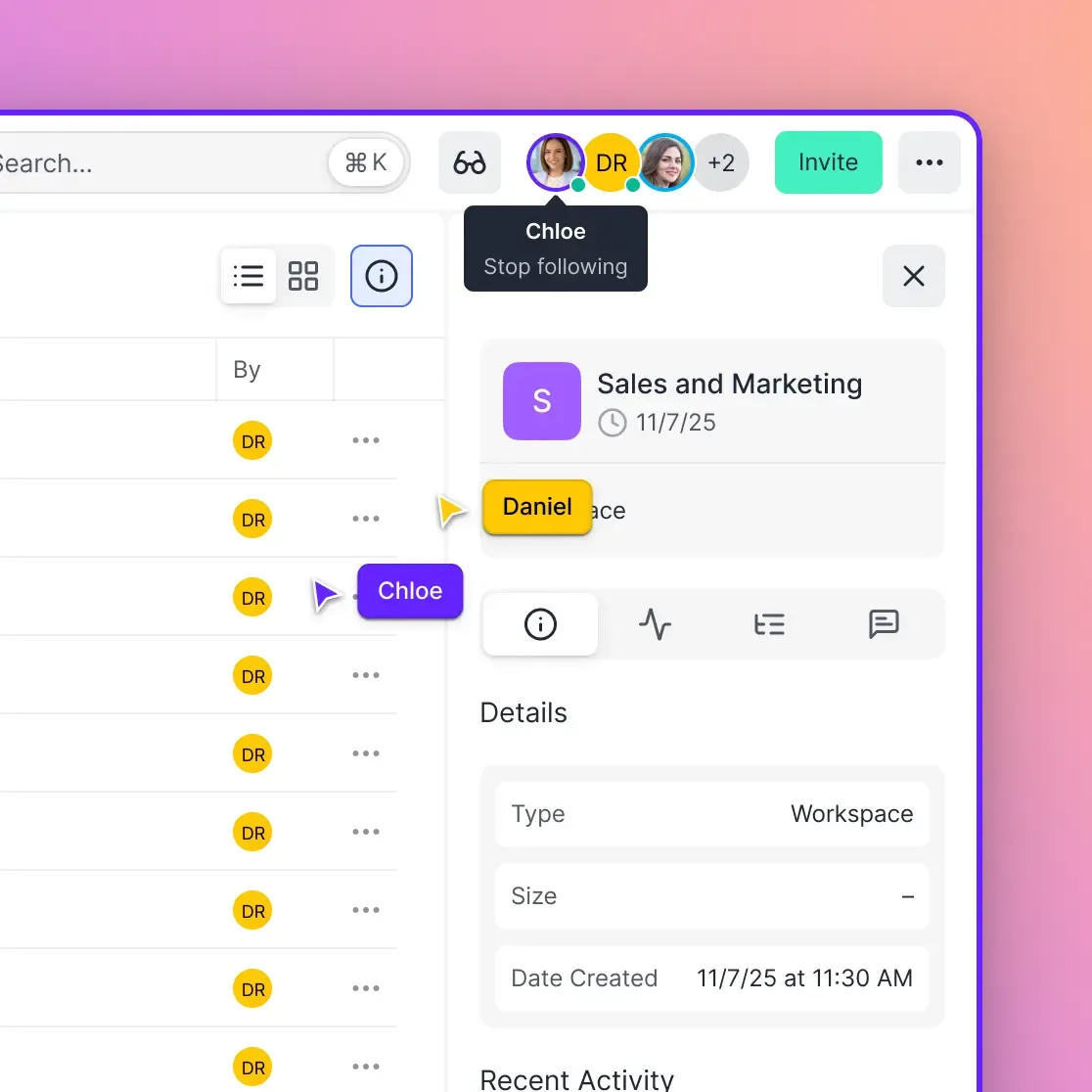
- Establish the Secure Enclave: Create a Fastio workspace. This acts as the home for your agent's memory and artifacts. Any files generated by the agent (reports, briefs) will be stored here.
- Configure MCP Connections: In your agent settings, configure the Fastio remote MCP server along with your Salesforce MCP connection.
- Define Agent Permissions: Configure scopes. We recommend starting with "Least Privilege" - give the agent only the access it strictly needs across storage and CRM records.
- Connect Your Client: Use an MCP-compliant client (like Claude Desktop or custom agents). Point it to your Fastio workspace URL using your API key.
- Run the Workflow: You can now prompt the agent: "Find all Opportunities in the 'Negotiation' stage that haven't been touched in 30 days. Draft a check-in note for each one and save them as text files in the 'Drafts' folder."
Because Fastio handles the file layer, your agent can seamlessly read reference templates and store generated files while updating Salesforce records in a single autonomous loop.
Security Considerations for Autonomous CRM Agents
Giving an AI agent write access to your system of record requires rigorous security controls. Unlike a human intern, an agent can update 1,000 records in a minute, meaning a mistake can scale rapidly.
1. Human-in-the-Loop (HITL) Write Gates For high-stakes actions (like "Delete Opportunity" or "Send Contract"), configure your agent runtime to require human confirmation before executing sensitive writes.
2. Field-Level Security (FLS) Don't rely solely on the agent's prompt to respect boundaries. Ensure the Salesforce user account connected to the MCP server has restricted Field-Level Security. If the agent shouldn't see the "Commission Rate" field, hide it at the Salesforce profile level.
3. Audit Trails Every action taken by an agent should be logged. Fastio provides a detailed activity log that records file modifications, access events, and timestamps. This allows you to trace exactly why a file was changed and which agent instance was responsible.
Pro Tip: Create a dedicated "AI Integration User" in Salesforce rather than using your personal admin credentials. This isolates agent actions in Salesforce history logs, making it clear when changes were made by "AI Agent" vs. "John Doe."
Future-Proofing Your Agent Architecture
The agent landscape is moving faster than enterprise software cycles. Today, Claude 3.5 Sonnet might be the best model for reasoning; tomorrow, it might be GPT-5 or a specialized local model.
By adopting an MCP-based architecture paired with Fastio workspaces, you avoid vendor lock-in. You aren't hard-coding your logic into a specific model's proprietary API (like OpenAI Assistants API). Instead, you are building a modular system where the "Brains" (the LLM), the "Hands" (the MCP Tools), and the "Memory" (Fastio Storage) are loosely coupled components.
This flexibility allows you to upgrade your models without rebuilding your Salesforce integration. As agents become more capable, you simply switch the model endpoint, and it instantly gains access to the same robust Salesforce tools you've already configured.
Sources
References used to verify factual claims in this guide.
-
teams using protocol-based integrations deploy agents 40% faster
Frequently Asked Questions
Can AI agents update Salesforce records securely?
Yes, provided you use a secure protocol like MCP and implement proper permissions. We recommend using a dedicated Integration User in Salesforce with limited field-level security, and enabling Human-in-the-Loop (HITL) requirements for sensitive write operations like deleting records or sending emails.
What is the difference between Einstein Copilot and an MCP agent?
Einstein Copilot is native to Salesforce and deeply integrated into the Salesforce UI, making it excellent for CRM-specific tasks. An MCP agent is external and platform-agnostic, allowing it to work across multiple apps (like Salesforce, Jira, and Fastio) simultaneously to complete complex cross-functional workflows.
Do I need to write code to connect Claude to Salesforce?
Not necessarily if you use MCP-compliant tools. With Claude Desktop, you can configure Fastio's remote MCP server and standard Salesforce MCP servers directly via JSON settings without writing custom integration code.
How does Fastio help with Salesforce agent integration?
Fastio acts as the persistent storage and workspace layer. Its remote MCP server enables agents to read and write files, index documents with AI, and manage branded shares alongside Salesforce records.
Related Resources

Give Your Agents Secure Access to Salesforce
Connect Claude or custom agents to Fastio workspaces via MCP to store documents and CRM outputs securely. Start building autonomous workflows today.