Adobe XD Team Review Platforms Compared
Adobe XD team review platforms let designers share interactive prototypes for feedback from teams and clients. These tools add anchored comments, version tracking, and developer handoffs beyond basic links. Look for guest access without accounts and feedback pinned to artboards or flows. Native XD sharing handles quick reviews. Platforms like InVision, Zeplin, Figma, and Fastio provide more for organized workflows.


What Makes a Good Adobe XD Team Review Platform
Design teams share XD prototypes to get feedback from stakeholders. Good platforms preview interactive flows in browsers, pin comments to artboards or elements, and let guests join without design software.
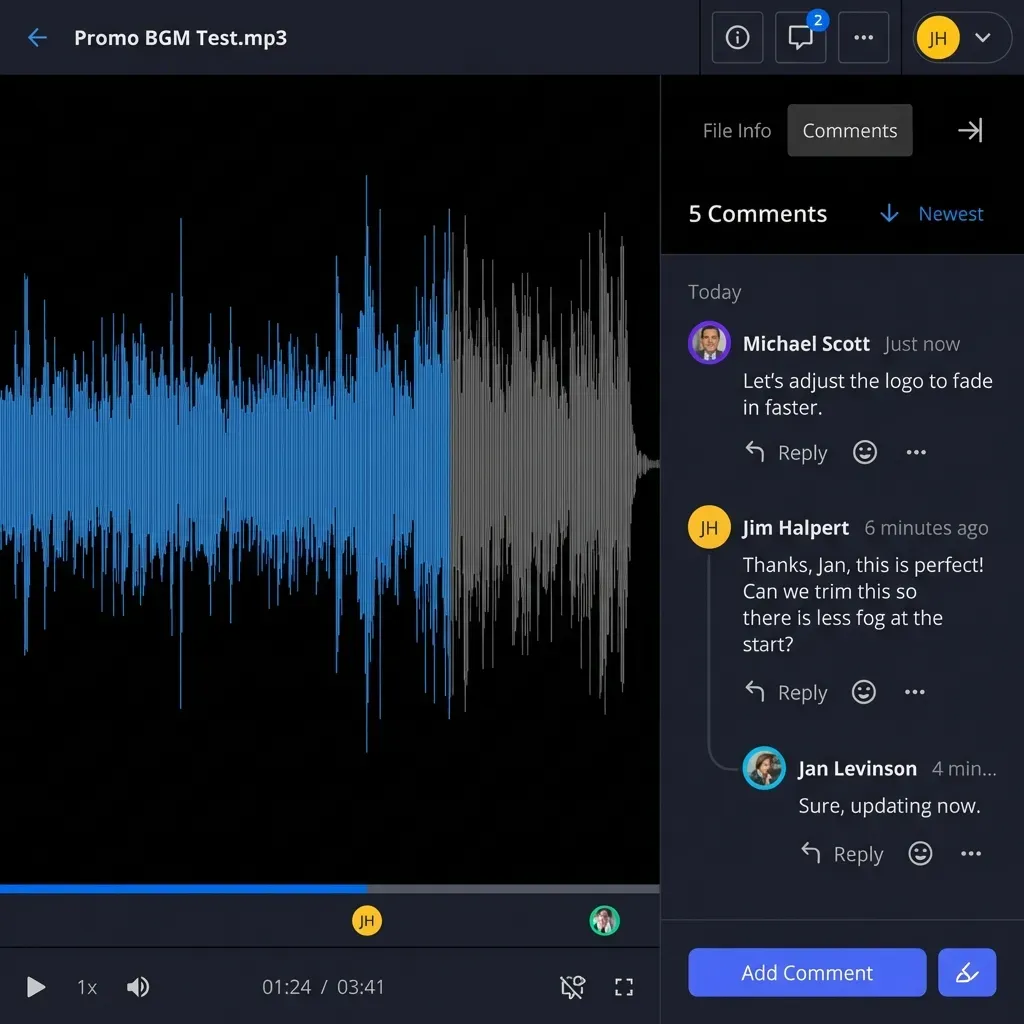
Check for these features. Previews load fast in any browser, keeping hovers and transitions. Comments pin to spots like a button or screen area, so discussions stay on track. Emojis and voice notes make replies quick. Version history tracks edits. Secure links protect designs.
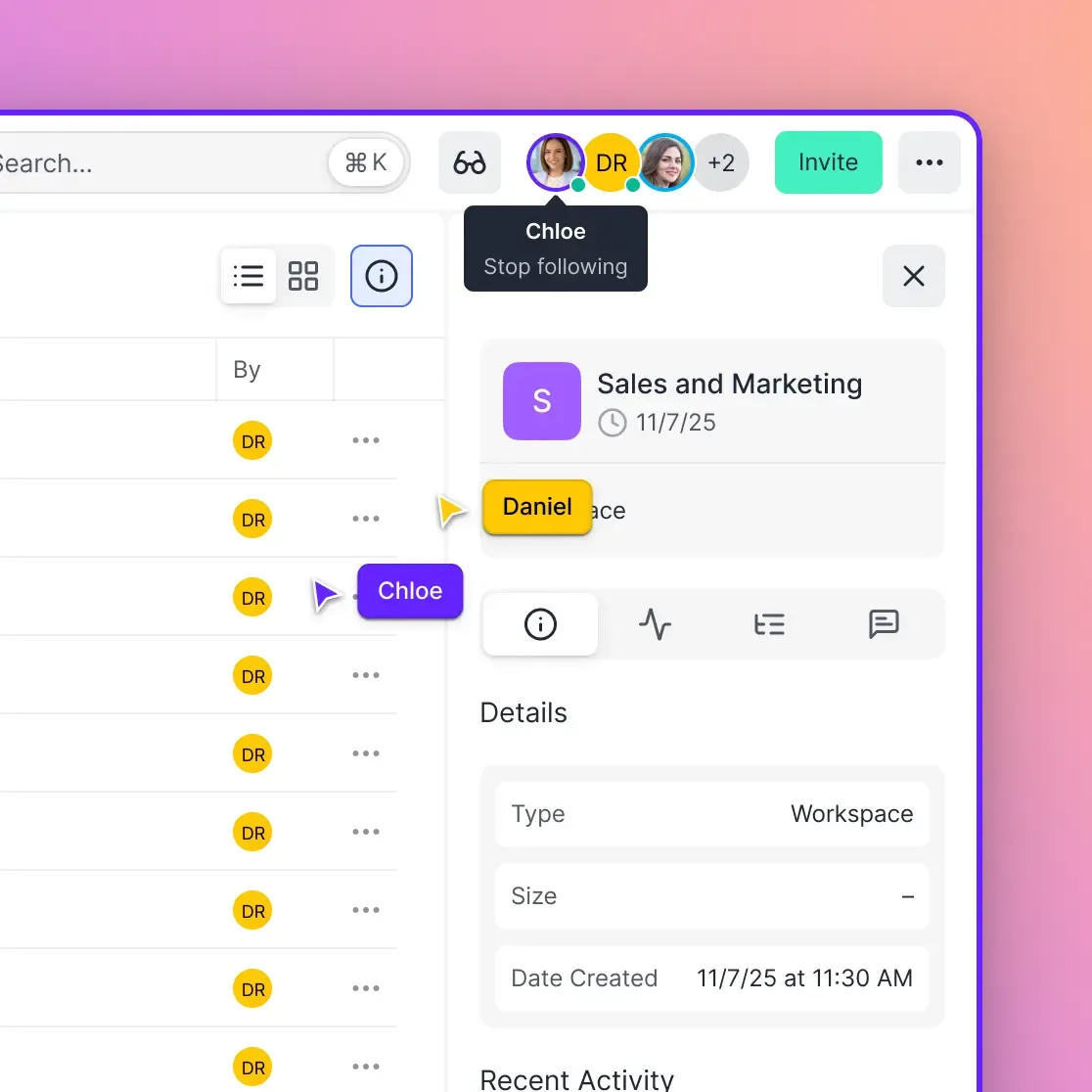
Handoff tools pull specs, colors, CSS. Live collaboration shows cursors. Slack or Jira links ease workflows. Pricing varies by user, storage, or use.
Native XD covers basics, but bigger teams gain from dedicated tools. They cut email chains and vague notes. Such tools speed iterations. Fastio can store and share XD exports through workspaces, shares, and portals.
Map your process. Guest count? Dev specs needed? Test options on a project for feedback quality and speed.
Helpful references: Fastio Workspaces, Fastio Collaboration, and Fastio AI.
Related guides
- How to Set Up a Content Marketing Platform for Your TeamA content marketing platform is an integrated workspace where teams create, store, collaborate on, and distribute...
- How to Set Up an AI Marketing Team Intelligence WorkspaceAI marketing team intelligence workspaces combine semantic search and agent collaboration for files. Marketing teams...
- How to Do Concept Art Review CollaborationConcept art review collaboration refers to the structured process of sharing visual concepts for iterative feedback in...
- How to Build a Sales Enablement Platform That Actually Gets UsedMost sales enablement platforms collect dust. Reps ignore them because content is hard to find, the interface adds...
- How to Share Figma Prototypes with ClientsSharing a Figma prototype should be simple, but permission settings, feedback collection, and version tracking add...
- How to Share GLTF 3D Models with ClientsWhen sharing GLTF 3D models with clients, reliable previews and secure access matter. GLTF is an open standard for...
More on this subject: Creative and Marketing Teams (27 guides)
Adobe XD Native Review Features and Limits
Adobe XD's sharing makes public prototype links. Anyone with the link sees interactions and comments, no XD needed. Publish from XD, copy URL. Done in seconds. Guests use browsers for prototypes. Comments go to frames; designers reply in XD. Passwords add security. Free with XD, good for simple internal checks. Strengths: True-to-life previews, simple. No accounts for shares. Comments update live. Limits hit with teams. No live cursors or viewer indicators, parallel reviews mix up. Comments on screens, not parts. No auto specs for devs. Clients need help navigating. Example: Share mobile app prototype via Slack. Comments on screens. Iterate, republish. Fine for one or two people, agencies manage versions by hand. When short, export PDF or PNG to Fastio for secure sharing and version history.
Step-by-Step XD Native Sharing
- Open XD prototype and select Share for Web.
- Set password if needed and publish.
- Copy link and send to team.
- Viewers comment on frames.
- Refresh XD to see replies.
Top Adobe XD Review Platforms Comparison
Scan this table for differences in previews, feedback, collab, guests, price, XD fit.
XD native wins interactivity, loses collab. InVision threads cost per editor. Zeplin specs shine. Figma switch bait. Fastio provides workspace storage, in-browser previews, anchored comments, and branded portals for XD exports.
Check rows for details like bandwidth or mobile. Test on client phones.
InVision, Zeplin, and Figma Deep Dive
InVision uses XD exports for reviews. Upload .xd files for inspectable prototypes. Comments on elements, gestures intact. Dev Mode for CSS, assets.
Strengths: Good feedback, handoff DSM, integrations. Drawbacks: Per-user price grows, XD indirect.
Flow: Export XD, upload Studio. Share. Comments on flows. Devs check specs.
Zeplin for XD handoff. Plugin exports artboards with measures, colors, code. Pin comments to pixels.
Strengths: Auto specs, guides, multi-tool. Drawbacks: Static no interactions, team paid. Good XD-to-dev.
Flow: Zeplin plugin, select artboards, publish. Guests see specs, comment.
Figma imports XD, but full switch. Real-time beats XD async.
Strengths: Live work, canvas, plugins. Drawbacks: Learn curve, import issues. Switch if ready.
Fastio adds persistent workspaces for exports, secure shares, and file version history.


Get Started with Fastio
Set up branded workspaces for sharing XD exports with granular permissions, portals, and file version history.
Fastio as XD Team Review Solution
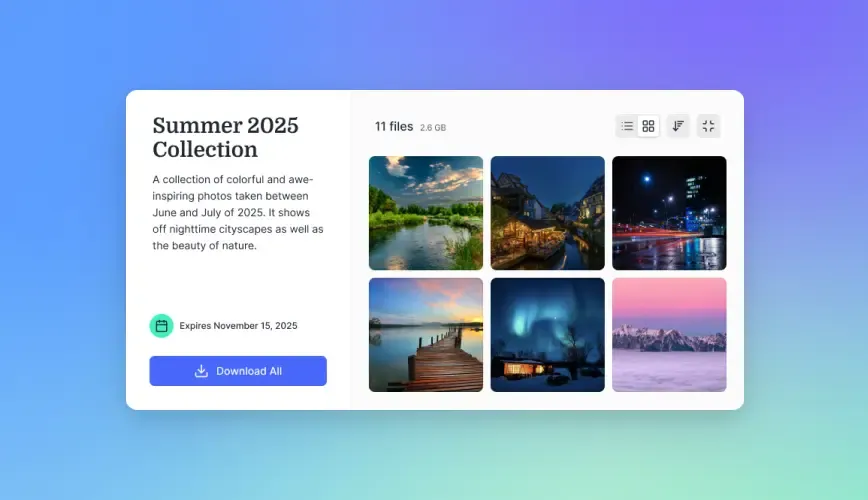
Fastio creates workspaces for XD exports and prototypes. Upload PNG artboards, PDFs, and screen videos, then use secure shares, granular permissions, file version history, the activity log, and portals for client collaboration. Export high-resolution assets from XD, upload a folder, and share it with the right people.
XD to Fastio Workflow
- Export XD artboards as PNG/PDF.
- Create Fastio workspace, upload folder.
- Share with team members or clients using the right permissions.
- Use file version history to track revisions.
- Use real-time for live sessions.
- Export specs from comments.
Case Studies: Real-World XD Review Workflows
Teams test tools on real projects. Examples from agencies, product groups using XD reviews.
Small Agency Client Reviews (Fastio + XD Exports)
Small agency prototyped apps in XD. PNGs and MP4s to Fastio. Clients accessed assets through a branded portal. Shares and version history kept the handoff organized. The Business Trial requires a credit card.
Enterprise Handoff (Zeplin + XD)
Fintech team to devs via Zeplin. Plugin for CSS, spacing, colors. Pixel comments on forms. Guides for parts. Devs/reviewers on Adv ($12/seat). Static paired XD links. Specs greatly reduced questions. Dynamic shift one sprint.
Startup Scaling (Figma Migration from XD)
SaaS started XD native. Team grew, confusion grew. Figma import for live. Pro $16/seat. XD olds to Fastio archive. XD quick, Figma collab, Fastio shares.
Solo Freelancer (XD Native + Supplements)
UI designer shared XD links. PDF exports went to Fastio for workspace storage and secure sharing.
Tradeoffs clear. Solos XD. Teams dedicated. Track clarity, time, cost.
Pricing and How to Choose Your Platform
Price guides choice. XD native free (with Creative Cloud). InVision/Miro Business plans are priced per user; see the vendor's pricing page. Zeplin Free (1 proj), Basic $13.75/mo proj ann, Adv $12/seat/mo. Figma Starter free, Pro $16/seat/mo. Fastio Starter is $9.99/mo for 3 seats and 250 GB.
By size: Solos XD. Small Zeplin handoff. Agencies Fastio guests. Growth Figma/InVision.
Pilot two. Feedback count, fix time, satisfaction. File sizes matter, XD bulks.
Export XD comments first. Train pins.
Weigh features, cost, XD match.
Pilot small, check data accuracy/performance, adjust.
A five-person agency running a client brand refresh can run XD native for internal reviews, then export final artboards to Fastio for the client presentation through a branded portal, while keeping internal iteration inside XD. One real constraint: XD's published prototype links don't support expiration or domain restriction, so anything shared externally stays live indefinitely unless manually unpublished.
Sources
Frequently Asked Questions
What are the best Adobe XD review tools?
Adobe XD native for basics, InVision prototypes, Zeplin specs, Figma live edits, and Fastio workspaces for shared exports.
How does Adobe XD team collaboration work natively?
Web links for browser views, frame comments. XD syncs replies. Password security.
Can non-designers review XD prototypes?
Yes, XD native, Zeplin, Fastio guest access, any device.
Related Resources

Get Started with Fastio
Set up branded workspaces for sharing XD exports with granular permissions, portals, and file version history.