How to Enable AI Agent Multimodal Processing
AI agent multimodal processing allows autonomous systems to ingest, analyze, and generate text, images, audio, and video in a single workflow. This guide explains the architecture for managing multimodal assets, from ingestion to delivery, and how to scale agent operations effectively.

What is AI Agent Multimodal Processing?
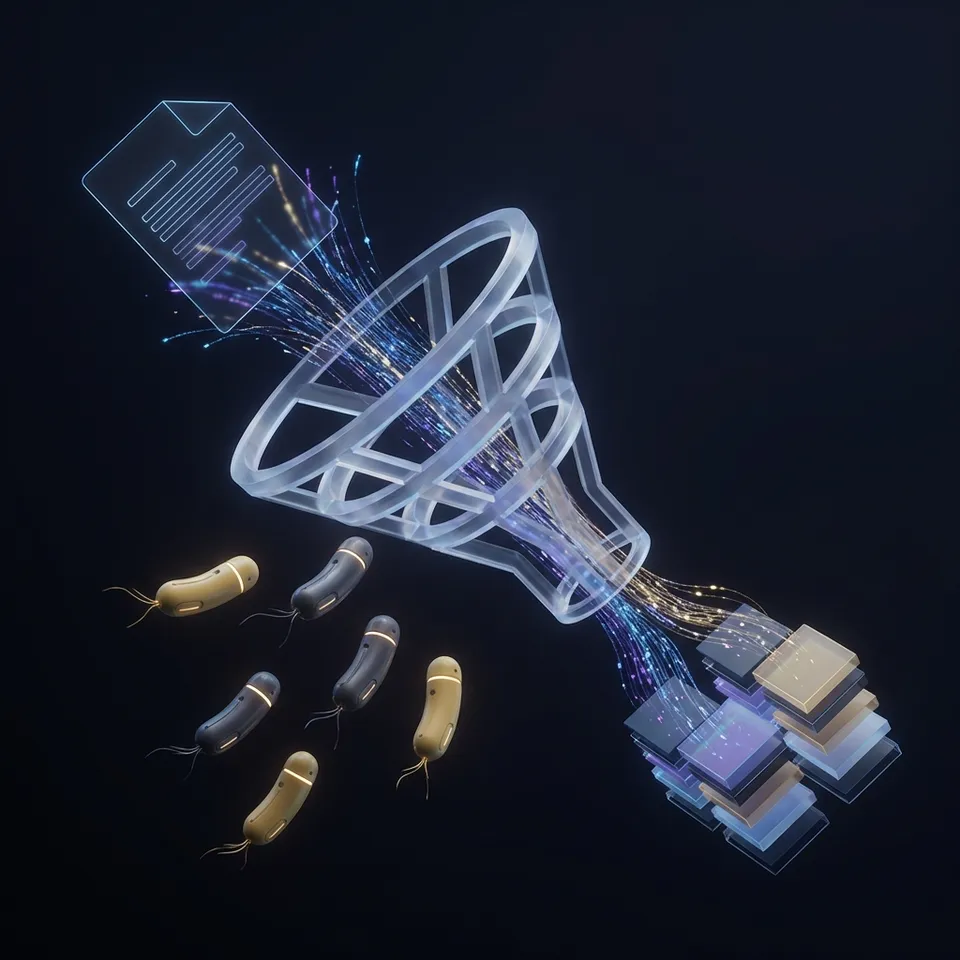
AI agent multimodal processing is the capability of autonomous agents to ingest, analyze, and generate content across multiple media types (text, images, audio, and video) within a single workflow. Unlike traditional text-based models, multimodal agents can "see" images, "hear" audio, and "watch" video, allowing them to understand context in a way that mimics human perception.
This capability is essential for modern enterprise workflows. According to Forbes, 65% of enterprise data is unstructured media, including images, video, and audio files. Agents that cannot process these formats are blind to the majority of business information.
Modern foundation models like GPT-4o and Claude have introduced native multimodal capabilities, allowing them to accept images and documents directly as input. However, the challenge for developers lies not in the model itself, but in the surrounding infrastructure: how to feed large video files to an agent, where to store generated assets, and how to deliver the results to human users.

Related guides
- InVideo AI Review 2026: 7 Features We Tested and What They CostInVideo AI crossed $70M in annual recurring revenue within 18 months of its AI pivot, but rapid growth doesn't...
- Best AI Music Generators in 2026: 10 Tools Tested and ComparedAI music generators have matured past the novelty stage. Tools like Suno, Udio, and AIVA now produce tracks that pass...
- Best AI Presentation Generation Tools in 2026: 10 Options Tested and ComparedAI presentation tools can now produce a polished 12-slide deck in under 30 seconds, but the quality gap between tools...
- 10 Best AI Tools for Content Creators in 202685% of marketers now use AI for content creation, up from 61% in 2023, yet most still limit AI to a single workflow...
- Best Free AI Video Generators in 2026: What You Actually Get for $0Free AI video generators have improved dramatically in 2026, but "free" means wildly different things depending on the...
- Best Free AI Image Editors You Can Use Right NowOver 61% of marketers now use AI tools for visual content, but most still pay for editing features that free...
More on this subject: AI Content and Media Generation (46 guides)
The Multimodal Pipeline: Ingest, Store, Process
Building a multimodal agent requires a pipeline that handles heavy media assets efficiently. Text is lightweight, but a single high-resolution video file can exceed the context window or storage limits of standard API endpoints. A reliable architecture follows three stages:
1. Ingest Agents need a way to receive files without routing everything through local memory. Direct cloud-to-cloud transfers are critical here. For example, an agent might need to pull a terabyte of raw footage from a cloud bucket or receive a stream of user-uploaded images.
2. Store & Index Once ingested, files must be stored in a way that is accessible to both the agent and the human team. This is where "intelligent storage" becomes vital. The storage layer should automatically index the content (transcribing audio, generating video proxies, and extracting metadata) so the agent can search and retrieve specific segments without processing the entire file from scratch.
3. Process & Deliver The agent performs its task, whether analyzing footage, generating a thumbnail, or writing a report. The final output must be delivered back to the user. For video and audio, this means providing streamable links rather than forcing a full download.


Build Intelligent Multimodal Agents
Fastio gives teams shared workspaces, MCP tools, and searchable file context to run ai agent multimodal processing workflows with reliable agent and human handoffs.
Handling Heavy Media: Video and Audio
Video and audio files present unique challenges for AI agents due to their size and complexity. Processing a one-hour meeting recording or a high-resolution marketing video requires more than just raw storage; it requires an optimized media engine.
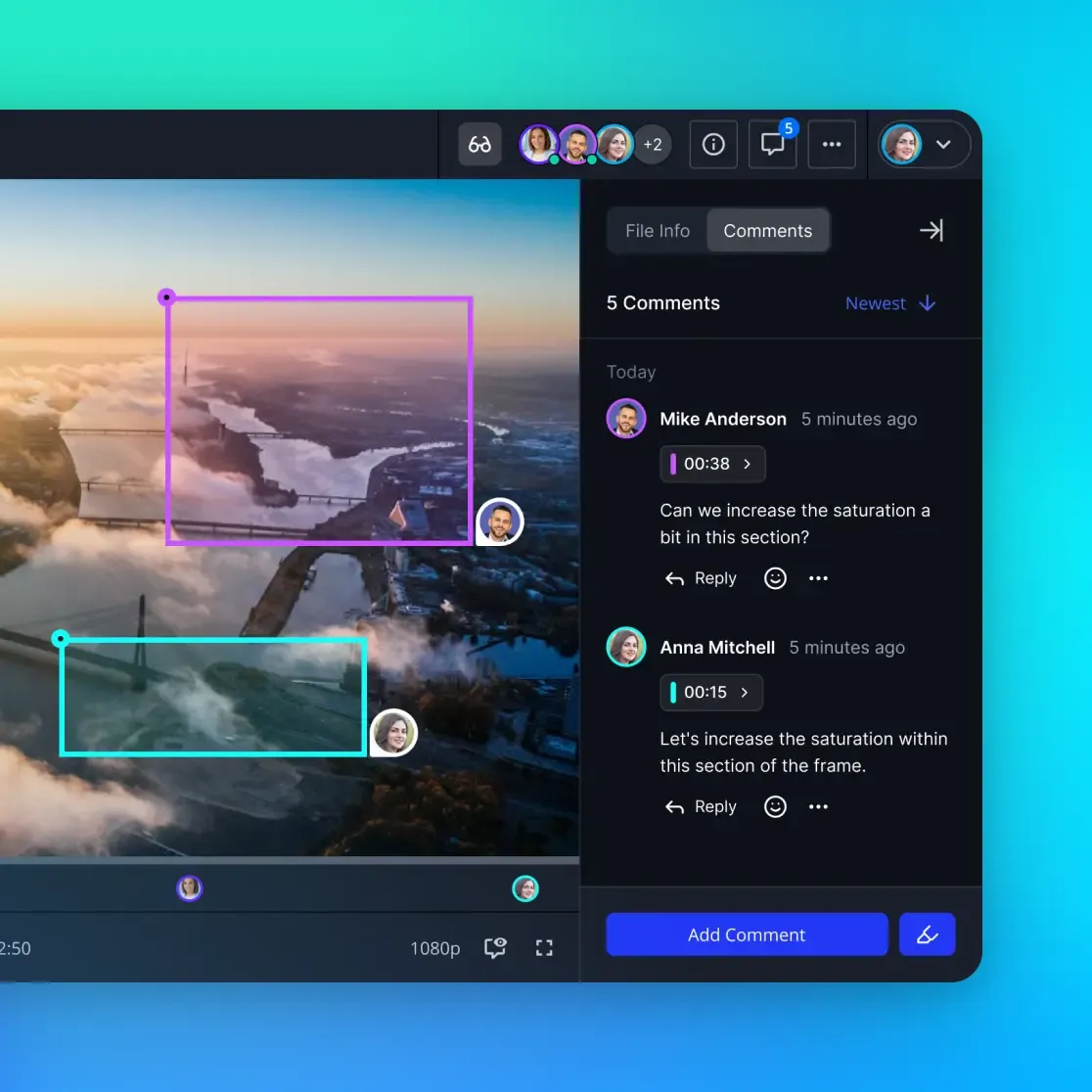
Streaming vs. Downloading When an agent needs to "watch" a video, downloading the full file consumes massive bandwidth and time. An efficient system uses Adaptive Bitrate Streaming (HLS) to let the agent (or the human reviewing the work) scrub through the content instantly. Fastio automatically converts video uploads into HLS streams, allowing agents to access specific timestamps without downloading gigabytes of data.
Proxy Generation Agents often don't need the full-resolution original file to perform their tasks. Working with a lightweight proxy version speeds up processing and reduces token costs. A storage layer that automatically generates web-optimized proxies ensures that agents can work fast while the original high-fidelity asset remains safe for final delivery.
Architecture for Multimodal Agents
The most effective architecture for multimodal agents is a Shared Workspace model. In this setup, the agent and the human team share access to the same cloud storage environment.
Why Shared Workspaces?
- Persistence: Files don't expire after the agent session ends.
- Collaboration: Humans can upload files for the agent to process and immediately view the results.
- Security: Access is controlled via granular permissions, ensuring agents only touch what they are supposed.
- Context: The agent has access to the project's history and related files, not just the immediate input.
Fastio provides this exact infrastructure. Agents can join workspaces via the Model Context Protocol (MCP) or API, accessing a consolidated toolset for file management. This allows them to act as team members rather than isolated scripts.
Fastio: The Workspace for Multimodal Agents
Fastio is designed to be the intelligent workspace for agentic teams. It solves the infrastructure challenges of multimodal processing by providing a unified layer for storage, indexing, and delivery.
Intelligence Once Intelligence is enabled for the workspace, Fastio automatically indexes uploaded files. It performs RAG (Retrieval-Augmented Generation) indexing, semantic search, and auto-summarization. An agent can simply ask, "Find the video with the red car," and Fastio's semantic search will locate the file, even if the filename doesn't match.
MCP Integration Fastio offers an official remote MCP server at https://mcp.fast.io/mcp/tools with a consolidated toolset for file management, allowing agents (like Claude or custom builds) to interact with the file system natively. Agents can create folders, move files, read content, and generate public share links without writing complex API wrappers.
Business Trial To support the development of autonomous systems, Fastio offers a 14-day Business Trial (credit card required). This provides persistent storage, usage-based credits, and access to the consolidated MCP toolset to test multimodal pipelines.

Step-by-Step Implementation
Ready to build a multimodal agent workflow? Here is how to set it up using Fastio:
1. Create a Fastio Workspace Sign up for a Fastio account and start a 14-day Business Trial to create a dedicated workspace. This will serve as the shared environment for your files and your agent.
2. Enable Intelligence In the workspace settings, enable Intelligence for the workspace. This activates the automatic indexing engine, ensuring that all future uploads are searchable and queryable by your agent.
3. Connect Your Agent If you are using Claude Desktop, add https://mcp.fast.io/mcp/tools as a custom connector; in an MCP-compatible IDE (like Cursor or Devin Desktop (formerly Windsurf)), connect to https://mcp.fast.io/mcp/code. Sign in to Fastio in the browser when the client prompts you. For custom agents, use the Fastio REST API at https://api.fast.io/current/ or the Fastio CLI (@vividengine/fastio-cli).
4. Ingest and Process Upload media directly or import from cloud sources. Ask your agent to analyze the content. For example: "Watch the User Interview video and generate a summary of the key pain points." The agent will use the indexed metadata and transcripts to generate the response, citing the specific file.
Sources
Frequently Asked Questions
What is multimodal AI processing?
Multimodal AI processing is the ability of an artificial intelligence system to interpret and generate multiple types of data, including text, images, audio, and video, simultaneously to understand context and perform complex tasks.
How do agents store multimodal files?
Effective agents use cloud-native storage workspaces like Fastio rather than local memory. This ensures files are persistent, secure, and accessible to human collaborators via streamable links.
Can AI agents analyze video files?
Yes. Advanced agents can analyze video by processing visual frames and audio transcripts. Fastio supports this by generating HLS streams and proxies, allowing agents to access video content efficiently without downloading massive files.
What is the best storage for multimodal agents?
The best storage for multimodal agents combines scalable cloud storage with intelligent indexing. Fastio offers a 14-day Business Trial with persistent workspaces, RAG once Intelligence is enabled, and a consolidated MCP toolset for seamless file management.
Does Fastio support huge files?
Yes. Fastio is built for heavy media workflows, supporting single files up to 100 GB on the Enterprise plan and chunked uploads. Video uploads are transcoded to HLS, so reviewers can stream raw footage without downloading the full file.
How does the Fastio Business Trial work?
The 14-day Business Trial requires a credit card and provides full access to persistent workspaces, consolidated MCP tools, and Intelligence indexing. After the trial, plans start at $9.99/mo Starter.
Related Resources

Build Intelligent Multimodal Agents
Fastio gives teams shared workspaces, MCP tools, and searchable file context to run ai agent multimodal processing workflows with reliable agent and human handoffs.