Best Cloud Storage for Educators in 2026
Guide to cloud storage educators: Teachers and school admins use cloud storage every day for lesson plans, student assignments, video lectures, research datasets, and group projects. Good choices offer plenty of space for large files, real-time editing, edtech links like Google Classroom or Canvas, FERPA-friendly security (audit logs, SSO), and AI search for quick finds like "photosynthesis diagrams from grade multiple biology."

What Educators Need from Cloud Storage
Educators handle a mix of files daily: PDF syllabi, Excel gradebooks, PowerPoint slides, high-resolution video lessons, audio recordings, and large CSV datasets from surveys or labs. Pick services that manage terabyte uploads without compression limits or workflow hiccups.
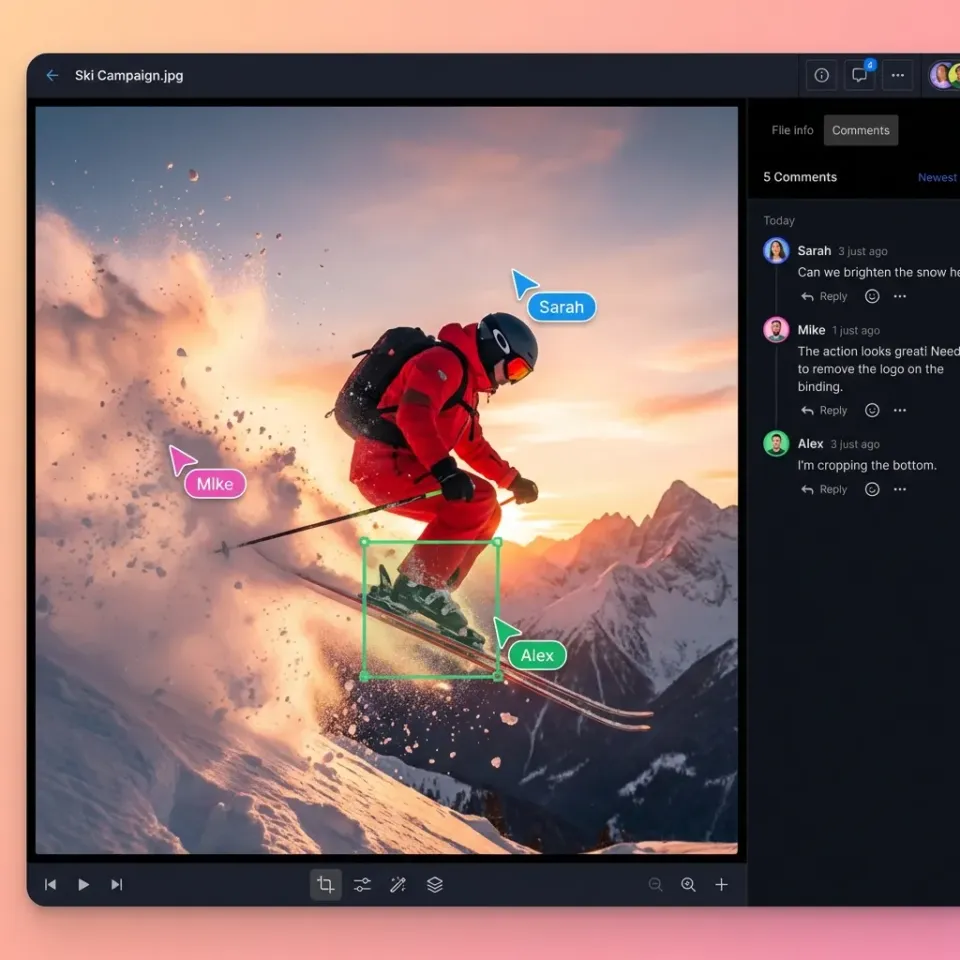
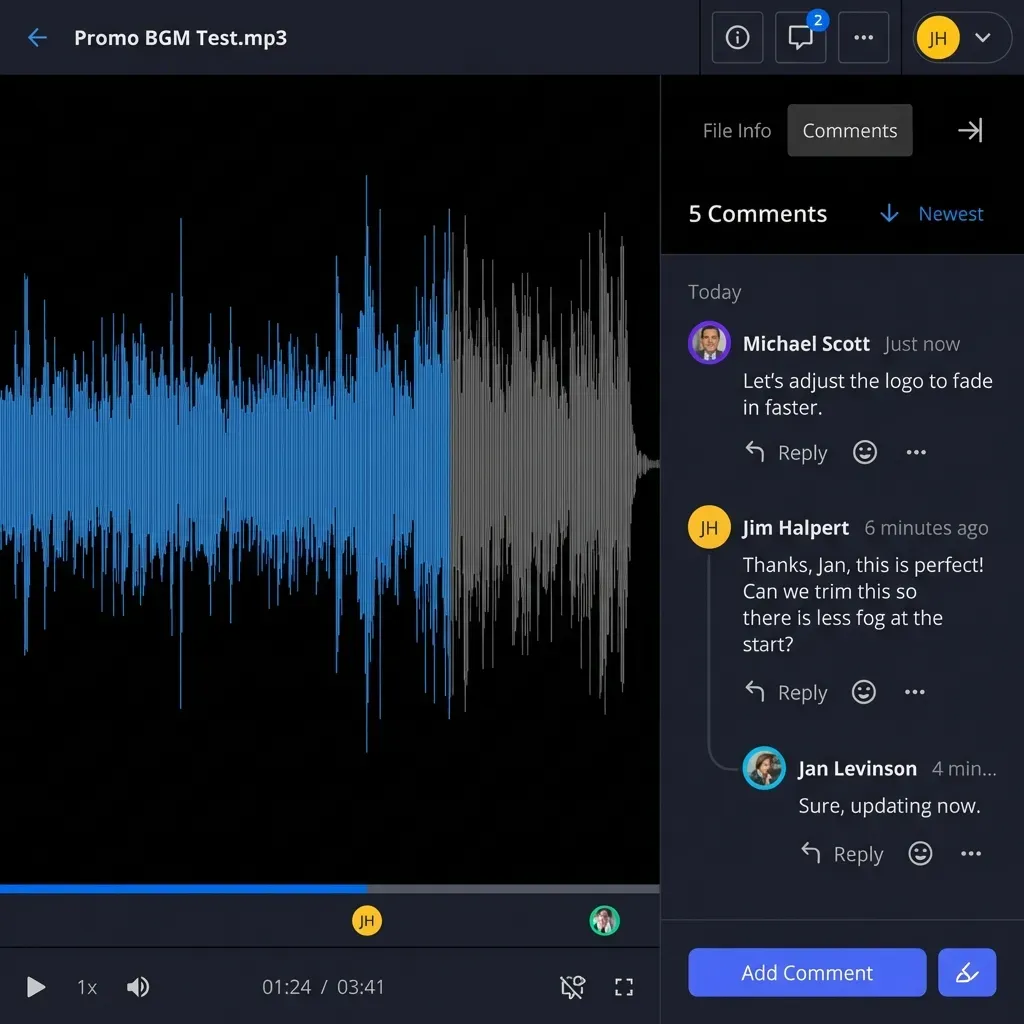
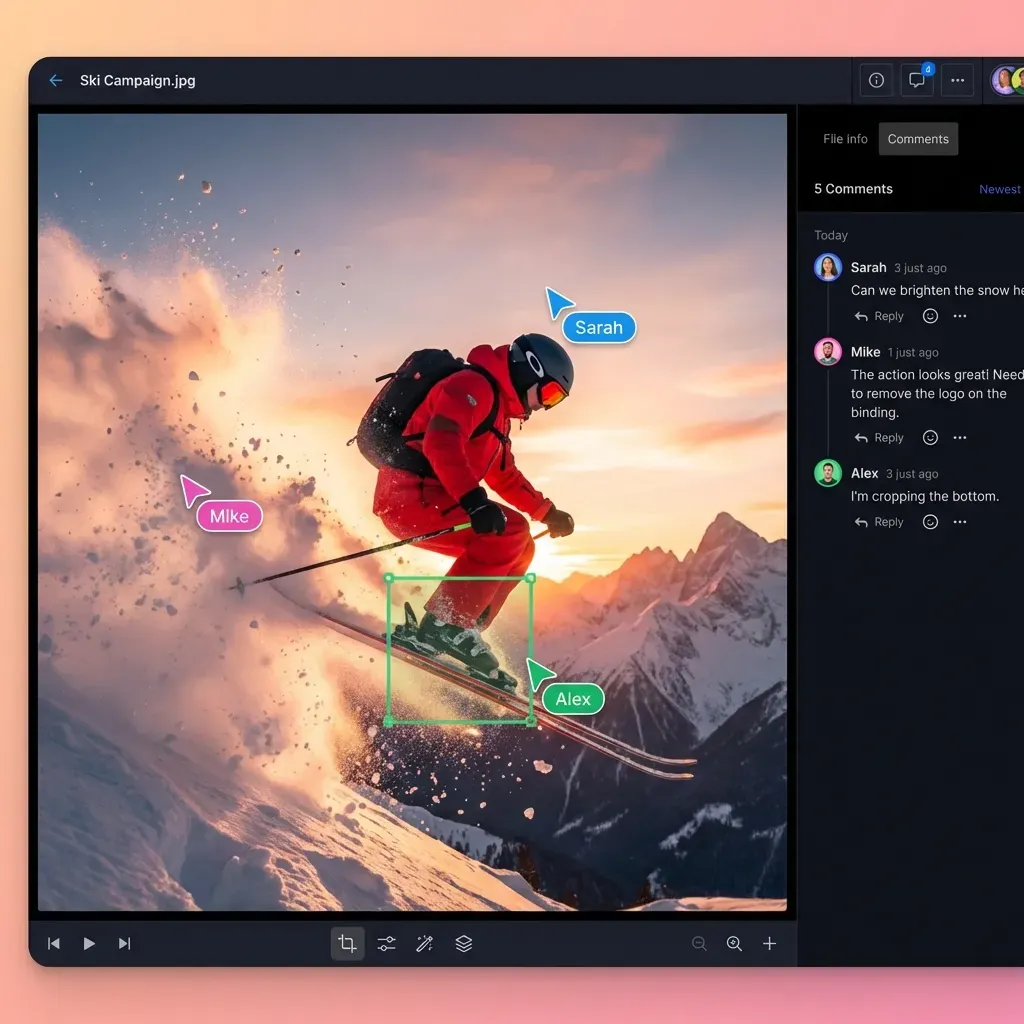
Collaboration matters for group work and co-teaching. Real-time edits, online indicators, and comments on specific slides or video frames cut email chains and version confusion.
Security comes first for student data. Check for encryption at rest and in transit, detailed permissions, audit logs for views and downloads, and SSO with school systems.
Edtech connections save time. Direct ties to Canvas, Moodle, or Google Classroom let you collect assignments and give feedback without extra steps.
AI search ends folder hunts. Questions like "find algebra worksheets on quadratics" return results with sources, saving hours a week.
Picture a high school science teacher with years of lab videos. The platform indexes them automatically for easy retrieval and sharing with parents.
Links: Fastio Workspaces, Fastio Collaboration, Fastio AI.
Related guides
- Top Student Homework Submission Portals for SchoolsStudent homework submission portals let students upload assignments online in a secure way. Files get organized...
- Top 10 Lesson Plan Collaboration Tools for Teachers in 2026Teachers spend roughly 7 hours per week searching for instructional materials and another 5 hours creating their own....
- 10 Best Classroom File Collaboration Tools for TeachersClassroom file collaboration tools let teachers share assignments, projects. and feedback with students in real time....
- How to Share Educational Resource Libraries SecurelyEducational resource library sharing enables teachers, schools, and districts to organize and distribute lesson plans,...
- How to Build a School Parent Portal for Secure File SharingGuide to school parent portal file sharing: Schools need a secure way to share report cards, IEPs, permission slips,...
- How to Set Up Student Project Collaboration WorkspacesStudent project collaboration workspaces give groups a single place to upload files, add comments, and track changes...
More on this subject: Education (15 guides)
What to check before scaling top cloud storage for educators
Here's a quick comparison of key features for educators:
Fastio stands out with built-in AI search and flexible integrations.
Google Workspace for Education
Schools often rely on Google Workspace, with Drive as central storage. Education Fundamentals gives 100 TB pooled storage shared across the domain, perfect for shared materials.
Pros:
- Ties directly into Google Classroom for assignments and grades.
- Live co-editing in Docs, Sheets, and Slides.
- Gemini AI for summaries and content help (extra cost).
- Free for most schools.
Cons:
- Pooled storage risks hogging by power users.
- Easy to share files by mistake with defaults.
- large file cap too small for big research data.
- AI needs separate licensing.
Suits K-multiple schools deep in Google tools. A middle school teacher shares editable Slides for remote lessons; kids update them live in class.
Pricing: Free Fundamentals; Plus plans for admin extras.
Microsoft OneDrive for Education
OneDrive offers 1TB per user free through Microsoft 365 A1, with options up to A5 for bigger setups.
Pros:
- Tight Teams integration for class chats and shares.
- Copilot AI to build lesson materials.
- Works great with Windows and Surface devices.
- FERPA compliance tools.
Cons:
- large file limit blocks big videos or data.
- Sync problems with huge libraries.
- Paid upgrades for AI and more.
- Tricky admin for large districts.
Best for Microsoft-focused schools. A university professor sets up Teams channels with OneDrive folders; students hand in work via links.
Pricing: Free A1; see vendor pricing for A3 and A5 tiers.
Dropbox Education
Dropbox adds generous storage for educators at business rates.
Pros:
- File requests simplify assignment drops.
- Works with Canvas and Blackboard.
- Solid version history.
Cons:
- Basic keyword search, no AI smarts.
- Per-user costs add up for big teams.
- Collaboration lags behind Google or Microsoft.
Fits higher ed with Canvas. A professor gathers group project ZIPs through requests, adds grade notes.
Pricing: Tiered education plans available; see vendor pricing.
Box for Education
Box gives free generous storage to verified students, paid for staff.
Pros:
- Top-tier security and controls.
- Unlimited files.
- LMS links and automations.
- Watermarks and retention.
Cons:
- Interface feels heavy for simple jobs.
- Weak AI options.
- Staff pay cuts free perk.
Good for security-first admins. District IT secures student portfolios with tight access.
Pricing: Free for students; see vendor pricing for staff Enterprise plans.
Document access rules, audit trails, and retention policies before rollout so staging results are repeatable in production. This avoids late surprises and helps teams debug issues with confidence.

Fastio: Intelligent Workspaces for Educators
Fastio has usage-based credits and AI built into workspaces.
Pros:
- Handles TB-scale research data easily.
- Once Intelligence is enabled for the workspace, it indexes files for chat queries like "summarize quantum physics notes."
- Workspaces for classes with live presence and pinned comments.
- Starter plan includes 250 GB storage and 100,000 credits/mo.
- API/MCP for edtech bots, granular permissions, and audit logs.
Cons:
- Track credits for heavy video use.
- Build custom LMS links via API.
Ideal for research or AI-savvy schools. Biology department stores experiment videos; AI pulls clips by description. Admins share grant sites securely.
Pricing: Starter $9.99/mo (3 seats, 250 GB), Business $49.99/mo (10 seats, 5 TB), Enterprise $199.99/mo (30 seats, 25 TB); 14-day Business Trial requiring a credit card.



Ready for Smarter Storage?
Fastio delivers shared storage, AI search, and workspaces for educators. Built for cloud storage educators workflows.
Pricing Breakdown for Schools
Costs depend on school size:
Small School (10 teachers):
- Google: Free
- OneDrive: Free
- Dropbox: ~$150/mo
- Box: ~$200/mo (staff)
- Fastio: Business plan ($49.99/mo) covers 10 seats, 5 TB and 600,000 credits/mo
Large District (100 staff):
- Google: Free pooled
- OneDrive: ~$600/mo A3
- Dropbox: ~$1,500/mo
- Box: ~$2,000/mo
- Fastio: Enterprise plan ($199.99/mo for 30 seats, extra seats $1/mo each up to 200)
Edtech Integrations and AI Features
Google tops Classroom integration; Microsoft leads with Teams/PowerSchool; Dropbox/Box handle Canvas/Moodle. Fastio API/MCP builds custom bots for grading or analysis.
Basic AI chat comes free with Google and Microsoft education plans, but their premium AI add-ons cost extra: Google AI Pro for Education is $20 per user per month on a one-year commitment, and Microsoft 365 Copilot for education is $18 per user per month. Fastio includes RAG once Intelligence is enabled, querying workspaces in plain English.
Fastio fills gaps with semantic search over lessons.
Choosing the Right Solution
Weigh file volume (unlimited beats pooled), budget (free vs growing costs), tools (Google/MS vs flexible), and AI (included vs extra).
Run pilots: Load a semester's data, test collab, try AI searches.
Fastio fits research-heavy setups, AI needs, and tight budgets.
Sources
References used to verify factual claims in this guide.
-
Google AI Pro for Education costs $20 per user per month with a one-year commitment; Gemini for Education is included in all Google Workspace for Education editions free of charge
-
Microsoft 365 Copilot is available as an academic offering for $18 per user per month; Copilot Chat is available at no cost with Microsoft 365 A1, A3 or A5
-
Google Workspace Education provides 100TB pooled storage
-
Microsoft OneDrive free 1TB per user for education
-
Google Drive max file size 5TB
Frequently Asked Questions
What is the best free cloud storage for teachers?
Google Workspace Fundamentals has pooled storage with Classroom ties. Microsoft A1 offers education storage. Fastio offers a 14-day Business Trial with AI search once Intelligence is enabled.
Google Drive vs OneDrive for schools?
Google for K-12 schools that use Classroom. OneDrive for Teams/Windows shops. Both free to start; match your stack.
top cloud storage for large research files in education?
Fastio accepts single files up to 25 GB on the Starter plan, 50 GB on Business and 100 GB on Enterprise.
Does Fastio work alongside edtech tools?
Yes, via API and MCP for bots like auto-grading or assignment indexing.
How much storage do educators typically need?
Teachers hit hundreds GB/year on videos and plans. Schools share several TB.
Is AI search useful for teachers?
It finds by meaning ("cell division diagrams"), cites files, summarizes to cut prep time.
What security features matter for student data?
Audit logs, encryption, permissions, SSO. Top picks follow FERPA.
Can Fastio handle video lessons?
Yes, smooth HLS streaming, frame-specific comments.
How does Fastio pricing work for schools?
Fastio offers plan tiers starting with Starter at $9.99/mo (3 seats, 250 GB, 100,000 credits/mo) up to Enterprise at $199.99/mo (30 seats, 25 TB), with usage-based credits and a 14-day Business Trial requiring a credit card. Details are at https://fast.io/pricing/.
Related Resources

Ready for Smarter Storage?
Fastio delivers shared storage, AI search, and workspaces for educators. Built for cloud storage educators workflows.