How to Handle Fastio Event Delivery Failures
Managing Fastio file events reliably requires using the WebSocket events feed and activity polling rather than outbound webhooks. Proper event handling ensures complete processing of real-time file uploads and edits. For developers building reactive workflows, missing a single event can lead to fragmented state and broken AI agents. Learn how to reconcile missed events by polling the Fastio audit log and building systems that never drop critical updates.

What Are Fastio Event Delivery Failures?
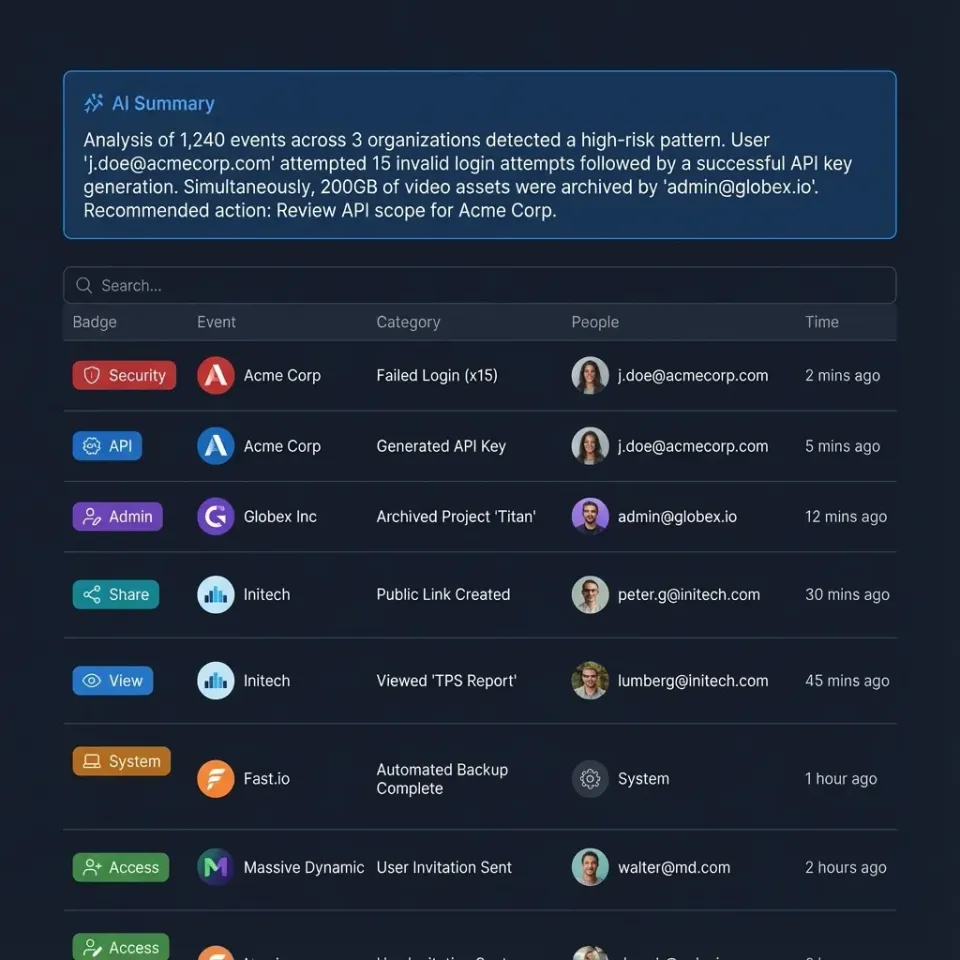
An event delivery failure occurs when external systems fail to receive file event notifications. Fastio does not use outbound HTTP push webhooks; instead, the platform provides event streaming via a WebSocket events feed and a pollable realtime activity feed.
Modern file sharing platforms support files from a few kilobytes to hundreds of gigabytes, with features like access controls, versioning, and real-time collaboration. For developers building reactive workflows, choosing the right event delivery and failure handling method directly affects project timelines and system reliability.
Fastio serves as an intelligent workspace where AI agents and human users collaborate. Rather than sending HTTP POST webhooks to external servers, Fastio streams events over WebSocket connections or exposes them via the realtime activity feed. When a user uploads a new video file or an agent generates a summary document, Fastio immediately logs the event to the activity feed and broadcasts it over the WebSocket feed.
If your consumer disconnects, experiences network latency, or fails to process incoming messages, event delivery is interrupted. Understanding the mechanics of these interruptions is the first step toward building a resilient integration. A connection drop does not mean data is lost forever. By anticipating disconnects, developers can design architectures that gracefully reconnect and recover without manual intervention.

Related guides
- How to Handle Stripe Events for Fastio File DeliveryGuide to handling Stripe events for Fastio file delivery: Automating digital product delivery is faster when payment...
- How to Integrate the Fastio API with n8n WorkflowsGuide to integrate fast api with n8n workflows: Connect n8n workflows to Fastio's API to automate file storage and...
- How to Integrate the Fastio API with SvelteKitSvelteKit's server-side form actions and API routes make it a strong fit for integrating with the Fastio API. This...
- How to Handle Structured Output from AI AgentsGood AI agents do more than just chat. To use them in real software, they need to output structured data (like JSON or...
- How to Connect AI Agents to APIs: Integration GuideAI agent API integration connects autonomous agents to external services through REST APIs, MCP servers, or SDKs,...
- How to Build Event-Driven Agent Workflows with Fastio EventsFastio enables event-driven agent workflows the moment a file changes through real-time WebSocket event feeds and...
More on this subject: Agent Integrations and APIs (192 guides)
Common Causes of Failed Event Deliveries
Network instability and socket disconnects cause the most immediate event delivery failures. If your consumer server restarts or experiences network drops, your WebSocket listener disconnects from the Fastio feed.
Application-level bottlenecks represent another frequent issue. When an agent writes multiple files concurrently, event feeds emit bursts of activity. If your consumer attempts heavy file processing synchronously on the event thread, buffer overflows or timeouts can occur. Processing heavy operations asynchronously in background queues prevents dropped events.
Infrastructure limits and rate limits on downstream systems also play a role. When an AI agent performs a bulk operation, such as transferring ownership of multiple workspaces, a large volume of activity events is generated. If your database gateway cannot handle sudden write spikes, event processing may fail.
Authentication errors can also interrupt event streaming. If an agent API key expires or lacks required permissions for the target workspace, the stream terminates. Resolving these issues requires separating event ingestion from heavy processing and implementing automatic reconnection logic.
Evidence and Benchmarks: The Cost of Missed Events
According to the Fastio MCP Documentation, the platform exposes a consolidated MCP toolset via Streamable HTTP and legacy SSE. Because every user interface action has a corresponding agent tool, the volume of file events scales rapidly as your team grows.
Processing failures in high-throughput environments lead to fragmented state across systems. If an AI agent misses an event notifying it of a new document upload, it cannot execute its retrieval-augmented generation tasks. The agent will respond to user queries based on outdated or missing information, degrading trust in the system.
Missed events also cause issues in human-centric workflows. Consider a video production team waiting for dailies to finish uploading. If the listener that triggers transcoding drops the upload notification, the editing team sits idle. By implementing a durable message queue and acknowledging events immediately, development teams eliminate the risk of state drift. This proactive approach maintains perfect synchronization between Fastio and external databases, ensuring that both human users and AI agents always operate on accurate data.
How to Implement Idempotent Event Endpoints
Implementing idempotent consumers guarantees that processing the same event multiple times will not result in duplicated actions or corrupted state.
Step 1: Capture the Event Identifier. Every Fastio event record includes a unique event identifier. Extract this ID immediately upon receiving the message before performing any other logic.
Step 2: Check the Processing Cache. Query your database or an in-memory store like Redis to see if the event ID has already been logged. This check must be atomic to prevent race conditions during concurrent retries.
Step 3: Acknowledge the Payload. If the event is new, acknowledge the message or advance your queue cursor immediately. Do not wait for downstream tasks to complete.
Step 4: Process Asynchronously. Route the payload to a background worker or message queue to perform the actual business logic. This might involve triggering an OpenClaw integration or updating an external customer relationship management tool.
Step 5: Record Completion. Once the background worker finishes the task, update the caching layer to mark the event identifier as permanently processed. This ensures that any replayed event from Fastio audit logs is safely ignored.
Configuring Fastio Event Reconnection Logic
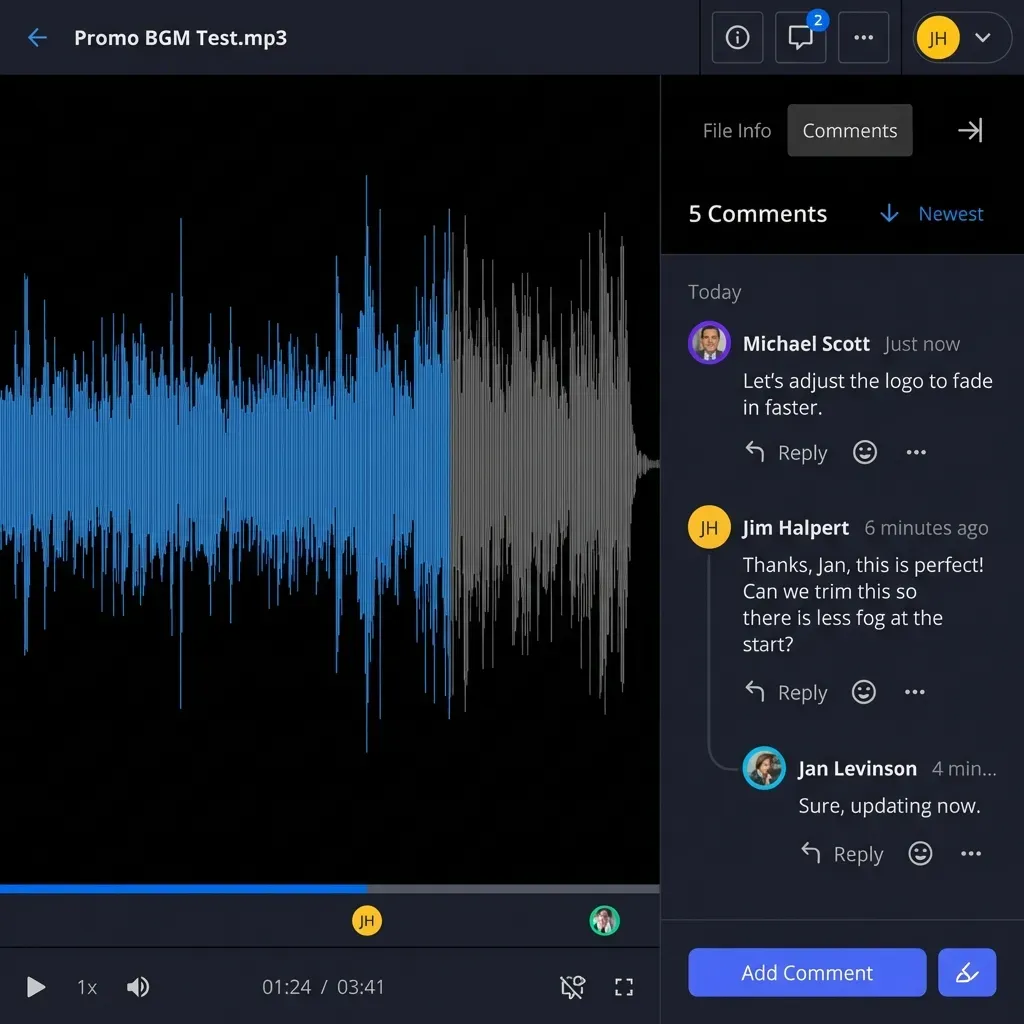
Fastio provides a detailed activity log and an activity feed rather than outbound webhook retries. When integrating with Fastio event feeds, consumer applications should implement reconnection logic using an exponential backoff strategy. This gives your infrastructure time to recover from outages without losing state.
Pros of Consumer-Driven Reconnection:
- Automatic Recovery: Network disconnects reconnect automatically without manual intervention.
- State Control: The consumer controls the cursor and resumes reading from the last confirmed event timestamp.
- Graceful Degradation: Exponential backoff prevents clients from overwhelming external services during outages.
Cons to Mitigate:
- Out of Order Processing: Replayed events may arrive after newer events. Your application must handle ordering via event timestamps.
- Consumer Outages: If your consumer server remains offline for hours, it must catch up on accumulated events.
- Burst Influx: When reconnecting after downtime, consumers may face a sudden burst of queued events.
Relying on reconnection backoff is essential for handling transient interruptions. Pair this strategy with idempotent processing to ensure consistent execution.
Polling the Fastio Audit Log for Missed Events
For maximum reliability, developers should implement a reconciliation process that polls the Fastio audit log to detect and recover any missed events.
While event feeds handle real-time streaming, prolonged consumer outages require active reconciliation. The Fastio API provides access to an audit log tracking every action within an organization and its workspaces. By periodically comparing the events in the audit log against the events successfully processed by your system, you can identify and fill any gaps.
This approach acts as a final safety net. If an event consumer crashes, your reconciliation job will eventually fetch the missing data. This is particularly critical for teams utilizing the 14-day Business Trial (credit card required) or paid plans. By querying the audit log once per hour, you can recover lost events and maintain an accurate representation of your file hierarchy. To begin building this reconciliation workflow, explore the MCP Server documentation for relevant endpoints.


Ready to build resilient agent workflows?
Deploy resilient agent workflows that never miss a file event with Fastio's realtime event feeds, audit log, and 14-day Business Trial.
Advanced Troubleshooting for Event Endpoints
When event listeners fail or lose synchronization, developers need structured debugging techniques to isolate the root cause.
Begin by testing event streaming locally using a lightweight script or diagnostic client. Connecting directly to the WebSocket events feed allows you to inspect the raw event payload exactly as Fastio emits it, bypassing your complex application logic. This immediately reveals whether the issue lies in network connectivity or downstream handlers.
Next, verify API authentication. Fastio secures API and MCP access with scoped API keys or PKCE tokens. If your application provides an invalid or expired credential, Fastio will reject the connection. Ensure your API key has appropriate read scopes for the target workspaces.
Finally, review the Fastio dashboard activity records. The platform provides detailed records of human and agent actions within each workspace. Comparing dashboard activity against your consumer logs helps pinpoint whether an event was emitted and where the processing chain stalled.
Designing Event Consumers for AI Agent Workspaces
Building event consumers for AI agent workspaces requires a scalable architectural approach. Agents often operate at a pace that far exceeds human interaction, generating bursts of file activity during large data processing tasks.
When an agent performs a retrieval-augmented generation query across thousands of documents, the underlying state changes rapidly. Your event listener must be prepared to handle these sudden spikes without dropping connections. Implementing a dedicated message broker, such as RabbitMQ or Apache Kafka, provides the necessary buffering capacity to absorb these bursts.
Also, consider the permissions model when an agent transfers workspace ownership to a human user via a claim link. The event record captures critical access control updates. By prioritizing reliable event ingestion and idempotent processing, you ensure that the choreography between human users and AI agents remains synchronized at all times.
Best Practices for Monitoring and Alerting
Establishing strong monitoring for your event consumers ensures you are immediately notified when processing lag or disconnect rates spike. This allows you to intervene before data consistency is compromised.
Track the ratio of received events to successfully processed tasks. Set up automated alerts to trigger when consumer error rates exceed a specific threshold. Monitor the latency between event timestamps in Fastio and final completion in your database.
By keeping your external systems in sync with Fastio workspaces, you ensure that Intelligence Mode and document chat always reflect current file states once Intelligence is enabled for the workspace. This empowers both human users and AI agents to work with accurate data. If you are ready to scale your infrastructure, review our pricing options to find the best fit for your team.
Security Considerations for Event Consumers
Handling Fastio event streams securely is just as important as handling them reliably. An event-processing pipeline that modifies internal databases is a critical path in your architecture.
Always enforce TLS/HTTPS and secure WebSocket connections (WSS) when receiving data. This prevents man-in-the-middle attacks from intercepting event payloads or credentials.
Implement strict secret management for Fastio API keys. Store keys in secure environment managers or secret vaults, and never commit API keys to version control. Restrict agent keys to only the workspaces and permissions they require.
Never expose detailed stack traces in error logs accessible to public networks. A secure event listener processes valid events quietly and logs errors to internal monitoring systems.
Sources
References used to verify factual claims in this guide.
-
Fastio provides a consolidated MCP toolset via Streamable HTTP and legacy SSE.
Frequently Asked Questions
Does Fastio support outbound webhooks?
Fastio does not use outbound HTTP webhooks. Instead, Fastio provides a realtime WebSocket events feed and a pollable activity feed, with an audit log to recover missed events.
How do I handle event delivery failures in Fastio?
If your WebSocket connection drops or an event consumer fails, your service can reconnect with exponential backoff and query the Fastio audit log API or activity feed to reconcile any missed events.
Can I replay historical file events in Fastio?
Yes. While Fastio does not have an outbound webhook retry button, developers can query the audit log API at any time to inspect historical events and replay processing.
How do I authenticate event consumers in Fastio?
Event streams and API endpoints are authenticated using scoped, long-lived API keys or PKCE browser login. Connections must always use secure HTTPS and WSS protocols.
How do I keep AI agents updated without webhooks?
Agents connect directly to Fastio's WebSocket events feed or periodically poll the realtime activity feed, keeping their internal context synchronized with file updates.
Related Resources

Ready to build resilient agent workflows?
Deploy resilient agent workflows that never miss a file event with Fastio's realtime event feeds, audit log, and 14-day Business Trial.