Is It Safe to Connect Claude to Google Drive? Privacy and Scoped Access
Connecting Claude to Google Drive involves granting Anthropic OAuth access to read and search files, which introduces security and privacy considerations around data isolation and permission boundaries. While Anthropic does not train models on connector data, root-level OAuth grants create broad exposure across all accessible files. Understanding permission scopes and using folder-isolated workspace architecture allows teams to protect sensitive data while enabling AI grounding.

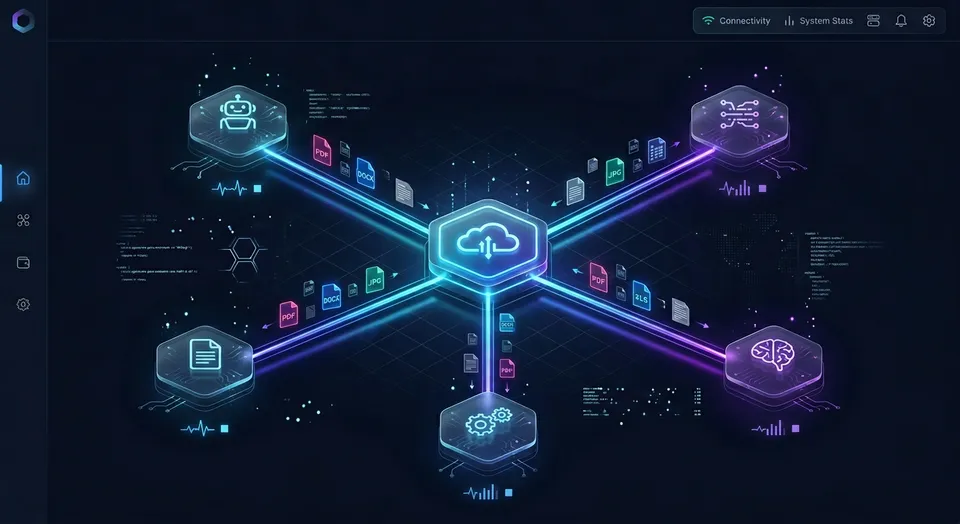
Why Security Teams Ask: Is It Safe to Connect Claude to Google Drive?
Connecting Claude to Google Drive involves granting Anthropic OAuth access to read and search files, which introduces security and privacy considerations around data isolation and permission boundaries. Modern knowledge workers keep their project documentation, spreadsheets, and presentations spread across Google Drive, Dropbox, OneDrive, Box, and SharePoint. When teams want an AI assistant to analyze quarterly reports, summarize customer interviews, or draft proposals from existing research, connecting Claude directly to Google Drive seems like an immediate productivity boost.
The fundamental question many IT leaders and practitioners ask is straightforward: is it safe to connect claude to google drive? The answer depends on which dimension of safety you evaluate. From an infrastructure, encryption, and model training perspective, Anthropic maintains strict enterprise security standards. Connections use TLS encryption in transit and standard encryption at rest on Anthropic infrastructure. Furthermore, Anthropic explicitly commits not to train its commercial models on customer Google Workspace connector data.
However, from an access control and blast radius perspective, connecting Claude directly to Google Drive presents significant security challenges. When you connect Claude to Google Drive through Anthropic native connector, you are not simply sharing a single document or an isolated folder. You are granting an account-level OAuth token that inherits your personal visibility across the entire Google Drive ecosystem.
In practice, this means Claude gains the ability to search, inspect, and retrieve any file your Google account has permission to read. If your account has access to company financial models, confidential human resources records, executive compensation reviews, or sensitive customer contracts stored in separate folders or Shared Drives, those files enter the potential search surface of the AI assistant. Exploring Google Drive alternatives often reveals that the core requirement for modern teams is not abandoning established cloud storage, but adding a controlled, folder-isolated retrieval layer for AI agents.
Related guides
- How to Connect Devin AI to Google DriveConnecting Devin AI to Google Drive allows the autonomous engineer to parse and edit your organization's documentation...
- How to Connect Claude Code to Google DriveConnecting Claude Code to Google Drive links Anthropic's command-line coding agent to Google Workspace documents,...
- Can Claude Access Google Drive? Permissions, Limits & Fast.io WorkspacesClaude cannot directly browse entire Google Drive file hierarchies in standard web chat, but users can grant access...
- Claude Code Google Drive MCP: Connecting Terminal Agents to DriveClaude Code Google Drive MCP connects Anthropic's command-line agent to Google Drive files through the Model Context...
- How to Connect Claude to Google Drive: A Complete GuideGetting your Google Drive files into Claude's context is more annoying than it should be. This guide covers the main...
- How to Connect Claude to Google Drive: Native Setup vs Fast.io MCP WorkspacesAnthropic provides a native Claude Google Drive connector for Team and Enterprise tiers, but administrative gates and...
More on this subject: Claude and Claude Code (299 guides)
Claude Google Drive Privacy Policies and Model Training Commitments
The primary data privacy concern for organizations connecting AI assistants to cloud storage centers on model training. Teams need to know whether their proprietary intellectual property, strategic plans, or client communications will be ingested into foundational model weights.
Anthropic addresses this concern directly in its published data handling commitments. Anthropic does not train commercial models on customer Google Drive, Gmail, or Calendar connector data. Data retrieved from Google Workspace APIs complies with the Google API Services User Data Policy, including its Limited Use requirements. In official documentation from the Claude Help Center, Anthropic confirms that connector data remains private and is never used to train Claude models.
Understanding how claude google drive privacy operates across different account tiers helps organizations establish appropriate usage policies:
- Commercial plans (Claude Team and Enterprise): On organizational accounts, Google Workspace connectors are disabled by default. An Owner or Primary Owner must explicitly enable connectors in administrative settings before any individual member can authenticate. Commercial agreements protect workspace data, ensuring prompts and retrieved file contents remain private.
- Consumer plans (Claude Free, Pro, and Max): Anthropic does not use background connector data to train its models. However, an important operational distinction exists. If an individual user on a consumer account has chosen to allow chat conversations to be used for model training, any text that the user manually copies and pastes from Claude connector answers into a regular chat prompt can be included in training data.
Data storage and retention policies also follow specific boundaries. When Claude searches your Google Drive and retrieves document contents to answer a prompt, that text is processed on Anthropic servers and stored alongside the conversation history. Because the retrieved context is retained with the specific chat, deleting the conversation removes the associated document excerpts from active storage. All data exchanged between Google Workspace and Claude is encrypted in transit and encrypted at rest on Anthropic systems.
What OAuth Permissions Does Claude Request in Google Workspace?
Evaluating claude google drive security risks requires examining the specific OAuth permissions requested during authentication. When a user authorizes Claude to connect to Google Drive, the integration requests broad permissions across the storage account.
Claude Google Workspace connector permissions include the ability to search and retrieve Google Docs, inspect file metadata, read Google Sheets, Google Slides, PDFs, images, and Microsoft Office files, upload new files, create directories, and save Claude-generated files directly into Google Drive. The connector also requests write capabilities to share, move, and trash files. By default, Claude prompts the user for explicit approval before performing destructive actions like deleting or moving documents. On Team and Enterprise accounts, administrators can decide whether users can permit these actions without repeated confirmation prompts.
The core architectural vulnerability of this setup lies in the lack of granular folder scoping. Root-level cloud storage OAuth scopes grant broad visibility across all folders unless intermediary isolation layers are implemented.
Google Drive OAuth authorization operates at the user account level rather than at an individual directory level. When an employee connects Claude to Google Drive, the application inherits the full scope of that employee permissions across personal folders and Shared Drives. Consider the operational implications:
- Over-broad search exposure: A product manager connecting Claude to analyze customer feedback spreadsheets unwittingly gives the model visibility into confidential acquisition memos or payroll documents stored in Shared Drives where that manager has read rights.
- Accidental data leakage: In a long conversation covering multiple topics, Claude search tool can retrieve sensitive excerpts from unrelated documents when attempting to answer loosely phrased user queries.
- Indirect prompt injection: If an AI assistant with broad file system access reads an untrusted external document, such as a vendor proposal or public report containing hidden instructions, malicious text could attempt to direct the assistant to search for sensitive internal files or summarize confidential project notes.
Because Google Drive does not allow users to scope a third-party OAuth connection to a single subfolder, connecting Claude directly creates an unnecessarily wide blast radius.
How Fast.io Intelligent Workspaces Scope Claude Access to Specific Folders
Rather than granting an AI assistant broad visibility across an entire cloud repository, teams can place an intermediary isolation layer between Google Drive and Claude. Fast.io provides an intelligent workspace layer designed for agentic teams (AI agent storage).
This architecture preserves existing workflows while solving the permission scoping problem. The organization keeps its primary files in Google Drive. Fast.io acts as a focused workspace rather than a storage replacement. Cloud Sync connects Google Drive, Dropbox, Box and OneDrive folders to a workspace, one-way or two-way, on a schedule or on demand.
Instead of connecting Claude to root Google Drive storage, administrators or project leads sync only the specific project folder into a dedicated Fast.io workspace. Permissions in Fast.io are set per organization, workspace, and share through member roles. Every workspace member accesses the entire workspace according to their assigned role. By creating an isolated workspace for a given project, the workspace boundary becomes the security perimeter. Claude can only search, read, and reference the files present in that specific workspace. Every other folder in Google Drive remains completely isolated and unreachable.
Claude connects to Fast.io using the Model Context Protocol (MCP) over Streamable HTTP:
- Claude (web, desktop, mobile): open Customize, then Connectors; add a custom connector and paste
https://mcp.fast.io/mcp/tools; select Connect and sign in to Fastio in the window that opens; in a chat, turn Fastio on from the + menu under Connectors.
During the OAuth sign-in flow on Fast.io, the user sees a Review Permissions screen where they pick Read Only or Read & Write and choose exactly which organizations and workspaces the connection can reach. An agent assigned to a single project workspace cannot touch or view data from any other workspace in the organization.
Once files sync into the workspace, Fast.io Intelligence Mode automatically indexes them for hybrid search. This index combines semantic vector search, full-text keyword matching, and metadata filtering. When Claude answers a prompt, it does not download entire folders or pull raw document archives across clouds. Instead, Claude queries the Fast.io MCP search tool (storage) to retrieve concise passages backed by source citations. For complex tabular documents, contracts, or invoices, teams can use Metadata Views to extract structured data into queryable schemas without manual OCR templates.
Fast.io maintains a detailed activity log of changes across the workspace, recording file uploads, edits, moves, and deletions made by people and agents alike. In connector evaluations published at fast.io/benchmarks, Fastio was measured the fastest and the lowest cost of the providers tested.
Organizations can evaluate this scoped architecture through monthly plans that start with a 14-day free trial requiring a credit card, spanning Starter, Business, and Enterprise tiers designed for multi-user teams and autonomous AI agents.
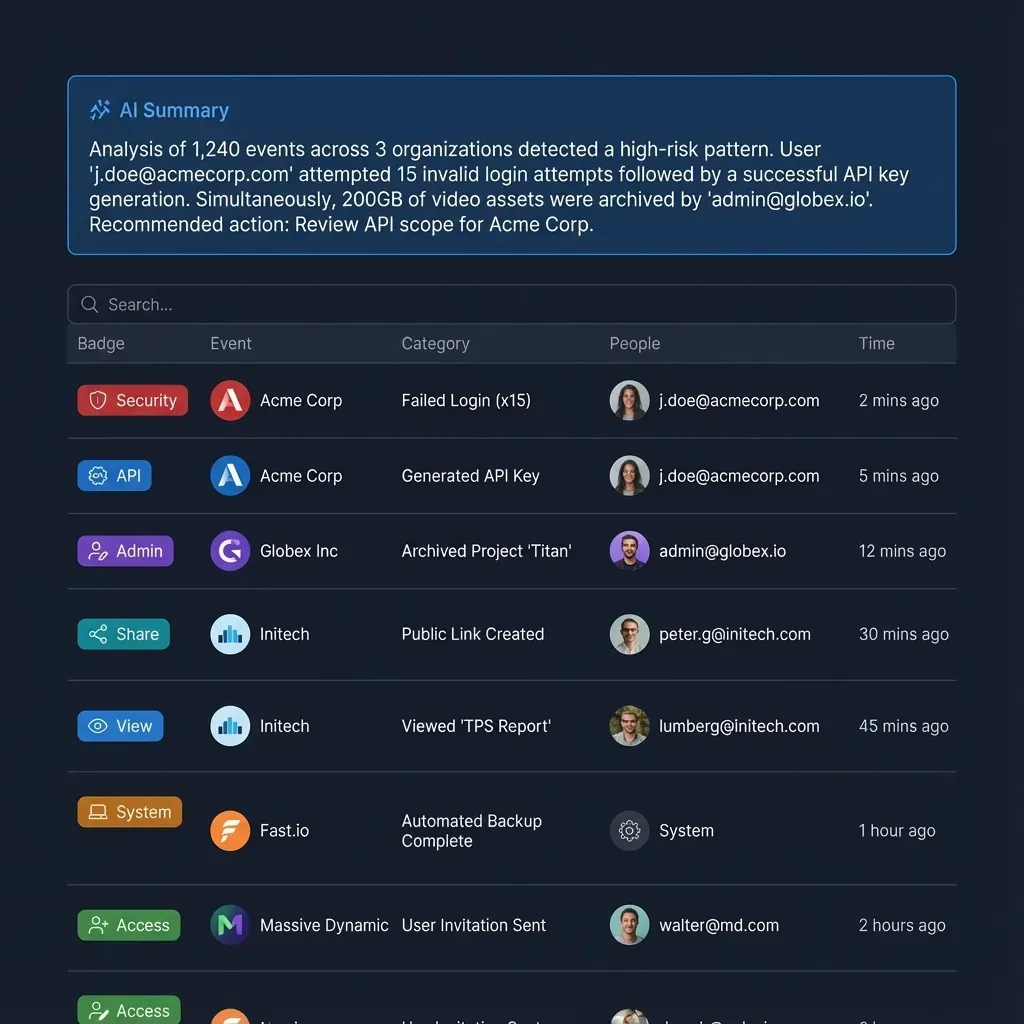


Scope Claude Access to Google Drive with Fast.io
Sync Google Drive folders into isolated workspaces and query indexed files through remote MCP without granting root storage permissions. Starts with a 14-day free trial.
Security Checklist for Connecting Claude to Cloud Storage
Organizations seeking to deploy AI assistants across cloud documents can implement a systematic security framework. Following a disciplined verification process minimizes exposure risks while unlocking productivity:
Audit Google Drive sharing permissions before connecting: Review existing access permissions on Google Drive folders and Shared Drives. Remove public link sharing on internal folders and eliminate broad permissions such as "Anyone in this organization can view" on directories containing sensitive payroll, legal, or HR documents. Ensuring that human permissions are tightly scoped prevents AI connectors from inheriting unintended visibility.
Require administrative governance on organizational accounts: For teams using Google Workspace and Claude Team or Enterprise plans, enforce central administrative oversight. Google Workspace administrators can restrict Claude by navigating in the Google Admin Console to Security, then Access and data control, then API controls, and selecting Manage third-party app access. Administrators can mark Claude as a trusted application only for specific organizational units, allowing technical teams to use the integration while keeping it restricted for sensitive departments.
Retain human confirmation for destructive file operations: Keep Claude default approval prompts enabled for write operations. Do not configure organizational policies to bypass confirmation prompts when moving, sharing, or trashing Google Drive files. Keeping a human in the loop prevents accidental deletions or unintended sharing caused by model hallucinations or misunderstood instructions.
Isolate project data with dedicated workspaces: Avoid connecting Claude directly to root Google Drive accounts. Use Fast.io Cloud Sync to sync only project-specific folders into dedicated workspaces. Because Fast.io permissions are scoped at the workspace level, connecting Claude via remote MCP at
https://mcp.fast.io/mcp/toolsensures the model can only access pre-approved project context.Establish periodic OAuth token review routines: Periodically audit third-party application connections. In Google Account settings under Third-party apps with account access (
myaccount.google.com/connections), review active tokens and revoke access for projects that have concluded. Within Claude under Customize and Connectors, disconnect unused storage integrations to eliminate dormant credentials.
Sources
References used to verify factual claims in this guide.
-
Anthropic does not train commercial models on customer Google Drive, Gmail, or Calendar connector data.
Frequently Asked Questions
Does Anthropic train Claude on my Google Drive files?
No. Anthropic explicitly states that it does not train commercial models on customer Google Drive, Gmail, or Calendar connector data. Data retrieved through connectors is stored on Anthropic servers with the associated chat session and is deleted when the user deletes the chat. For consumer accounts opted into training, training settings apply only if a user manually copies and pastes retrieved text into regular chat prompts.
What permissions does Claude require to access Google Drive?
When connecting Claude directly to Google Drive, the OAuth flow requests permission to search and view file metadata, read file contents across Docs, Sheets, Slides, PDFs, and Office files, and save new generated files. It can also request permissions to move, share, or trash files, though Claude prompts for explicit human approval before executing write or destructive actions by default.
How can I restrict Claude to only specific Google Drive folders?
Google Drive does not support native folder-level OAuth scoping for third-party connectors. Connecting Claude directly grants access to every file the user can reach. To restrict Claude to specific folders, teams can sync designated project folders into a dedicated Fast.io workspace using Cloud Sync. By connecting Claude to Fast.io via remote MCP, the agent can only search and read documents contained within that specific workspace.
What security risks emerge from connecting Claude directly to Google Drive?
The primary security risks are blast radius exposure, accidental data leakage, and indirect prompt injection. Because the connector inherits the user full Google Drive permissions, Claude can search across sensitive folders unrelated to the current task. In addition, if Claude reads a document containing malicious instructions, an agent with broad storage access could be directed to expose or alter unintended files.
Can Google Workspace administrators block or control Claude connections?
Yes. Google Workspace administrators can restrict Claude by navigating to the Google Admin Console under Security, Access and data control, and API controls. Admins can manage third-party app access, designating Claude as trusted, limited, or blocked across organizational units. On Claude Team and Enterprise plans, organization owners must also explicitly enable connectors before team members can authenticate.
Does Fast.io sync with Google Drive?
Yes. Fast.io Cloud Sync connects Google Drive, Dropbox, Box and OneDrive folders to a workspace, one-way or two-way, on a schedule or on demand. Teams can sync a single folder from Google Drive into a designated Fast.io workspace, allowing AI agents to query indexed documents through remote MCP without granting access to the rest of the Google Drive repository.
Related Resources

Scope Claude Access to Google Drive with Fast.io
Sync Google Drive folders into isolated workspaces and query indexed files through remote MCP without granting root storage permissions. Starts with a 14-day free trial.