Microsoft Copilot vs GitHub Copilot: Same Brand, Different Jobs
Microsoft Copilot and GitHub Copilot share a brand but solve different jobs: general productivity assistance versus AI-assisted software development. About 390 monthly US searches still ask whether they are the same product. They are separate subscriptions with different surfaces, audiences, and coding depth, and many organizations buy both.


Shared brand, two product lines
Developers who use GitHub Copilot report up to 55% higher productivity when writing code, and up to 75% higher job satisfaction than peers without it, according to GitHub's own research and product materials. Yet about 390 monthly US searches still center on "microsoft copilot vs github copilot," a low-difficulty keyword (difficulty 8) driven by brand confusion rather than feature comparison. The name overlap is the real problem this article exists to clear up.
Microsoft Copilot and GitHub Copilot are not the same product. Official GitHub documentation defines GitHub Copilot as an AI coding assistant that works in the IDE, on GitHub.com, in the CLI, on mobile, and through agent surfaces. Microsoft positions Microsoft Copilot and Microsoft 365 Copilot as productivity assistants for Word, Excel, PowerPoint, Outlook, Teams, and related apps. Azure markets GitHub Copilot as a distinct developer product you can pair with Azure, not as a feature that ships inside a Microsoft 365 license.
The short version: Microsoft Copilot helps knowledge workers write documents, summarize meetings, and work across email and chat. GitHub Copilot helps software engineers write, explain, test, and ship code. They can sit in the same company without replacing each other. If you treat them as interchangeable, you will either overpay for the wrong seat or leave developers without a real coding assistant.
This comparison keeps consumer Copilot, Microsoft 365 Copilot Chat, and the paid Microsoft 365 Copilot add-on distinct. Third-party writeups often blend those products and publish outdated prices. The sections below use current official product definitions so buying decisions stay grounded.
Related guides
- Claude Cowork vs Microsoft Copilot: Same Model, Different WorkflowsClaude Cowork and Microsoft Copilot Cowork both run on Claude's agentic model, but they target different workflows. The...
- How to Connect Devin AI to GitHubDevin AI's GitHub integration is a full GitHub App install with nine read scopes and eight read-write scopes, not a...
- How to Use GitHub Copilot ChatGitHub Copilot Chat is the conversational interface for Copilot that answers coding questions, explains code, and helps...
- GitHub Copilot Pricing: Plans, Cost Breakdown, and Usage-Based AlternativesGitHub transitioned its Copilot coding assistant to usage-based billing powered by GitHub AI Credits on June 1, 2026....
- Managing the GitHub Copilot Context Window & Token LimitsManaging the active token memory in GitHub Copilot is essential for complex repository operations. This guide details...
- GitHub Copilot Review: Is the Coding Assistant Still Worth It in 2026?Evaluating GitHub Copilot in 2026 requires looking past simple autocomplete to analyze its usage-based credit pricing...
More on this subject: GitHub Copilot (141 guides)
Microsoft Copilot vs GitHub Copilot side by side
Use this table when you need a quick answer for stakeholders who only know the word "Copilot."
What Microsoft Copilot actually is
"Microsoft Copilot" is a family of experiences, not a single SKU:
- Consumer Microsoft Copilot is the free assistant available on the web, Windows, and consumer apps. It is built for general questions and personal tasks. It does not ground answers in your company's private Microsoft 365 tenant by default.
- Microsoft 365 Copilot Chat is the work-oriented chat experience that does not require the full Microsoft 365 Copilot add-on license. Microsoft documents it as web-grounded chat with enterprise data protection, optional file context you provide, and pay-as-you-go agents. It is not the same as full Graph-grounded Microsoft 365 Copilot.
- Microsoft 365 Copilot is the paid add-on that works inside Word, Excel, PowerPoint, Outlook, Teams, and other Microsoft 365 apps with organizational context from Microsoft Graph. Microsoft's enterprise pricing page lists it at $30.00 per user per month when paid yearly (or $31.50 paid monthly), and it requires a qualifying Microsoft 365 subscription.
When someone says "we already have Copilot," ask which of those three they mean. The answer changes what developers still need.
What GitHub Copilot actually is
GitHub Copilot is a developer product. Official docs list the jobs it supports: code suggestions while you type, chat about code, CLI help, shared context through Copilot Spaces, pull request descriptions, and multi-step research/plan/change/PR workflows that you review. Surfaces include your IDE, GitHub Mobile chat, Windows Terminal Canary chat, the GitHub CLI, and the GitHub website.
GitHub and Azure both describe agentic features: agent mode in the IDE, coding agents that open pull requests for review, app modernization agents, MCP server support, and integrations into developer workflows. That depth is why GitHub Copilot is the product developers evaluate when the task is shipping software, not drafting a status email.
Where the products diverge in daily work
The table is useful for a procurement meeting. Daily friction shows up in concrete tasks.
A product manager's Monday vs a developer's Monday
A product manager using Microsoft 365 Copilot can ask for a draft job description in Word, a summary of last week's email thread in Outlook, or key points from a Teams meeting transcript. The assistant works inside the same apps where the work already lives. Microsoft Learn describes these app-level skills as draft, summarize, chart suggestions, coaching tips, and meeting Q&A grounded in permitted organizational content.
A developer using GitHub Copilot stays in the editor and repository. They accept multi-line completions, ask chat to explain a failing test, run agent mode across several files, or assign a coding agent to open a pull request. Azure's GitHub Copilot product page frames the value as planning, coding, testing, and modernizing across the software lifecycle with agentic features and MCP capabilities. That is a different workflow from "rewrite this PowerPoint from a Word brief."
Coding depth is not a close call
If the evaluation criterion is "which Copilot is better for coding," GitHub Copilot wins for nearly every professional software team. It is designed for code. Microsoft 365 Copilot can discuss programming concepts or help with formulas, but it is not positioned as an IDE-native pair programmer with repository-aware agents and PR workflows.
Teams sometimes reverse the question: can GitHub Copilot replace Microsoft 365 Copilot for status reports and executive decks? Usually no. GitHub Copilot can help write markdown or generate text, but it does not replace Graph-grounded drafting inside Word, Outlook, and Teams with organizational context, sensitivity labels, and admin controls that Microsoft 365 Copilot inherits from the Microsoft 365 tenant.
Pricing mistakes to avoid
Prices move, and plan names change, so treat any public figure as a starting point and verify on the vendor page before you buy. With that caveat, the structural difference is stable:
- Microsoft 365 Copilot is typically an add-on on top of a qualifying Microsoft 365 seat. Enterprise list pricing is commonly $30 per user per month yearly. Business packaging can look different when Copilot is bundled into Microsoft 365 Business plans.
- GitHub Copilot is a separate GitHub subscription. Individual Pro is $10 per month. Team Business seats are $19 per user per month. Enterprise seats are $39 per user per month. Higher individual tiers (Pro+ at $39, Max at $100) raise included AI credit allowances for heavier agent use.
- A Microsoft 365 license does not automatically include GitHub Copilot Business or Enterprise seats.
Budget owners who assume "we paid for Copilot once" often discover developers still lack IDE completions and org-managed coding policies. The reverse is also true: a company that buys only GitHub Copilot still has no Graph-grounded assistant in Outlook and Teams.



Keep Copilot outputs in one shared workspace
Store specs, agent notes, and review packs where engineers and non-engineers can both work. Fast.io gives org-owned workspaces, MCP access, version history, and a 14-day Business Trial requiring a credit card.
Developer-team buying criteria that most comparisons skip
Feature matrices answer "what can it do." Developer teams also need criteria that decide whether GitHub Copilot is the right coding purchase, and how Microsoft Copilot fits around it.
1. Where code actually gets written
If engineers live in VS Code, Visual Studio, JetBrains, or Neovim, GitHub Copilot matches that surface. If most "coding" is low-code inside Power Platform or Excel formulas, Microsoft 365 Copilot may cover more of the daily work without a separate GitHub seat. Mixed orgs usually need both for different roles.
2. Repository and pull request workflows
GitHub Copilot's native advantage grows when work already runs through GitHub: issues, pull requests, code review, and cloud agents that return PRs for humans to review. Microsoft Azure's product materials note that many newest agentic capabilities expect GitHub repositories even when teams use other DevOps platforms for parts of the pipeline. If your source of truth is GitLab or Bitbucket, still evaluate IDE completions, but test agent features carefully against your host.
3. Policy, data use, and IP posture
Organizational GitHub Copilot plans emphasize license management, policy management, and IP indemnity relative to individual plans. GitHub states that Copilot Business and Enterprise customer data is not used to train GitHub's models. Microsoft 365 Copilot sits inside Microsoft 365 compliance and admin tooling, including Purview controls for prompts and responses. These are parallel control planes. Buying one does not satisfy the other's admin model.
4. Seat economics by role
Not every employee needs a GitHub Copilot seat. Not every employee needs Microsoft 365 Copilot premium either. A practical allocation:
- Engineers and technical writers close to code: GitHub Copilot first
- Managers, sales, ops, HR on Microsoft 365 all day: Microsoft 365 Copilot or Copilot Chat depending on how much Graph grounding you need
- Hybrid roles (tech leads, PMs who still review PRs): often both, or GitHub Copilot plus Copilot Chat if premium M365 Copilot is overkill
5. What happens to files after the AI helps
Both products generate artifacts: code patches, design notes, meeting summaries, research dumps, customer-facing docs. Local disks, Git remotes, OneDrive, Google Drive, and object storage all work as intermediate landing zones. They differ in how well agents and humans share the same permissioned context afterward.
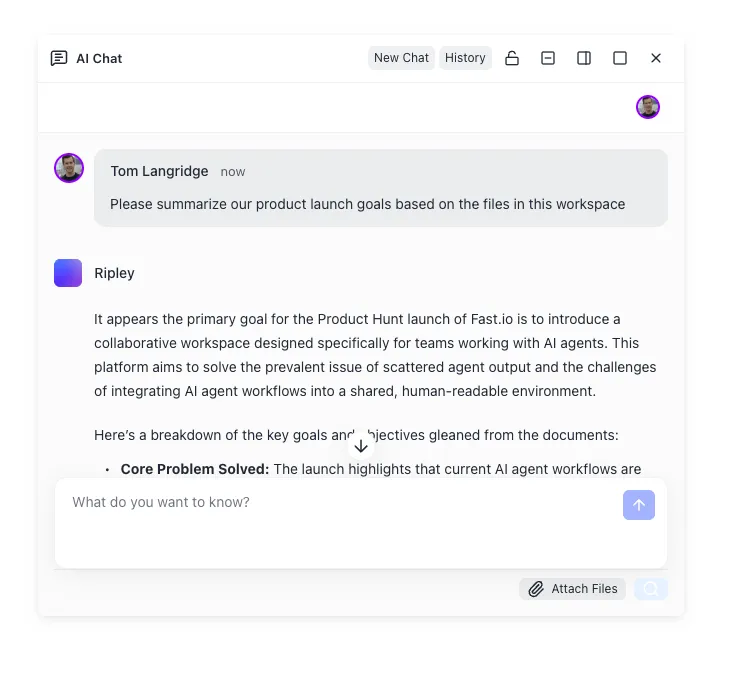
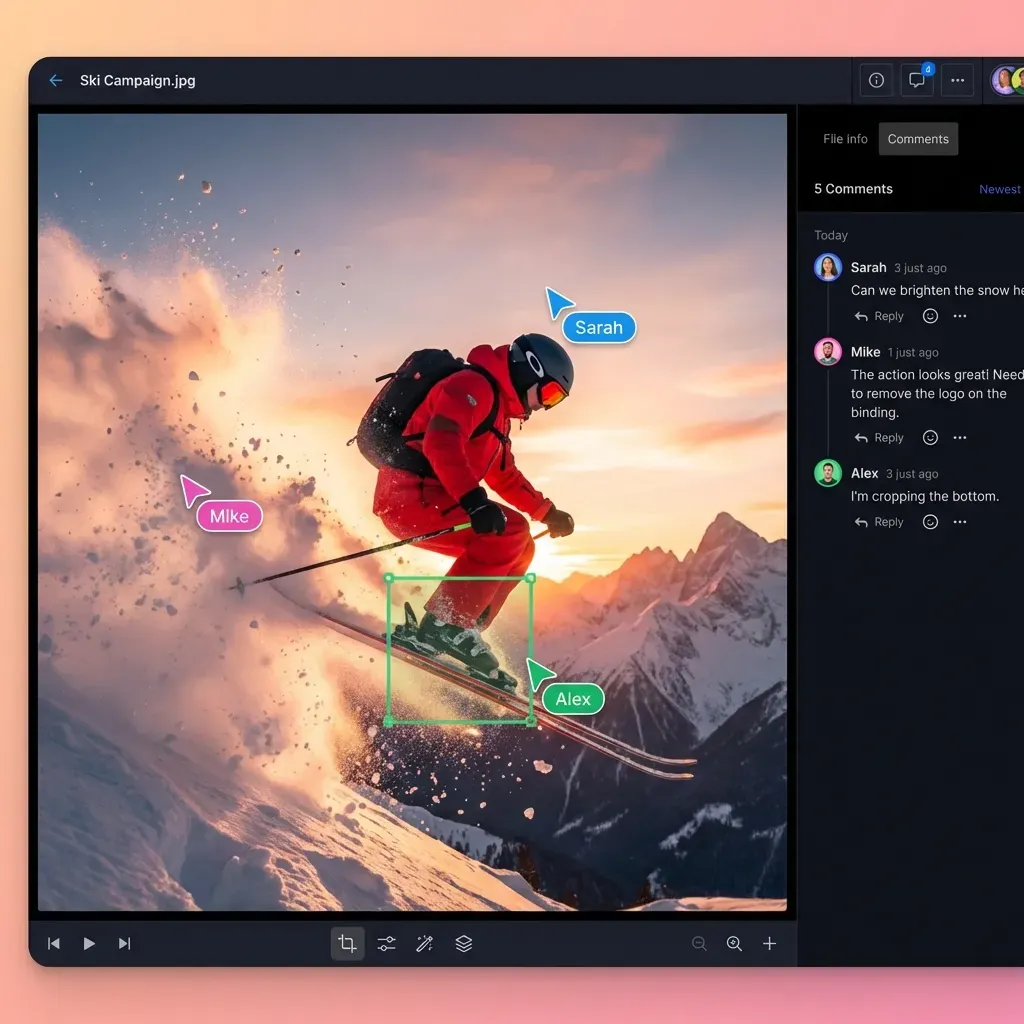
Fast.io is useful when agent-assisted coding and human review need a shared intelligent workspace outside a single laptop. Teams can keep source of truth in Git while storing specs, agent outputs, design PDFs, and release notes in org-owned workspaces with per-file version history, granular permissions, and a detailed activity log. Intelligence Mode indexes files for hybrid search and citation-backed chat. Agents connect through Fast.io's consolidated MCP toolset over Streamable HTTP at /mcp (legacy SSE at /sse). That does not replace GitHub Copilot or Microsoft 365 Copilot. It covers the coordination layer where generated work becomes team output.
Practical pattern: GitHub Copilot produces a change set and PR. A human or agent drops related runbooks, API samples, and review notes into a Fast.io workspace. Reviewers who live in Microsoft 365 can still open branded shares or portals without needing a full Git history on their machine. Plans start at Starter $9.99/month, Business $49.99/month, and Enterprise $199.99/month, each with a 14-day Business Trial that requires a credit card.
Do you need both, and how should they fit together?
Many organizations should buy both. They solve different jobs.
When Microsoft Copilot alone is enough
Choose Microsoft-side Copilot experiences without GitHub Copilot when:
- You have few professional software engineers
- Work is primarily documents, email, meetings, and spreadsheets
- "Coding" means light scripting or formula help, not multi-repo product development
- Budget is tight and the bottleneck is knowledge work, not engineering throughput
Start by clarifying whether staff need full Microsoft 365 Copilot (Graph-grounded, paid add-on) or Microsoft 365 Copilot Chat (included chat for eligible work accounts). That decision alone prevents overbuying.
When GitHub Copilot alone is enough
Choose GitHub Copilot without Microsoft 365 Copilot when:
- The company is engineering-heavy and light on Microsoft 365
- Developers already have editors and source control as their primary work surface
- Document AI is handled elsewhere (or is not a priority)
- You need org policies for coding assistants more than Graph-grounded email drafting
Individual Free or Pro tiers are fine for solo developers. Teams should plan Business or Enterprise seats when they need centralized policy, IP indemnity, and pooled usage controls.
When both make sense
Buy both when:
- Engineers ship code in GitHub-centric workflows and the broader company runs on Microsoft 365
- Tech leads review PRs in the morning and write customer updates in Word in the afternoon
- Leadership wants coding productivity gains without abandoning Microsoft Graph assistants for ops and GTM teams
A clean division of labor reduces tool fights:
- GitHub Copilot owns code completion, code chat, agent edits, CLI help, and PR-oriented agent work.
- Microsoft 365 Copilot / Copilot Chat owns documents, email, meetings, and org-context Q&A.
- Shared storage owns durable handoff of specs, designs, agent artifacts, and client deliverables.
For that third layer, OneDrive and SharePoint are natural if you are all-in on Microsoft. S3 or a monorepo docs folder can work for engineering-only teams. Cross-functional groups often want something that agents can write to through MCP while humans review with audit trails. Fast.io workspaces fill that gap with ownership transfer (agent builds, human claims the org), activity polling and WebSocket events for file-change reactions, and Metadata Views when you need structured extraction from PDFs and contracts into a queryable grid at /product/document-data-extraction/.
A 30-minute decision checklist
- Write down the top five weekly tasks for each role buying a seat
- Map each task to Microsoft apps, an IDE/repo, or a shared file workspace
- Assign the minimum viable Copilot product per role
- Confirm whether Microsoft 365 already includes Copilot Chat for your licenses
- Confirm GitHub org policies for Business/Enterprise if you need admin control
- Decide where agent and human outputs will live for 90 days after creation
- Revisit pricing pages the week you purchase; credit and bundle details change
If a task never touches code, GitHub Copilot is optional for that person. If a task never leaves the IDE and repository, Microsoft 365 Copilot is optional for that person. Most mid-size product companies discover a split: engineering on GitHub Copilot, business functions on Microsoft Copilot, shared workspaces for everything that has to survive beyond a chat thread.
How to choose without buying the wrong Copilot
Start with the job, not the brand.
Pick Microsoft Copilot / Microsoft 365 Copilot when the outcome is a better document, meeting summary, spreadsheet insight, or email draft inside Microsoft 365. Verify whether you need the paid add-on for Graph grounding or whether Copilot Chat covers the use case.
Pick GitHub Copilot when the outcome is code written, explained, tested, refactored, or proposed as a pull request. Prefer Business or Enterprise for teams that need policy and IP posture. Prefer Pro or higher individual tiers for heavy agent usage with larger credit allowances.
Pick both when software delivery and Microsoft 365 knowledge work are both core. Do not expect one seat to substitute for the other.
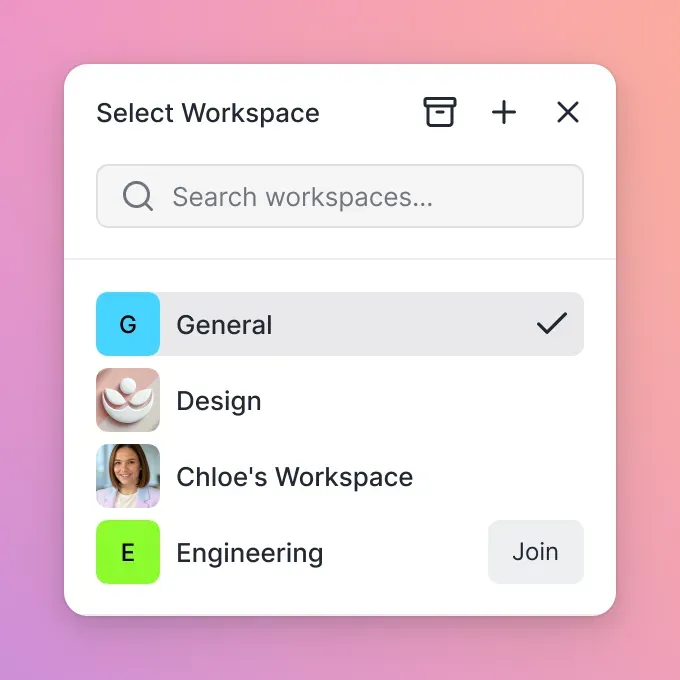
Add a shared workspace layer when AI output has to become team memory: design packs, agent run notes, release checklists, client-ready exports. Local folders break as soon as two people or two agents need the same files. Git handles source well. Fast.io and similar intelligent workspaces handle the surrounding artifacts with search, permissions, and audit history.
Microsoft Copilot and GitHub Copilot share marketing language because Microsoft owns both brands. They do not share a product catalog entry, a single subscription, or the same primary user. Treat them as complementary tools with clear boundaries, and the confusion that drives those 390 monthly comparison searches disappears for your team.
Sources
References used to verify factual claims in this guide.
- 1 GitHub Copilot product materials summarizing GitHub research on productivity and happiness Accessed
Developers using GitHub Copilot report up to 55% higher productivity when writing code and up to 75% higher job satisfaction than those who do not. GitHub Copilot individual pricing includes Free, Pro at $10/month, Pro+ at $39/month, and Max at $100/month; Business is $19 per user/month and Enterprise is $39 per user/month.
-
GitHub research quantified Copilot's impact on developer productivity and happiness.
-
GitHub Copilot is an AI coding assistant available in the IDE, GitHub Mobile, Windows Terminal Canary, the CLI, and the GitHub website, with features spanning completions, chat, CLI help, Spaces, PR descriptions, and multi-step change workflows.
-
Microsoft 365 Copilot is an AI-powered tool for work tasks in Microsoft 365 apps, uses Microsoft Graph for organizational context, and is distinct from Microsoft 365 Copilot Chat.
-
Microsoft 365 Copilot Chat does not require a Microsoft 365 Copilot license and is primarily web-grounded, while Microsoft 365 Copilot adds work-source grounding and deeper app integration.
-
Microsoft 365 Copilot enterprise pricing is listed at $30.00 per user per month paid yearly, or $31.50 paid monthly, and requires a qualifying Microsoft 365 subscription.
-
Azure positions GitHub Copilot as a developer product with agentic IDE features, coding agents, MCP support, and separate Business and Enterprise plans.
Frequently Asked Questions
Are Microsoft Copilot and GitHub Copilot the same?
No. They share the Copilot brand but are separate products. Microsoft Copilot and Microsoft 365 Copilot assist with productivity work in Microsoft apps and chat. GitHub Copilot is an AI coding assistant for IDEs, GitHub.com, the CLI, mobile, and agent workflows. Official GitHub and Microsoft materials describe them as distinct offerings with separate subscriptions.
Does Microsoft 365 include GitHub Copilot?
No. A Microsoft 365 subscription does not automatically include GitHub Copilot seats. Microsoft 365 may include Copilot Chat for eligible work accounts, and organizations can purchase Microsoft 365 Copilot as a paid add-on for deeper Graph-grounded experiences in Word, Excel, Outlook, Teams, and related apps. GitHub Copilot requires its own Free, Pro, Pro+, Max, Business, or Enterprise plan.
Which Copilot is better for coding?
GitHub Copilot is the better choice for professional software development. It is built for inline completions, editor chat, multi-file agent work, CLI help, and pull request oriented workflows. Microsoft 365 Copilot can help with light formula or scripting questions inside productivity apps, but it is not a full IDE pair programmer.
Do I need both Microsoft Copilot and GitHub Copilot?
Many companies do. Buy Microsoft Copilot experiences for document, email, and meeting work on Microsoft 365. Buy GitHub Copilot for engineering teams writing and reviewing code. Solo developers or engineering-only shops may only need GitHub Copilot. Organizations with few developers may only need Microsoft Copilot. Hybrid product companies usually budget for both.
What is the difference between Microsoft 365 Copilot and free Microsoft Copilot?
Free consumer Microsoft Copilot is a general assistant for web and personal use. Microsoft 365 Copilot Chat is the work chat experience available without the full add-on license and is primarily web-grounded unless you attach files or open content. Full Microsoft 365 Copilot is a paid add-on that grounds responses in organizational Microsoft Graph data inside apps like Word, Excel, PowerPoint, Outlook, and Teams, subject to user permissions.
How much do Microsoft 365 Copilot and GitHub Copilot cost?
Microsoft lists Microsoft 365 Copilot enterprise pricing at $30 per user per month when paid yearly ($31.50 monthly), on top of a qualifying Microsoft 365 plan. Business packaging varies. GitHub Copilot individual plans include Free, Pro at $10 per month, Pro+ at $39, and Max at $100. Organizational seats are Business at $19 per user per month and Enterprise at $39 per user per month. Always confirm current list prices on the vendor sites before purchase.
Can GitHub Copilot replace Microsoft 365 Copilot for my whole company?
Usually not. GitHub Copilot improves coding workflows but does not provide Microsoft Graph-grounded assistance across Outlook, Teams, and Office documents with Microsoft 365 admin and compliance controls. Knowledge workers who never open an IDE still need a productivity Copilot if that is the capability you want.
Related Resources

Keep Copilot outputs in one shared workspace
Store specs, agent notes, and review packs where engineers and non-engineers can both work. Fast.io gives org-owned workspaces, MCP access, version history, and a 14-day Business Trial requiring a credit card.