How to Secure Large File Transfer for Small Business
Small businesses share large files with clients and teams. They deal with sensitive documents, videos, and designs too big for email. Threats are rising and budgets tight, so choose tools with good security and predictable costs. This guide reviews risks, features, pricing, and setup for safe, affordable transfers.

Why Secure Large File Transfers Matter for Small Businesses
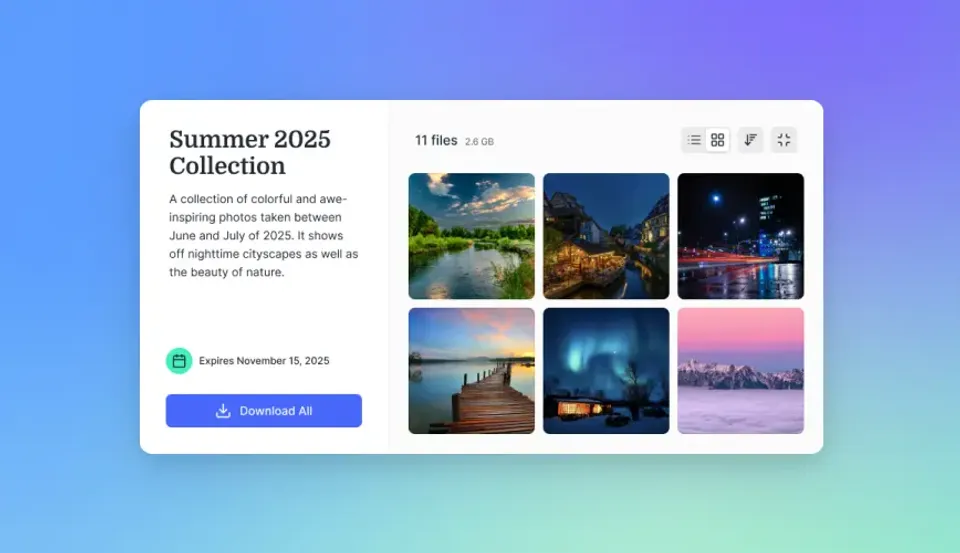
Small businesses send proposals, contracts, videos, and designs that go beyond email limits. Secure sharing keeps them safe from hackers or unwanted access. Verizon's 2025 Data Breach Report shows SMBs face cyber risks almost four times higher than big companies.
Data leaks cost money and client trust. A shared link without a password or expiration stays open forever. Use platforms with encryption for storage and transfers. View-only links and access logs handle most threats.
Marketing agencies need this for campaign files. Construction firms use it for blueprints. Track views and revoke access fast to avoid problems without slowing work.
Helpful references: Fastio Workspaces, Fastio Collaboration, and Fastio AI.
Real-World SMB Scenarios
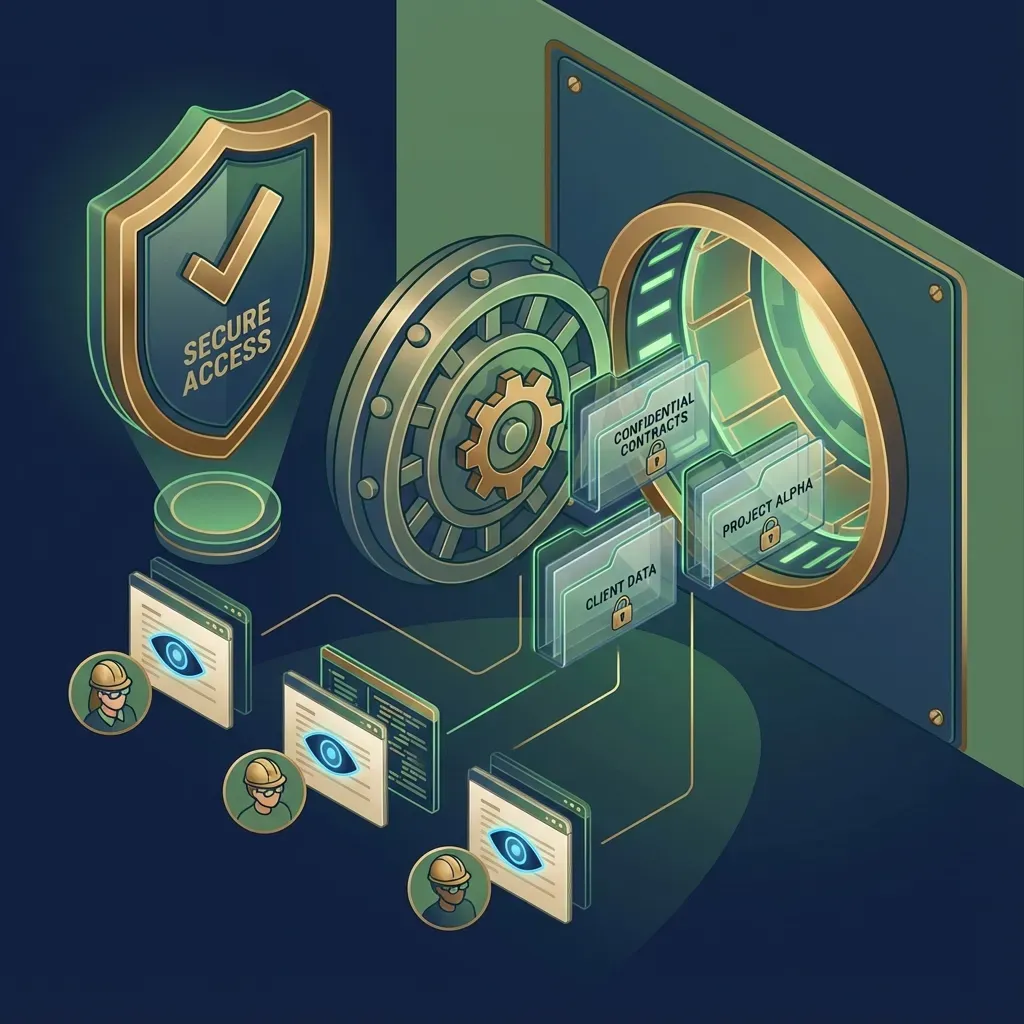
Design firms send big mockups or videos to clients. FTP risks hacks. Email fails on size. Secure platforms add passwords, view-only, expiration, and view tracking so only clients see files.
Key Breach Statistics
Verizon's 2025 report says SMBs get hit nearly four times more than large firms. Third-party risks are up. Ransomware hits many cases. Email and free tools don't cut it for business shares.
Related guides
- How to Transfer Files Between Computers: Fast, Secure Methods ComparedLearning how to transfer files between computers requires matching data volume and physical proximity to the right...
- How to Share Files Between Mac and Windows (5 Reliable Methods)Learning how to share files between Mac and Windows requires navigating different filesystems and network protocols. By...
- How to Send Large Files for Free (Without the Hidden Catches)Free large file transfer services let you send files too big for email without paying subscription fees. But "free"...
- How to Speed Up Large File Transfers with UDPUDP file transfer uses the User Datagram Protocol to achieve faster transfer speeds than traditional TCP by reducing...
- 7 Best Send Anywhere Alternatives for Secure File Transfer in 2026Send Anywhere popularized 6-digit key transfers for quick, device-to-device sharing. But its reliance on peer-to-peer...
- Best Business File Transfer Software: Top 7 Tools for 2026Guide to business file transfer software: Moving files is only the first step. For a business, you also need to track...
More on this subject: File Sharing (155 guides)
What to Check Before Scaling Secure Large File Transfer
Email attachments often hit size limits and lack tracking. Free services like WeTransfer let links expire quickly, forcing re-uploads. Public links without passwords allow anyone with the URL to download files.
Per-user pricing adds up for small teams. Dropbox Standard costs $375 a month for 25 users. Without watermarks or domain restrictions, files can spread easily.
Phishing attacks using fake share links target small businesses. Weak encryption leaves data exposed during transfer. Missing logs mean no proof if disputes arise.
Breach Impact on Small Businesses
Losing client trust hurts more than cleanup. Backups aid recovery, but secure shares prevent issues upfront.
Key Security Features for SMB File Transfers
Encryption protects files at rest and in transit. Even intercepted data remains unreadable, which is why banks and governments rely on it.
Access controls include password-protected links, automatic expiration, view-only mode, domain whitelists, and watermarks. Passwords secure shares even if someone guesses the link. Expirations close access after a set time. View-only prevents downloads for client reviews. Logs track every view and download for dispute resolution.
Set permissions at workspace, folder, or file level. Clients get view access; teams handle edits.
Multi-factor authentication (MFA) adds login checks.
Unlimited guests cost nothing extra. Domain rules limit shares to specific emails like @client.com. Watermarks brand previews and downloads. Full audit logs record all activity.
Choose platforms that include these features at no additional cost.



Share Large Files on Fastio
Fastio offers secure transfers, branded shares, access controls, and full audit logs for small businesses, and guests on shares do not take a seat.
SMB Pricing vs Security Balance
Small businesses want pro security at low cost. Per-user plans add up fast. Fastio plans include seats and storage, with credits for AI work.
The Fastio Starter plan costs $9.99/mo for 3 seats and 250 GB of storage, and every plan covers security features like logs and permissions.
Setting Up Secure Transfers with Fastio
Start a 14-day Business Trial at /pricing/ to set up your workspace.
Make a workspace. Name for project or client. Set private or org-wide. Permissions: edit for team, view for clients. Keeps files project-organized.
Upload files. Drag-drop, or use chunked uploads for large files, up to 25 GB per file on the Starter plan, 50 GB on Business and 100 GB on Enterprise. Chunked uploads resume if the connection drops.
Create share. Add a password and expiration, and disable downloads for view-only access. Good for client sends.
Check logs for views/downloads. Monitor active projects.
Revoke links instantly if needed.
Files remain encrypted, and you can monitor live views.
Test it: Share sample with coworker. Check logs and revoke. Document steps for team.
Advanced Controls
Branded portals for clients and MFA for teams.
Best Practices for Ongoing Security
Set link expirations weekly. Use view-only for client reviews. Turn on MFA. Review logs monthly for odd activity.
Train team on phishing. Fake shares ask for logins. Check sender emails. Avoid creds on surprise sites.
Share only needed files. Use workspaces per client/project.
Test restores every quarter.
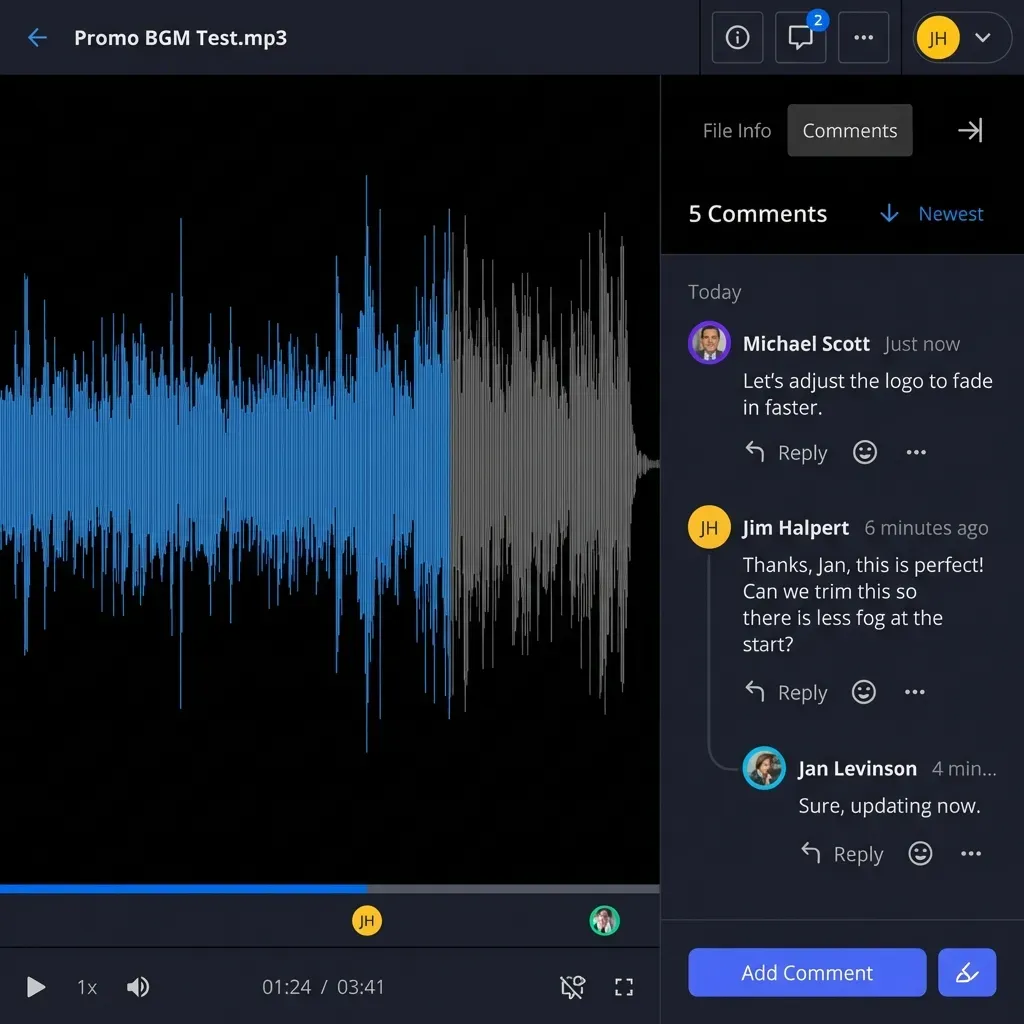
Video teams can preview with HLS streaming and add frame comments without full downloads.
Write a security guide: Share rules, report issues, yearly training.
Hold team reviews quarterly on threats and fixes.
Document access rules, audit trails, and retention policies before rollout so staging results are repeatable in production. This avoids late surprises and helps teams debug issues with confidence.
Sources
Frequently Asked Questions
What is the best secure large file transfer for small business?
Fastio suits small businesses with strong security and low costs. It offers encryption at rest and in transit, access controls and full logs, and guests on shares do not take a seat.
Is there a trial for secure large file tools?
Fastio offers a 14-day Business Trial (credit card required; see /pricing/) with password shares, expiration, and audit logs.
How does encryption work for large files?
Fastio encrypts at rest and transit with AES/TLS. Large files are protected the same way.
What pricing fits SMB secure sharing?
Fastio plans start at $9.99/mo for Starter with bundled seats and usage-based credits, and guests on shares do not take a seat.
Can SMBs share unlimited with clients securely?
Yes. Platforms like Fastio give guests password-protected shares with expiration, and downloads can be disabled for view-only access. Guests on shares do not take a seat.
Related Resources

Share Large Files on Fastio
Fastio offers secure transfers, branded shares, access controls, and full audit logs for small businesses, and guests on shares do not take a seat.