How to Use Data Room File Locks for AI Agents
File concurrency controls stop AI agents from corrupting data rooms. Fastio provides advisory file locks alongside automatic version history, granular permissions, a detailed activity log, and real-time event feeds. Learn how to design robust multi-agent due diligence pipelines.

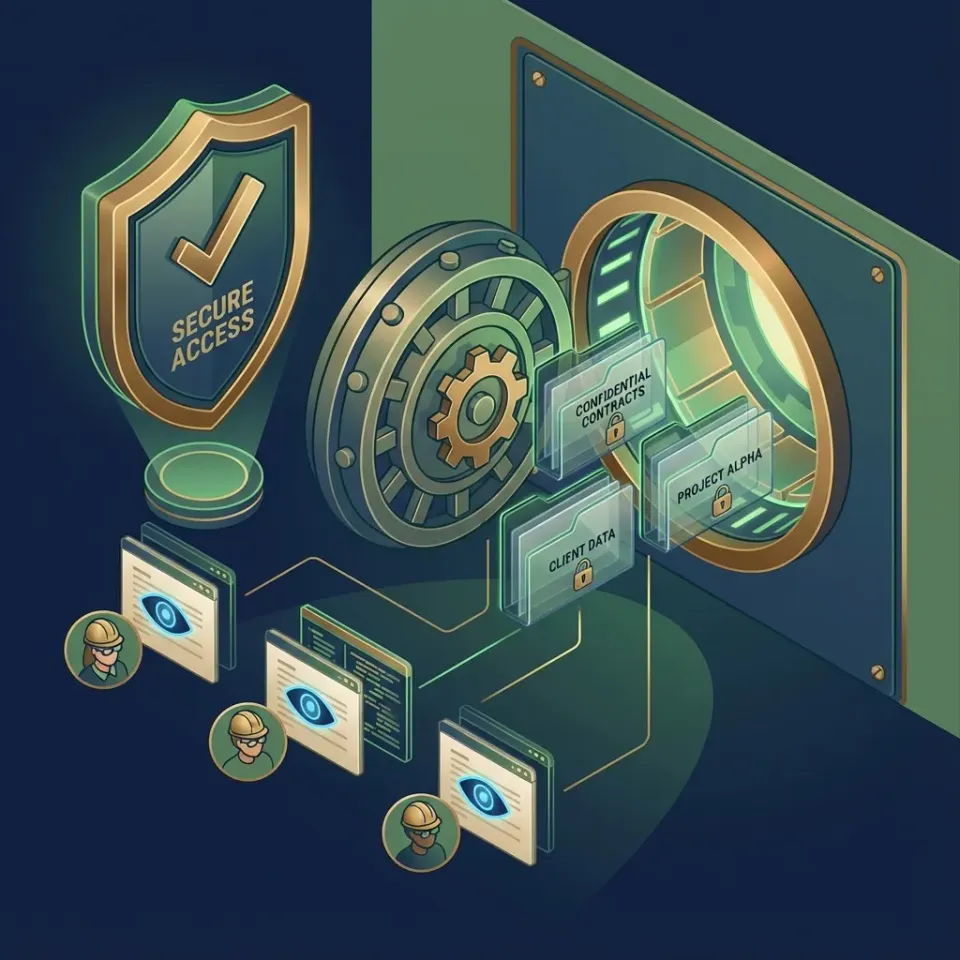
What Are Data Room File Locks for AI Agents?
File locks provide a lease on a file so an AI agent can signal active work while other agents read or wait. Without concurrency controls, two agents modifying the same document at the same time can create conflicting updates.
In due diligence workflows, concurrency issues arise constantly. Agent A extracts terms from a contract PDF while Agent B prepares financial summaries. Traditional VDRs lack programmatic locking, leaving automated agents to collide or stall behind rigid manual checkouts.
Fastio provides advisory file locks on files in workspaces and shares. An agent acquires a lock before writing so other participants see who holds the lease. If a holder disappears, the lock expires automatically or can be overridden by anyone with write permission. Because locks are advisory rather than exclusive, unlocked writes still land safely and automatic version history preserves every revision.
Helpful references: Fastio Workspaces, Fastio Collaboration, and Fastio AI.
Related guides
- How to Integrate AI into Virtual Data RoomsAI agents in virtual data rooms search documents and automate tasks securely. Unlike traditional VDRs with separate Q&A...
- Best VDR for AI Teams in 2026: Top 5 RankedTop VDRs for AI teams handle large datasets, agent APIs, and multiple agents working together. AI teams share much more...
- How to Build an Agentic Virtual Data Room for Due DiligenceAgentic virtual data rooms use AI agents for automated due diligence, handling document review and secure sharing. Skip...
- How to Set Up a Multi-Agent Data Room for Secure CollaborationA multi-agent data room gives AI agents a secure place to work together on files. Version history and permissions...
- How to Set Up AI Agent Due Diligence Data RoomsDue diligence data rooms with AI agents automate document reviews in secure VDRs. Manual DD takes weeks. AI agents...
- How to Set Up a Private Equity Virtual Data RoomPrivate equity virtual data rooms protect deal documents during fundraising, buyouts, and exits. This guide covers...
More on this subject: Data Rooms and Due Diligence (53 guides)
Why Traditional VDRs Fail Multi-Agent Locking
Traditional VDRs like ShareFile, Box, and Egnyte were built around human checkout workflows. A person opens a file in the UI, edits it over a few minutes, saves, and closes. Agents do not work that way. They make rapid sequential API calls and cannot coordinate effectively through manual checkout interfaces.
Without programmatic concurrency controls, two agents uploading to the same file path in parallel overwrite each other without warning. Polling scripts degrade under load, and email-only notifications fail real-time agent coordination.
Fastio provides workspaces with advisory file locks, version history, and audit logs so agents coordinate cleanly during complex diligence tasks.



Ready for Safe Multi-Agent Data Rooms?
Fastio provides shared workspaces with version history, granular permissions, and a consolidated MCP toolset. Start a 14-day trial today.
How Fastio Manages Agent Concurrency
Fastio manages agent concurrency through advisory per-file locks paired with automatic version history. An agent acquires a lock before writing (via POST .../storage/{node_id}/lock/ or MCP storage_manage action lock-acquire), renews it with heartbeats while working, and releases it when finished. A second agent attempting to acquire the lock receives an HTTP 409 status code and can wait or inspect the file.
All events are captured in Fastio's activity log with agent metadata, timestamps, and locker identity. Agents can query indexed files via Intelligence Mode once enabled for the workspace, retrieving cited answers without blocking writes.
Example API Flow (JavaScript)
// Upload a new revision: POST https://api.fast.io/current/upload/ with action "update"
// and file_id set to the file's node id (multipart for files under 4 MB, an upload
// session above that). Fastio replaces the file in place, keeps its node id, and
// stores the prior content as a version.
This non-blocking model keeps previous versions fully restorable when writes overlap.
Step-by-Step: Setting Up Concurrency Controls in a Data Room
Here is the setup sequence for managing multi-agent concurrency in Fastio data rooms:
Create a Data Room Workspace
Sign up at Fastio on the 14-day Business Trial. Create a workspace and configure role-based access for your team.Upload Diligence Documents
Use the REST API or the remote MCP server to upload contract PDFs, spreadsheets, and corporate filings.Configure Agent Permissions
Grant scoped API keys to agents with folder-level write access to designated output directories.Track Updates with Version History
As agents process documents, new outputs are saved with automatic versioning, preserving every intermediate step.Monitor Real-Time Feeds
Connect downstream agents to the WebSocket events feed or poll the activity endpoint for updates.Audit and Verify
Review the activity log in the Fastio dashboard to inspect the chronological record of agent actions.

Handling Lock Timeouts and Renewals
Fastio file locks are lease-based to prevent permanent lockouts. When an agent acquires a lock, it periodically sends heartbeats to POST .../lock/heartbeat/ to renew the lease while actively processing.
If an agent crashes or stops heartbeating, the lock expires automatically. In addition, any collaborator with write permission can take over an orphaned lock using the override endpoint. Because writes remain non-exclusive, version history ensures that uncoordinated writes never corrupt data.
Multi-Agent Patterns with File Locks
Pipelines coordinate smoothly when steps are decoupled through version history and real-time events.
Pipeline Example: M&A Analysis
- Parser agent reads
raw_contract.pdfand outputs extracted terms toextracted_terms.json. - Downstream analysis agent detects the new file via the WebSocket events feed and scores deal risks.
- Risk assessment outputs are written to
deal_risks.json, generating an audit log entry. - Human analysts inspect the findings in the Fastio dashboard and add anchored comments where required.
Troubleshooting and Best Practices
Common Issues and Fixes
Concurrent Overwrites: Ensure agents write to structured subdirectories and review version history to restore any overwritten changes.
PERMISSION_DENIED: Verify that the agent's scoped API key has adequate folder-level permissions in the workspace.
Missed Updates: Use the WebSocket events feed or poll the activity feed periodically to catch real-time file additions.
Best Practices
- Use designated input and output folders for each pipeline stage.
- Log agent operation IDs alongside Fastio file IDs for end-to-end tracing.
- Acquire advisory file locks before updates and rely on version history as a safety net.
Key Benefits of Data Room File Locks for AI Agents
Managing file concurrency in data rooms provides crucial benefits for production workflows.
Data corruption prevention is paramount. In due diligence, multiple models simultaneously reviewing disclosures must not corrupt shared repositories. Fastio's version history ensures every update is preserved.
Audit granularity exceeds standard VDR logging. Every change records the agent identifier, timestamp, and action details in the activity log.
Real-time event feeds make agent pipelines responsive. Downstream agents act immediately upon file updates rather than running excessive polling loops.

Real-World Examples and Best Practices
Practical concurrency patterns used across M&A and financial reviews:
M&A due diligence pipelines separate extraction and synthesis into clear folder stages. Contract extractors parse PDFs into structured data folders, while valuation agents consume the structured output and write risk summaries.
Compliance reviews use Fastio's activity log to check which models accessed specific records during due diligence.
For agent developers, connecting to Fastio's remote MCP server at https://mcp.fast.io/mcp/tools (or https://mcp.fast.io/mcp/code for coding agents) provides immediate tool access for workspace file management without installing local server software.
Sources
References used to verify factual claims in this guide.
-
Fastio plans start at Starter $9.99/mo with a 14-day Business Trial requiring a credit card.
-
Fastio remote MCP server connects via Streamable HTTP.
Frequently Asked Questions
What are file locks in AI data rooms?
File locks are advisory leases on individual files. An agent acquires a lock before writing so other participants see who is active and can wait, while version history preserves all writes.
How does multi-agent locking work in data rooms?
Agents acquire an advisory lock via MCP or REST before editing. If another agent tries to lock the same node, it receives an HTTP 409 status and can wait or inspect the file.
Do traditional VDRs support AI agent file locks?
Traditional VDRs rely on manual UI checkout, lacking the programmatic advisory locking, versioning, and real-time feeds needed for autonomous agents.
Does Fastio use file locks for AI agents?
Yes. Fastio provides advisory per-file locks via the MCP storage tool and REST API, paired with automatic version history and a detailed activity log.
What happens if an agent fails during processing?
Fastio locks expire automatically if not renewed by heartbeat. Anyone with write permission can also override an orphaned lock, and version history preserves all prior revisions.
Can humans and agents collaborate in the same workspace?
Humans and agents share the same workspace permissions and audit log, allowing transparent collaboration across web and API interfaces.
How do real-time event feeds support agent workflows?
Fastio uses a WebSocket events feed and activity polling rather than webhooks, letting agents stream real-time events without lock contention.
Do Fastio file locks expire on their own?
Fastio locks use lease durations renewed via heartbeats. If an agent crashes without releasing, the lease expires or can be taken over with an override call.
Related Resources

Ready for Safe Multi-Agent Data Rooms?
Fastio provides shared workspaces with version history, granular permissions, and a consolidated MCP toolset. Start a 14-day trial today.