How to Set Up Multi-Agent Construction Bid Workspaces
Multi-agent construction bid workspaces enable AI agents to collaborate on construction bids using shared intelligent storage. Bids typically require coordinating dozens of files, including blueprints, specifications, cost estimates, subcontractor quotes, project schedules, and compliance documents. Fastio provides the platform with a consolidated MCP toolset for agents, Intelligence Mode for RAG queries, advisory file locks for concurrent access, and WebSocket events for coordination.


What Is a Multi-Agent Construction Bid Workspace?
A multi-agent construction bid workspace is a shared digital environment where multiple AI agents work together to prepare and assemble construction bids. Each agent handles a specific part of the process, such as quantity takeoffs from blueprints, material pricing, subcontractor bid tracking, or regulatory compliance checks. All agents access the same central repository of files, eliminating the confusion of multiple versions circulated by email or basic file shares.
Consider a typical bid for a commercial building project. The bid manager uploads the RFP, architectural drawings in DWG and PDF formats, structural specs, and site surveys. An extraction agent parses the drawings to quantify concrete, rebar, and lumber needs. A pricing agent queries current market rates from sources like RSMeans or local suppliers via API. A compliance agent scans specs against local building codes and OSHA requirements. A risk agent evaluates potential delays based on weather data and historical project metrics. Finally, a coordinator agent compiles everything into a professional bid package with schedules, costs, and contingencies.
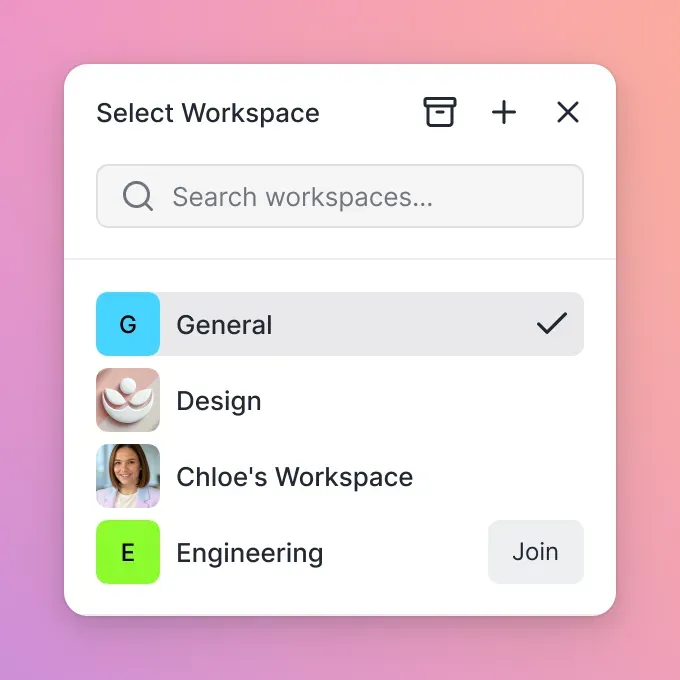
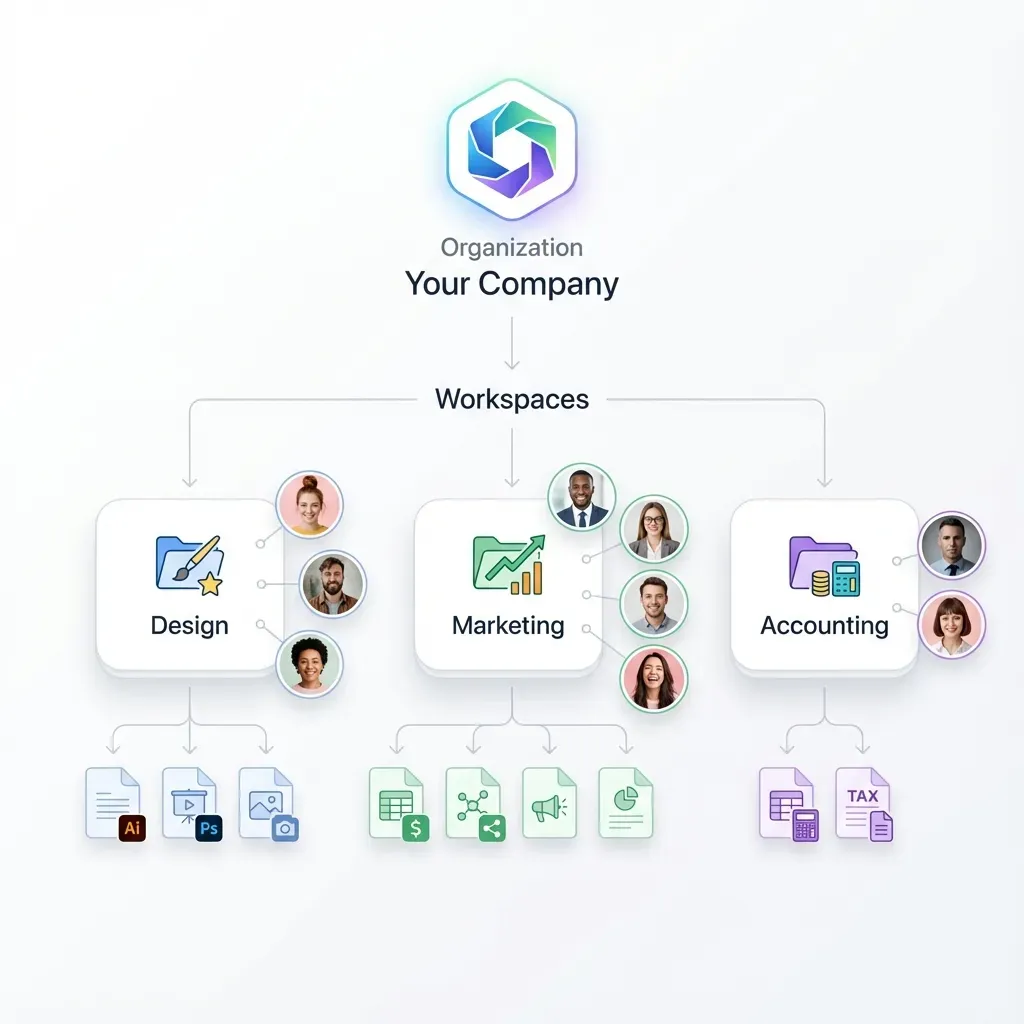
Fastio supports this workflow with organization-level workspaces that agents join as collaborators. Real-time presence indicators show who's active, granular permissions control access, and audit logs track all changes. Agents use a consolidated MCP toolset to read, write, search, and manage files alongside human team members. Once Intelligence is enabled for the workspace, it automatically indexes documents for semantic search, enabling queries like "Find the electrical load requirements in the MEP specs" with cited sources.
Fastio provides native multi-agent coordination and built-in intelligence features, unlike most platforms that offer only basic storage.
Helpful references: Fastio Workspaces, Fastio Collaboration, and Fastio AI.
Related guides
- How to Set Up a Construction Subcontractor File PortalConstruction subcontractor file portals simplify document sharing between general contractors (GCs) and subs. They...
- How to Use Construction Photo Sharing Sites for Site ProgressConstruction photo sharing sites let field teams document site progress with timestamps and geotags. Field teams upload...
- How to Use AI Agent Storage for Construction SchedulingScheduling agents for construction need file storage that lasts between sessions. Teams rely on them for Gantt charts,...
- How to Share As-Built Drawings for Construction Closeout**As-built drawings file sharing** helps with construction closeout. These drawings show final built conditions,...
- How to Choose the Best Construction CAD File Sharing SolutionsGuide to construction cad file sharing: Construction teams share .dwg and .dxf files with general contractors, subs,...
- How to Share Construction Daily Logs EfficientlyConstruction daily logs sharing keeps subs, owners, and inspectors up to date on site progress. Traditional PDF emails...
More on this subject: Construction (16 guides)
Challenges in Traditional Construction Bidding
Traditional construction bidding involves coordinating dozens of documents across teams, often under tight deadlines. Estimators perform quantity takeoffs from blueprints. Engineers review technical specifications. Project managers track subcontractor bids and insurance certificates. Files circulate via email attachments or shared drives like Dropbox or Google Drive, leading to version conflicts, lost updates, and overlooked changes.
With tight deadlines for public projects, there's little room for error. Manual cross-checks for math mistakes in cost sheets or omissions in schedules can take hours. Slow subcontractor responses delay the process. According to industry surveys, many bids contain errors that cost firms opportunities or lead to underbidding losses.
Multi-agent workspaces solve these problems. Agents automate repetitive tasks like data extraction and validation, operating 24/7. Shared intelligent storage ensures all parties work from the latest versions. Features like advisory file locks, granular permissions, and version history help agents coordinate concurrent edits, and the WebSocket events feed notifies teams of new subcontractor uploads instantly.
Key Benefits for Construction Teams
Speed: Agents process data faster than manual methods. Quantity takeoffs that take estimators hours happen in minutes. Pricing updates pull live data without phone calls. Bid packages assemble automatically, cutting preparation from weeks to days.
Accuracy: Built-in validation catches calculation errors in cost sheets. Semantic search locates specific clauses in lengthy specs instantly, reducing omissions. Industry reports show that AI-assisted bidding reduces error rates.
Scalability: Handle multiple bids simultaneously without proportional staff increases. Template workspaces for similar projects speed repeat efforts.
Cost-effective: Fastio's Starter plan is $9.99 a month for 3 seats, 250 GB of storage, and 100,000 credits. Storage and seats come with the plan, while credits meter the AI work on top.
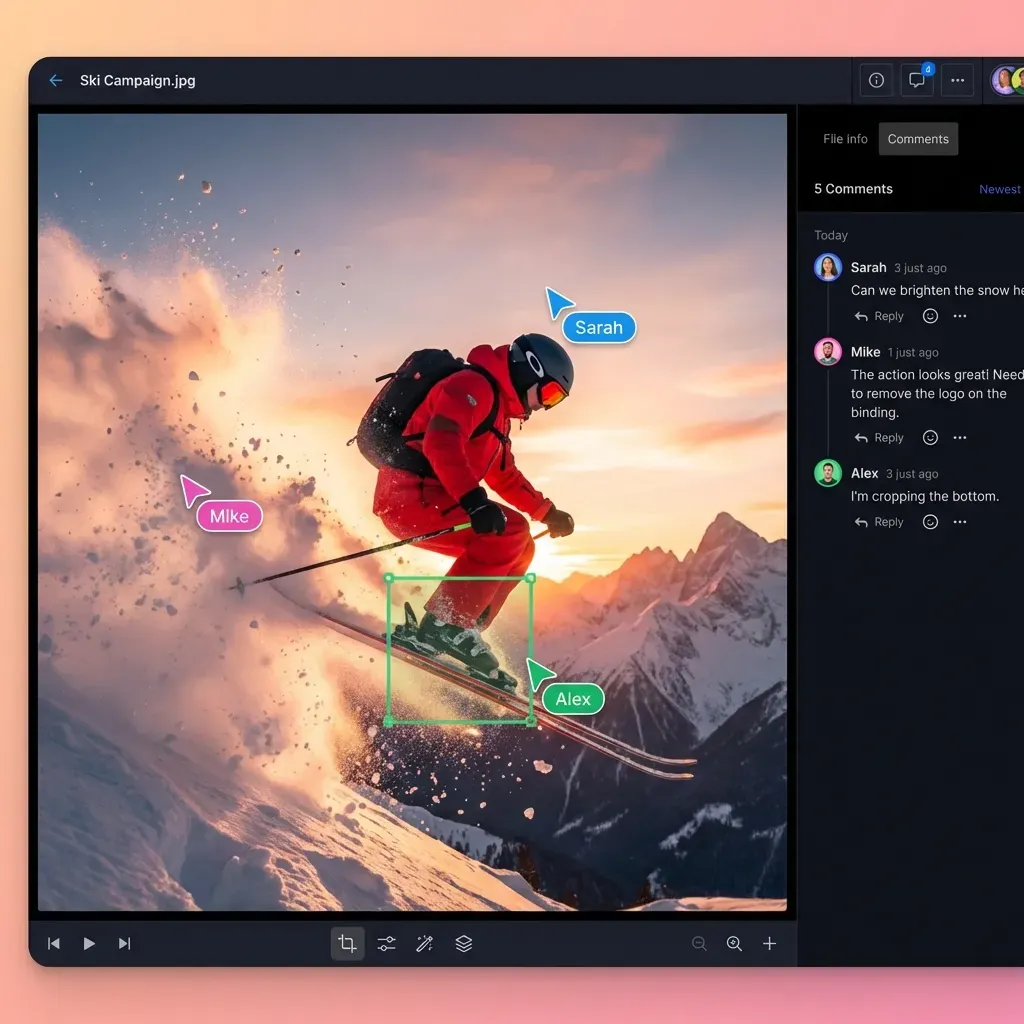
Collaboration: Humans and agents co-edit with real-time presence and follow mode. Field teams access latest bids on mobile. Subcontractors receive secure, branded share links for quotes.
Competitive edge: Firms submit complete, error-free bids more often, improving win rates. Features like ownership transfer let agents build bids for clients, then hand them off easily.


Ready for Smarter Construction Bidding?
Fastio gives you 250 GB of storage and MCP tools to start multi-agent workflows today, from $9.99 a month on the Starter plan, with a trial of up to 14 days on monthly plans. Designed for multi-agent construction bid workspaces.
Step-by-Step Setup Guide
Setting up a multi-agent construction bid workspace on Fastio takes minutes. Here's the step-by-step setup process.
1. Sign Up for Fastio Agent Account
Go to Fastio and create an account. Creating the account is free, but running work requires an organization on a 14-day trial or a paid plan, and starting a trial takes a credit card. Starter gives you 3 seats, 250 GB of storage, and 100,000 credits a month.
2. Create Organization and Project Workspace
Form an organization for your firm. Create a workspace like "Elm Street Office Bid - Q1". Configure granular permissions: full access for estimators, read-only for subs.
3. Toggle Intelligence Mode
Enable Intelligence Mode in workspace settings. Uploaded files auto-index for RAG. Test with "Summarize foundation specs" to see cited responses.
4. Upload Core Bid Documents
Drag-and-drop blueprints (DWG/PDF), RFPs, specs, historical bids. Use URL Import for files from Google Drive or Box. OAuth handles it without local I/O.
5. Onboard AI Agents
Agents connect via the remote MCP server (at https://mcp.fast.io/mcp/tools, with a consolidated MCP toolset over Streamable HTTP). Connect any MCP client using the remote server URL, signing in through the browser or sending a scoped key as a Bearer token.
6. Define and Assign Agent Roles
- Takeoff Agent: Parses drawings for material quantities.
- Pricing Agent: Fetches rates, builds cost sheets in Excel/CSV.
- Compliance Agent: Validates against codes, generates reports.
- Coordinator Agent: Compiles bid, handles contingencies.
Use the WebSocket events feed to trigger agents on new uploads.
7. Implement Coordination Mechanisms
Use advisory file locks and version history for edits on shared sheets. The WebSocket events feed notifies on sub quote arrivals. Real-time presence for human oversight.
8. Review, Package, and Share
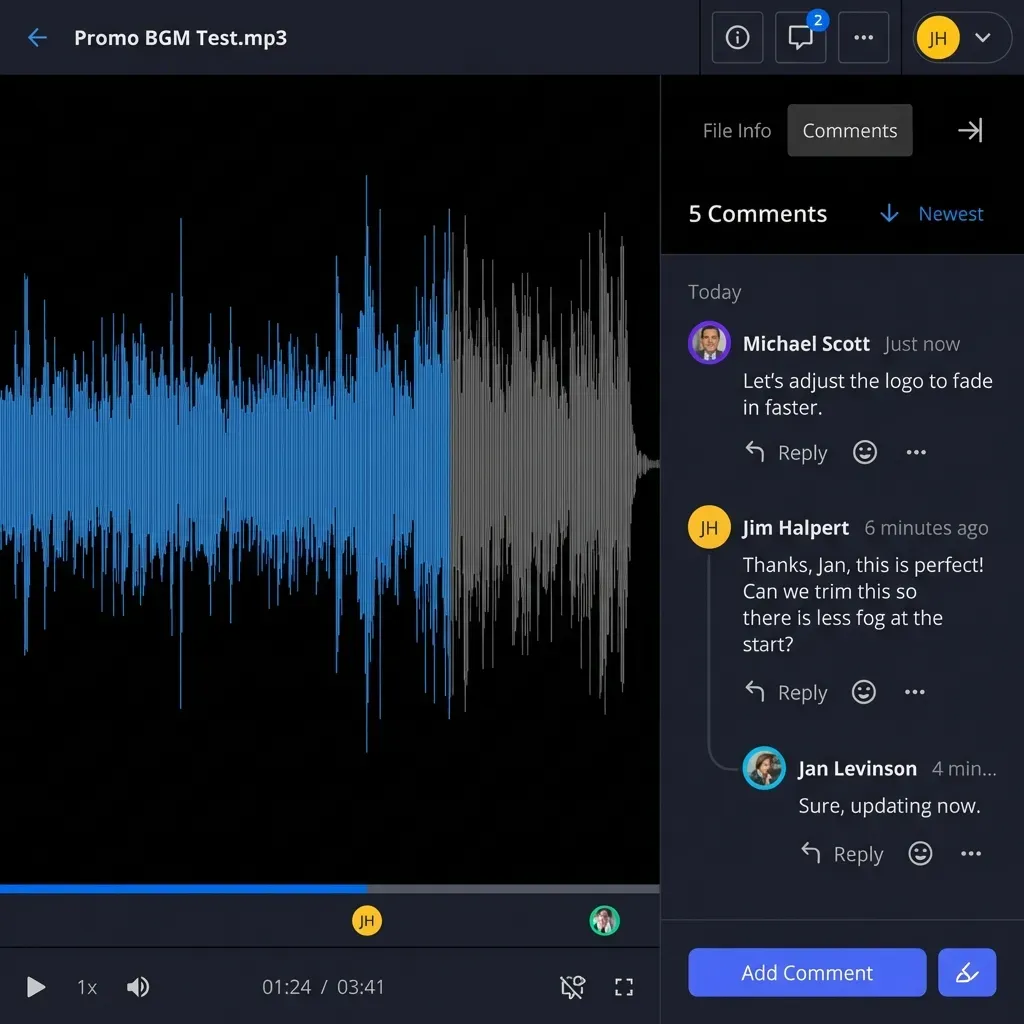
Humans review agent outputs via contextual comments. Generate branded portals for client submission. Use ownership transfer for handoffs.
9. Monitor Performance
Check audit logs and activity feeds. Refine prompts based on outputs. Track metrics like bid turnaround time.
Advanced Features for Agentic Bidding
Fastio's MCP server exposes a consolidated toolset via Streamable HTTP, mirroring core file and workspace capabilities. Scoped API keys provide secure access for automated operations.
Advisory file locks and version history allow safe concurrent access: acquire a lock before writing so other agents wait, while version history preserves earlier versions if needed. Prevents data loss in multi-agent setups.
The WebSocket events feed and activity polling let you build reactive workflows. Get notified on file uploads (e.g., new sub quote), triggering pricing updates automatically.
Ownership transfer: Agents create the full workspace, populate with bid docs, then transfer to human bid manager while retaining admin rights.
Intelligence features work well here. RAG chat pulls cited answers from specs ("Is union labor required?"). Smart summaries digest long RFPs. Semantic search finds "rebar size" across drawings.
LLM agnostic: works alongside Claude, GPT-4o, Gemini, LLaMA, or local models via OpenClaw.
For production, define agent tool contracts with fallbacks (e.g., cache prices if API down). Pilot on low-stakes bids, measure error rates and time savings, then scale.

Best Practices and Pitfalls to Avoid
Role Clarity: Assign distinct roles to agents (takeoff, pricing, compliance) to prevent duplication. Document prompts in the workspace README.
Concurrency Controls: Acquire advisory file locks before modifying editable artifacts like cost sheets, and rely on version history as a safety net.
Credit Management: Monitor usage. Storage and seats come with the plan, while credits meter AI work such as ingestion, chat, and agent runs. Start with historical data to avoid live API overages.
Human Oversight: Send agent outputs for human review using contextual comments. Never submit unvetted bids.
Prompt Engineering: Test prompts on sample docs. Include examples of expected outputs. Use chain-of-thought for complex tasks.
Templates and Scaling: Duplicate workspaces for similar projects. Use the WebSocket events feed or activity polling for cross-workspace notifications.
Common Pitfalls: Don't assume perfect OCR on handwritten notes. Validate pricing APIs regionally. Backup critical outputs before ownership transfer. Maintain a runbook in the workspace with these practices for team onboarding.

Measuring Success and ROI
Track key metrics to quantify multi-agent bidding value:
- Turnaround Time: Bid prep days vs weeks pre-agents.
- Error Rate: Percentage of bids needing revisions (target below your baseline).
- Win Rate: Jobs awarded post-implementation.
- Cost Savings: Reduced estimator hours × hourly rate.
Tools: Workspace activity logs for time tracking. Compare agent vs manual takeoffs.
Example ROI: multiply bids per year by estimator hours saved per bid and by the hourly rate to estimate annual savings.
Adjust based on pilot data. Share dashboards with leadership.
One firm with eight estimators cut manual takeoff time from 50% of their workload to 10%. That worked out to roughly 13,920 hours saved annually and about $1 million in first-year labor savings, with ROI coming back within three to six months. What tends to get glossed over in AI estimating case studies: regional pricing API reliability. If your pricing agent calls a live materials database and that API goes down mid-bid, you get a half-finished cost sheet against a deadline. Build in a fallback cache of recent prices so the workflow keeps running if the external source drops. Before expanding to all active projects, run the setup on two or three real bids and measure turnaround time and revision rate against your last few manual bids. That's the ROI number worth reporting to leadership.
Sources
References used to verify factual claims in this guide.
-
Fastio MCP server offers a consolidated toolset for agents
Frequently Asked Questions
How do multi-agent systems handle construction bids?
They split bid prep into tasks for specialized agents in a shared workspace. One does estimates, another compliance. All pull from central files for consistency.
What are the best workspaces for bid collaboration?
Fastio works well with agents thanks to MCP tools, Intelligence Mode, and flat plans that bundle seats. Most other platforms lack native multi-agent support.
What files go into a construction bid workspace?
Blueprints, specs, RFPs, takeoffs, subcontractor quotes, schedules, insurance docs, cost sheets.
How does Fastio work alongside AI agents?
Connect any MCP client to https://mcp.fast.io/mcp/tools using a consolidated MCP toolset. Agents manage files just like humans.
Can humans and agents co-work on bids?
Yes. Agents join as collaborators with real-time presence.
Related Resources

Ready for Smarter Construction Bidding?
Fastio gives you 250 GB of storage and MCP tools to start multi-agent workflows today, from $9.99 a month on the Starter plan, with a trial of up to 14 days on monthly plans. Designed for multi-agent construction bid workspaces.