How to Process Fastio Events with Apache Kafka
Streaming Fastio file changes with Apache Kafka ensures durable, ordered, and scalable event delivery for large-scale multi-agent enterprise architectures. Kafka decouples Fastio event ingestion from downstream processing workloads and guarantees zero data loss for file creation, modification, and handoff events. This guide walks through the architecture, provides complete producer and consumer code examples in Python, and covers scaling and troubleshooting for production use.

Why Use Apache Kafka for Fastio Events?
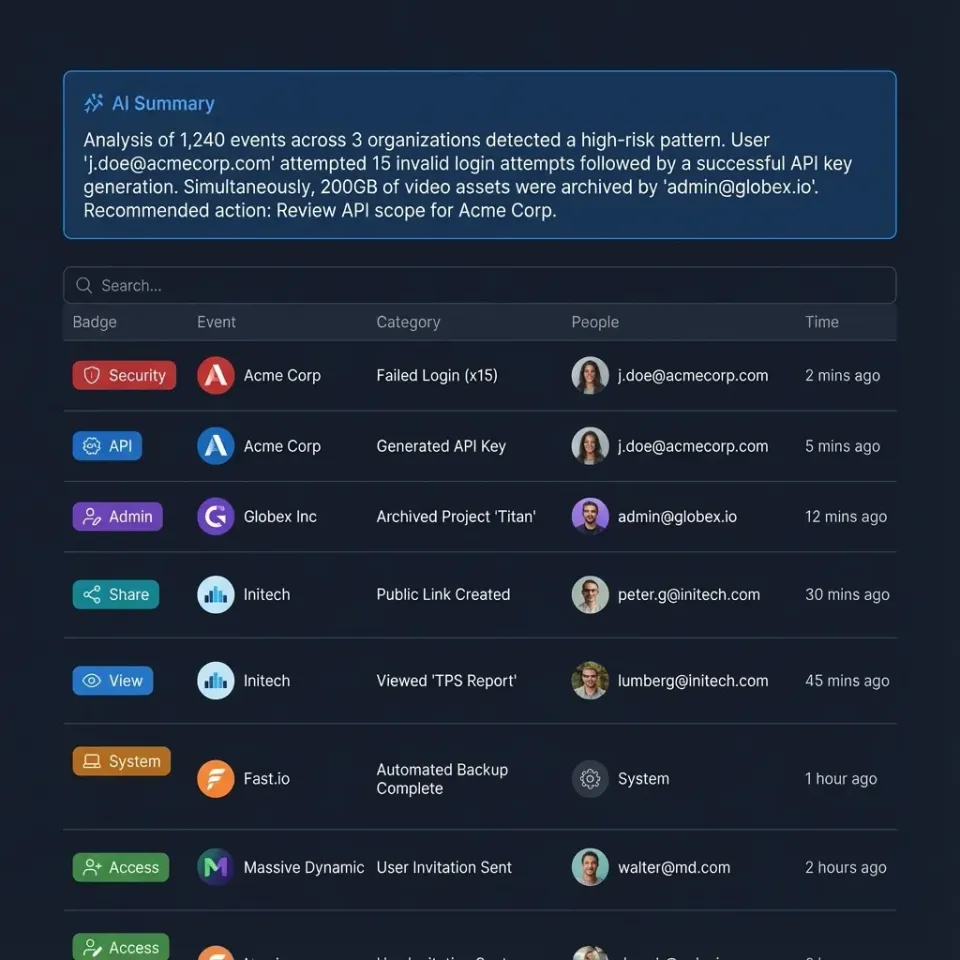
Fastio's WebSocket events feed and realtime activity feed deliver notifications for file system events like uploads, modifications, deletions, and access. In small setups, you might handle these directly in a lightweight worker. At enterprise scale, however, volume can spike during batch uploads or multi-agent workflows, leading to backpressure or processing delays.
Apache Kafka addresses these challenges. It acts as a distributed event log, providing durability through replication across brokers. Events partition by workspace ID, preserving order within each stream. Multiple consumer groups enable fan-out to different processing pipelines, such as indexing for search, notifications, or triggering downstream jobs.
Consider a multi-agent system where agents upload analysis reports. Without Kafka, your workers risk overload. With Kafka, the producer ingests events from Fastio quickly and offloads processing. If a consumer fails, replay from the offset. This setup supports high event throughput without data loss.
Kafka also integrates with stream processing tools like Kafka Streams or ksqlDB for transformations, joins with other data sources, and aggregations. For Fastio's agentic workflows, this means reacting to file handoffs instantly while scaling horizontally.
Producers benefit from exactly-once semantics using idempotent writes and transactions. Consumers use group coordination for load balancing. Monitoring tools like Prometheus and Grafana track lag, throughput, and errors.
In practice, teams handle volume spikes during peak hours by buffering in Kafka. Kafka's retention policies let you replay historical events for debugging or backfills. Combined with Fastio's audit logs, you get complete traceability.

Key Benefits
- Durability: Replicated logs survive broker failures.
- Ordering: Partition keys ensure sequence per workspace.
- Scalability: Add brokers and consumers independently.
- Ecosystem: Connect to Elasticsearch, Spark, or databases.
Related guides
- How to Process Fastio Events with RabbitMQProcessing Fastio events with RabbitMQ lets you handle file events like uploads and modifications reliably. Direct...
- How to Build Event-Driven Agent Workflows with Fastio EventsFastio enables event-driven agent workflows the moment a file changes through real-time WebSocket event feeds and...
- How to Build a Fastio API Golang ImplementationBuilding a Fastio API Golang implementation allows developers to manage workspaces, upload files concurrently, and...
- How to Connect the Fastio API to OpenAI AssistantsConnecting Fastio to OpenAI Assistants gives your agents direct access to persistent file workspaces, skipping manual...
- How to Manage Fastio API Access Token LifecycleGuide to Fastio API access token lifecycle management: Create scoped API keys with an agent name and an expiry, list...
- How to Integrate Fastio API with Java Spring BootIntegrating Fastio with Java Spring Boot allows developers to build scalable agentic workspaces within enterprise...
More on this subject: Agent Integrations and APIs (192 guides)
Reference Architecture
The standard flow connects to Fastio's WebSocket events feed or polls the realtime activity feed from a dedicated producer service, then streams records into Kafka.
Fastio Realtime Event Feed (WebSocket / Activity Poll)
     |
     v
Event Stream Worker (Authenticate, Cursor Track)
     |
     v
Kafka Producer (Validate, Enrich, Produce)
     |
     v
Apache Kafka Cluster
(Topic: fastio-events, Partitions: 32, Rep: 3)
     |
+----+----+----+
|    |    |    |
v    v    v    v
Index Alert ML Archive
(ES) (Slack) (Jobs) (S3)
Event Ingestion: A lightweight producer connects to Fastio's WebSocket events feed or polls the realtime activity feed with an API token.
Producer Service: Stateless app (e.g., Python worker). Reads event payloads, extracts partition key (workspace_id), adds metadata (receive timestamp), produces to topic. Idempotency via event ID.
Kafka Cluster: 3+ brokers, Zookeeper or KRaft, Schema Registry for Avro. Topic auto-created with 32 partitions.
Consumers: Separate groups for workloads. Use Kafka Streams for complex logic like joining events with file metadata.
Deploy producer as Kubernetes pods with automatic restarts. Scale consumers based on lag.
For high availability, producer retries with exponential backoff. DLQ topic for poison events.
Security: TLS and scoped API keys for Fastio, mTLS between producer and Kafka, ACLs on topics.


Ready for Scalable Event Processing?
Start with Fastio's 14-day Business Trial: scalable workspace storage, audit logs, and a consolidated MCP toolset for event-driven systems.
Setting Up Kafka
Start with a local cluster using Docker Compose for development.
version: '3'
services:
  zookeeper:
    image: confluentinc/cp-zookeeper:7.5.0
    environment:
      ZOOKEEPER_CLIENT_PORT: 2181
  kafka:
    image: confluentinc/cp-kafka:7.5.0
    depends_on: [zookeeper]
    ports: ["9092:9092"]
    environment:
      KAFKA_ZOOKEEPER_CONNECT: zookeeper:2181
      KAFKA_ADVERTISED_LISTENERS: PLAINTEXT://localhost:9092
      KAFKA_OFFSETS_TOPIC_REPLICATION_FACTOR: 1
Run docker-compose up. Create topic: kafka-topics --create --topic fastio-events --bootstrap-server localhost:9092 --partitions 8 --replication-factor 1.
For production, use Confluent Cloud or self-managed on EKS with KRaft mode (no ZK).
Install client libs: pip install kafka-python requests cryptography.
Configure Fastio access: Generate a scoped API key in the Fastio dashboard to authenticate your WebSocket feed or activity polling worker.
Production Checklist
- 3+ brokers, min 3 replicas.
- Schema Registry for evolution.
- MirrorMaker for cross-DC.
- Cruise Control for rebalancing.
Event Producer Implementation
Build an event streaming producer in Python to ingest Fastio activity and publish to Kafka.
import json
import time
import requests
from kafka import KafkaProducer

producer = KafkaProducer(
    bootstrap_servers='localhost:9092',
    value_serializer=lambda v: json.dumps(v).encode('utf-8'),
    key_serializer=str.encode,
    retries=3,
    acks='all'
)

FASTIO_API_KEY = 'your-fastio-api-key'
WORKSPACE_ID = 'your-workspace-id'
FEED_URL = f'https://api.fast.io/current/workspaces/{WORKSPACE_ID}/activity'

def poll_activity_events(cursor=None):
    headers = {'Authorization': f'Bearer {FASTIO_API_KEY}'}
    params = {'limit': 100}
    if cursor:
        params['cursor'] = cursor

resp = requests.get(FEED_URL, headers=headers, params=params)
    data = resp.json()

for event in data.get('events', []):
        producer.send('fastio-events', key=WORKSPACE_ID, value=event)

producer.flush()
    return data.get('next_cursor')

if __name__ == '__main__':
    cursor = None
    while True:
        try:
            cursor = poll_activity_events(cursor)
        except Exception as e:
            print(f"Error polling Fastio feed: {e}")
        time.sleep(2)
Deploy to scale horizontally across workspaces. Use idempotency: check if event ID was processed recently in Redis.
Event Consumer Implementation
Consumers process from the topic using groups.
from kafka import KafkaConsumer
import json

consumer = KafkaConsumer(
    'fastio-events',
    bootstrap_servers='localhost:9092',
    value_deserializer=lambda m: json.loads(m.decode('utf-8')),
    group_id='fastio-processor-v1',
    enable_auto_commit=False
)

for msg in consumer:
    event = msg.value
    try:
        process_event(event)
        consumer.commit()
    except Exception as e:
        producer_dlq.send('fastio-dlq', key=event.get('event_id', 'unknown'), value=event)
        consumer.commit()

def process_event(event):
    action = event.get('action')
    if action == 'file.created':
        index_file(event.get('file_id'))
    elif action == 'file.deleted':
        delete_index(event.get('file_id'))
Scale by adding consumers. Use separate groups for different pipelines (e.g. 'indexer', 'notifier').
For exactly-once, enable transactions and idempotence.
Scaling and Best Practices
Partitioning: Key by workspace_id for order. Monitor partition count vs consumers.
Schemas: Use Avro with Schema Registry. Evolve events without breaking.
Monitoring: Kafka Exporter + Prometheus. Alert on consumer lag > 1min.
Security: SASL/SCRAM, TLS. ACLs: producer write to fastio-events, consumers read.
DLQ: Separate topic for failures. Replay manually.
Backpressure: Producer buffers, consumer pauses on slow downstream.
Testing: Event replay tool, fault injection.
At scale, use Kafka Connect for sinks (ES, S3).
Troubleshooting
No events: Check Fastio API key, verify WebSocket connection or activity feed cursor, and check network reachability.
Duplicates: Implement idempotency on consumer side (event_id + offset).
Lag: Scale consumers, check downstream bottlenecks.
Lost events: Verify acks=all, replication factor.
Schema issues: Use flexible JSON or registry.
Logs: Enable debug in producer/consumer.
Frequently Asked Questions
How to handle Fastio events with Kafka?
Consume Fastio's WebSocket events feed or poll the realtime activity feed, and produce incoming events to a Kafka topic using the workspace ID as the partitioning key.
How do I stream Fastio file events?
Connect your producer service to Fastio's WebSocket events feed or poll the activity feed endpoint using an API key to receive file uploads, modifications, and deletions.
What Fastio events are available?
Key events include file uploads, modifications, deletions, share updates, and workspace activity logged in the realtime feed and audit log.
How to ensure no data loss?
Use acks=all on the producer, replication factor 3+, and store activity feed cursors or offsets after successful commits.
Can I use Kafka for real-time notifications?
Yes, a notifier consumer group reads events from Kafka and pushes them to downstream services or messaging systems based on event type and preferences.
Related Resources

Ready for Scalable Event Processing?
Start with Fastio's 14-day Business Trial: scalable workspace storage, audit logs, and a consolidated MCP toolset for event-driven systems.